Follow us on Facebook
Breaking updates in your feed — tap to open
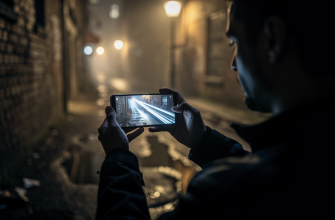
Night mode photography turns dim scenes into bright, detailed images. Modern phones use computational tricks to beat tiny sensors. You don’t need a DSLR to capture stunning low-light photos. Understanding how night mode works unlocks its full potential. This guide explains the principles, settings, and creative tricks for any device.
How Night Mode Works
Phone cameras face a basic problem in low light. Small sensors capture fewer photons, leading to noise and blur. Night mode solves this through multi-frame processing. The phone takes several short exposures in rapid succession. Then it aligns and merges them into one bright, sharp image.
AI algorithms detect and reduce motion blur while preserving details. Computational stacking is the core technology behind every night mode. Some phones use longer exposures up to several seconds. Others rely on faster bursts with intelligent merging. The result is a photo with improved dynamic range and reduced grain.
Stabilization is critical. Even tiny hand movements cause blur during long captures. Optical image stabilization helps, but a tripod yields the best results. Many phones detect when they’re mounted and automatically extend exposure times. This unlocks extreme low-light capabilities.
Night mode isn’t magic-it’s physics and software working together to beat the darkness.
Mastering Manual Controls
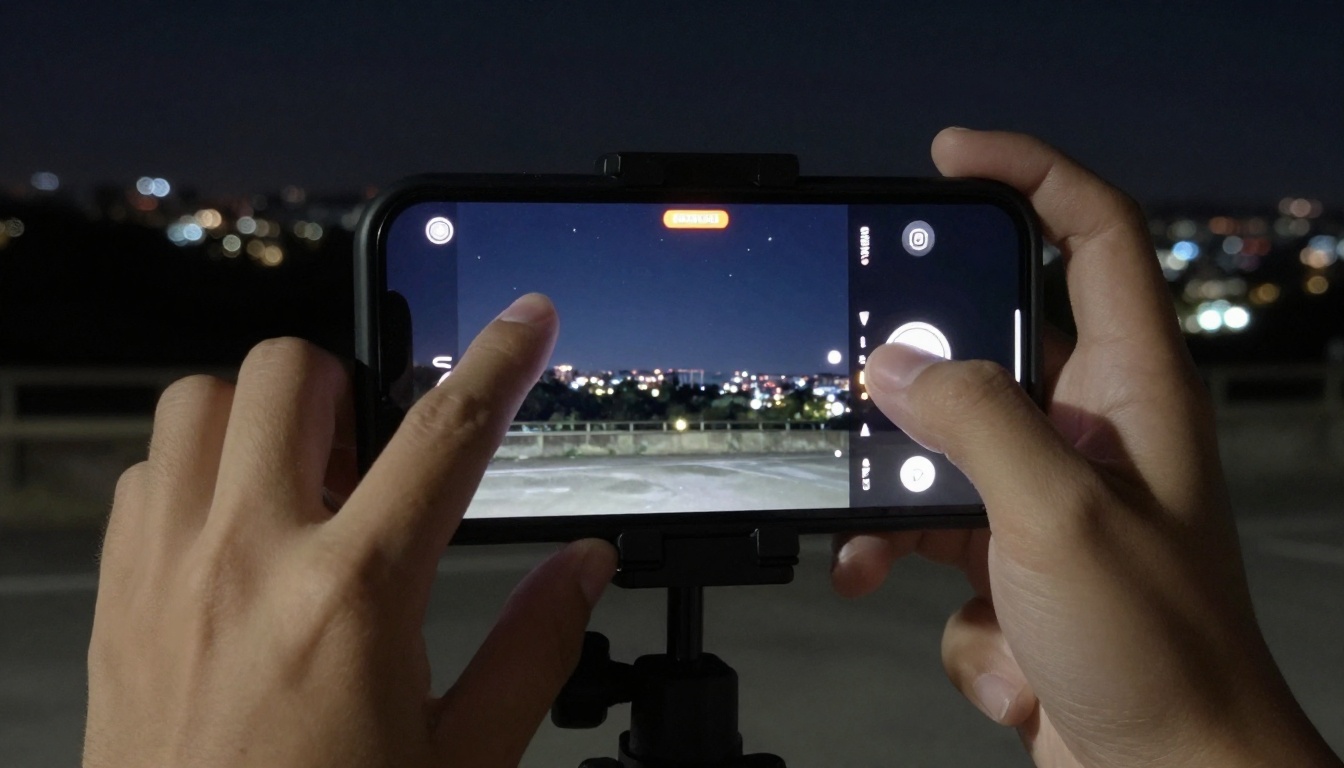
Auto night mode works well, but manual tweaks elevate your shots. Pro modes let you adjust ISO, shutter speed, and focus. Lower ISO reduces noise but requires longer exposures. Faster shutter freezes motion but needs more light. Balancing these settings is key.
- Use a tripod for exposures longer than 1 second.
- Set ISO to the lowest value that avoids underexposure.
- Tap to focus on the main subject, then lock exposure.
- Enable a timer or voice shutter to prevent camera shake.
- Shoot in RAW for greater editing flexibility later.
Different brands implement manual controls uniquely. Apple’s iPhones offer night mode automatically with exposure sliders. Samsung Galaxy phones provide a dedicated Night mode and Pro mode. Google Pixel devices rely heavily on computational photography with minimal user input. OnePlus and Xiaomi include advanced manual controls in their camera apps.
Experiment with exposure compensation. Slightly underexposing preserves highlights in streetlights or neon signs. Overexposing can create an ethereal, dreamy effect. Don’t be afraid to break the rules. Creative night photography often comes from intentional deviations.
Phone-Specific Tips and Tricks
Each phone brand optimizes night mode differently. Understanding your device’s strengths helps you get better results. Here are practical tips for popular models.
On iPhones, night mode activates automatically in low light. The yellow icon shows the suggested exposure time. Tap it and slide to adjust duration. For tripod shots, you’ll see longer options up to 30 seconds. Use the ultra-wide camera for dramatic perspectives, but expect more noise.
Samsung Galaxy phones offer a dedicated Night mode. Scene Optimizer recognizes low light and suggests switching. In Pro mode, you can manually set a long exposure. Galaxy devices often produce brighter images with saturated colors. Reduce exposure slightly for more natural results.
Google Pixel phones excel at computational night photography. Night Sight works on all cameras, including telephoto. The phone processes images quickly, even handheld. Trust the automatic settings, but use the focus and exposure locks for tricky scenes. Pixels preserve shadow detail exceptionally well.
For other Android phones like OnePlus or Xiaomi, explore the camera app’s modes. Many include a tripod long-exposure option. It’s worth diving into the settings. Some offer manual focus peaking, which helps in near darkness.
Creative Techniques and Composition
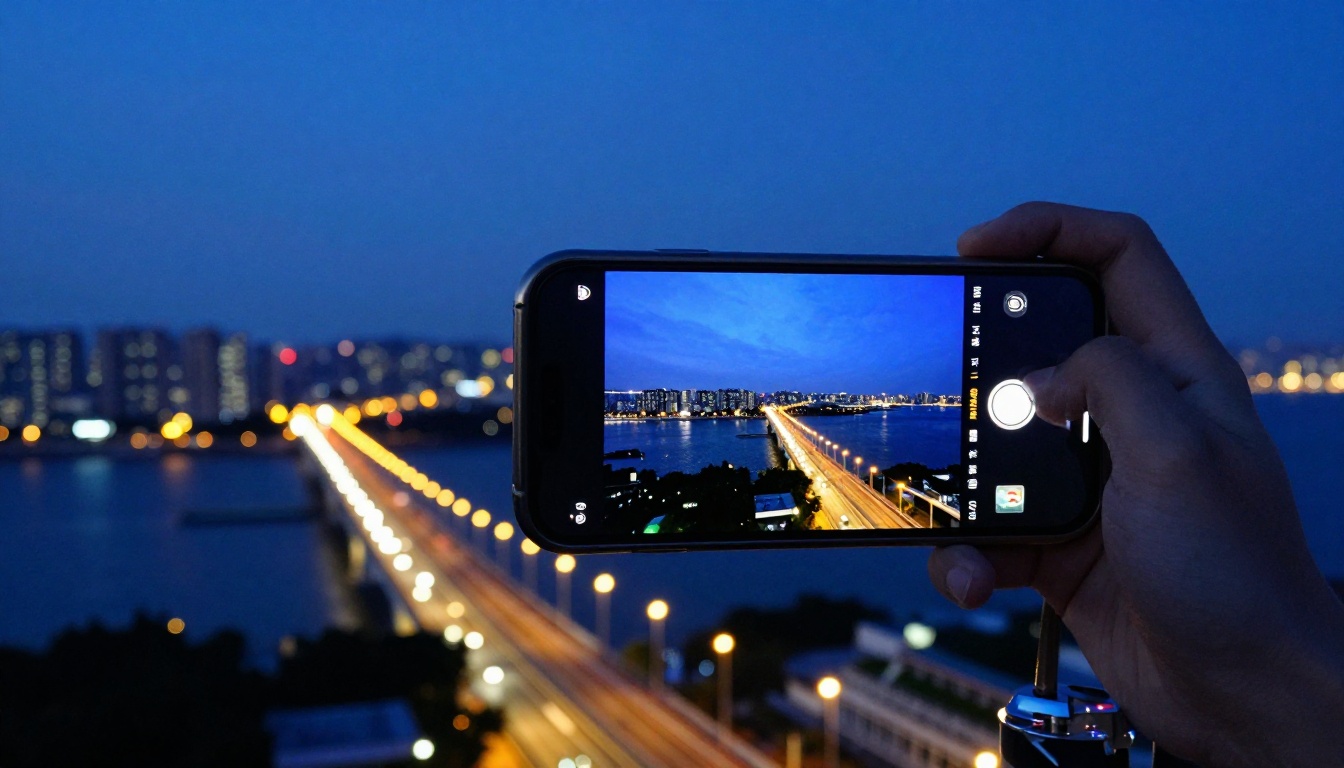
Night mode isn’t just for technical perfection. It opens creative possibilities. Light trails, reflections, and silhouettes become tools. Look for contrast between artificial lights and dark skies. Use leading lines from streets or bridges.
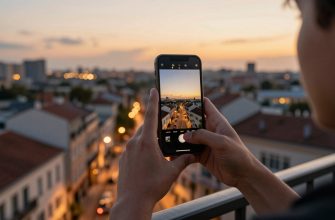
Cityscapes benefit from blue hour-the time just after sunset. The sky retains color, balancing with city lights. Combine night mode with a tripod for sharp architectural details. For candlelit dinners or intimate scenes, use a shorter exposure to maintain mood. Too much brightness kills the atmosphere.
Portraits at night require care. Ask subjects to stay still. Use a light source like a window or lamp for subtle illumination. Some phones have a dedicated night portrait mode. It combines face detection with multi-frame processing. Results can be surprisingly good without flash.
Editing enhances night photos further. Adjust shadows and highlights to reveal hidden details. Reduce color noise without sacrificing sharpness. Apps like Lightroom Mobile offer powerful tools. A light touch goes a long way. Overprocessing creates unnatural halos and artifacts.
Remember, the best camera is the one you have. Modern phones make night mode photography accessible to everyone. Practice these techniques, and you’ll capture stunning low-light images anywhere.