Follow us on Facebook
Breaking updates in your feed — tap to open
Smartphone gaming’s split into two camps now. You can stream big games over the net or install ’em straight onto your phone. Cloud gaming on mobile-stuff like Xbox Cloud Gaming and GeForce Now-promises console-quality play without huge downloads. Native gaming leans on your phone’s own guts. Each has its ups and downs. Your pick changes how, when, and where you play.
How cloud gaming on mobile works
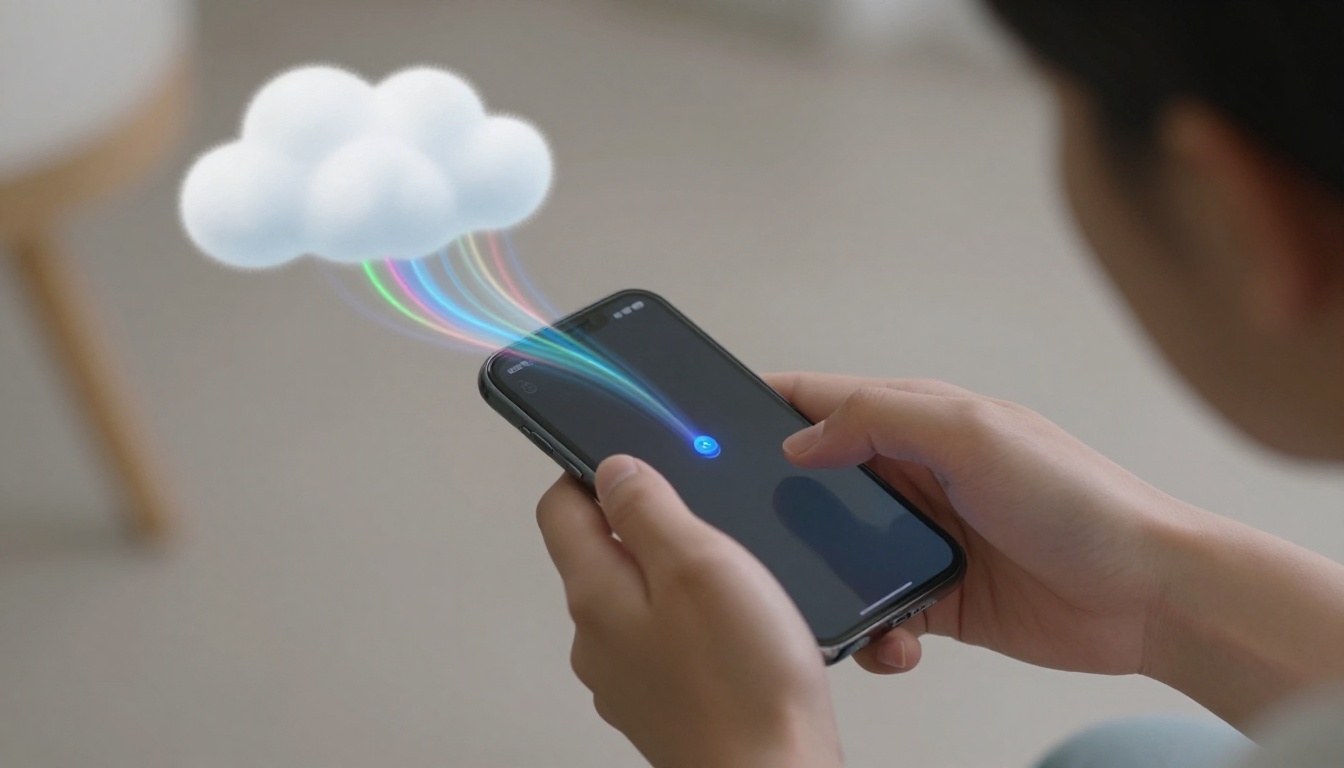
Cloud gaming on mobile basically streams video of a game running on some far-off server. Your taps and swipes zip over to that server, and the video feed shoots back to your screen. This whole thing needs a stable, low-latency internet connection. 5G or solid Wi-Fi is a must. Without it, input lag can make twitchy games a mess. The server does all the heavy lifting. Your phone just decodes a video stream. So even cheap phones can run demanding titles. But the experience hangs entirely on network quality. A blip in your signal can wreck a clutch moment.
Most cloud services need a subscription. And you’ll want a controller for many games. Touchscreen overlays exist, but they often feel clunky. A Bluetooth controller changes everything. Many modern ones connect easily to Android and iOS. Cloud gaming also chews through data. A typical session can burn several gigs an hour. Data caps become a real headache. Still, jumping into a AAA game in seconds is pretty sweet. No waiting for downloads or updates. The game’s always ready, as long as you’re connected.
Native gaming performance and perks
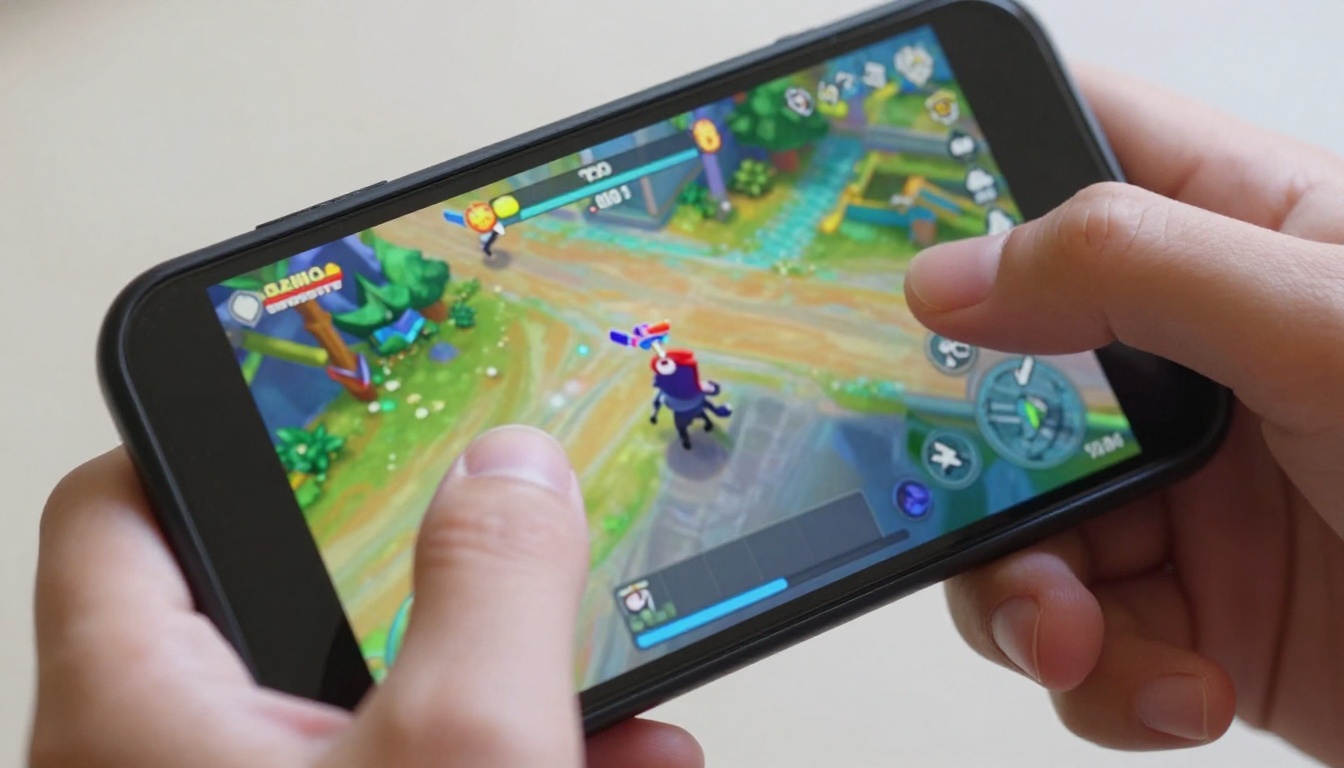
Native gaming installs the game right onto your phone’s storage. The processor and graphics chip render everything locally. That cuts the network cord. You can play on a plane, in a tunnel, anywhere without signal. Performance varies by hardware. A flagship phone with a high refresh rate screen feels smooth and snappy. Midrange and budget phones might choke on demanding titles. But optimized mobile games often scale well. Developers tweak graphics for a ton of devices.
Native games give you instant response to your inputs. There’s no noticeable lag between a tap and the action. That’s huge for competitive shooters and rhythm games. Touch controls are usually well done. Many native titles also support controllers if you like physical buttons. Storage space is the main catch. High-end mobile games can gobble over 10 GB. Regular updates pile on more. You’ll need to manage your phone’s storage. On the bright side, native games often have offline modes. You’re not tied to a network. Battery life’s another thing. Native gaming can drain your battery faster than streaming, since the processor works harder. But you’ve got more control over graphics settings to balance performance and power use.
Comparing the two experiences
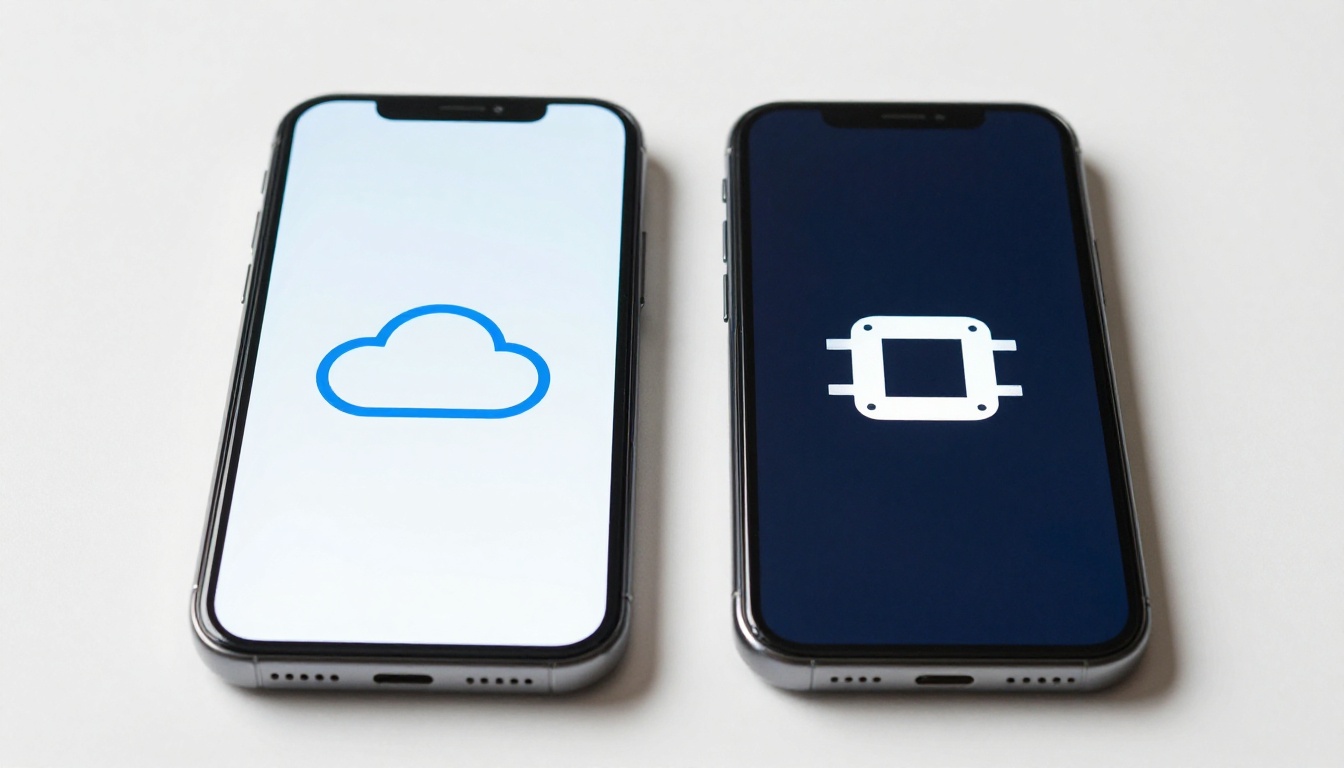
The table below shows key differences. Use it to weigh what matters for your gaming style.
| Parameter | Cloud Gaming | Native Gaming |
|---|---|---|
| Internet Requirement | Mandatory, high-speed | Only for downloads/updates |
| Input Lag | Noticeable on unstable networks | Minimal to none |
| Device Hardware | Low requirements | Higher requirements for demanding games |
| Storage Use | Negligible | Can be substantial |
| Game Library | Access to AAA console/PC titles | Mobile-optimized titles, some ports |
| Offline Play | Not possible | Often available |
| Subscription Cost | Usually required | Pay per game or free-to-play |
Cloud gaming on mobile shines when you want to play graphically intense games your phone couldn’t handle otherwise. It’s also handy for trying titles without commitment. Native gaming wins on reliability and responsiveness. It’s the better bet for competitive play and iffy connectivity. Your ideal mix might include both. Use cloud for big single-player adventures at home. Lean on native games for quick sessions on the go.
Making your decision
Think about your usual gaming setup. Do you mostly play during commutes or in spotty coverage areas? Native gaming’s more dependable. Are you near solid Wi-Fi most of the time? Cloud gaming opens up a huge library. Consider the genres you like. Turn-based strategy and story games handle slight latency better than first-person shooters. A gaming phone performance test can show how your device handles native titles. If your phone’s a few years old, cloud gaming might breathe new life into it.
Accessories matter too. A good Bluetooth controller is a smart buy for both. For cloud gaming, it’s almost a must. For native gaming, it boosts comfort and precision. Battery life optimization gets important for long sessions. A portable power bank keeps you from running dry. Honestly, there’s no one right answer. It’s about matching the tech to your lifestyle. Many gamers find a hybrid approach works best. Subscribe to a cloud service for occasional big-budget experiences. Keep a handful of native games installed for everyday play. That way, you get the best of both worlds without compromise.
Choose cloud gaming for access and convenience, choose native gaming for reliability and responsiveness.
Your smartphone is a versatile gaming machine. Understanding these two paths helps you make the most of it. Whether you stream or install, the goal’s the same: immersive, fun play whenever you want.