Follow us on Facebook
Breaking updates in your feed — tap to open
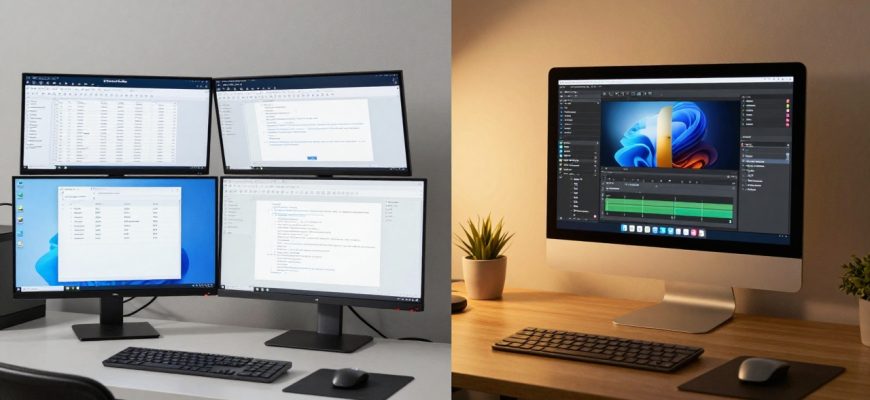
In today’s tech landscape, many users find themselves navigating between different operating systems-particularly Windows for professional tasks and macOS for personal computing. This duality isn’t just about having two devices; it’s about existing in two distinct technological ecosystems that shape how we work, create, and think. As someone who uses Windows for corporate responsibilities and macOS for personal projects, I’ve discovered that this split isn’t merely practical-it fundamentally influences cognitive patterns, creative expression, and daily routines.
Operating systems have evolved beyond mere tools into environments that mold our digital experiences. Windows, with its structured efficiency, excels in corporate environments where email management, data processing, and standardized workflows dominate. Meanwhile, macOS offers an intuitive, creativity-friendly space that supports spontaneous ideas and fluid work processes. This article explores the realities of living between these two worlds, examining both the challenges and unexpected benefits of tech ecosystem duality.
- The Practical Challenges of Switching Between Systems
- Windows: The Efficiency-Driven Work Environment
- Corporate Compatibility and Standardization
- Customizing Windows for Personal Expression
- macOS: The Intuitive Creative Space
- Fluid Workflows and Creative Support
- The Reality of Platform Limitations
- Managing the Mental Shift Between Ecosystems
- Cognitive Adaptation Strategies
- The Benefits of Technological Bilingualism
- Conclusion: Embracing Ecosystem Duality
The Practical Challenges of Switching Between Systems
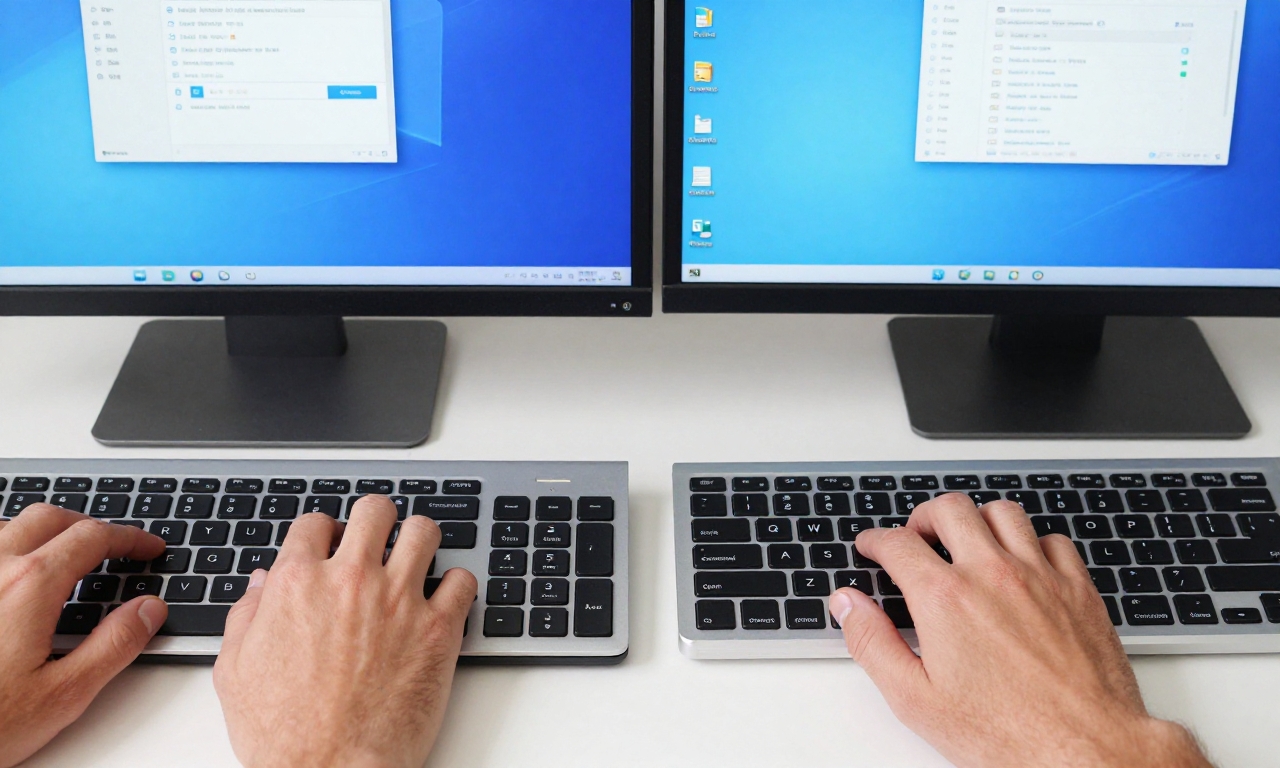
Transitioning between Windows and macOS presents immediate, tangible challenges that affect daily productivity. The most noticeable differences begin with basic interactions:
- Keyboard shortcuts: The Command key versus Control key distinction creates constant mental recalibration
- Browser preferences: Different default browsers and extension ecosystems require adjustment
- User interface design: Menu placements, window management, and system preferences vary significantly
- File management: Different approaches to organization and navigation between File Explorer and Finder
These differences create what feels like technological bilingualism-you become proficient in both systems but never completely at ease in either. The mental switching cost is real, particularly when moving between intensive work sessions on different platforms. Research in human-computer interaction suggests that such context switching can reduce productivity by up to 40% as the brain adjusts to different interface paradigms.

Windows: The Efficiency-Driven Work Environment
Corporate Compatibility and Standardization
Windows dominates corporate environments for good reason. Its compatibility with enterprise software, standardized deployment tools, and extensive hardware support make it the practical choice for business operations. When working with Windows for professional tasks, several advantages become apparent:
- Software availability: Nearly all business applications prioritize Windows compatibility
- Hardware flexibility: From budget laptops to high-end workstations, Windows runs on diverse hardware
- Enterprise management: IT departments can efficiently manage Windows deployments across organizations
- Gaming and specialized applications: Superior support for gaming and niche professional software
However, this efficiency comes with trade-offs. The Windows environment often feels less personalized, more utilitarian, and occasionally burdened by legacy compatibility requirements that macOS has largely avoided.
Customizing Windows for Personal Expression
One surprising discovery in navigating dual ecosystems has been learning to customize Windows to feel more personal while maintaining its professional utility. Through careful configuration, Windows can transcend its corporate reputation:
| Customization Area | Windows Approach | Personal Benefit |
|---|---|---|
| Desktop Environment | Rainmeter skins, custom taskbars | Visual personalization without sacrificing function |
| Workflow Automation | PowerShell scripts, AutoHotkey | Personal efficiency tools that complement work tasks |
| Application Ecosystem | Alternative apps that mirror macOS favorites | Consistent experience across platforms |
These customizations demonstrate that Windows need not feel sterile or impersonal-with effort, it can reflect individual preferences while remaining professionally capable.
macOS: The Intuitive Creative Space
Fluid Workflows and Creative Support
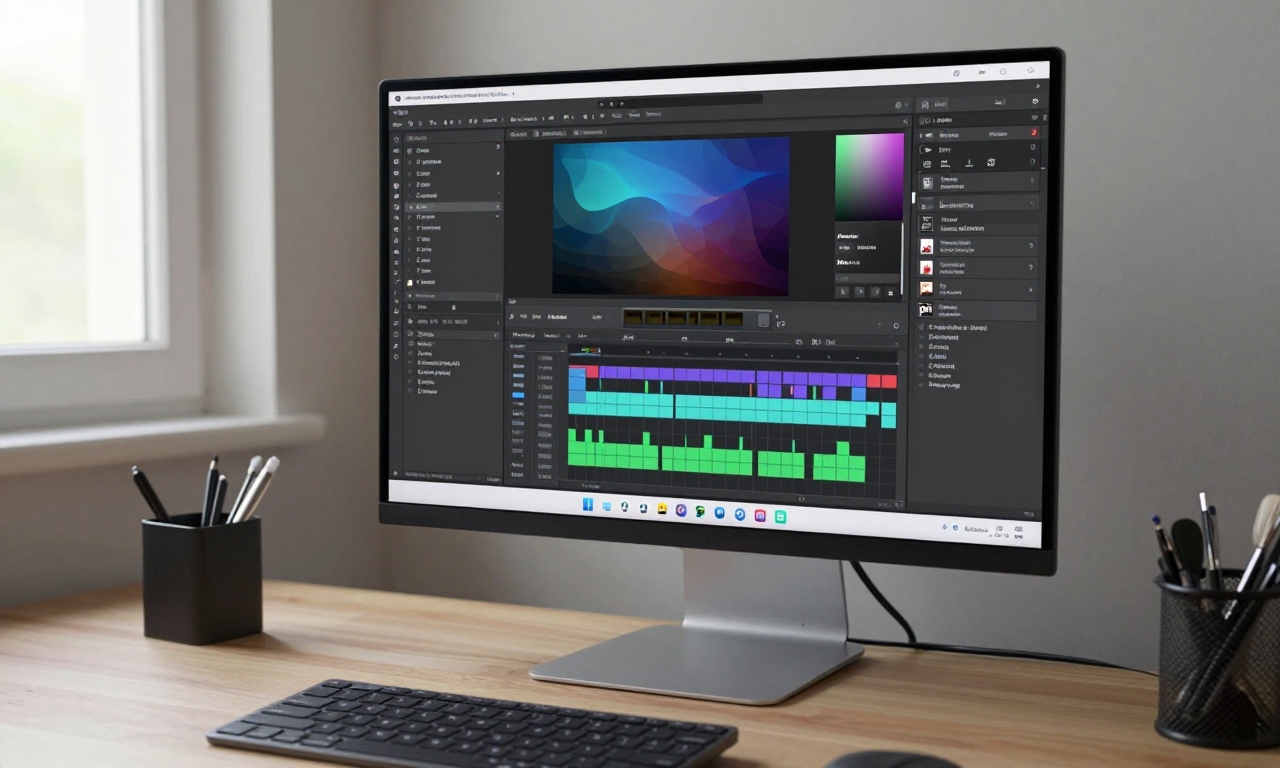
macOS excels in supporting creative and spontaneous work processes. Its design philosophy prioritizes intuitive interaction, visual coherence, and seamless integration between applications. Key advantages include:
- Consistent interface design: Applications follow human interface guidelines more consistently
- System-wide services: Features like Spotlight, Continuity, and Handoff create fluid workflows
- Creative application ecosystem: Strong support for design, music, and video production software
- Unix foundation: Terminal access provides power user capabilities alongside polished interface
For personal projects, creative work, or simply browsing and media consumption, macOS provides an environment that feels more cohesive and less intrusive than Windows. This doesn’t make it objectively better-rather, it serves different needs exceptionally well.
The Reality of Platform Limitations
“Platform preference isn’t about snobbery or status-it’s about personal alignment with tools that serve specific needs.”
This perspective is crucial when discussing operating systems. macOS has clear limitations in corporate environments, particularly regarding enterprise software compatibility and hardware standardization. Similarly, Windows faces challenges in providing the seamless, integrated experience that macOS users appreciate. Recognizing these limitations helps frame the discussion around practical needs rather than tribal loyalty.
Managing the Mental Shift Between Ecosystems
Cognitive Adaptation Strategies
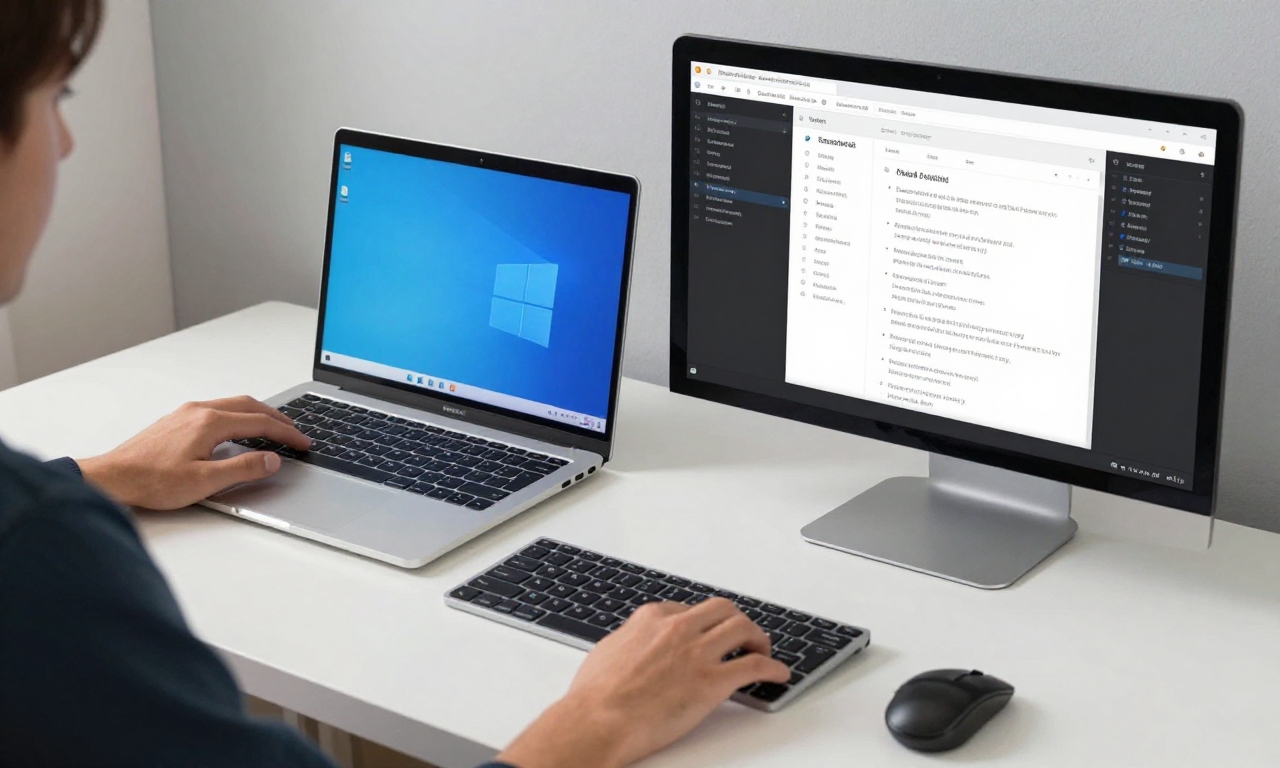
Successfully navigating between Windows and macOS requires developing strategies to minimize mental friction. Based on personal experience and discussions with other dual-system users, several approaches prove effective:
- Consistent peripheral choices: Using the same keyboard and mouse models across systems
- Application standardization: Selecting cross-platform applications when possible (Chrome, VS Code, etc.)
- Workflow documentation: Creating cheat sheets for platform-specific shortcuts and procedures
- Mental compartmentalization: Associating specific tasks with specific platforms to reduce context switching
These strategies don’t eliminate the differences between systems, but they create bridges that make transitions smoother and more predictable.
The Benefits of Technological Bilingualism
Despite the challenges, maintaining proficiency in both Windows and macOS offers significant advantages:
- Problem-solving flexibility: Understanding multiple approaches to technical challenges
- Broader software awareness: Knowledge of applications and tools across ecosystems
- Adaptability: Ability to work effectively on almost any computer encountered
- Reduced platform bias: Objective evaluation of tools based on actual needs rather than preference
This technological bilingualism becomes increasingly valuable as hybrid work environments and diverse tech ecosystems become more common.
Conclusion: Embracing Ecosystem Duality
The choice between Windows and macOS isn’t binary, nor should it be framed as a competition with clear winners. Both systems excel in different contexts, and using them in complementary ways-Windows for structured professional work, macOS for creative personal projects-creates a balanced technological life. The goal isn’t to declare one superior, but to understand how each serves specific needs and to develop strategies for moving between them effectively.
As technology continues to evolve, operating system distinctions may blur through cloud services, web applications, and cross-platform frameworks. However, the fundamental differences in design philosophy and user experience will likely persist. By embracing ecosystem duality rather than resisting it, users can leverage the strengths of both Windows and macOS while minimizing their respective limitations. This approach transforms what might seem like a compromise into a strategic advantage-a way to work smarter, create more freely, and navigate our increasingly complex digital world with greater flexibility and understanding.