Follow us on Facebook
Breaking updates in your feed — tap to open
Christmas is approaching, and you’re probably wondering: should you gift an iPad or an Android tablet this holiday season? With so many options, features, and price points, the decision can feel overwhelming. Both ecosystems have their champions, but the right choice depends entirely on who you’re buying for and what they’ll actually use the device for.
At Future Gatgets, we’ve tested, compared, and analyzed the latest tablets to bring you this definitive guide. Whether you’re shopping for a creative professional, a student, a casual user, or someone who just wants the best bang for their buck, we’ll help you navigate the iPad vs Android landscape with confidence.
Let’s dive into the key factors that should guide your decision: budget, performance, accessories, display quality, battery life, software ecosystems, and long-term value.
- Budget Breakdown: Initial Cost vs. Total Ownership
- Android Tablet Value Champions
- The iPad Reality Check
- Performance Power: Creative Work vs. Everyday Tasks
- iPad’s Performance Dominance
- Android’s Performance Evolution
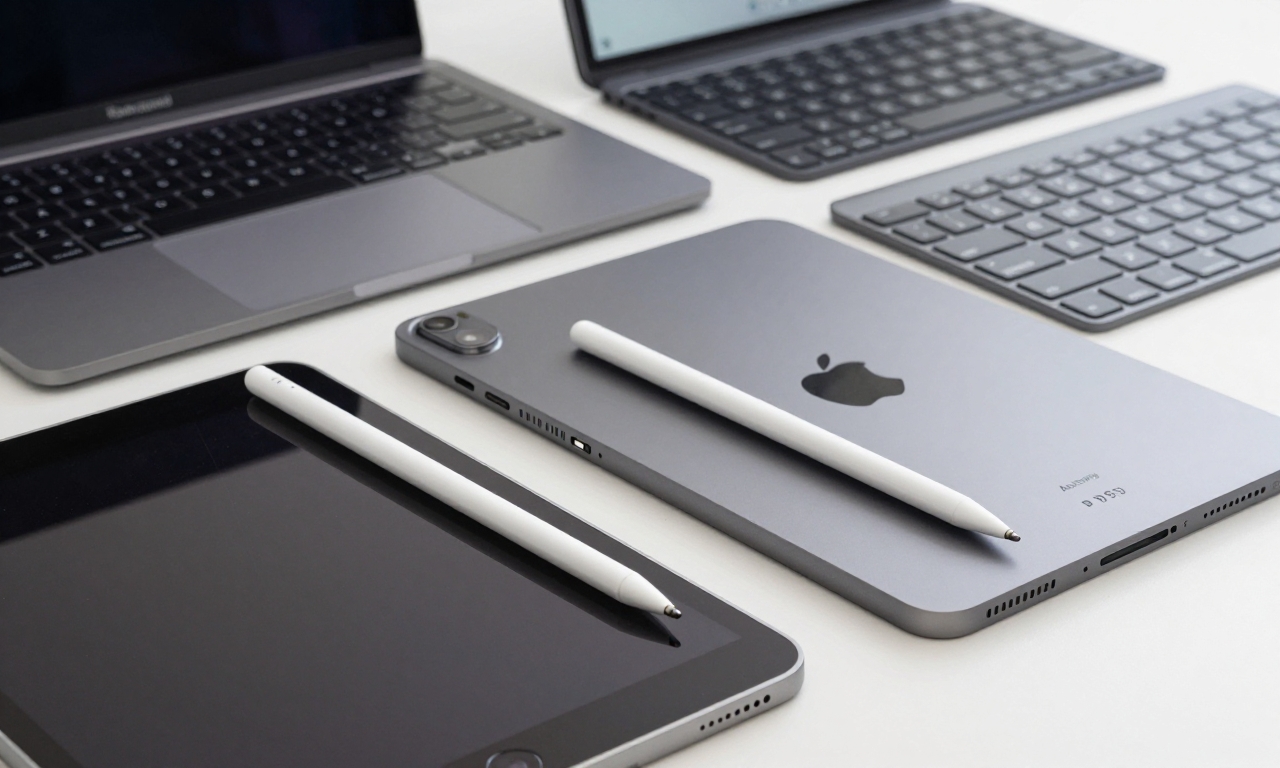
- Accessory Ecosystem: Stylus and Keyboard Showdown
- Stylus Experience Comparison
- Keyboard Solutions
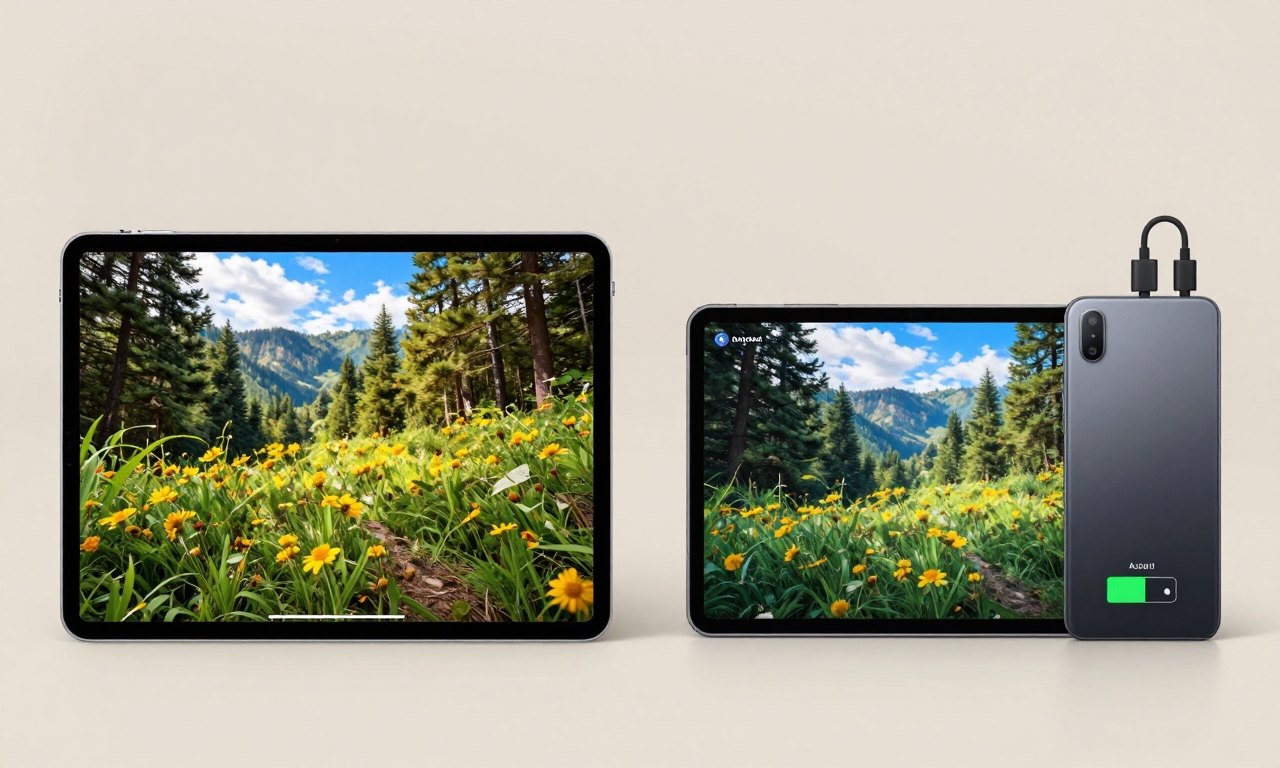
- Display and Battery: Visual Quality vs. Endurance
- Display Technology Face-Off
- Battery Life and Charging
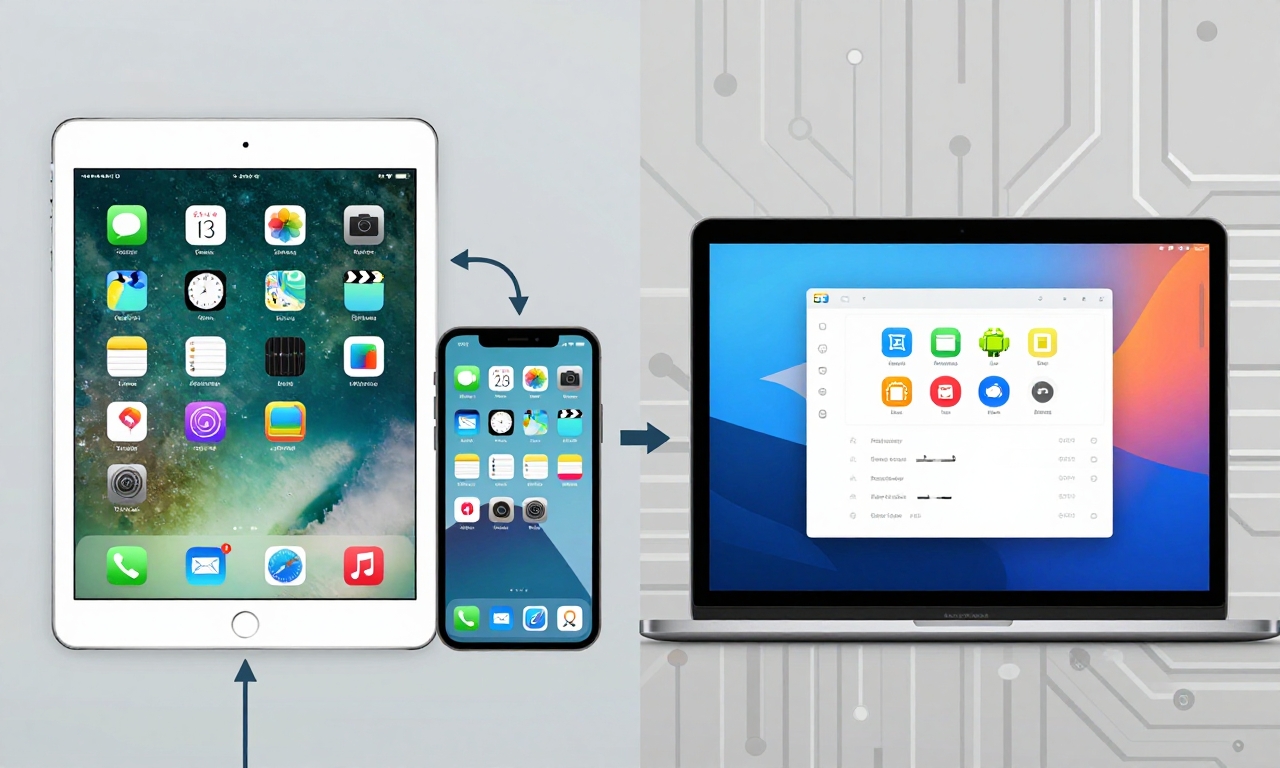
- Software and Longevity: Ecosystem Lock-in vs. Flexibility
- iPadOS: The Walled Garden Advantage
- Android: The Open Platform Power
- Our Christmas Gift Recommendations
- Best Overall Gift: Samsung Galaxy Tab S9 FE
- Premium Creative Gift: iPad Air M3
- Best Budget Gift: Xiaomi Pad 7
- Student Favorite: OnePlus Pad 2
- Final Verdict: Which Should You Choose?
Budget Breakdown: Initial Cost vs. Total Ownership
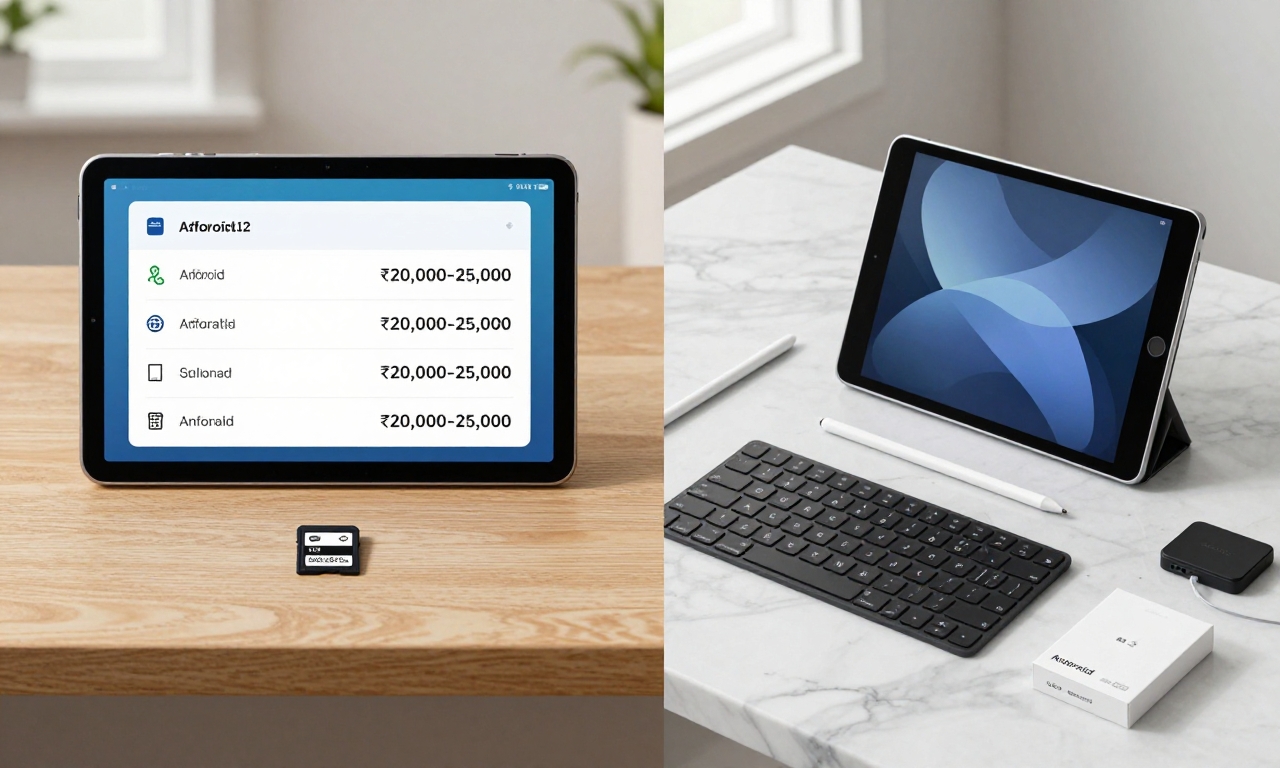
When it comes to upfront pricing, Android tablets typically offer more flexibility and better value straight out of the box. You can find capable Android tablets starting at surprisingly affordable prices, with many mid-range options delivering premium features without the premium price tag.
Android Tablet Value Champions
- Samsung Galaxy Tab S9 FE: Priced around ₹25,000–30,000, this tablet often comes bundled with the S Pen, making it ready for note-taking and creative work immediately
- Xiaomi Pad 7: Starting around ₹20,000–25,000, offering excellent performance-to-price ratio with high refresh rate displays
- Redmi Pad Pro: Budget-friendly option under ₹20,000 that still delivers solid performance for everyday tasks
- OnePlus Pad 2/3: Mid-range contenders with premium build quality and smooth software experience
Android’s advantage extends beyond the initial purchase. Many Android tablets include expandable storage via microSD cards, allowing you to add more space later without paying Apple’s premium storage upgrade prices.
The iPad Reality Check
While base iPad models might seem competitively priced, the true cost emerges when you add essential accessories:
- Apple Pencil Pro: Adds ₹10,000–12,000 to your total cost
- Magic Keyboard: Another ₹15,000–20,000 investment for serious productivity
- Storage upgrades: Moving from 64GB to 256GB can cost ₹10,000+
Suddenly, that affordable iPad becomes a significant investment. However, this premium pricing comes with benefits we’ll explore in later sections.
Performance Power: Creative Work vs. Everyday Tasks
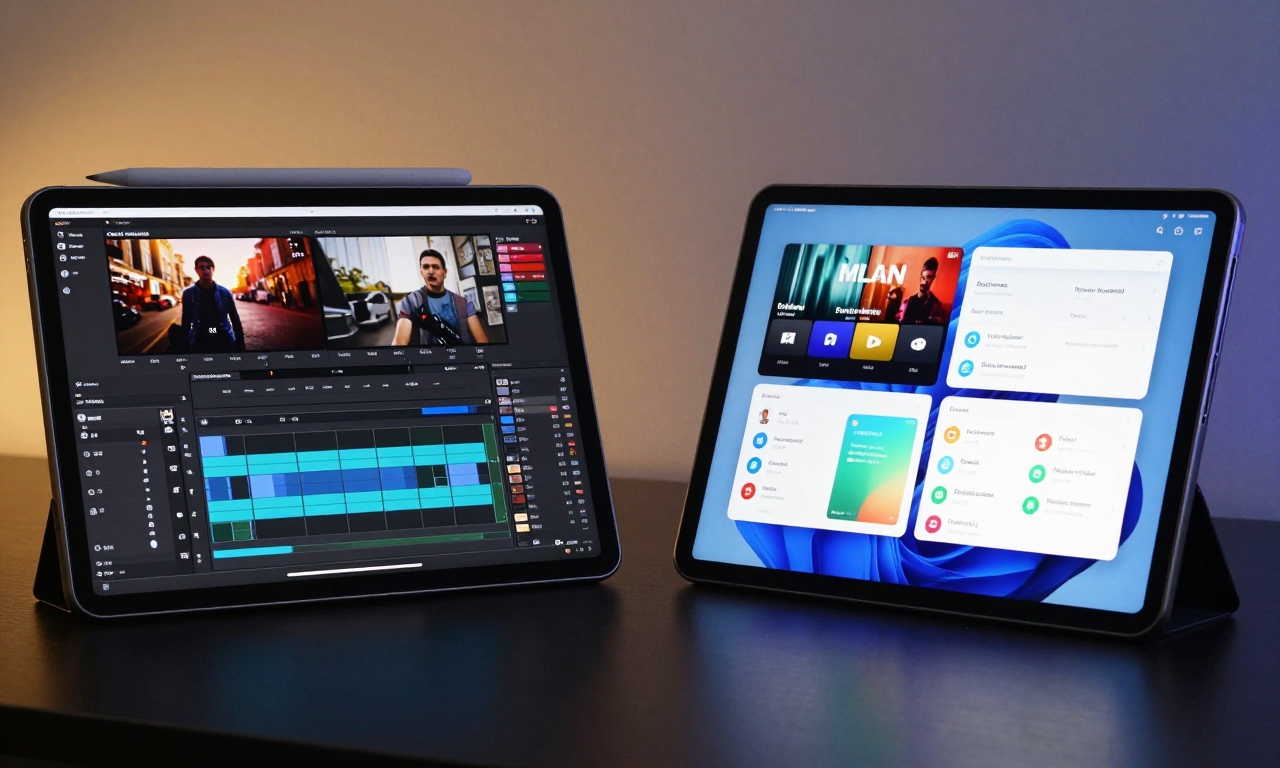
Performance needs vary dramatically depending on the user. Are you buying for a professional video editor or someone who mainly streams content and checks email?
iPad’s Performance Dominance
Apple’s M-series chips in iPads (particularly iPad Pro and iPad Air models) represent the pinnacle of tablet performance:
| Use Case | iPad Advantage |
|---|---|
| Video Editing | M3 chip handles 4K editing in apps like LumaFusion and DaVinci Resolve |
| Creative Work | Procreate, Affinity Designer run smoothly with multiple layers |
| Music Production | Low latency audio processing in GarageBand and professional DAWs |
| 3D Modeling | Shapr3D and other CAD apps leverage GPU power effectively |
For creative professionals and power users, iPads with M-series chips offer desktop-class performance in a tablet form factor.
Android’s Performance Evolution
High-end Android tablets have made tremendous strides in performance:
- Snapdragon 8 Elite processors in flagship Samsung tablets rival iPad performance for most tasks
- Everyday performance is excellent across browsing, streaming, and productivity apps
- Gaming performance is particularly strong, with many Android tablets offering better cooling and higher sustained performance
- Multitasking has improved significantly with Android’s split-screen and floating window features
For the majority of users who aren’t doing professional video editing or 3D modeling, modern Android tablets offer more than enough power at a better price point.
Accessory Ecosystem: Stylus and Keyboard Showdown
How someone plans to use their tablet dramatically affects which accessories they’ll need-and how much those accessories will cost.
Stylus Experience Comparison
Apple Pencil Pro: The gold standard for tablet styluses with:
- Superb latency (virtually none detectable)
- Pressure sensitivity and tilt recognition
- Haptic feedback and barrel roll for tool switching
- Perfect integration with iPadOS drawing apps
Android Stylus Options: More varied but often more affordable:
- Samsung S Pen: Included with many Galaxy Tab models, excellent pressure sensitivity and low latency
- Third-party options: Wide range from budget to premium, compatibility varies
- Universal styluses: Work across multiple devices but lack advanced features
“For serious artists and note-takers, the Apple Pencil Pro is unmatched, but you’re paying a premium for that perfection. Samsung’s included S Pen offers 90% of the experience at 0% additional cost.”
Keyboard Solutions
iPad keyboards (Magic Keyboard and Smart Keyboard Folio) are beautifully engineered but expensive. Android users have more flexibility:
- Official keyboard cases: Available for most premium Android tablets
- Third-party Bluetooth keyboards: Vast selection at various price points
- Universal keyboard cases: Often more affordable than Apple’s options
The keyboard decision often comes down to whether you value seamless integration (iPad) or budget flexibility (Android).
Display and Battery: Visual Quality vs. Endurance
Tablets are primarily visual devices, so display quality matters. But what good is a beautiful screen if the battery dies halfway through your movie?
Display Technology Face-Off
iPad Display Strengths:
- iPad Pro OLED: Absolutely stunning contrast and color accuracy
- Standard iPad LCDs: Bright, color-accurate, and reliable
- ProMotion: 120Hz adaptive refresh rate on Pro models
Android Display Advantages:
- Higher refresh rates: Many Android tablets offer 90Hz or 120Hz displays at lower price points
- AMOLED options: Available in mid-range and premium models
- Size variety: More options between 8″ and 14″ screens
Battery Life and Charging
This is where Android tablets often pull ahead:
| Aspect | Android Tablets | iPads |
|---|---|---|
| Battery Life | Often 12-15 hours, some models 15+ hours | Typically 10-12 hours |
| Charging Speed | Fast charging common (45W-65W) | Slower charging (20W-30W) |
| Charger Included | Usually yes | No (cable only) |
If all-day battery life and quick top-ups are priorities, Android tablets generally deliver better results.
Software and Longevity: Ecosystem Lock-in vs. Flexibility
This might be the most important consideration for long-term satisfaction. Do you value a polished, controlled experience or maximum flexibility?
iPadOS: The Walled Garden Advantage
Apple’s tight control over hardware and software delivers benefits:
- Longer software support: 5-7 years of iOS/iPadOS updates
- Premium app ecosystem: First access to top creative and productivity apps
- Seamless integration: With other Apple devices via Continuity
- Consistent experience: Fewer bugs and performance issues
For users invested in the Apple ecosystem (iPhone, Mac, Apple Watch), an iPad makes perfect sense.
Android: The Open Platform Power
Android tablets offer different advantages:
- File management: Direct access to file system, easier file transfers
- Customization: Launchers, widgets, and system-level modifications
- MicroSD expansion: Add storage cheaply
- App sideloading: Install apps from outside Google Play Store
- Desktop mode: Some tablets offer PC-like interface when connected to monitor
Android suits users who want to customize their experience or need specific file management capabilities.
Our Christmas Gift Recommendations
Based on our analysis, here are our top picks for different types of users:
Best Overall Gift: Samsung Galaxy Tab S9 FE
Why it wins: Excellent balance of price, performance, and included accessories. The bundled S Pen makes it ready for creative work immediately, and Samsung’s software support has improved significantly.
Premium Creative Gift: iPad Air M3
Why it wins: Desktop-class performance for creative professionals, access to exclusive apps like Procreate and LumaFusion, and 5+ years of software updates.
Best Budget Gift: Xiaomi Pad 7
Why it wins: Outstanding value with high refresh rate display, solid performance, and attractive pricing around ₹25,000.
Student Favorite: OnePlus Pad 2
Why it wins: Smooth software experience, excellent battery life, and competitive pricing make it ideal for note-taking and study sessions.
Final Verdict: Which Should You Choose?
Choose an iPad if:
- You want proven longevity (5-7 years of updates)
- You need top-tier creative apps
- You’re already invested in the Apple ecosystem
- Resale value matters to you
- Budget is less of a concern
Choose an Android tablet if:
- You want the best value for money
- You need expandable storage
- You prefer Android’s file management and customization
- You want a complete bundle (stylus often included)
- Fast charging and all-day battery are priorities
Remember: The “best” tablet doesn’t exist-only the best tablet for the person you’re buying for. Consider their actual needs, technical comfort level, and how they’ll use the device daily.
Whichever you choose, you’re giving the gift of productivity, creativity, and entertainment-all wrapped up in a sleek, portable package. Happy gifting from all of us at Future Gatgets!