Follow us on Facebook
Breaking updates in your feed — tap to open
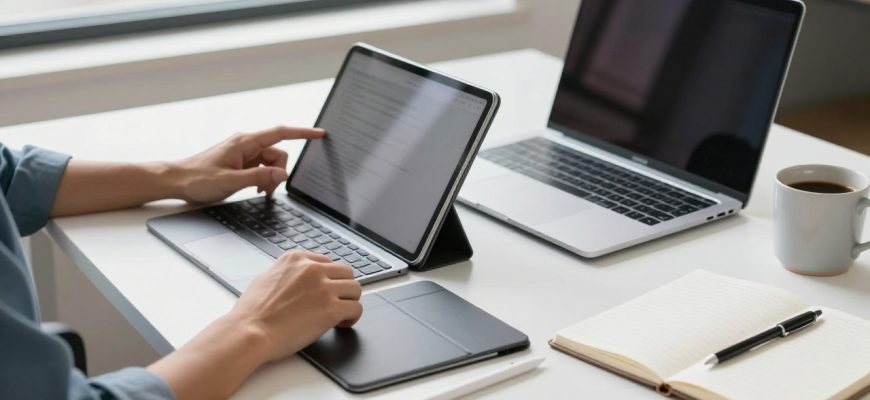
The question on whether the tablet can indeed take over the roles of the laptop has been debated as we climb towards 2026 where the manufacturers are pushing the limits of what these handheld devices can do. Tablets are currently offering market-type laptop productivity with much greater processors, operating systems, and a larger range of accessories at an even smaller form factor. The analysis of the question will be whether the popular tablets such as the iPad, and other Android-based models when combined with the keyboard and stylus can manage the requirements of actual work under varying professional and personal conditions.
Methodology
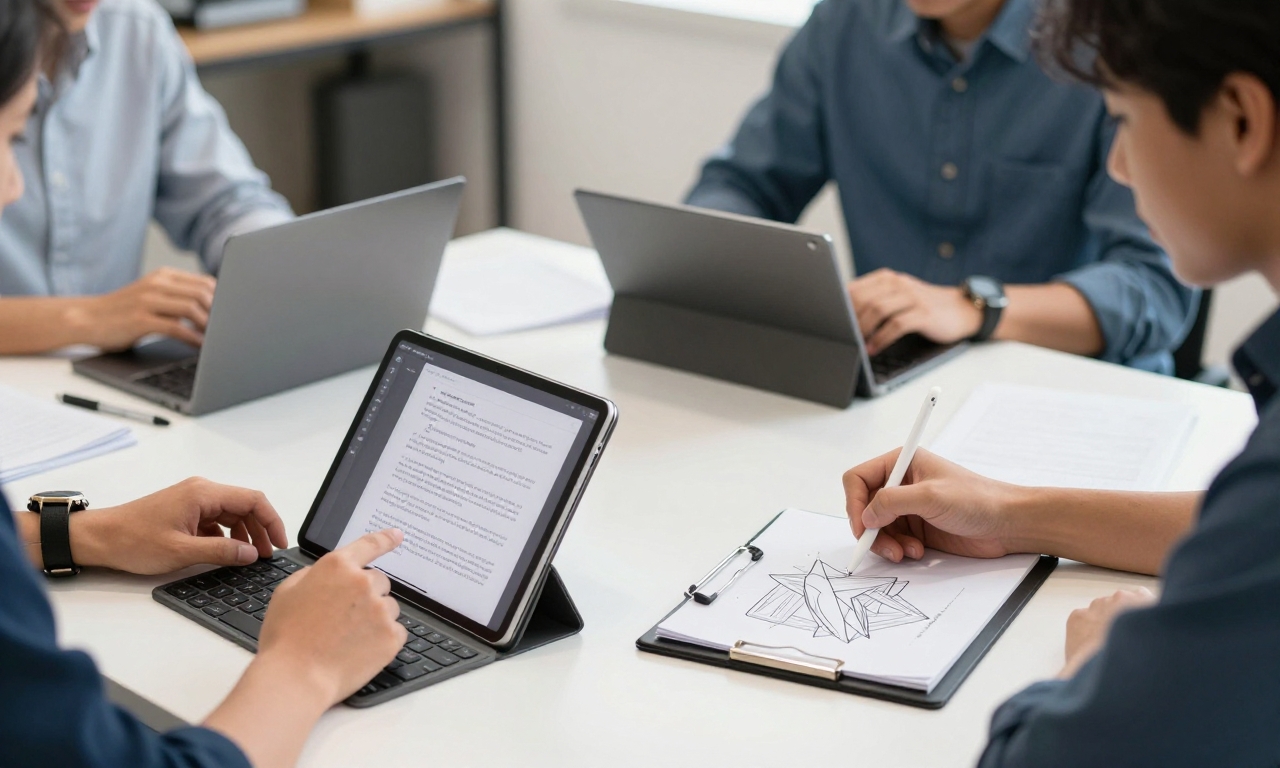
The methodology used in our tests was to test a number of Apple and Samsung flagship tablet models, as well as the midrange models of Google and others. Our main areas of productivity priority were document editing and creation, video conferencing and communication, and creative work involving digital art and design. These devices were also tested using the official keyboards accessories and stylus when available, putting them in the real scenario of use by professionals, students, and creative people.
The History of Tablet Hardware
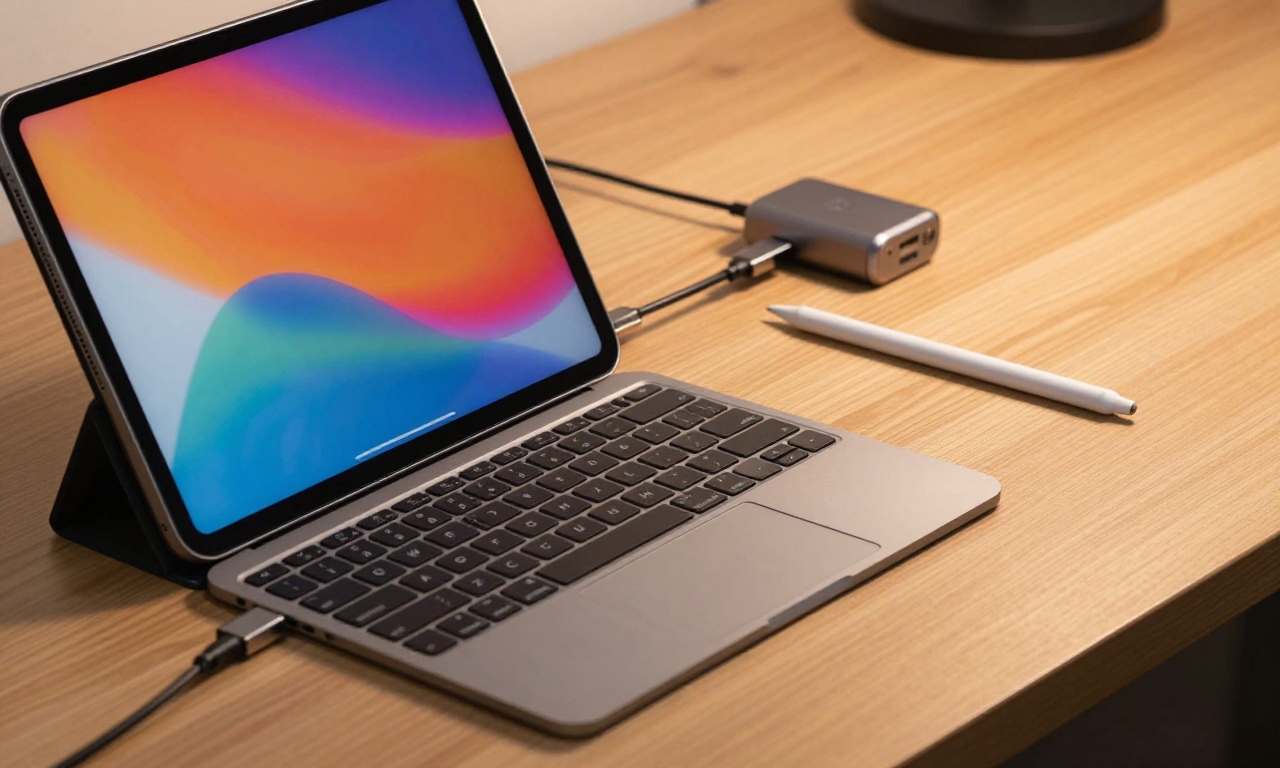
The hardware that has been developed in the modern tablets has taken the tablets a step further towards the traditional laptops. The processors with flagship tablets have become comparable to the processors of a range of laptops, providing enough power to run multiple tasks and require demanding applications. The screens have also become better with the development of OLED technology, which is more widespread and offers better color fidelity and contrast ratios, which is useful in the workplace and as a creation tool. The adoption of USB-C on a majority of devices has eased the congestion in connections and innovations such as hooking up to external displays and peripherals that can supplement the workflow processes become readily achievable.
Accessories
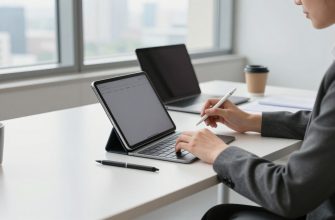
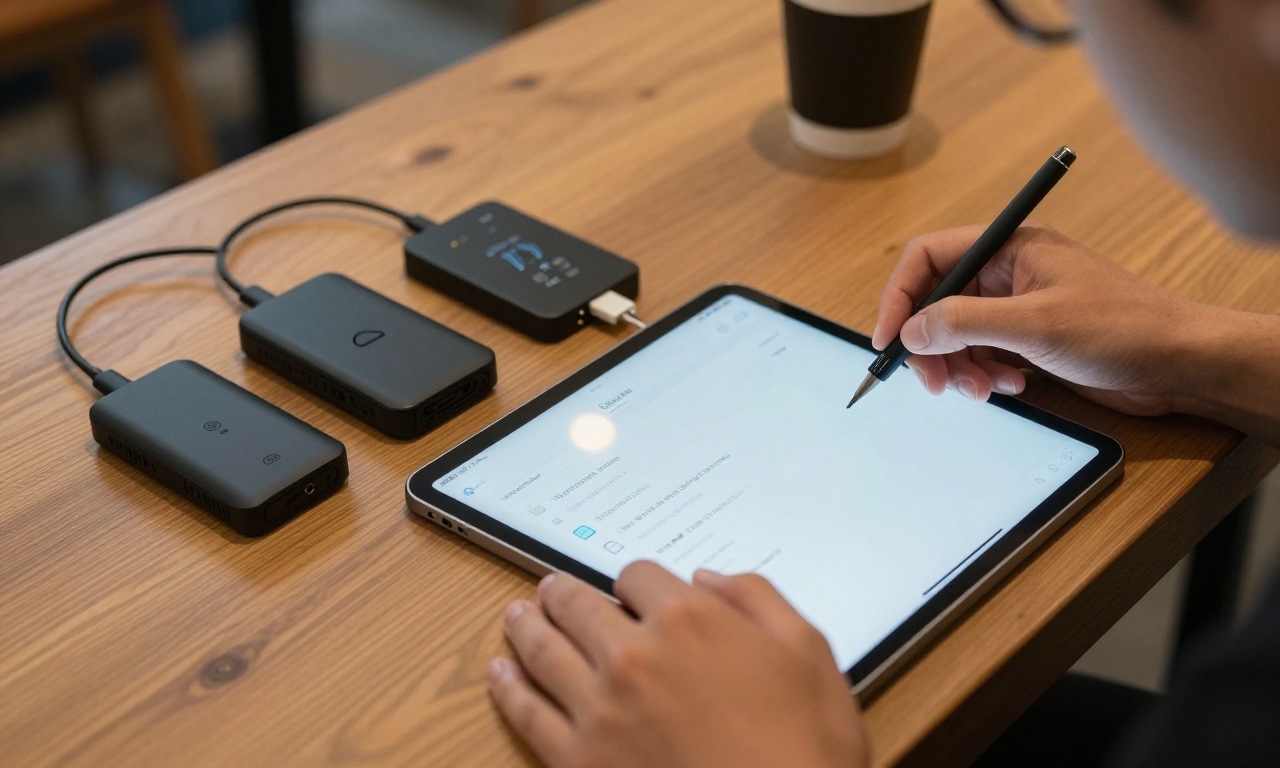
The accessories will be essential in making tablets a tool of productivity. The keyboard cases have changed over time to include more than mere typing tools to have track pads, different viewing angles and better key strokes that resembled the key strokes of laptops. Stylus technology has moved on to have less latency, higher pressure sensitivity, and palm rejection capabilities, thus making a note-taking and digital art more natural. The functionality of these accessories with the tablet operating systems has become more integrated and the software has been optimized to be used on a split-screen multitasker and file management.
Software and Ecosystem Considerations
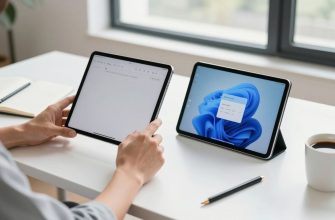
This software experience continues to be an essential point of distinction between a tablet and a laptop, with Verizon file management, enhanced external display, and a more powerful element of multitasking. Tablets operating Android have been enhanced by Google returning to a large-screen optimization and making the experience more consistent across manufacturers. Both platforms have now desktop-class web browsers and productivity suites, with some professional applications still being only available to the mainstream computer operating systems.
Students
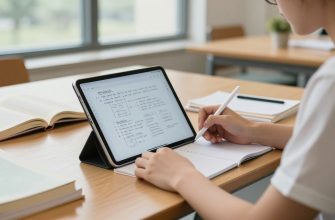
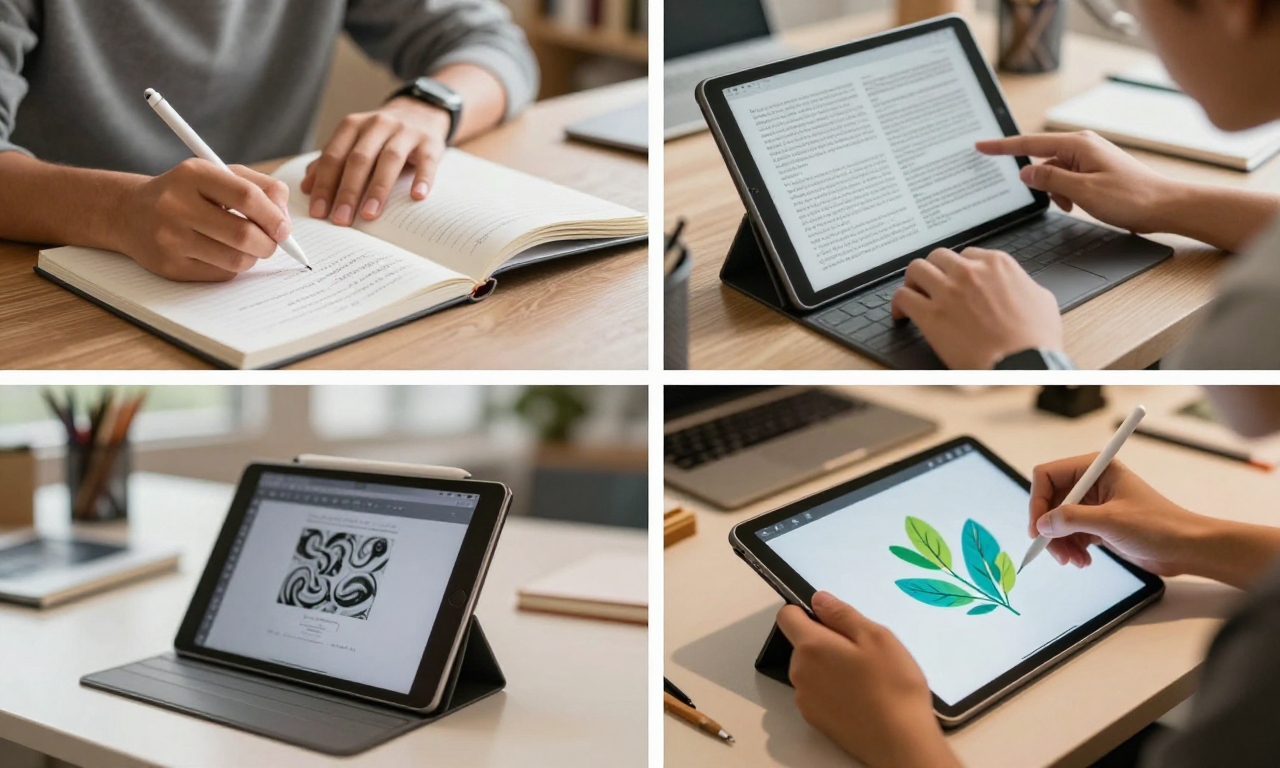
To students, tablets present attractive possibilities of taking notes and flexibility. When using a stylus combined with a keyboard one can take handwritten notes and type them later in the form of assignments on one single machine which is not that heavy as a laptop. Cloud integration is used to make works available on devices, whereas long battery life is due to allowing using the work through the whole day without the need to find power sources. Nevertheless, students of specific subjects that demand very specific software within the engineering, programming, and other high-level data analysis might still struggle with the limitations that are still present to full-fledged laptops.
Creative Professionals and Business Natives
Creative professionals have adopted the use of tablets in some of their workflow especially during the early phases of undertaking projects. Digital artists also enjoy the direct draw experience using hi-tech styluses whereas photo editors enjoy quality display when they want to edit their photos everywhere. It is possible to do simple edits and reviews by the video editors, but intricate timeline work is more appropriately done by laptops that have more robust processors and dedicated graphics cards. Tablets are great companion gadgets because of their portability, which enables them to be used at any location to derive inspiration and do any other tasks.
Business users have a less clear cut choice. Tablets are strong in consumption of contents such as videos, presentations and other communication tools such as email and video conferencing. Modern tablets are surprisingly professional in terms of professional video calls, as the camera quality frequently has an enhanced night mode, and even portrait mode. Nonetheless, unwieldy spreadsheet applications, elaborate document formatting, and compatibility with enterprise software are among the issues in which laptops still have an edge. Security and privacy is another aspect that has been enhanced in tablets which involve biometric authentication and encrypted storage is the new standard.
Limitations of Performance and Practical Limitations
The results of our performance testing showed that tablets can competently address productivity tasks of our daily lives. It is easy to edit documents in its suites in clouds, browsing multiple tabs on the web are easy and video conferencing is reliable and of high quality with good cameras and microphones. Tablet gaming has also become better and better with the display where the rate of refresh is better and the experience is greatly improved by both amateur and professional gamers playing through tablets. Nevertheless, thermal throttling may still occur sooner when working with heavy loads than notebooks with active cooling attachments.
This has made storage the less problematic area with cloud integration however local storage is still important in which one may want to work outside the network or to use large files. Tablets also have good durability with a lot of protection against water and resilient build, and so can be used during travel and when travelling compared to laptops which could be more prone to damage. The battery life has been optimized with most of the tablets being able to offer all-day functions although this can differ a lot depending on the screen brightness, connectivity, and the intensity of work load.
Choosing the Right Way to Your Needs
Whether a laptop should be substituted by a tablet is highly dependent on the workflow needs of a person. To the users who work mostly with the content consumption, communication, light content creation and general productivity activities, a fine end tablet proceeding with the right accessories can act as a decent laptop substitution. Probably, still need a traditional laptop would be those who need specialized software or do a lot of multitasking using more than one window or those who do a lot of heavy computing. A combination of a tablet and a desktop or laptop could be a proper solution to many people, as it would be a primary mobile device with the support of the desktop or laptop in the cases when more intensive work is required.
Conclusion
In the context of 2026, the tablet and laptop divide still goes on decreasing. The line that involves foldable devices is also fascinating: tablet-sized screens with the ability to fold down to smaller sizes. Tablets will begin to compete with laptops in particular segments of users as the operating systems get enhanced to meet productivity workflows and accessory ecosystems get mature. We have found through our questions that tablets can indeed be considered as valid substitutes of laptops by students, creative professionals who work mostly in the visual media, as well as business users who require tablets to be configured with keyboards and styluses.