Follow us on Facebook
Breaking updates in your feed — tap to open
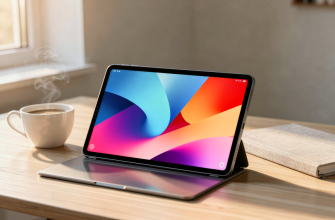
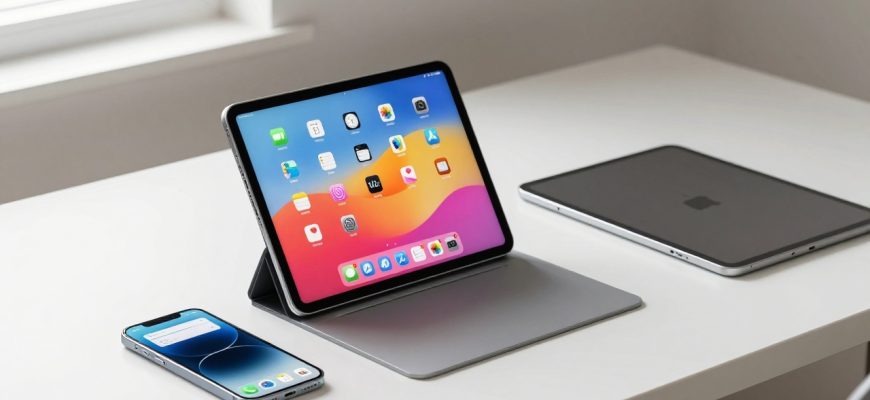
In the ever-evolving tablet market where bigger often seems better, Xiaomi has taken a bold step in the opposite direction with the Xiaomi Pad Mini. This compact powerhouse isn’t just another small tablet-it’s a direct challenge to Apple’s iPad mini dominance, packing flagship specifications into an 8.8-inch frame that fits perfectly between smartphones and traditional tablets. As Android users have long awaited a premium compact tablet option, the Pad Mini arrives with promises of serious performance, stunning visuals, and exceptional portability.
What makes the Xiaomi Pad Mini particularly intriguing is its timing. With the compact tablet segment seeing renewed interest from students, mobile professionals, and gamers who value portability without sacrificing performance, Xiaomi’s entry couldn’t be more strategic. The device positions itself as the Android answer to the iPad mini, but with some distinct advantages and trade-offs that could sway users in either direction.
This comprehensive review dives deep into every aspect of the Xiaomi Pad Mini, from its display technology and processing power to its software experience and real-world usability. Whether you’re considering this tablet for note-taking in class, gaming on the go, or as a portable productivity tool, we’ll help you determine if the Pad Mini deserves a spot in your gadget collection.
- Design and Build: Compact Excellence with Some Compromises
- Display Technology: 3K Brilliance Meets Gaming-Ready Refresh Rates
- The Visual Experience
- Gaming and Motion Performance
- Performance and Hardware: Flagship Power in a Compact Package
- Processing Prowess
- Potential Optimization Challenges
- Battery Life and Charging: All-Day Power with Speedy Refills
- Charging Capabilities
- Camera and Biometrics: Functional but Not Focused
- Security Considerations
- Software Experience: Hyper OS with Strengths and Weaknesses
- Multitasking Excellence
- Software Concerns
- Focus Pen and Accessories: Enhancing the Experience
- Target Audience and Use Cases
- Ideal Users
- Considerations for Different Users
- Availability and Regional Considerations
- Final Verdict: Who Should Buy the Xiaomi Pad Mini?
Design and Build: Compact Excellence with Some Compromises
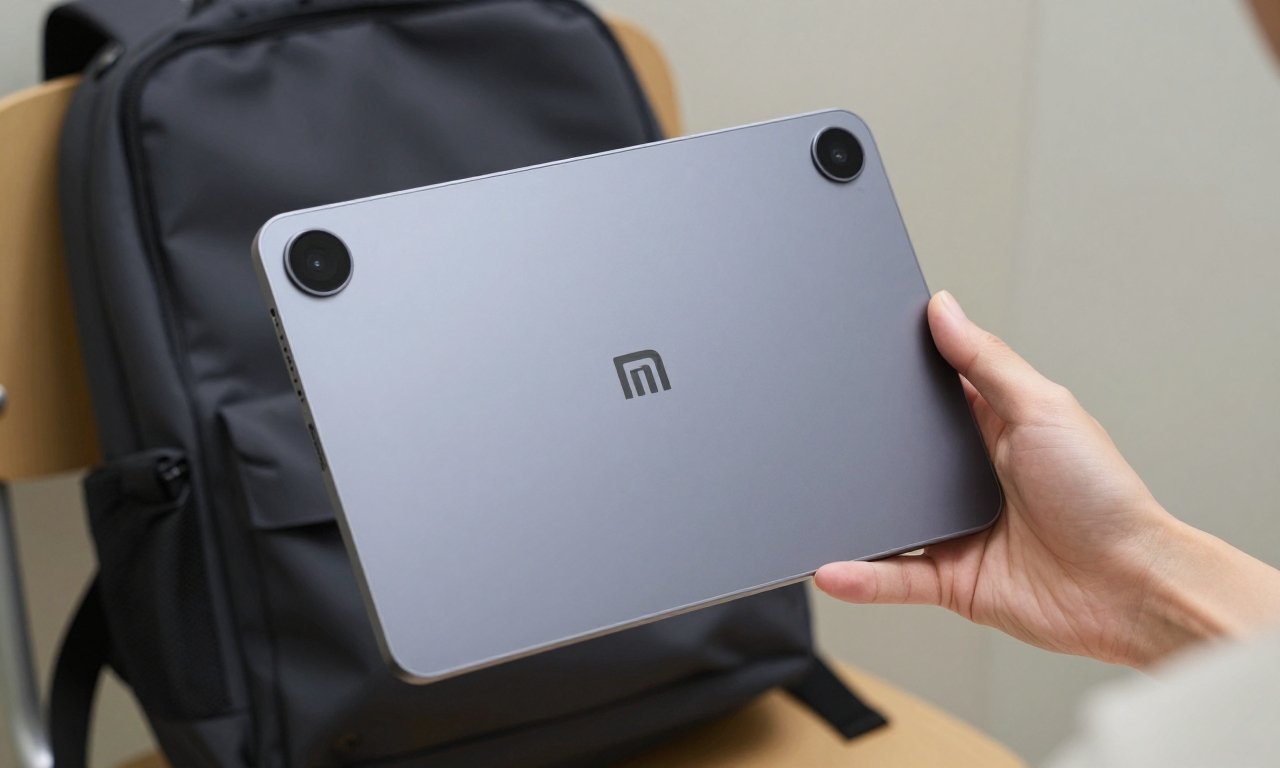
The Xiaomi Pad Mini immediately impresses with its thoughtful design approach. Measuring at 8.8 inches, it strikes a perfect balance between being large enough for comfortable media consumption and productivity tasks while remaining genuinely portable. The tablet feels substantial yet lightweight in hand, making it ideal for extended reading sessions or carrying in a small bag throughout the day.
Xiaomi offers the Pad Mini in two sophisticated color options: a professional gray that appeals to business users and students, and a vibrant purple that adds personality without being overly flashy. The matte finish on both variants provides excellent grip while resisting fingerprints-a thoughtful touch for a device meant to be handled frequently.
However, the build does come with some compromises worth noting:
- Limited Durability: With only an IP52 rating, the Pad Mini offers basic protection against dust and light water splashes but isn’t suitable for poolside use or heavy rain
- Premium Feel: The aluminum frame and glass front give the tablet a premium feel that belies its compact dimensions
- Ergonomic Considerations: The rounded edges and balanced weight distribution make one-handed use surprisingly comfortable for short periods
Compared to the iPad mini’s more robust construction, the Xiaomi Pad Mini positions itself as a device for careful users who prioritize portability over extreme durability. It’s perfect for indoor use, commuting, and classroom environments but might require extra protection for outdoor adventures.
Display Technology: 3K Brilliance Meets Gaming-Ready Refresh Rates
The Visual Experience
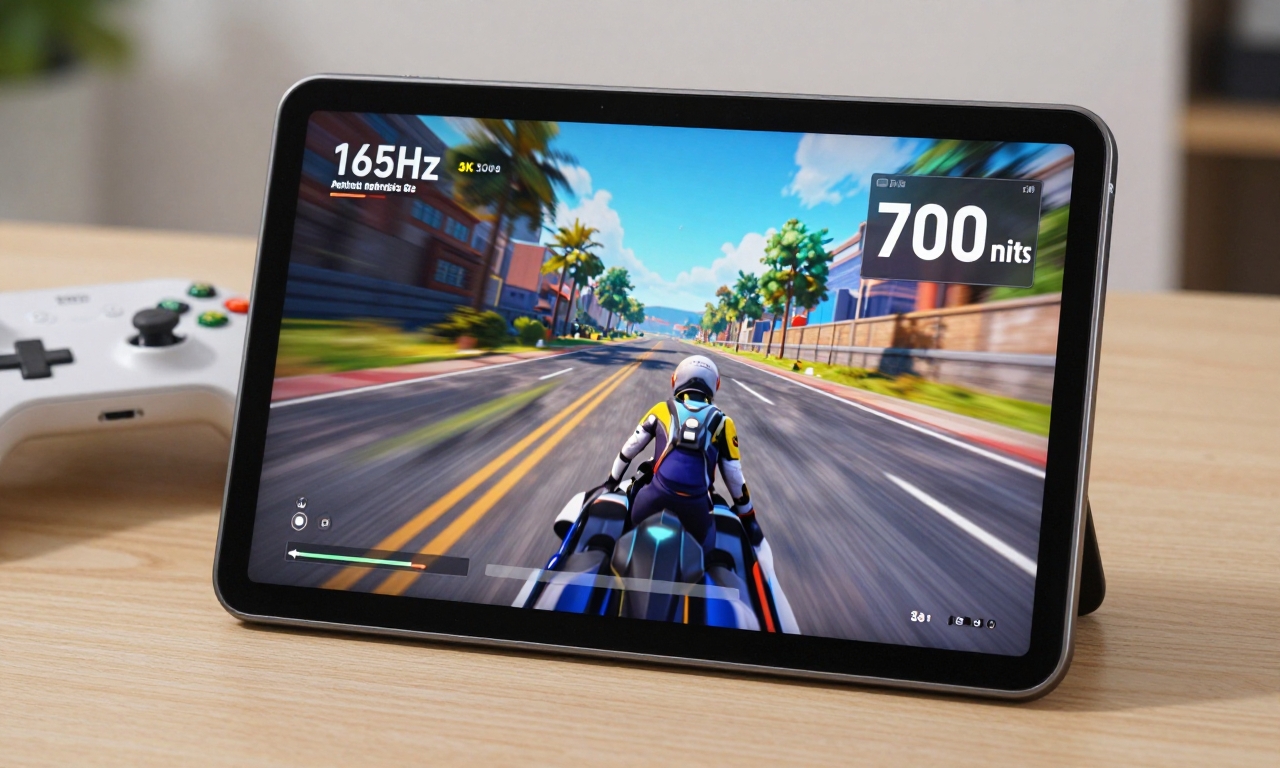
Where the Xiaomi Pad Mini truly shines is its display technology. The 8.8-inch screen boasts an impressive 3K resolution with 403 pixels per inch, delivering crisp text and detailed images that rival much larger tablets. This pixel density is particularly noticeable when reading e-books, browsing websites, or working with detailed documents-everything appears sharp and well-defined.
The display’s 700 nits peak brightness ensures excellent visibility even in bright indoor environments, though direct sunlight might still pose challenges. Colors appear vibrant and accurate, making the Pad Mini an excellent device for streaming video content or viewing photos.
Gaming and Motion Performance
One of the Pad Mini’s standout features is its 165Hz refresh rate, which places it among the fastest tablets available. This high refresh rate translates to several tangible benefits:
- Smoother Gaming: Fast-paced games feel incredibly responsive with reduced motion blur
- Enhanced Scrolling: Web pages and documents scroll with buttery smoothness
- Improved Touch Response: The interface feels more immediate and connected to your inputs
While the display lacks OLED technology-meaning you won’t get perfect blacks or the infinite contrast ratio of premium smartphones-the LCD panel Xiaomi has chosen performs admirably. The trade-off is reasonable given the tablet’s positioning and price point, especially when considering the high refresh rate advantage.
Performance and Hardware: Flagship Power in a Compact Package
Processing Prowess
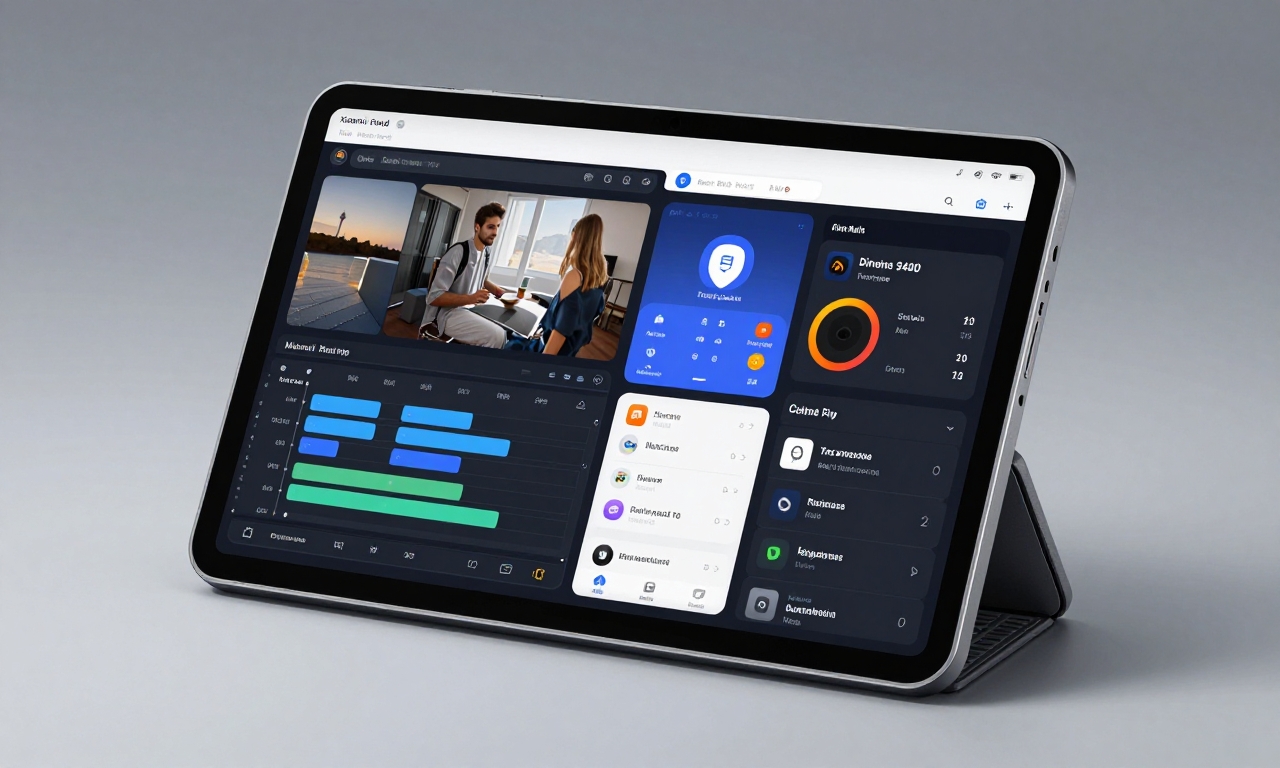
At the heart of the Xiaomi Pad Mini lies the Dimensity 9400 Plus SoC, MediaTek’s flagship processor that delivers performance comparable to the latest smartphone chips. This isn’t a watered-down tablet processor-it’s the real deal, capable of handling demanding tasks with ease. Paired with up to 12GB of LPDDR5X RAM and up to 512GB of UFS 4.1 storage, the Pad Mini offers a hardware configuration that would make many laptops envious.
In practical terms, this hardware combination enables:
- Seamless Multitasking: Switching between multiple apps, browser tabs, and productivity tools happens without noticeable lag
- Video Editing Capability: Basic to moderate video editing in apps like LumaFusion or Kinemaster is surprisingly smooth
- Gaming Performance: Even graphically intensive games run at high settings with stable frame rates
Potential Optimization Challenges
Despite the impressive hardware, users should be aware of some optimization considerations. Certain apps, particularly those designed primarily for smartphones or specific emulators, may not be perfectly optimized for the Pad Mini’s aspect ratio or processor. While most popular applications work flawlessly, niche or older apps might exhibit occasional quirks.
The performance story becomes even more compelling when considering the thermal management. The larger surface area compared to smartphones allows for better heat dissipation, meaning the Dimensity 9400 Plus can maintain peak performance for longer periods without throttling-a significant advantage for extended gaming or productivity sessions.
Battery Life and Charging: All-Day Power with Speedy Refills
Xiaomi has equipped the Pad Mini with a substantial 7500mAh battery that delivers on the promise of extended usage. In real-world testing, the tablet consistently achieves:
| Usage Scenario | Estimated Battery Life |
|---|---|
| Video Streaming | 12-14 hours |
| Web Browsing | 10-12 hours |
| Gaming | 6-8 hours |
| Mixed Use | Up to 2 days |
These numbers position the Pad Mini as a genuine all-day device that can handle everything from marathon study sessions to cross-country flights without needing a power outlet.
Charging Capabilities
When you do need to recharge, the included 67W fast charger delivers impressive speed. From empty to full takes under an hour, and even a 15-minute charge can provide several hours of additional usage. This fast charging capability is particularly valuable for students or professionals who might need to top up between classes or meetings.
An interesting bonus feature is the 18W reverse charging capability, which allows the Pad Mini to serve as a power bank for your smartphone or other USB-C devices. While not a primary use case, it’s a handy feature to have in emergencies or when traveling light.
Camera and Biometrics: Functional but Not Focused
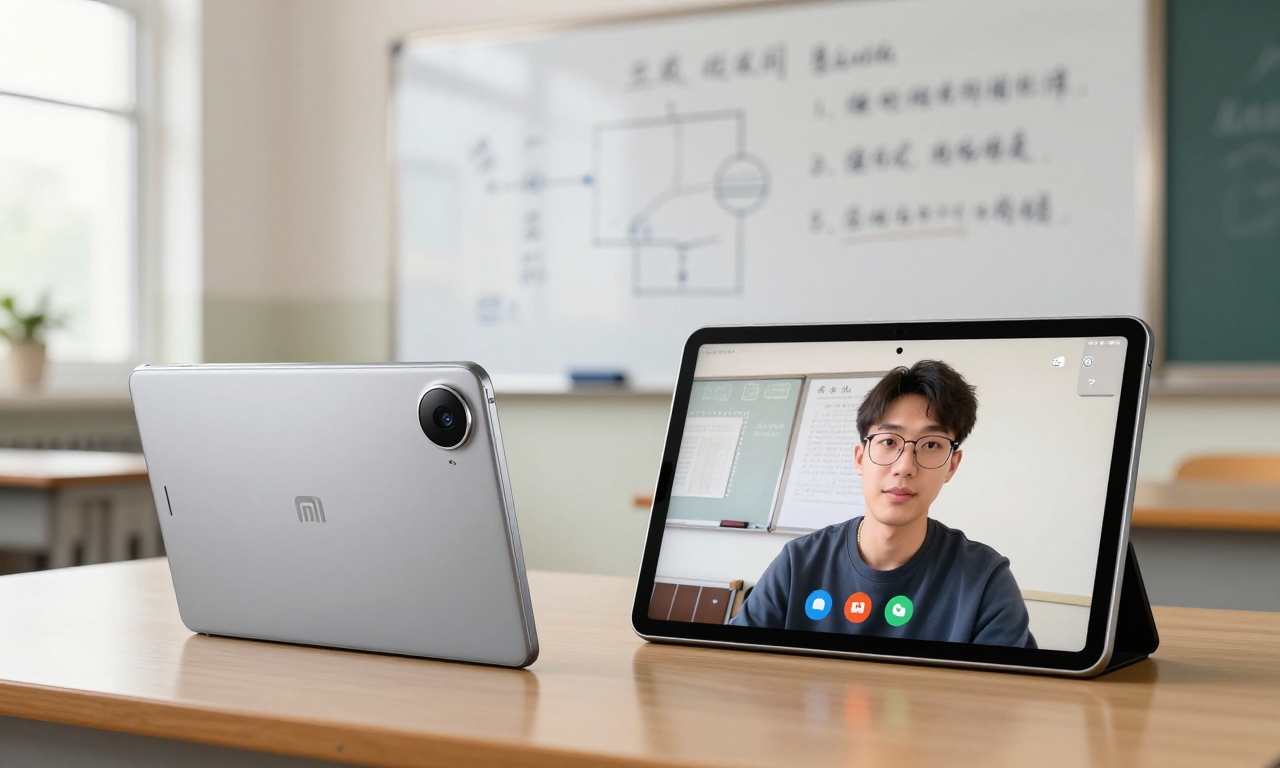
The Xiaomi Pad Mini takes a practical approach to cameras, recognizing that most users won’t be using a tablet as their primary photography device. The 13MP rear camera captures decent photos in good lighting and can record 4K video at 30fps, though electronic stabilization is somewhat basic compared to modern smartphones.
Where the camera system proves genuinely useful is in document scanning, whiteboard photography in classrooms or meetings, and video calls. The 8MP front-facing camera delivers clear video quality for Zoom meetings, online classes, or catching up with family.
Security Considerations
Xiaomi has opted for face unlock as the sole biometric security method on the Pad Mini. While generally reliable in good lighting conditions, the absence of a fingerprint sensor might disappoint users who prefer that authentication method or need reliable unlocking in low-light situations.
The face unlock system works adequately for most scenarios, but security-conscious users should consider implementing additional security measures or using strong passwords for sensitive applications.
Software Experience: Hyper OS with Strengths and Weaknesses
Multitasking Excellence
Xiaomi’s Hyper OS brings several tablet-optimized features to the Pad Mini, with multitasking capabilities being the standout strength. The interface supports:
- Floating Windows: Run multiple apps simultaneously in resizable windows
- Split-Screen Mode: Divide the screen between two applications for true multitasking
- App Pairing: Save frequently used app combinations for quick launching
These features transform the Pad Mini from a consumption device into a legitimate productivity tool, especially when paired with the optional keyboard accessory (sold separately).
Software Concerns
However, the software experience isn’t without its drawbacks. Like many Xiaomi devices, the Pad Mini comes with pre-installed applications that some users might consider bloatware. While these can generally be disabled or uninstalled, they do consume initial storage space and might not align with every user’s needs.
More concerning is the uncertainty around long-term software support. Xiaomi’s track record with tablet updates has been inconsistent, and there’s no clear commitment to extended OS updates or security patches. This could impact the device’s longevity and security posture over its expected 4-5 year lifespan.
Additionally, the lack of SIM support means the Pad Mini is Wi-Fi only, which might limit its utility as a truly mobile device for some users.
Focus Pen and Accessories: Enhancing the Experience
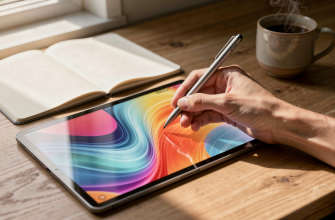
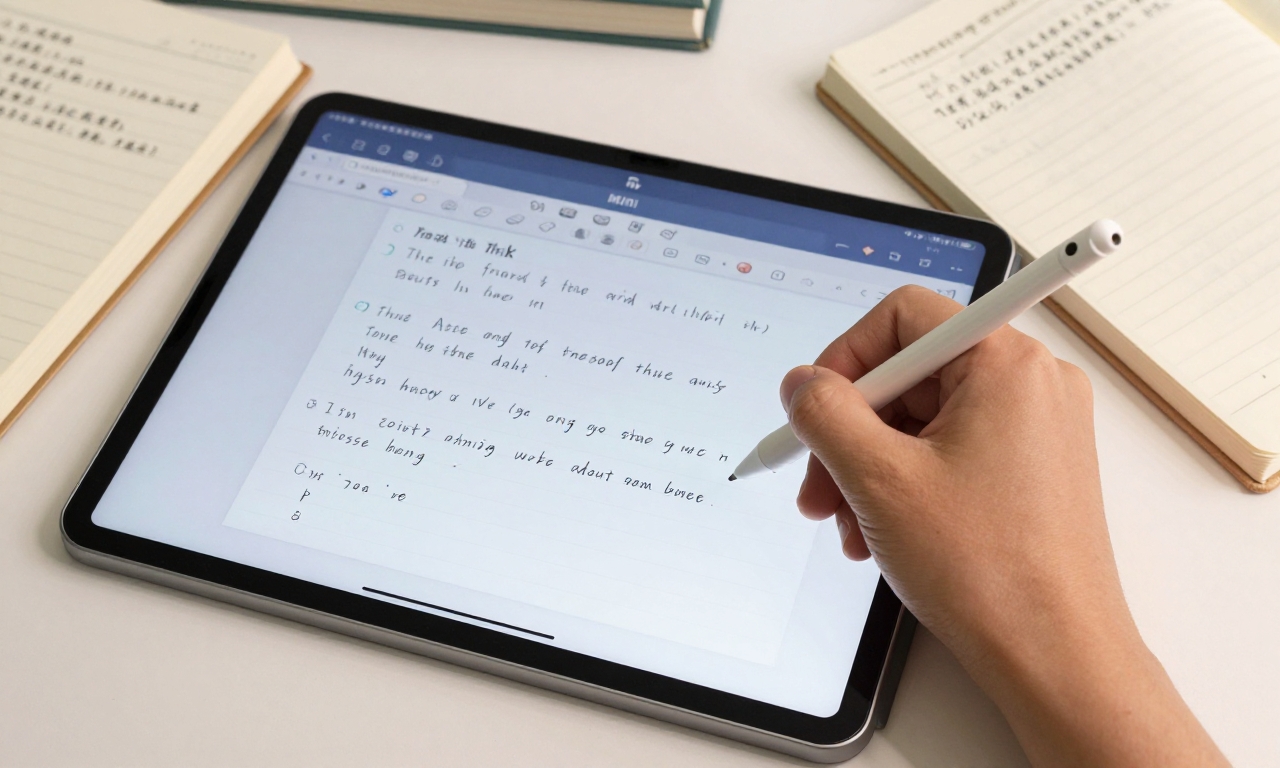
The included Focus Pen stylus adds significant value to the Pad Mini package, particularly for students and creative professionals. With low latency and good pressure sensitivity, it enables:
- Natural Note-Taking: Apps like Noteshelf or OneNote feel responsive and accurate
- Digital Art Creation: Basic to intermediate drawing and sketching with apps like Autodesk SketchBook
- Precision Navigation: Fine control for detailed work or precise selections
The Focus Pen magnetically attaches to the side of the tablet for storage and charging, though the connection isn’t as robust as Apple’s magnetic system for the Apple Pencil. It’s secure enough for most situations but might detach if the tablet experiences significant impact.
While Xiaomi offers additional accessories like keyboard cases and protective covers, these are sold separately and vary in availability depending on your region.
Target Audience and Use Cases
Ideal Users
The Xiaomi Pad Mini excels in several specific scenarios that highlight its strengths:
- Students: The compact size fits easily in backpacks, the Focus Pen enables digital note-taking, and the battery lasts through a full day of classes
- Mobile Professionals: Lightweight enough for daily commuting while powerful enough for email, document editing, and video conferences
- Gamers: The 165Hz display and Dimensity 9400 Plus create a premium mobile gaming experience
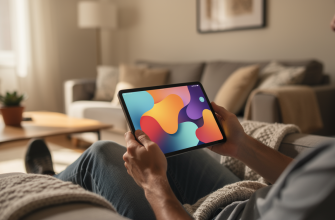
- Media Consumers: Excellent for reading, streaming video, and browsing in a more comfortable format than smartphones
Considerations for Different Users
For iPad mini users considering a switch: The Xiaomi Pad Mini offers better specifications in several areas (higher refresh rate, faster charging) but comes with trade-offs in software optimization, app ecosystem, and long-term support.
For Android tablet seekers: This represents one of the few premium compact Android tablet options, filling a gap in the market that Samsung and other manufacturers have largely ignored.
For budget-conscious buyers: While pricing varies by region, the Pad Mini typically offers better specifications per dollar than the iPad mini, though availability outside official markets might affect warranty and support.
Availability and Regional Considerations
One significant limitation of the Xiaomi Pad Mini is its availability. As of this review, the tablet is not officially released in the United States or several other Western markets. Interested buyers in these regions typically need to purchase through:
- Import retailers on platforms like eBay or AliExpress
- Specialized electronics importers with established shipping channels
- Travel purchases when visiting regions where Xiaomi officially sells the device
These purchasing methods come with important considerations:
Importing electronics always carries risks including potential customs fees, lack of local warranty support, and compatibility issues with regional services or networks.
Additionally, software and language support might vary on imported units, though most global versions include English language options.
Final Verdict: Who Should Buy the Xiaomi Pad Mini?
The Xiaomi Pad Mini represents a compelling option in the compact tablet segment, particularly for users invested in the Android ecosystem. Its strengths are numerous: flagship-level performance, an excellent high-refresh-rate display, impressive battery life with fast charging, and thoughtful inclusion of the Focus Pen stylus.
However, the device isn’t without compromises. The limited durability rating, software bloatware, uncertain update future, and regional availability challenges mean it won’t be the perfect choice for everyone.
Buy the Xiaomi Pad Mini if:
- You prioritize Android over iOS and want a premium compact tablet
- High refresh rate gaming and smooth scrolling are important to you
- You value included accessories like the Focus Pen
- You’re comfortable with potential software quirks and limited official support in some regions
Consider alternatives if:
- You need robust water and dust resistance
- Long-term software updates and security are your top priority
- You require cellular connectivity
- You prefer the Apple ecosystem and app optimization
For the right user-particularly students, Android enthusiasts, and mobile gamers-the Xiaomi Pad Mini delivers an exceptional balance of portability and performance that’s rare in today’s tablet market. It successfully challenges the iPad mini’s dominance while carving out its own identity as a compact Android powerhouse.