Follow us on Facebook
Breaking updates in your feed — tap to open
Smartphone grabs are still climbing in cities everywhere-May 2026, and it’s not slowing down. Commuters and travelers get hit the most. Thieves literally rip phones from people’s hands. Thing is, it’s not just about losing a pricey device. Your personal stuff, bank accounts, digital life-all at risk. But hey, you don’t need to be a tech whiz to fight back. Built-in anti-theft features, some smart apps, and a few physical tricks can make you a much harder target. Here are ten practical moves to make your phone less tempting and keep your info safe if things go south.
Must-Use Built-In Settings
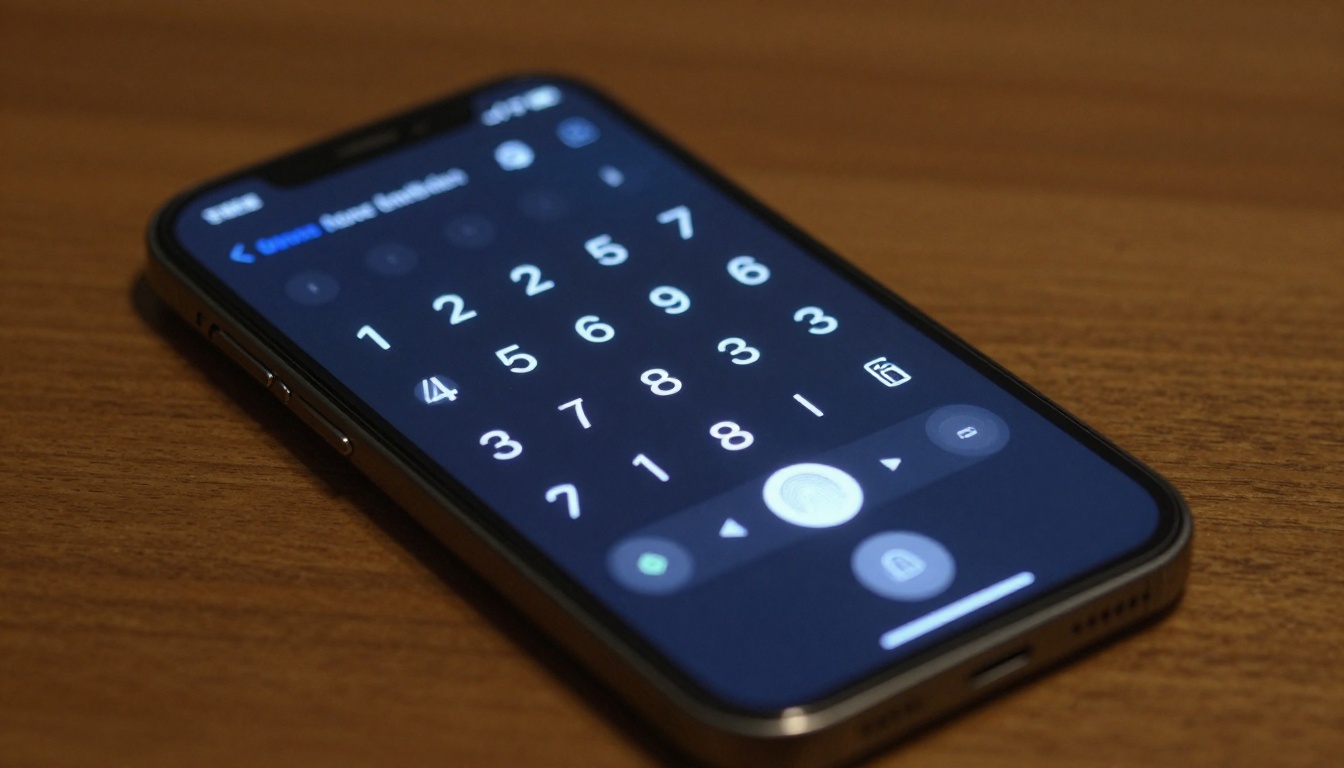
iPhones and Androids both pack solid security tools. Turning these on is a no-brainer. On iOS, Find My iPhone lets you track, lock, or wipe your device remotely. Android’s Find My Device does pretty much the same. Make sure they’re active. Seriously, just do it. Strong screen locks are key. Skip the simple pattern or PIN-go for a complex alphanumeric passcode. Biometrics like Face ID or fingerprint scanning add ease without weakening security. And keep your OS updated automatically. Those updates often fix holes thieves love to exploit.
Another gem is Stolen Device Protection for iPhone, added in iOS 17.3. It puts a security delay on sensitive changes when you’re away from familiar spots. Android folks should switch on Google Play Protect to scan for shady apps. Also, set a SIM PIN to stop anyone from using your cellular service. Many carriers let you report a stolen phone and block the IMEI number, making the device useless on most networks. These steps cost nothing but give you huge protection.
Anti-Theft Apps and Services
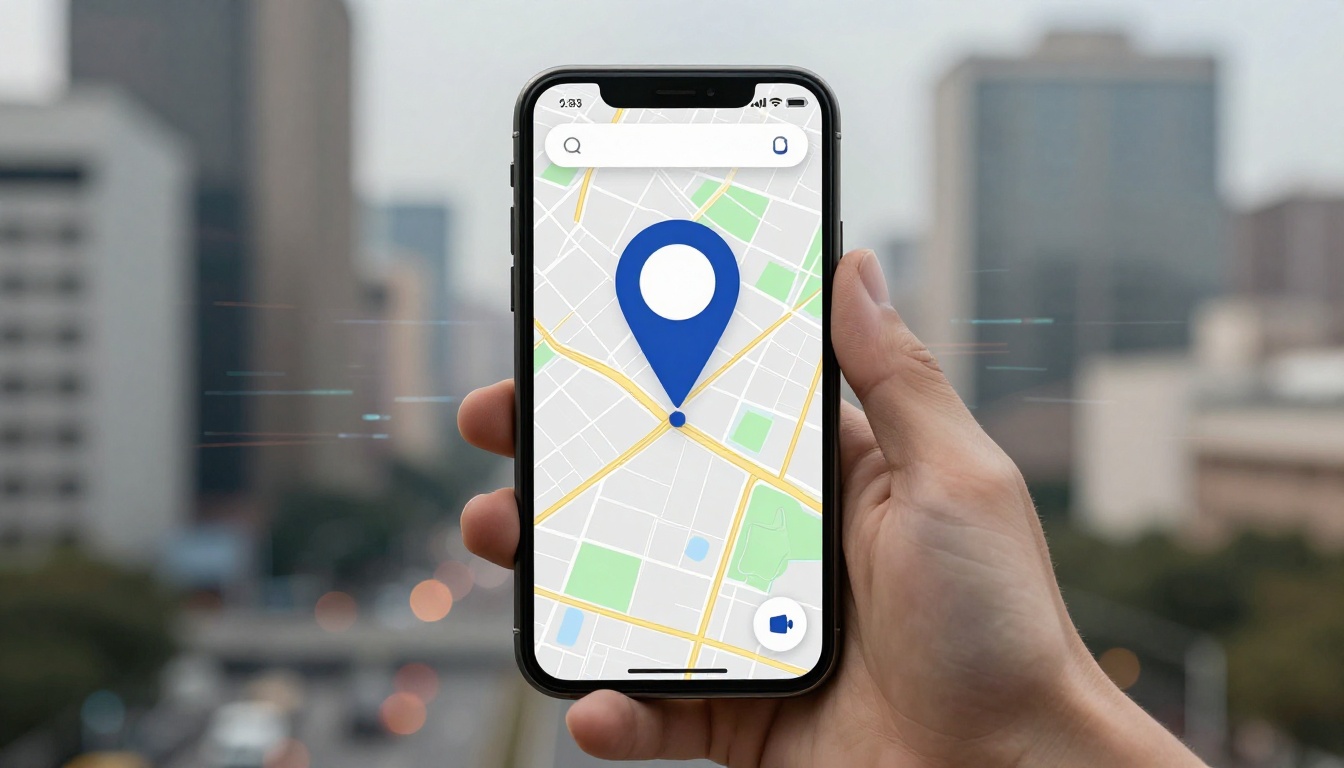
Third-party apps can step up your defenses. Prey and Cerberus offer advanced anti-theft tricks-they can snap photos of the thief, record audio, and track location history. These apps often run quietly in the background. Some even survive factory resets if you’ve rooted your device. But rooting opens up security risks, so weigh that carefully. For non-rooted phones, look for apps with device admin privileges. They can lock the screen or wipe data remotely via SMS commands. Kinda powerful, honestly.
Cloud backups are a quiet hero in your anti-theft plan. Back up your photos, contacts, and docs regularly. If your phone gets swiped, you can restore everything to a new device fast. iCloud and Google One both offer seamless backup options. Don’t wait until it’s too late. Set automatic backups to run daily over Wi-Fi. Some insurance apps, like Asurion or AppleCare+ with Theft and Loss, cover hardware replacement. They usually require certain security features to be on, so check the fine print.

Physical Deterrents
Physical barriers make snatching way harder. A crossbody phone lanyard keeps your device tethered to you. Thieves look for easy grabs, and a visible strap can scare them off. Pick one with a secure locking mechanism. Wrist straps work similarly for quick access. If you carry your phone in a bag, anti-theft backpacks with hidden zippers and slash-proof material are gold. These bags often have RFID-blocking pockets to shield contactless cards too.
Phone cases with built-in locks or alarms are getting popular. Some blast a loud siren if someone tries to yank them from your hand. Others have combination locks to secure the phone to a fixed object. Not foolproof, but they add hassle for thieves. Privacy screen protectors narrow the viewing angle, blocking shoulder surfers in crowds. Out of sight, out of mind. They won’t stop a grab, but they protect sensitive on-screen info from prying eyes before a theft happens.
“A layered approach is best. Combine software locks with physical barriers. Thieves want quick, anonymous targets. Make your phone the opposite.” – Security expert at a mobile safety conference, May 2026.
Smart Habits to Build
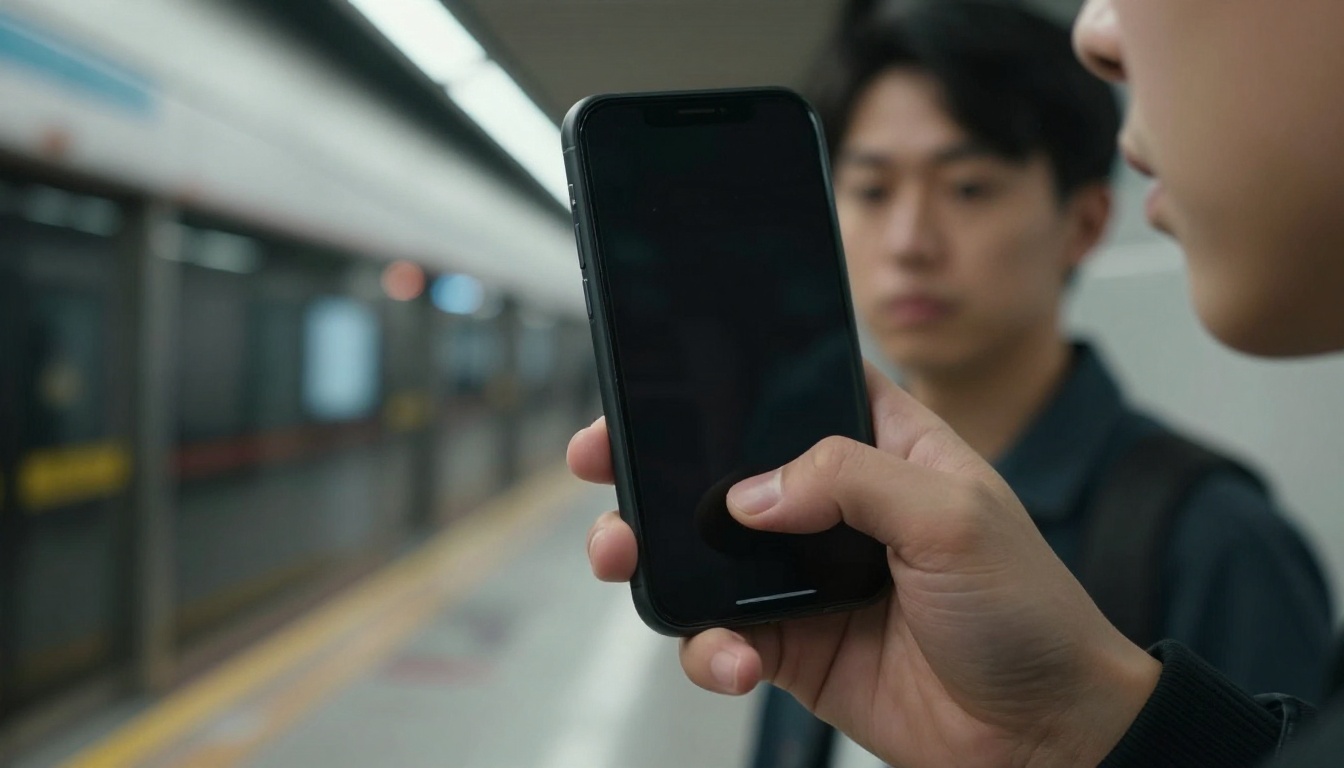
Your habits matter as much as your gear. Stay alert, especially in transit hubs. Don’t use your phone near roads where bike or scooter thieves can strike. When you gotta use it, grip it tight with both hands. Keep your head up and scan around now and then. Trust your gut. If something feels off, put the phone away. Register your device’s IMEI number with your carrier and keep a record at home. It helps with blocking and recovery.
Maybe carry a decoy wallet or an old phone in sketchy areas. If confronted, you can hand over the dummy without losing your main device. This trick isn’t for everyone, but it’s saved real data. Finally, teach your family these moves. Kids and older relatives are often targeted. Set up their devices with the same security. A little prep goes a long way. In 2026, smartphone security isn’t optional-it’s essential.