Follow us on Facebook
Breaking updates in your feed — tap to open
Plugging in your phone shouldn’t be a puzzle. But with all the standards-USB-PD, Quick Charge, and weird proprietary stuff-fast charging explained often feels like cracking a code. You might scratch your head why one charger fills your device in minutes while another drags on for hours. Thing is, it’s not magic. It’s a smart chat between your phone, charger, and cable. Kind of like a multilingual deal: they all have to agree on voltage and current to hit max safe speed.
The Core Principles of Fast Charging
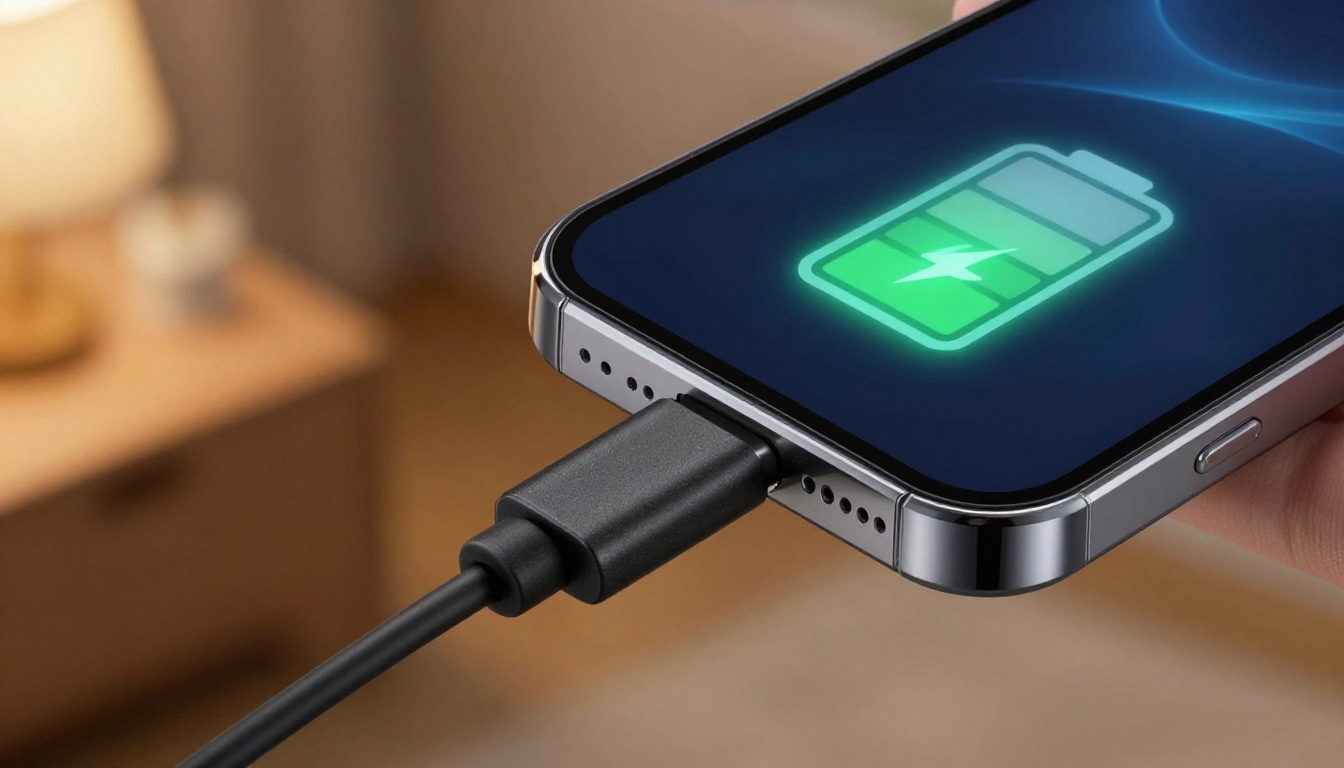
Charging speed comes down to power-watts. Watts are just volts times amps. Old-school USB creeps along at 5 volts and maybe 0.5 to 2.4 amps. That’s a measly 2.5 to 12 watts. Fast charging bumps up the voltage, the current, or both. Your phone’s battery manager keeps an eye on temperature and charge level, tweaking the flow on the fly. It’s a delicate dance, not a fire hose. When the battery’s almost dead, it gulps power fast. As it fills up, the rate drops to protect the battery. That’s why brands brag about hitting 50% in 30 minutes-it’s the sprint, not the marathon.
Decoding the Major Fast Charging Standards
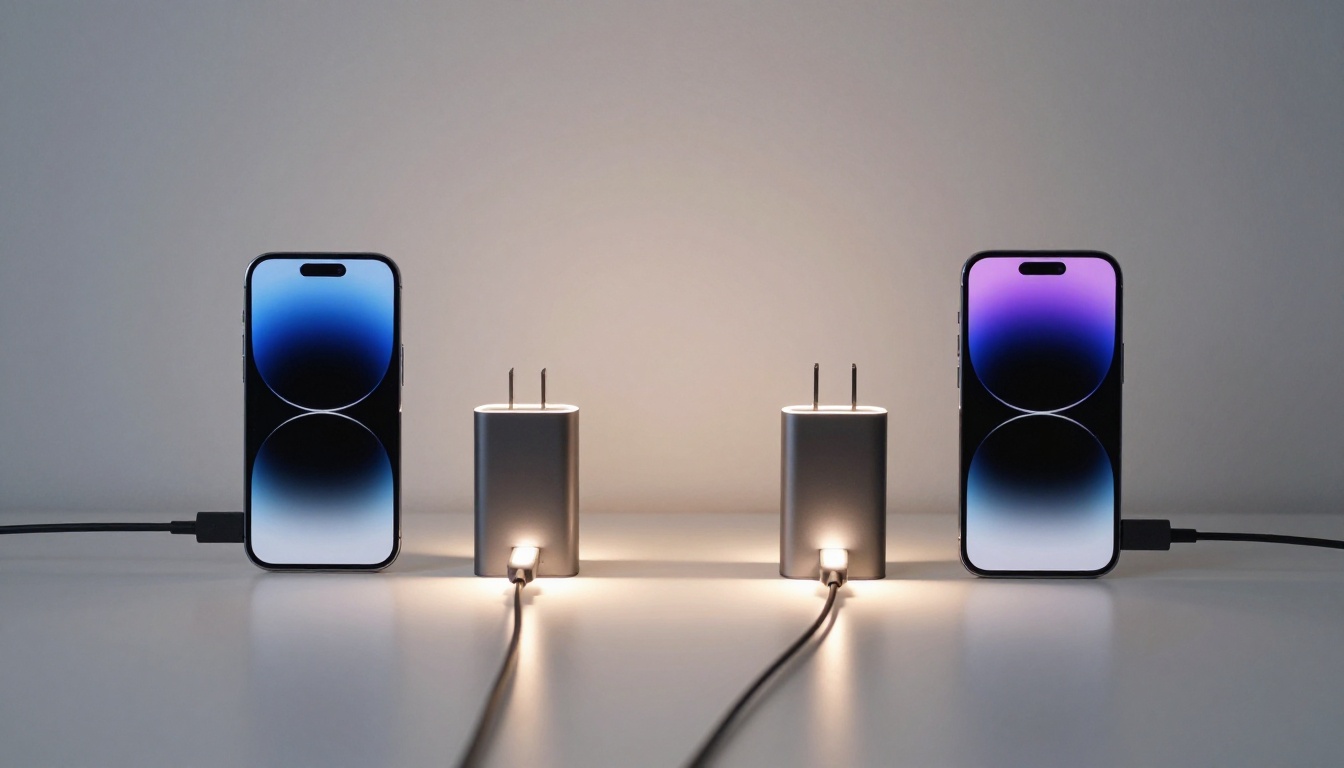
USB Power Delivery-USB-PD-has become the universal tongue. iPhones, Google Pixels, lots of laptops use it. USB-PD can crank up to 100 watts or more, with variable voltage. A cool trick is bidirectional power-you can charge your earbuds from your phone. Qualcomm’s Quick Charge is another big player, found in many Android phones. Quick Charge 5 can push over 100 watts, but it plays nice with older gear. Then you’ve got the proprietary systems: Samsung’s Super Fast Charging, OnePlus’s Warp Charge, Xiaomi’s HyperCharge. These usually need special cables and bricks to hit those crazy speeds. Without the matched brick and cable, you’ll fall back to a slower universal standard.
Figuring out compatibility is key. A USB-PD charger will fast-charge an iPhone, but it won’t trigger Warp Charge on a OnePlus. Flip it around-a Warp Charge brick might only give basic speeds to a Pixel. The handshake is everything. Your device and charger talk over data lines to settle on the best power profile. If they can’t agree, they default to the safest, slowest option. That’s why mixing brands often disappoints.
Choosing the Right Cable and Adapter
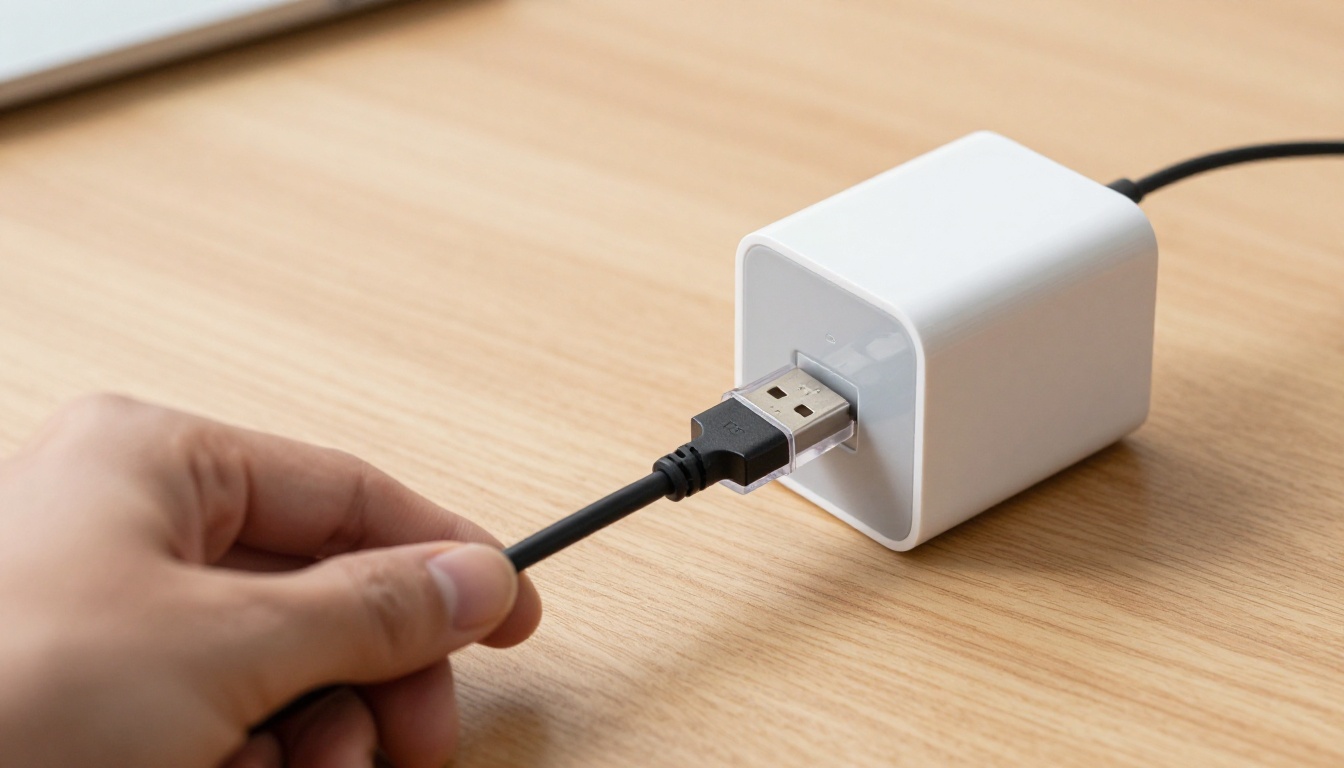
Cables aren’t dumb pipes. They have tiny chips that tell what they can handle. A cable rated for 3 amps will choke a 5-amp system. For high-wattage USB-PD, you need a cable with an e-marker chip. These electronically marked cables report their max current and voltage. Using a cheap, unmarked cable is like putting a garden hose on a fire hydrant-you just won’t get the flow. Look for USB-IF certification or clear wattage ratings on the box.
When you pick an adapter, match its output to your device. A multi-port GaN charger is a travel lifesaver-compact and powerful. GaN tech lets adapters run smaller and cooler than old silicon bricks. Always check the total power budget across all ports. Plug in two devices and the wattage often splits, slowing both down. For a single flagship phone, a 30W to 45W USB-PD charger hits the sweet spot. Tablets and laptops need 45W to 100W. Don’t blow cash on a 100W brick if your phone maxes out at 25W.
Battery Health Myths and Best Practices
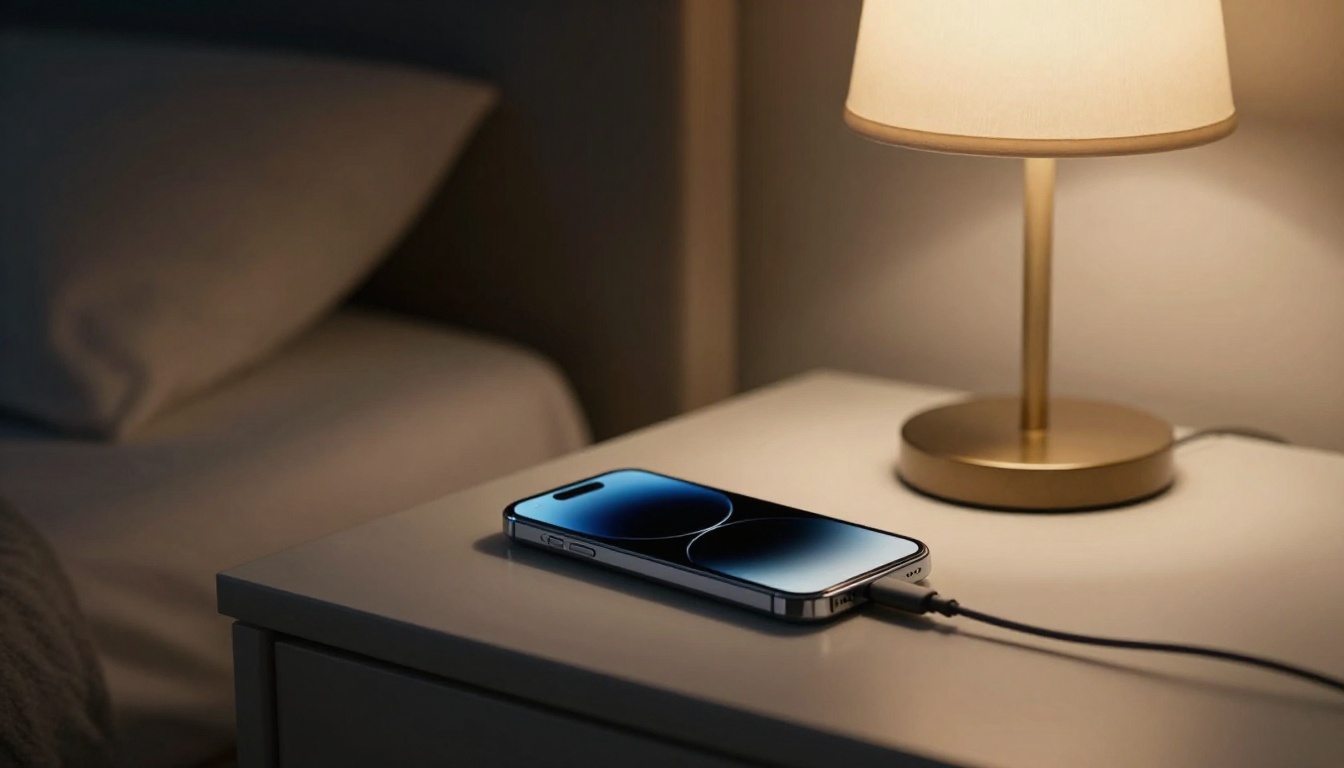
Heat is the real battery killer, not fast charging itself. Modern phones have smart thermal management. They throttle speed if things get too hot. Leaving your phone on a hot dashboard while fast charging? That’s a recipe for degradation. Overnight charging is totally safe. Smartphones stop pulling big power once full, and trickle charging is tiny. What about unplugging at 80%? Lithium-ion batteries do like partial charges, but the built-in optimizations make micromanaging pointless for most folks. Using a quality charger and cable from a reputable brand matters far more than obsessing over charge percentages.
Consensus among battery researchers: cycle life is affected more by deep discharges and high temperatures than by the speed of charging within manufacturer specifications.
Wireless charging is handy but creates more heat and wastes energy. It’s fine for overnight pads, but for a quick top-up, wired still rules. Honestly, knowing this stuff lets you make smart choices. You don’t need to memorize every protocol. Just know your phone’s max charging rate, grab a certified cable, and pair it with a quality adapter that speaks the same language. Your battery will thank you.