Follow us on Facebook
Breaking updates in your feed — tap to open
Apple just dropped iOS 27, and honestly, it’s gonna change how you use your iPhone. Announced in May 2026, this update is all about smarter multitasking, a total widget redo, and AI that’s baked right in. These aren’t tiny tweaks-they’re big shifts that’ll matter whether you’re a casual user or a power pro. If your iPhone is your daily driver, you’ll wanna pay attention.
Redesigned Widgets and Home Screen
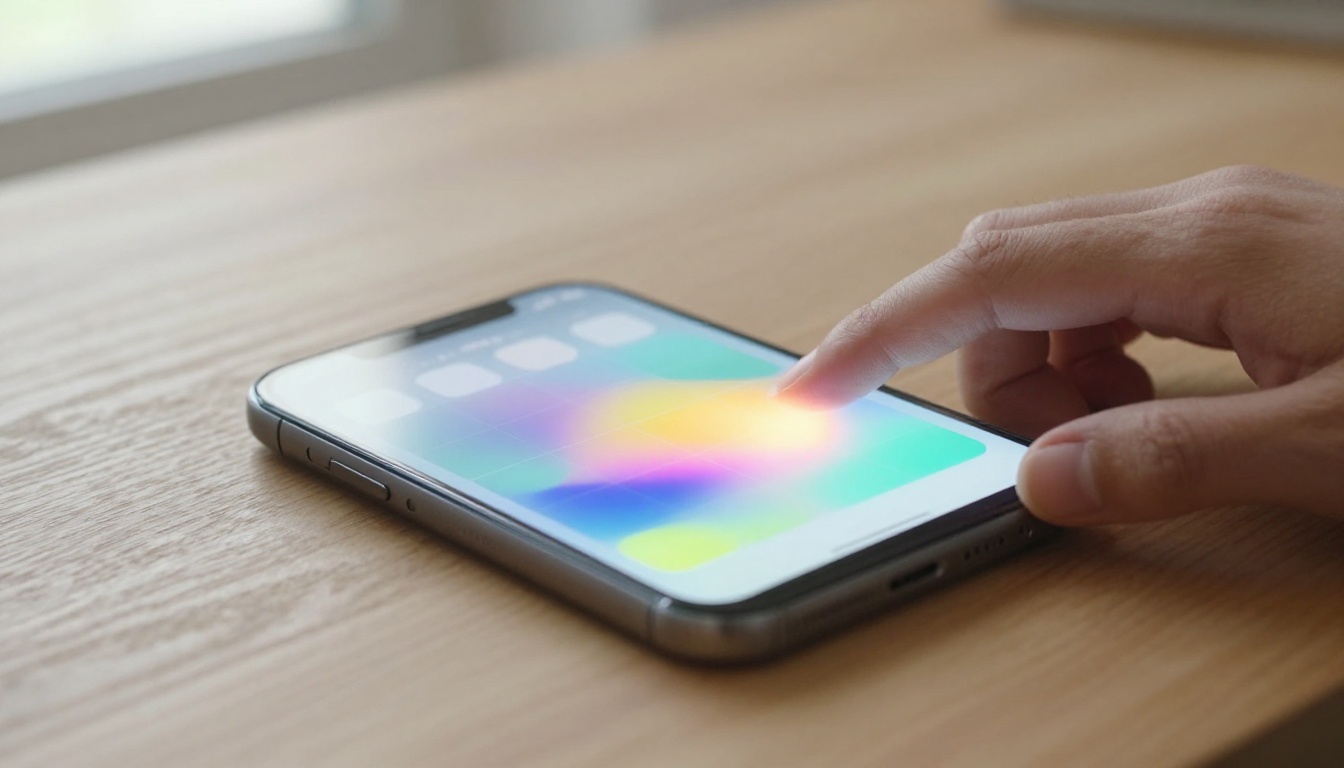
The home screen’s getting its biggest shake-up in years. Widgets are now interactive-you can control music, check off reminders, or tweak smart home stuff without opening apps. Apple also added a new “Smart Stack” that uses on-device smarts to show the right widget at the right time. It’s a more dynamic, personalized vibe that feels intuitive from the first swipe.
You can plop widgets anywhere on the grid now, breaking free from that rigid left-to-right, top-to-bottom layout. This freedom, plus new resizing options, means you can craft a home screen that actually fits your flow. The interactive widgets alone could save you dozens of app launches per day. For customization fans, it’s a game-changer.
Early hands-on time suggests the transitions are smooth, and widgets respond instantly. Apple seems to have prioritized responsiveness, making sure the new stuff doesn’t kill your battery. It’s a tricky balance, but they appear to have nailed it.
AI-Driven Automation
iOS 27 brings a system-wide automation engine that learns your habits and suggests shortcuts. It can pre-fill forms, organize your photos, or even draft replies in your own writing style. It’s like having a personal assistant that actually gets you. The AI runs locally, so your data stays private-a big deal in today’s privacy-focused world.
One standout is “Contextual Actions.” When you plug in your iPhone at night, it might suggest setting your alarm and turning on Do Not Disturb. If you always message a coworker after a meeting, it’ll offer to do that automatically. These aren’t rigid routines, they adapt as your behavior changes. Privacy remains a cornerstone, with all processing done on-device.
For productivity, the impact is real. Tasks that used to need multiple steps now happen in the background. It’s not about replacing your decisions-it’s about boosting them, making the iPhone feel more proactive than ever.
Multitasking Overhaul
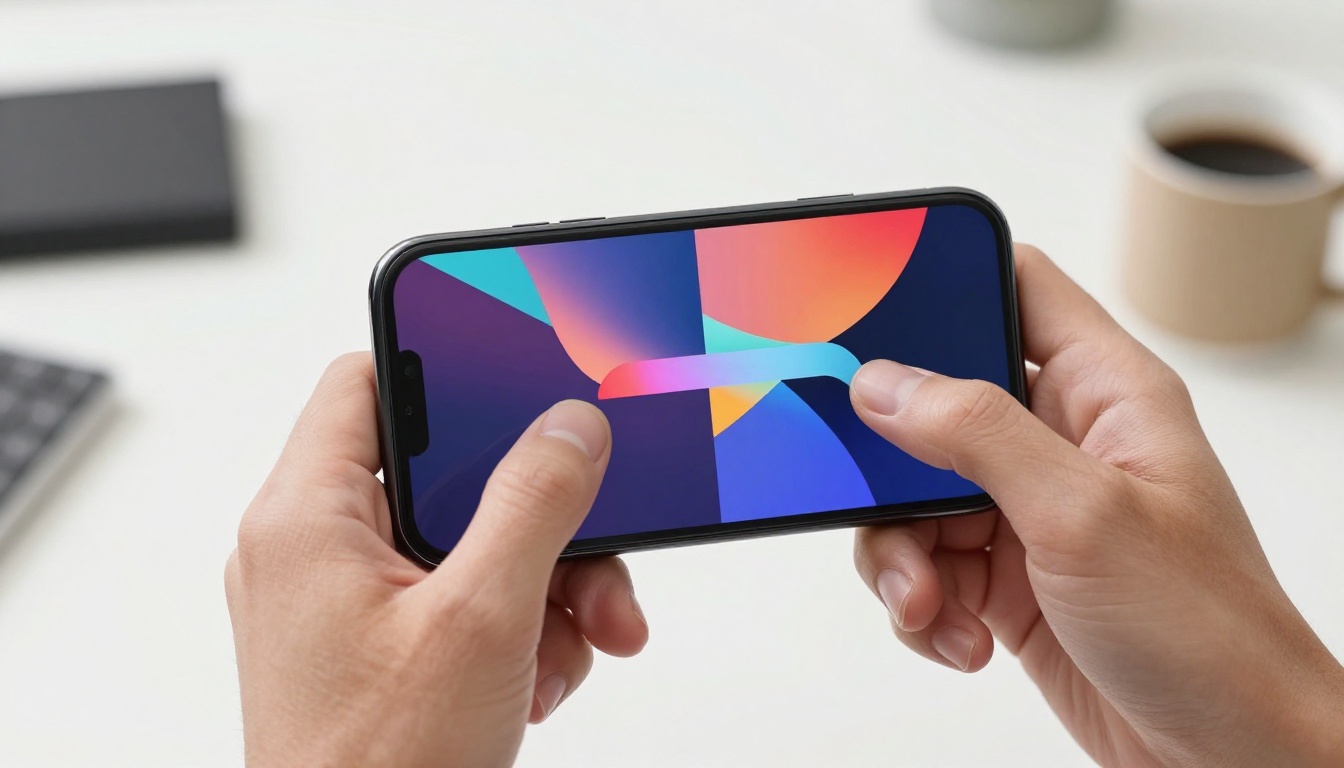
Multitasking on iPhone has been a pain for ages, but iOS 27 finally fixes it. A new split-view mode lets you run two apps side by side, with drag-and-drop support. Picture this: you’re referencing a doc while writing an email, or watching a tutorial while taking notes. It’s a feature that pushes the iPhone closer to iPad-level productivity.
The implementation is thoughtful. You can start split view from the app switcher or by dragging an app from the dock. Resizing panes is fluid, and apps remember their paired state. This is the most significant productivity boost the iPhone has seen in years. It’s super useful for students and pros who need to juggle info fast.
There’s also a new “Floating Window” mode for quick stuff-like replying to a message without leaving your current app. It’s a small addition that makes a big difference in daily use. The learning curve is minimal, and after a few days, you’ll wonder how you lived without it. Kinda ridiculous, right?
Enhanced Privacy and Security
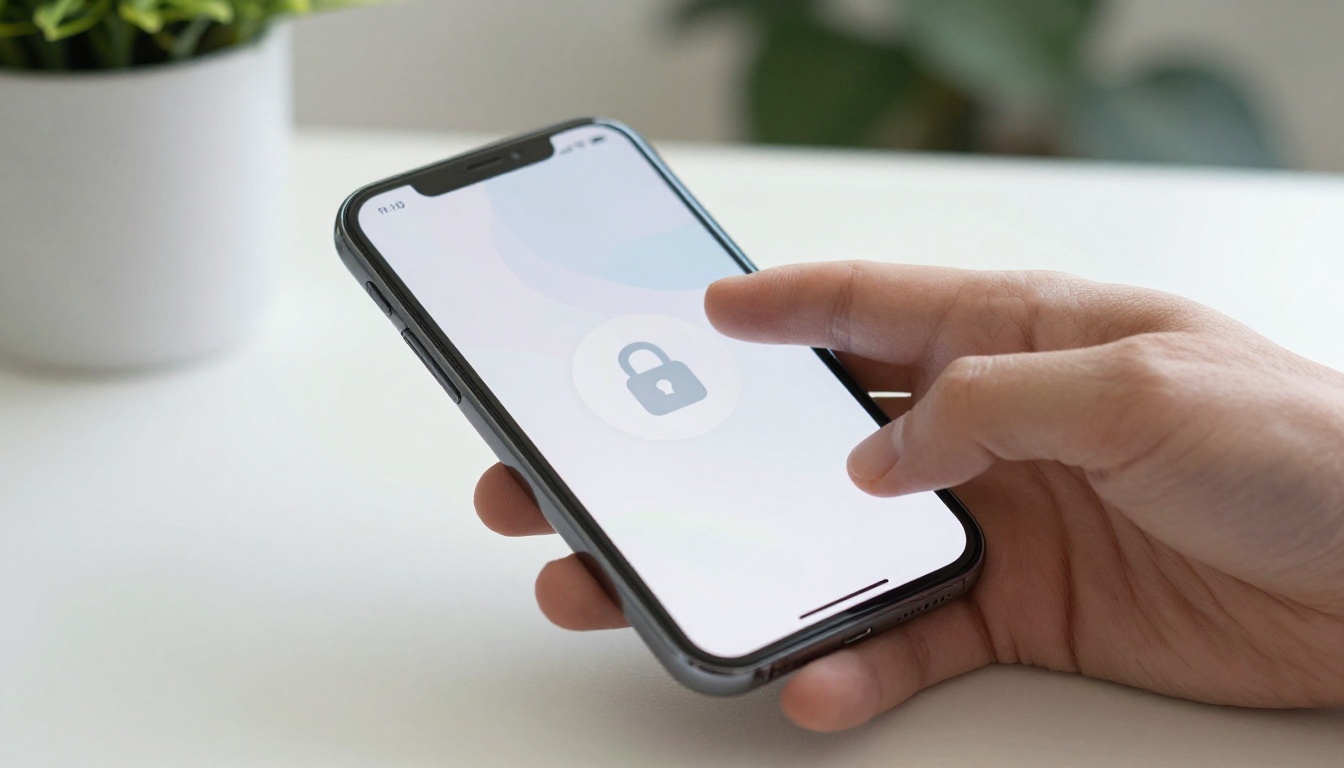
Privacy gets another layer of armor in iOS 27. A new “App Privacy Report” gives you a detailed breakdown of how apps use your data, including network activity and sensor access. It’s more granular than before, with visual timelines that make it easy to spot sketchy behavior. You can also lock or hide apps behind Face ID, adding a physical barrier to sensitive info.
Apple has expanded on-device processing for Siri requests, meaning more of your voice commands stay on the iPhone. This cuts reliance on cloud servers and minimizes data exposure. In a world where data is currency, that’s a big deal. The update also introduces automatic security updates that install in the background, keeping you protected without lifting a finger.
For those who share devices, a new “Guest Mode” creates a temporary, sandboxed profile. It’s perfect for handing your phone to a kid or a colleague without worrying about them snooping on your messages or photos. These features together make iOS 27 the most secure mobile OS Apple has ever shipped.
As one security researcher noted,
iOS 27 sets a new standard for mobile privacy by making transparency and control accessible to every user, not just tech enthusiasts.
Battery life optimization also gets a boost. The system now learns your charging habits and can delay full charging to reduce battery aging. It’s a subtle but meaningful improvement for long-term device health.
Overall, iOS 27 isn’t just an update-it’s a reimagining of what the iPhone can do. From interactive widgets to AI automation and solid multitasking, these features will transform your daily experience. Whether you’re a power user or just someone who wants things to work smoothly, there’s something here for you.