Follow us on Facebook
Breaking updates in your feed — tap to open
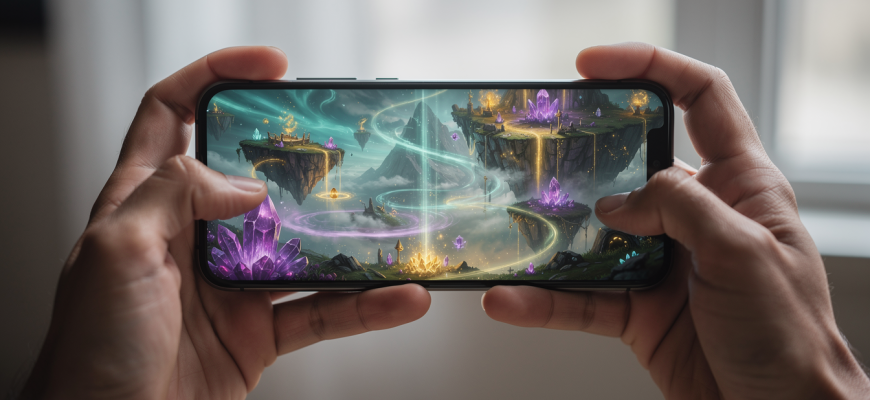
Mobile cloud gaming’s grown up. It’s a real alternative to a dedicated handheld now. You can stream console-quality games straight to your phone. But not every service hits the mark. Picking the right one depends on your connection, what you play, and how much lag you can stomach. We’re breaking down the big three-Xbox Cloud Gaming, GeForce NOW, and Amazon Luna-looking at performance, game libraries, and data use.
How Mobile Cloud Gaming Works
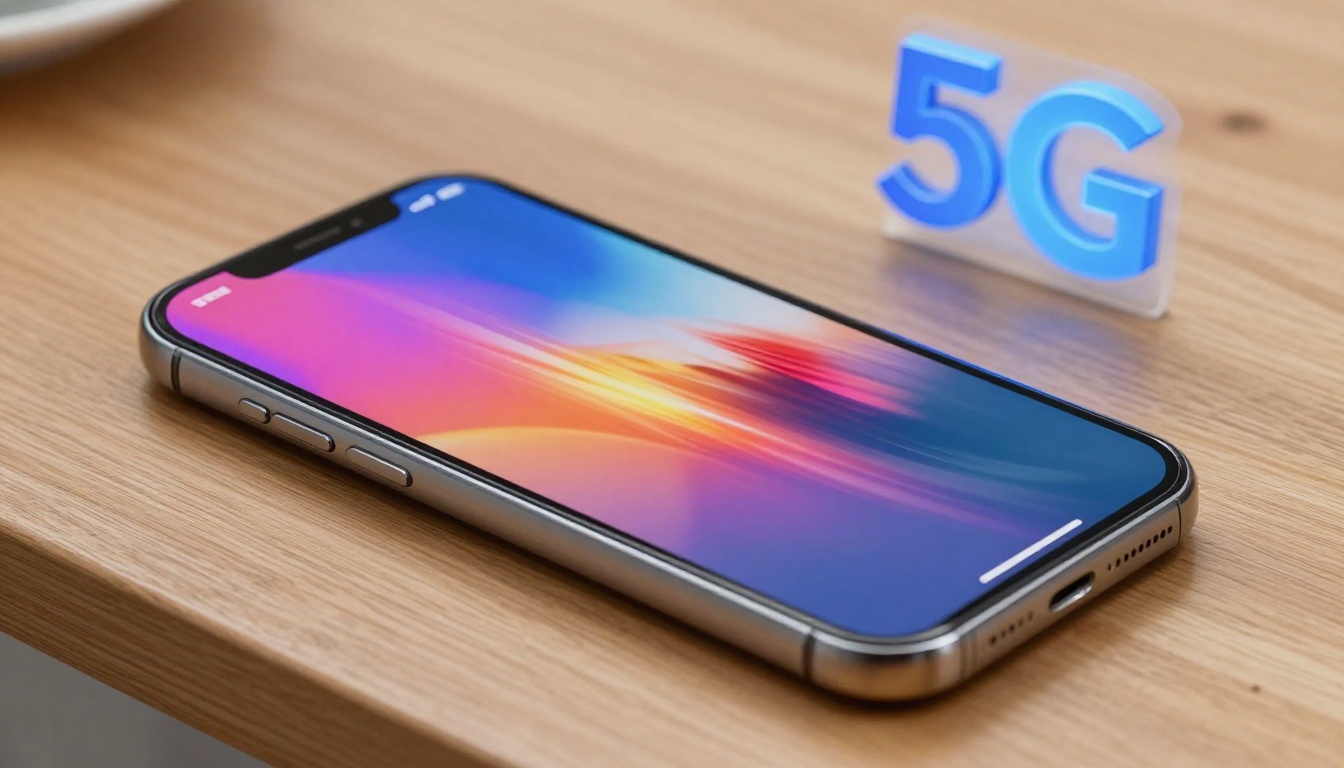
Game streaming on your phone leans on remote servers to do the grunt work. You tap, swipe, or press a button. That input zips to a server, and it shoots back video and audio. Simple, right? But you need a solid internet link. Latency’s the real buzzkill here. It’s the delay between your action and what happens on screen. For twitchy shooters, even a tiny lag feels awful. Mobile cloud gaming uses adaptive bitrate streaming to juggle quality and snappy response. On 5G, you’ll see lower latency than older networks. Wi-Fi’s often more steady, but public hotspots? Kind of a gamble.
Data use is all over the map. Streaming at 720p might eat up 2-3 GB an hour. Crank it to 1080p and that number can double. Some services have data-saver modes. They dial down resolution and bitrate to keep your cap in check. On a solid 5G connection, latency can dip below 20 milliseconds in perfect conditions. That’s pretty close to a local console. But real life’s messier-network traffic and signal strength mess with things. Knowing this stuff helps you find a service that fits your on-the-go life.
Comparing the Top Services
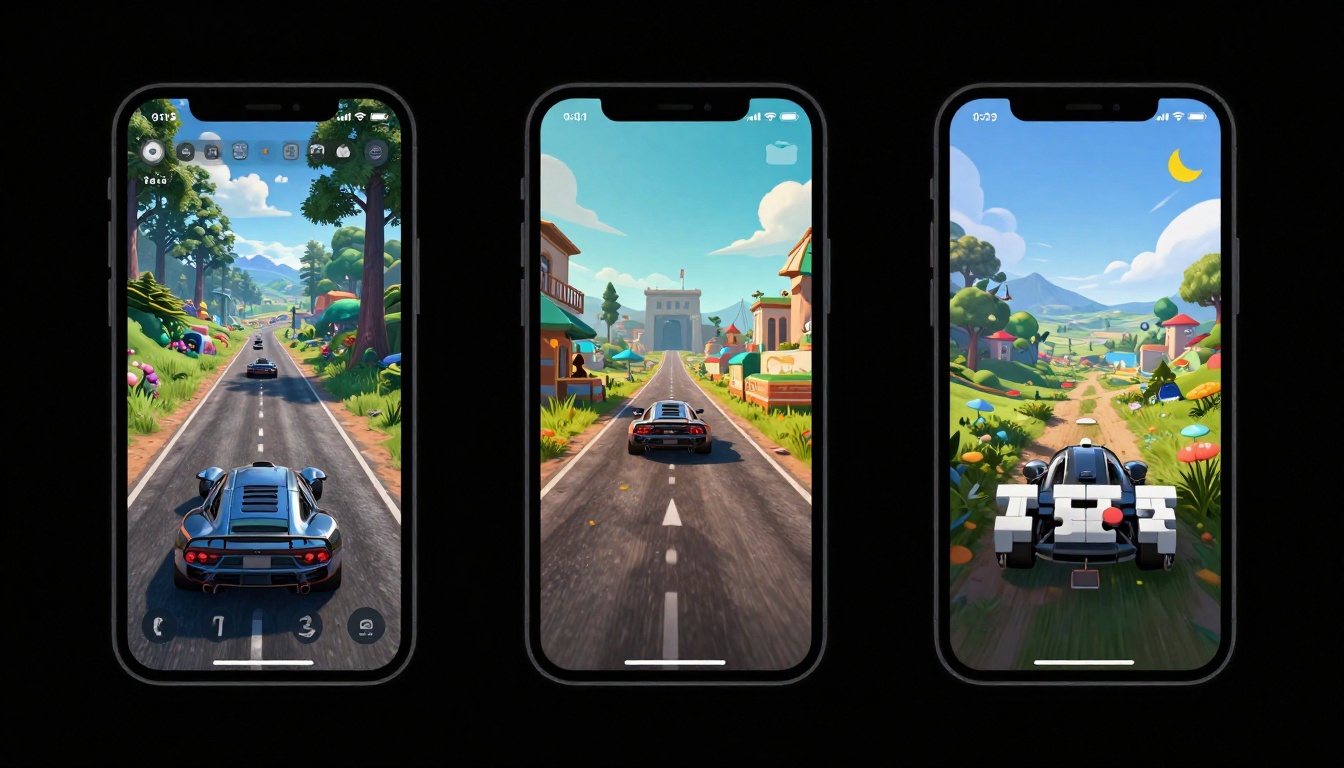
Three platforms rule the mobile cloud gaming scene. Each has its own flavor. Xbox Cloud Gaming is tied to Game Pass Ultimate. You get a huge library, over 300 games, with lots of day-one drops. GeForce NOW is all about your PC game stash. Play stuff you already own on Steam, Epic, and more. Amazon Luna goes with a channel setup. You subscribe to specific publisher catalogs, like Ubisoft+. Here’s the lowdown:
| Feature | Xbox Cloud Gaming | GeForce NOW | Amazon Luna |
|---|---|---|---|
| Game Library | 300+ games with Game Pass | 1,500+ supported titles | Channels with curated games |
| Resolution | Up to 1080p | Up to 4K (on supported devices) | Up to 1080p |
| Latency | Low, optimized for Xbox games | Ultra-low with Reflex mode | Low, with adaptive settings |
| Data Usage | ~3 GB/hour at 1080p | ~4 GB/hour at 1080p | ~2.5 GB/hour at 1080p |
| Free Tier | No (requires Game Pass Ultimate) | Yes (1-hour sessions) | Yes (limited games with Prime) |
Xbox Cloud Gaming is your pick if you want a Netflix-style catalog. GeForce NOW is a no-brainer for PC gamers with big libraries. Luna’s channel thing lets you pay for exactly what you play. It’s kind of like choosing between a buffet, a grocery store, and a food court. Your call depends on where your games live and how you like to pay.
Optimizing Your Mobile Setup
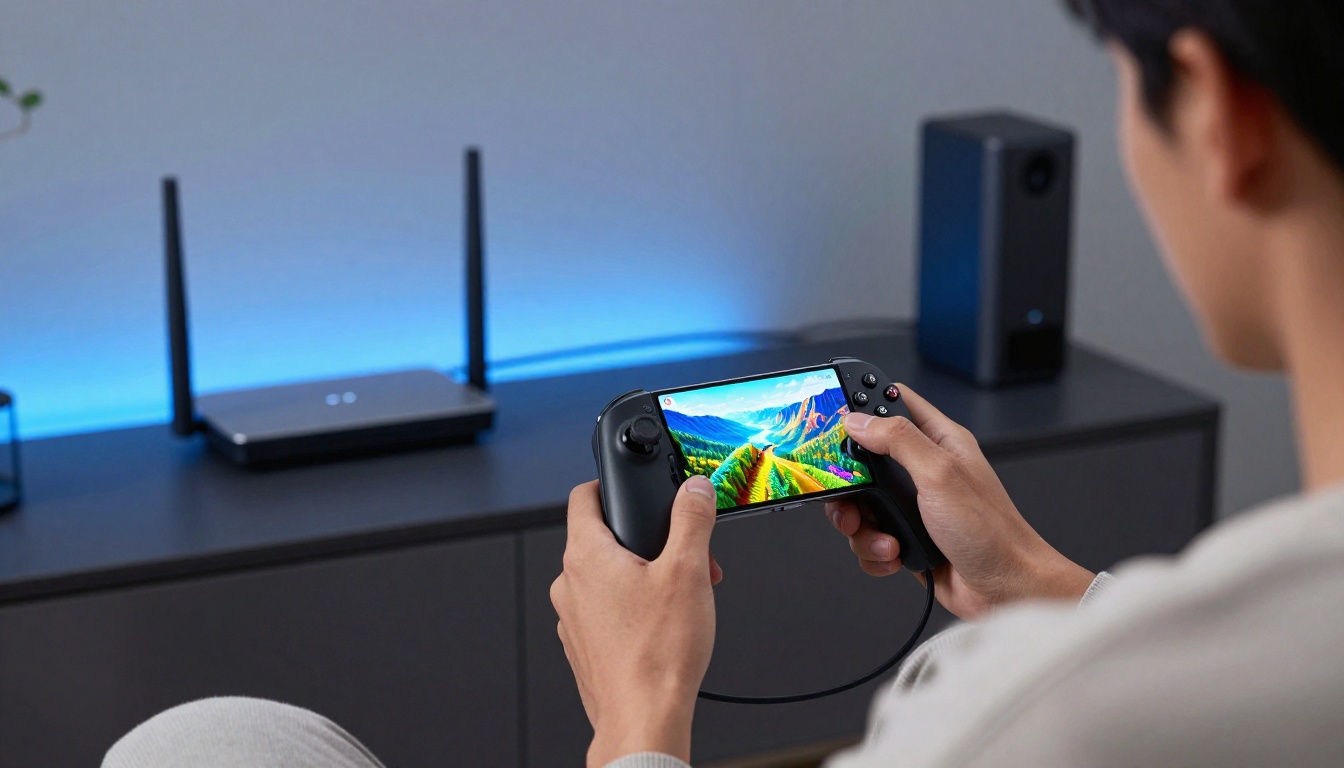
To get the most out of mobile cloud gaming, you gotta tweak a few things. First, lock down your connection. Use 5G or a strong Wi-Fi signal. A mesh network at home can kill dead zones. Second, grab a decent controller. Touch controls are okay for casual stuff, but a physical gamepad cuts input lag. Most modern controllers hook up via Bluetooth with barely any delay. Third, watch your data. Keep an eye on usage in your service’s settings. Flip on data-saver modes when you’re on a cell plan. Streaming at 720p instead of 1080p can halve your data use without a big visual hit on a phone screen.
Think about your phone’s display too. A high refresh rate screen makes motion feel smoother. But it won’t fix network stutter. Some services let you cap the frame rate to save data. And close those background apps. They hog bandwidth and processing power. Think of your phone as a dedicated gaming rig during play sessions. A clean setup gives the stream top priority. These moves help you squeeze out every drop of performance.
Is Mobile Cloud Gaming Ready?
Mobile cloud gaming’s crossed a line. For a lot of folks, it’s a solid swap for a handheld console. The convenience is hard to beat. You’ve got a massive game library in your pocket. No downloads, no updates, no storage headaches. But it’s not flawless. Competitive shooters still feel a bit off from subtle lag. Rural spots with patchy coverage? Tough luck. And data caps can be a real party pooper. Yet for RPGs, strategy games, and adventures, the experience is often buttery smooth.
The tech keeps getting better. Edge computing and 5G rollouts are shrinking latency. Game libraries grow every month. In blind tests, loads of users can’t tell a local console from a cloud stream under ideal conditions. That’s pretty wild, honestly. If you’re unsure, try a free tier. Test it on your commute or from your couch. You might find your phone’s the only gaming device you need.
Cloud gaming isn’t about replacing hardware-it’s about freeing games from it.
Bottom line: the best service is the one that clicks with your habits. Weigh your game tastes, network quality, and budget. Then jump in. The water’s fine.