Follow us on Facebook
Breaking updates in your feed — tap to open
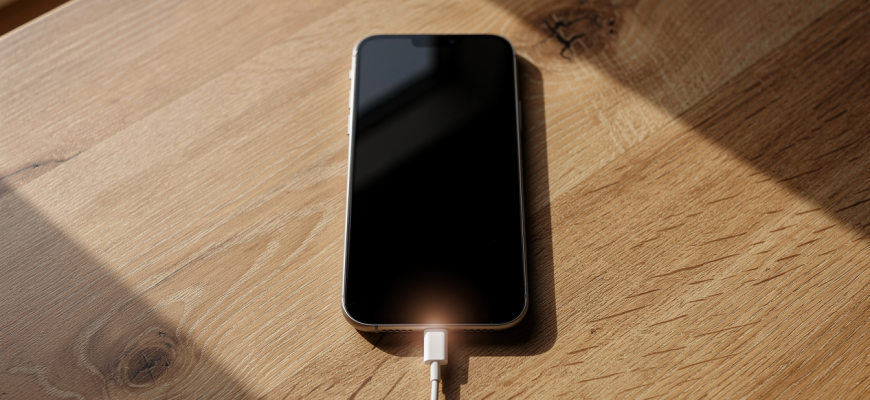
You plug in your phone, hoping for a quick boost, but the charging speed just crawls. Annoying, right? The problem’s usually the charger or cable. Modern smartphones handle all kinds of fast charging standards, but not every brick gives you the watts it promises. Get a grip on these protocols and you’ll dodge slow charges and keep your battery happy. This guide lays out fast charging explained in plain talk.

The basics of fast charging
Think of charging like filling a pool. A garden hose dribbles water in. A fire hose blasts it. Fast charging cranks up the electrical flow-watts, which is volts times amps-to juice your battery quicker. Thing is, both the phone and charger need to speak the same protocol to agree on speed. Without that handshake, you’re stuck at a trickle, maybe 5 watts.
Batteries don’t charge evenly. They gulp power when nearly empty, then slow down as they fill up to avoid heat and damage. That’s why ads brag about “0 to 50% in 30 minutes” instead of a full charge. The real trick is the chat between the charger and your phone’s power chip.
Common fast charging standards
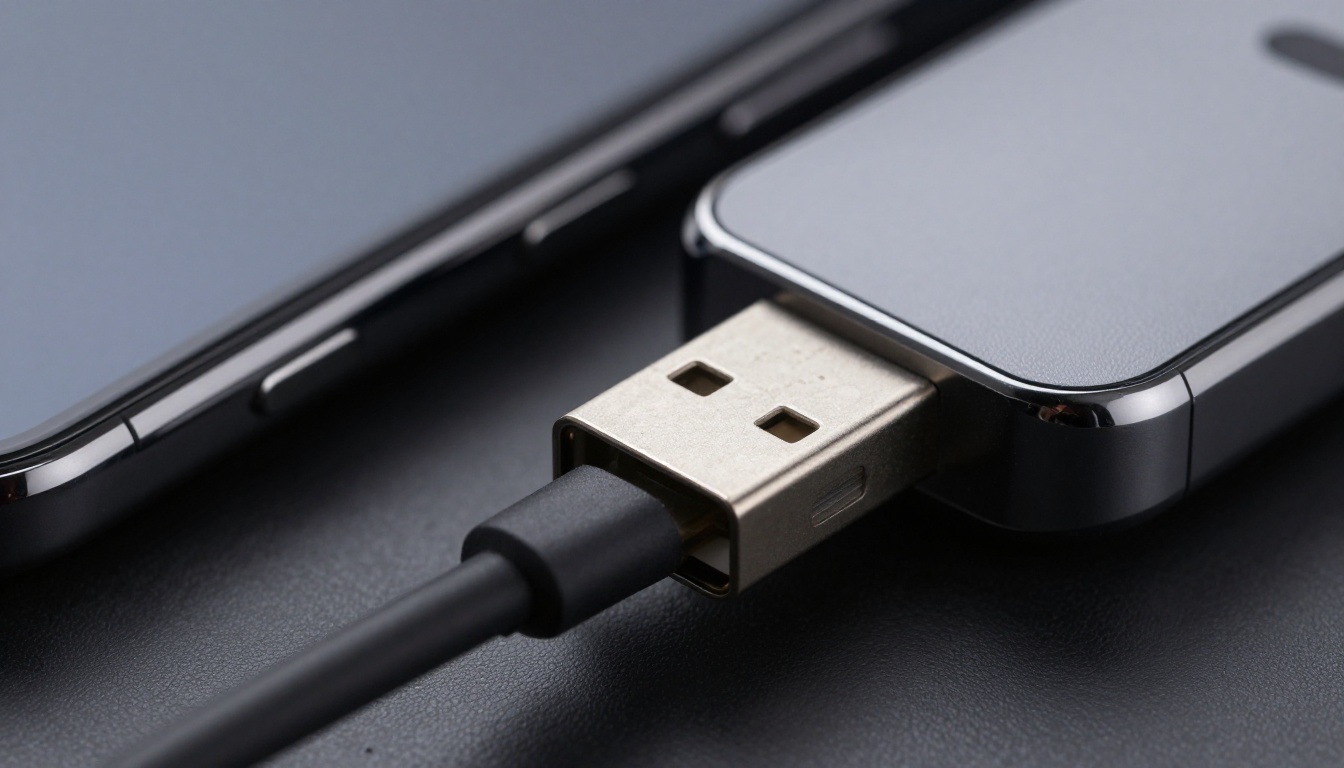
A few big names rule the market. USB Power Delivery (USB-PD) is the universal player, built into USB-C. It can pump out up to 240 watts in its latest version, though phones usually pull 18 to 65 watts. iPhones, Google Pixels, and tons of Androids use it. It’s flexible-works for laptops and tablets too.
Qualcomm Quick Charge is an old hand. Versions 3.0 and 4+ are everywhere, tweaking voltage on the fly to cut heat. Lots of mid-range and flagship phones with Snapdragon chips support it. Then you’ve got proprietary systems from brands like OnePlus (Warp Charge), Xiaomi (HyperCharge), and Samsung (Super Fast Charging). These often need special cables and adapters to hit crazy speeds, sometimes over 100 watts, but only in their own walled garden.
Here’s a real-world take: USB-PD is like a universal gas pump nozzle. Proprietary chargers are custom nozzles that only fit one car. Both can fill you up fast, but compatibility’s a mixed bag.
Why your third-party charger may be slow
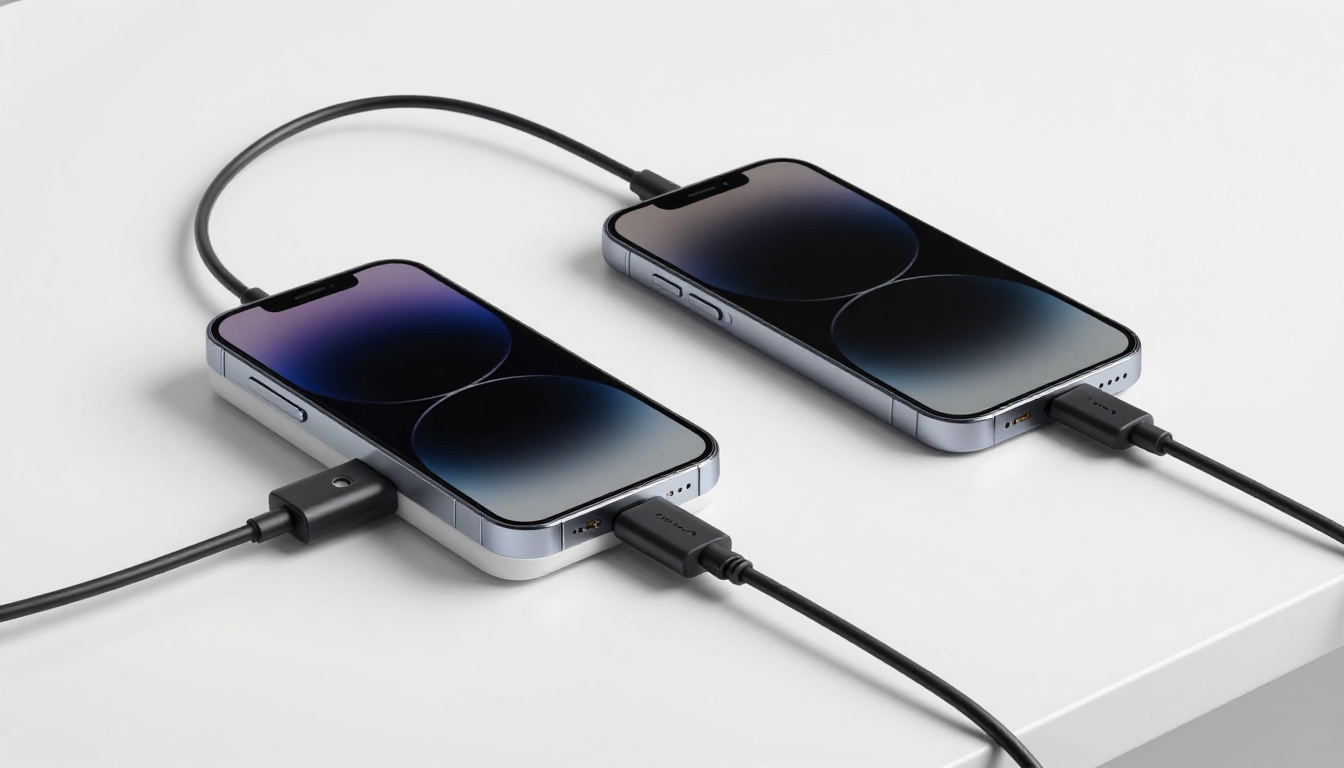
So you grabbed a high-wattage charger, but your phone charges no quicker than before. The snag? Protocol mismatch. If your phone wants USB-PD and the charger only does Quick Charge, they drop to basic USB speeds. And even if protocols match, the cable can be a bottleneck. Many cables lack an e-marker chip to handle high current, capping you at 3 amps or less.
Power sharing’s another gotcha. A multi-port charger might split its total wattage, so two devices get half each. Plus, some phones slow charging when the screen’s on or the battery’s warm-it’s a safety thing. Honestly, for the best speed, use a charger and cable that explicitly back your phone’s standard, and charge with the screen off if you can.
Always read the fine print: a 65W charger might only push 45W to one port if it uses a weird voltage profile.
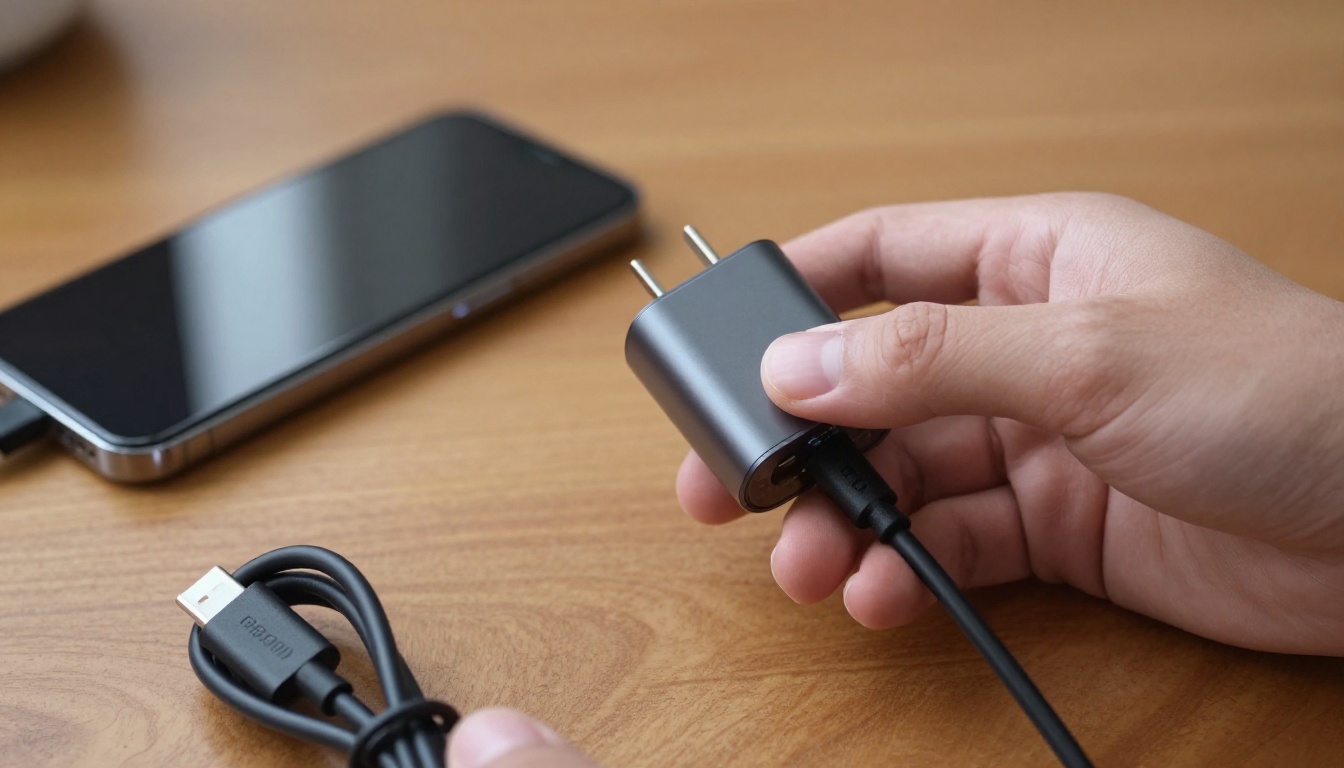
Picking the right gear
First, figure out what your phone supports. Check the maker’s specs or the original charger’s label. For iPhones, any USB-PD charger with 20W or more does the job. Samsung Galaxy devices? Look for “Super Fast Charging” or USB-PD PPS. OnePlus and Xiaomi fans probably need the brand’s own adapter and cable for top speeds.
When you shop third-party, stick with certified stuff. Look for USB-IF certification on USB-PD chargers and cables. Skip no-name brands that might cut corners on safety. A good GaN charger is small and handles heat pretty much perfectly. For cables, make sure they’re rated for your wattage-60W or 100W cables are common and ready for the future.
And hey, faster isn’t always smarter. If you charge overnight, a pokey 10W charger makes less heat and might help your battery last longer. Save the ultra-fast stuff for quick daytime top-ups. That kind of balance keeps your battery in better shape for years.