Follow us on Facebook
Breaking updates in your feed — tap to open
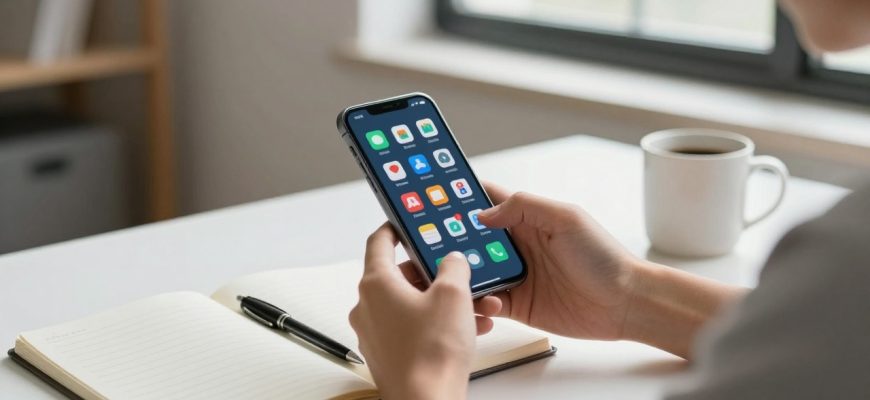
The incessant clang of phone alarms has become the score of new digital existence. What once started as a simple notification of incoming calls and messages has evolved to be a complex network of attention-seeking tools that ensure a user remains attached to their phone. This has spawned what some analysts term the interruption cycle wherein our attention is ever divided by digital imperative. The first step to reclaiming our attention and digital wellbeing is on understanding this evolution.
- Modern Notification Systems by Platform
- Psychology of Notification Design
- Strategic Notification Management
- Platform OS-Specific Features
- Practical User Profile Strategies
- Application Support and Advanced Tools
- Smartwatch and Wearable Integration
- Environmental and Behavioral Aspects
- Long-Term Success and Review
- Conclusion
Modern Notification Systems by Platform
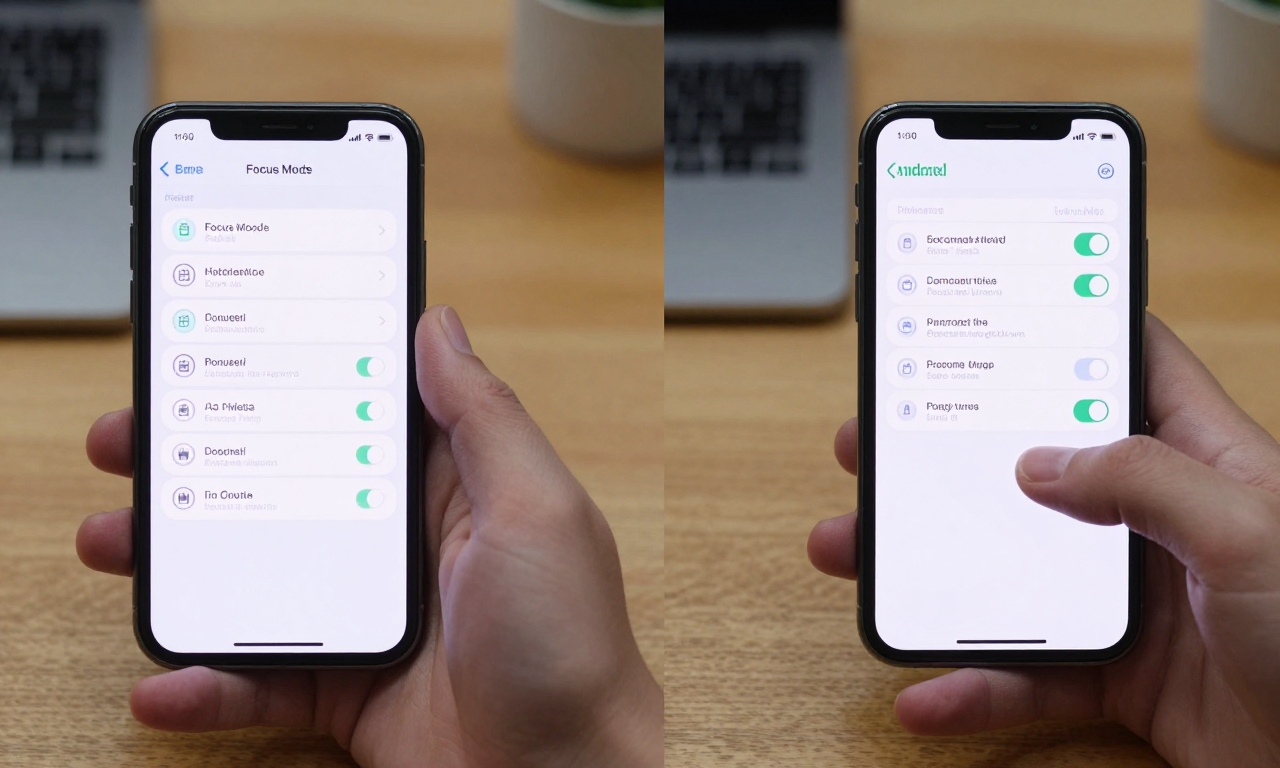
Modern notification systems vary dramatically by platform, and each operating system has a different approach to the way alerts are displayed and handled. iOS managed notification systems have undergone several iterative phases, with newer versions implementing Focus modes and presentation of alerts as notifications summary, consolidating less urgent alerts. Android notification systems offer a finer-grained level of control by notification channels, where you can set the behaviour of any given app. Both platforms introduced such changes as the option of scheduled summaries and priority levels, which reflect increasing awareness of digital wellbeing issues.
Psychology of Notification Design
The principles of behavioral psychology are put into play when designing notification systems so as to maximize interaction. Variable reward schedules, which are similar to the ones applied at slot machines, make users check their devices even when there are no positive changes or notes. The faint vibrations, unique audible sounds, and visual indicators produce what psychologists term as intermittent reinforcement resulting in the checking behavior being hard to resist. It is these psychological mechanisms that can be used to understand why just turning off all notifications remains unfeasible to the majority of users who cannot go without legitimate important notifications.
Strategic Notification Management
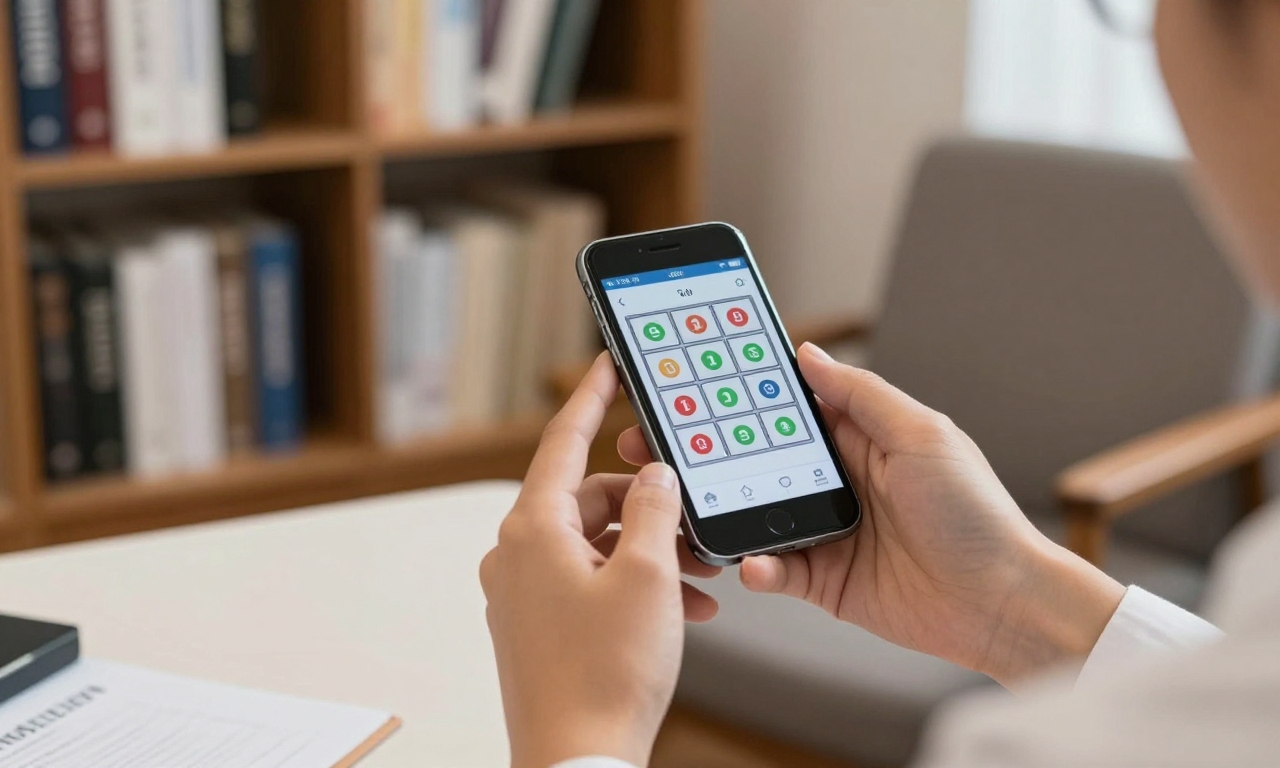
The management of notification needs to be strategically acted out and not just by burying everything. The first step is to perform a notification audit to see what apps really need urgent attention and what can be postponed.
- Communication applications such as messaging applications should usually be assigned priority status
- Social media and entertainment applications tend to be more compatible with delayed or batched notification
- Scheduled notification checks are successful for many users who find it better to set aside certain times in the day to go through the alerts one by one instead of seeing them as they come
Platform OS-Specific Features
Platform OS-specific features provide rich customization of notification behavior.
- iOS users can take advantage of Focus modes to make various notification profiles that can be work, personal time, or sleep. They are scheduled or activated manually and filter notifications by priority and source.
- Android offers even greater fine-tuning of notification channels, giving a user the ability to tailor sound, vibration, and visual effect to each category of alert inside specific apps.
- Both systems now also feature such features as notification history and snooze which add more flexibility.
Practical User Profile Strategies
Various lifestyles and careers demand different notification styles.
- One feature that students may appreciate is the ability to have educational applications during study time that block social noise which the default notification settings do not support.
- Work-specific profiles can be designed by professionals to emphasize communication devices and project management alerts and remove personal notifications at the workplace.
- Fitness enthusiasts may program their devices to promote health and physical activity notification and reduce other distractions when exercising.
Application Support and Advanced Tools
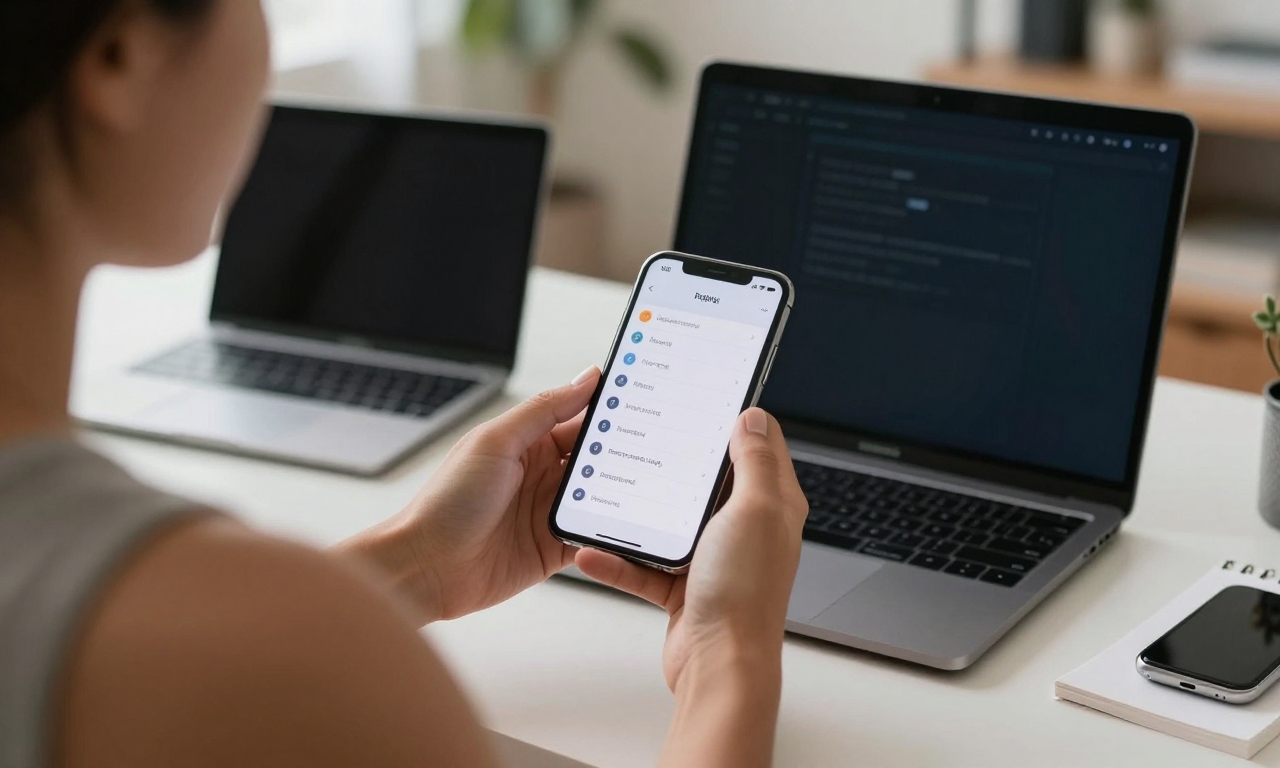
Application support Users who require more advanced control can expand on the native notification management.
- Digital wellbeing applications frequently provide options to track the amount of use or block notifications during specific actions and analyze the patterns of interruptions.
- Specialized tools provide notification management as a special purpose and present complex filtering, scheduling, and categorization capabilities not provided by operating systems.
- In considering these applications, their effect on battery life (system performance) and their notification management capabilities must be considered.
Smartwatch and Wearable Integration
Notification management strategies are further deepened with smartwatch and wearable integration. Smartwatches, such as the Apple Watch or Wear OS, can be used as notification filtering devices, indicating only the most important alerts on the wrist, leaving the rest of the notifications to your phone. This will save on the cost of having to constantly check your main device, yet stay aware of not missing the communication of genuine importance. The experience of receiving notifications on the wrist, which many users enjoy, actually makes the overall interaction with the device less, as glances substitute the interactions with their phones.
Environmental and Behavioral Aspects
Notification management is not just limited to specific environments but covers larger-scale digital behaviors and other environmental aspects. Think physical positioning of your device when working intensely like Do Not Disturb during a meeting or family time and set up awareness-free zones in some parts of your house. It is not about going completely digital but about purposeful interaction with technology. Users can convert reactive device interactions into proactive digital behaviors by establishing some boundaries and rituals around notification checking.
Long-Term Success and Review
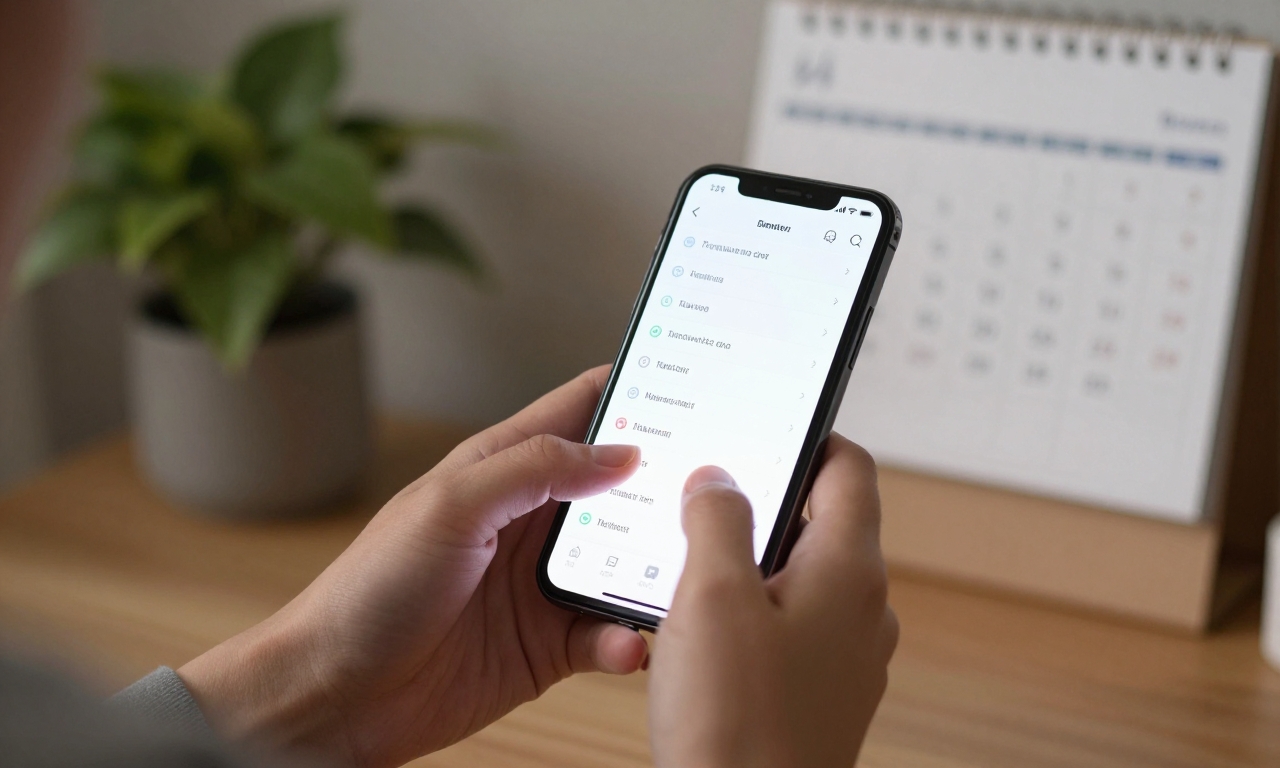
The notification management should review and revise every four months to attain long-term success. Your strategy will need to evolve as the patterns of apps use shift, and new features of notifications arise. The practice of quarterly notification audits helps many users to review and learn about which apps continue to justify immediate alerting and decide on settings depending on evolving needs and priorities. This continuous process acknowledges that digital wellbeing is not a single mode of setup but is the process of constantly adjusting our relationship with technology.
Conclusion
The development of smartphone alerts demonstrates a wider trend in the way we relate to digital technology. What was meant to be simple notifications has evolved into sophisticated mechanisms to attract and absorb our attention. Through learning about these systems and applying considerate approaches to their management, one may reassert control over their digital experiences. Combinations of platform-specific environments, behavioral modification, and regular reevaluation have proven the most effective techniques of making a sustainable notification practice that empowers instead of interrupts everyday life.