Follow us on Facebook
Breaking updates in your feed — tap to open
Apple’s latest iOS 26 update represents one of the most comprehensive software releases in recent years, introducing over 200 new features and improvements to the iPhone ecosystem. While the sheer volume of changes might seem overwhelming, we’ve identified 14 standout enhancements that deliver tangible benefits to everyday users. These features span communication, accessibility, media consumption, and productivity, collectively transforming how you interact with your device.
- Enhanced Communication and Call Management
- Automated Hold Music Detection
- Text-Based Responses for Unknown Callers
- On-Device Spam Protection
- Accessibility and Audio Improvements
- Name Recognition Alerts
- Customizable Background Sounds
- Enhanced Dialogue Clarity in Podcasts
- Media and Entertainment Upgrades
- Apple Music Lyrics Translation and Pronunciation
- Advanced Video Search in Photos
- Lens Smudge Detection for iPhone 15 and Newer
- Productivity and Efficiency Features
- Direct Text Interaction in Screenshot Previews
- Safari Web App Creation
- Natural Language Search in Apple Maps
- Hardware Integration and Optimization
- AirPods Pro as Camera Remote
- Adaptive Power Management
- Conclusion: A More Intelligent iPhone Experience
Enhanced Communication and Call Management
iOS 26 introduces several intelligent features that make managing calls and messages more efficient than ever before. These tools address common frustrations while maintaining Apple’s commitment to privacy and user control.
Automated Hold Music Detection
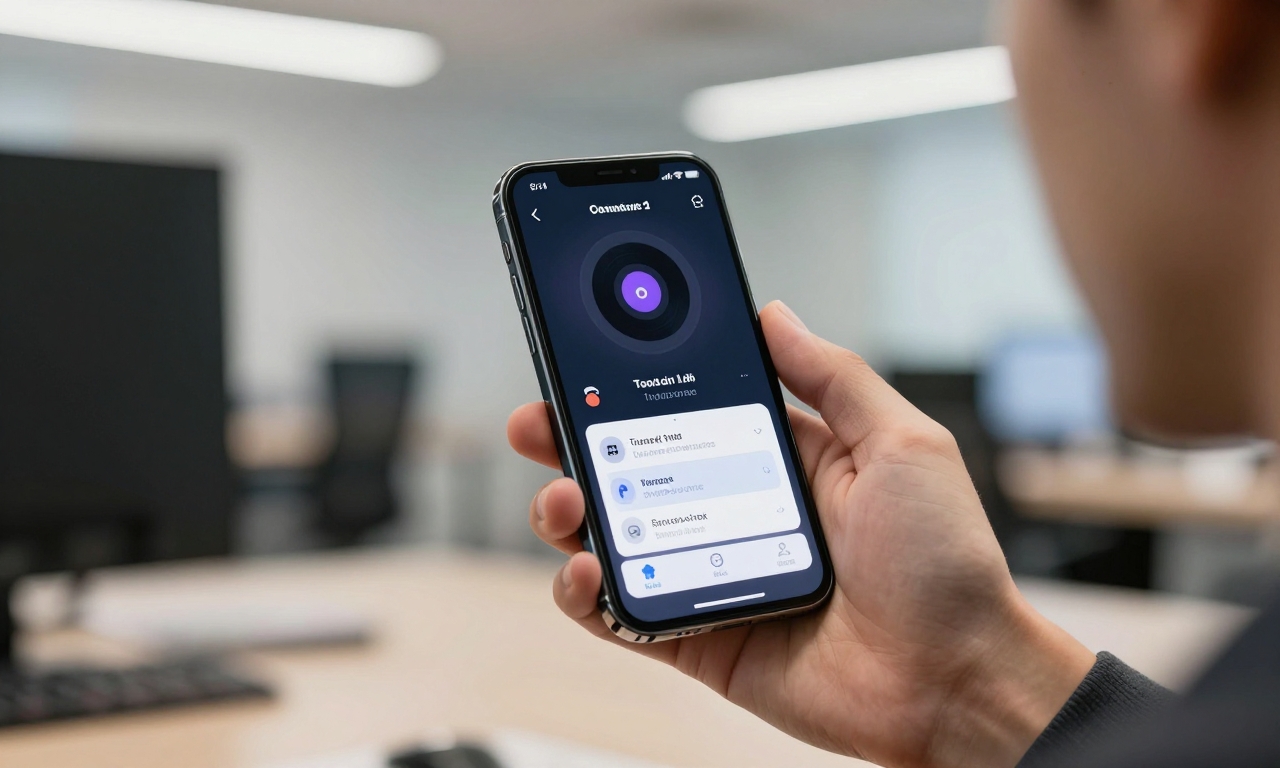
One of the most practical additions is automated hold music detection, which solves a universal annoyance. When you’re placed on hold during a call, your iPhone now recognizes the hold music pattern and alerts you with a subtle vibration or sound when a human representative returns to the line. This eliminates the need to constantly hold your phone to your ear or check if someone has picked up.
Text-Based Responses for Unknown Callers
For those who prefer not to answer calls from unknown numbers, iOS 26 offers an innovative solution. When an unidentified caller reaches you, you can now send pre-written text responses through a robotic voice interface. The system converts your chosen response (like “I’ll call you back later” or “Please text me instead”) into speech that plays for the caller, allowing you to communicate without actually answering the call.
On-Device Spam Protection
Building on existing privacy features, iOS 26 enhances spam protection by implementing on-device filtering for both messages and calls. Unlike cloud-based solutions that might compromise your privacy, this system processes potential spam locally on your iPhone. The machine learning algorithms identify patterns associated with spam calls and messages, automatically filtering them into separate folders while keeping your personal data secure on your device.
Accessibility and Audio Improvements
Apple continues to lead in accessibility innovation with iOS 26, introducing features that benefit users with specific needs while enhancing the audio experience for everyone.
Name Recognition Alerts
The new Name Recognition feature represents a significant advancement for users with hearing impairments or those in noisy environments. Using on-device processing, your iPhone listens for when your name is mentioned in conversations and provides a discreet alert through vibration or visual notification. This ensures you never miss important moments in group discussions or when someone is trying to get your attention.
Customizable Background Sounds
iOS 26 expands the Background Sounds feature with more customization options for creating personalized audio environments. Users can now mix different sound profiles-such as rain, ocean waves, white noise, or gentle streams-and adjust their intensity levels. These audio environments can be scheduled for specific times, making them ideal for improving sleep quality, enhancing focus during work, or creating calming spaces for meditation.
Enhanced Dialogue Clarity in Podcasts
For podcast enthusiasts, the new Enhance Dialogue option in the Podcasts app uses advanced audio processing to clarify spoken content. This feature isolates and amplifies voices while reducing background noise and music, making conversations easier to understand in challenging listening environments like public transportation or noisy offices.
Media and Entertainment Upgrades
The iOS 26 update brings substantial improvements to how you consume and interact with media, from music to photos and videos.
Apple Music Lyrics Translation and Pronunciation
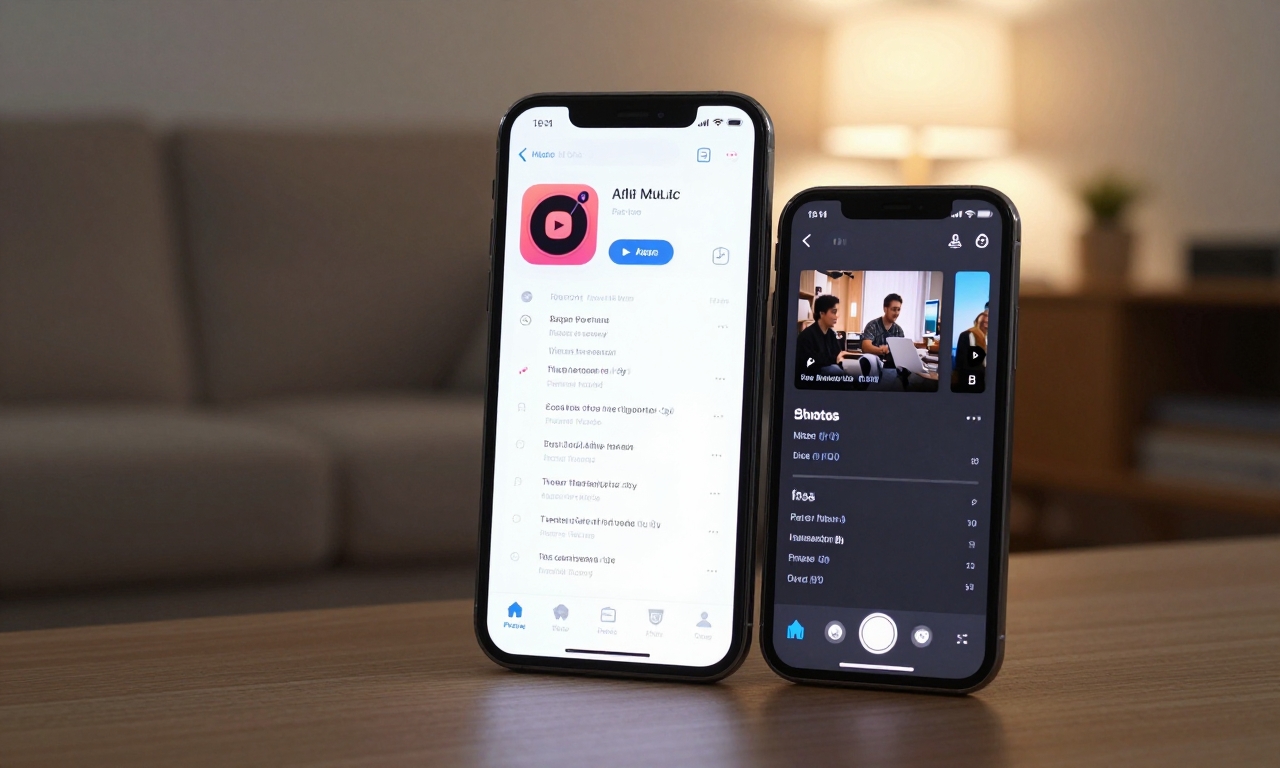
Apple Music subscribers gain valuable tools for enjoying international music with the new lyrics translation and pronunciation features. When listening to non-English songs, you can now view real-time translations alongside the original lyrics. Additionally, the pronunciation guide helps you learn how to properly sing along by breaking down difficult words phonetically, making foreign language music more accessible and enjoyable.
Advanced Video Search in Photos
The Photos app receives a powerful upgrade with advanced video search capabilities. Using on-device machine learning, you can now search for specific moments within your videos using natural language queries. For example, you can search for “birthday cake cutting” or “sunset at the beach,” and the system will identify and present the exact frames matching your description. This eliminates the need to manually scrub through hours of footage to find memorable moments.
Lens Smudge Detection for iPhone 15 and Newer
Camera functionality gets smarter with lens smudge detection on iPhone 15 and newer models. Before you take a photo, your iPhone now automatically checks for fingerprints or smudges on the camera lenses. If detected, it displays a gentle reminder to clean the lens, ensuring you never capture blurry or hazy images due to simple maintenance oversights.
Productivity and Efficiency Features
iOS 26 introduces several tools designed to streamline workflows and make everyday tasks more efficient, whether you’re working, browsing, or navigating.
Direct Text Interaction in Screenshot Previews
The screenshot interface receives a significant productivity boost with direct text interaction capabilities. After capturing a screenshot, the preview window now allows you to immediately select, copy, and edit text directly from the image without needing to use separate OCR apps. This is particularly useful for quickly extracting information from documents, websites, or messages you’ve captured.
Safari Web App Creation
Safari gains a powerful new feature that lets you create dedicated web apps from frequently visited pages. With a simple menu option, you can convert any website into a standalone app that appears on your home screen. These web apps run in their own dedicated space, separate from regular browser tabs, providing faster access to essential services and reducing tab clutter.
Natural Language Search in Apple Maps
Apple Maps becomes more intuitive with natural language search capabilities. Instead of using specific addresses or business names, you can now ask questions like “coffee shops with outdoor seating near me” or “pharmacies open after 10 PM.” The system understands context and intent, delivering more relevant results based on your actual needs rather than just keyword matching.
Hardware Integration and Optimization
iOS 26 deepens the integration between software and hardware, particularly for newer iPhone models and Apple accessories.
AirPods Pro as Camera Remote
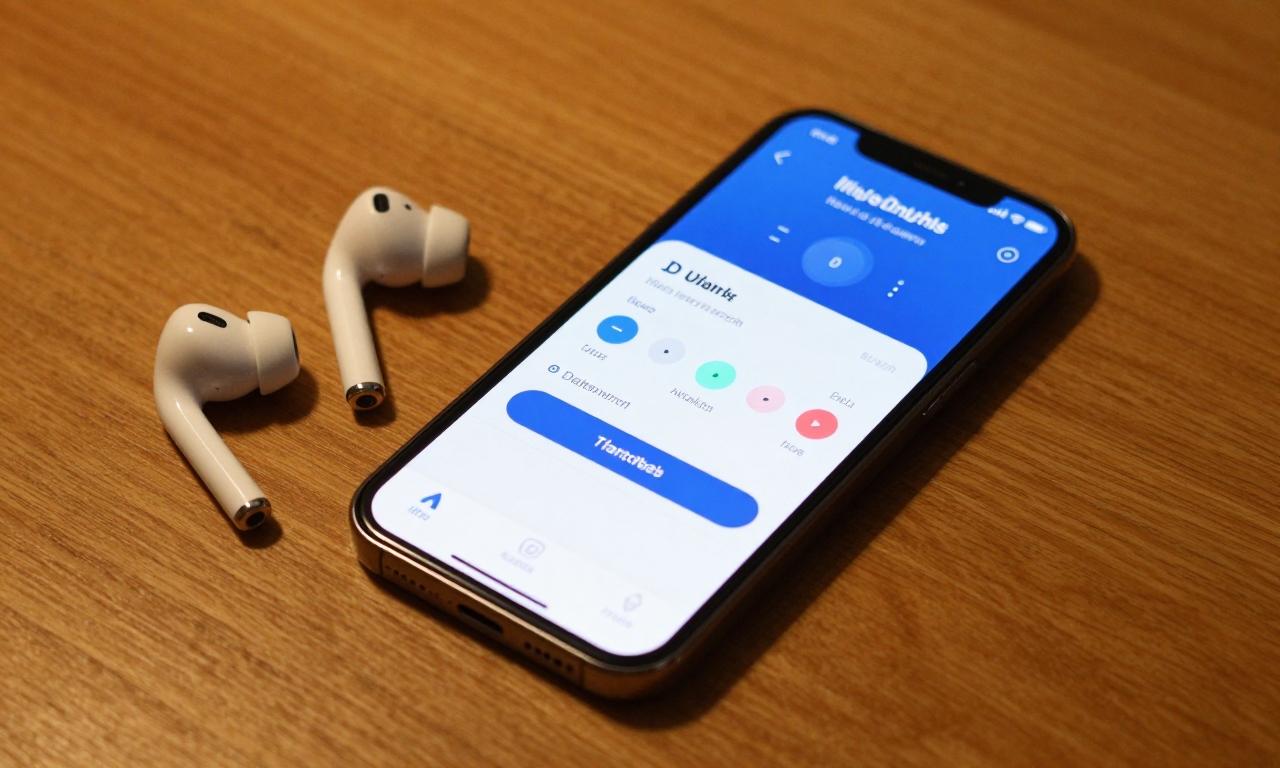
AirPods Pro owners can now use their earbuds as a camera remote control. By squeezing the stem of either AirPod, you can trigger photos or start/stop video recording from a distance. This is especially useful for group photos, vlogging, or any situation where you need to operate your camera remotely while remaining in the frame.
Adaptive Power Management
iPhone 15 Pro and newer devices benefit from Adaptive Power, an intelligent battery optimization feature. The system learns your usage patterns and automatically adjusts power allocation to different components based on your current and predicted needs. For example, it might prioritize processing power during gaming sessions while optimizing for efficiency during reading or music playback, extending battery life without compromising performance when you need it most.
Conclusion: A More Intelligent iPhone Experience
The iOS 26 update demonstrates Apple’s continued commitment to refining the iPhone experience through intelligent software enhancements. While the 14 features highlighted here represent just a fraction of the over 200 improvements, they collectively address real-world needs and frustrations. From reducing spam interruptions to enhancing media consumption and boosting productivity, these updates make your iPhone more responsive to your daily life. As with any major update, we recommend exploring these features gradually to discover which ones best suit your individual needs and workflow.
“iOS 26 represents a shift toward more contextual and anticipatory computing, where your iPhone doesn’t just respond to commands but understands your needs before you articulate them.”
To make the most of these new features, consider the following implementation tips:
- Gradual Adoption: Don’t try to learn all features at once. Focus on one category per week.
- Customization: Many features, like Background Sounds and spam filters, offer customization options-explore these settings.
- Hardware Compatibility: Note that some features require specific iPhone models or accessories.
- Privacy Settings: Review privacy controls for features like Name Recognition and on-device filtering.
As you integrate these iOS 26 features into your daily routine, you’ll likely find that your iPhone becomes not just a tool you use, but a more intelligent partner in managing communication, entertainment, and productivity.