Follow us on Facebook
Breaking updates in your feed — tap to open
Digital note-taking isn’t just about swapping paper for a screen-it’s about rethinking how you capture, organize, and retrieve ideas. The best stylus tablets combine responsive hardware with intuitive software, letting you scribble, annotate, and sketch with precision. Whether you’re a student juggling lecture notes or a professional marking up documents, the right pairing of app and pen can transform your workflow. We’ll explore the core principles behind a paperless setup, compare leading apps like GoodNotes, Notability, and Nebo, and examine stylus technologies from Apple Pencil to USI. By the end, you’ll have a clear framework for choosing tools that fit your needs-without getting lost in spec sheets.
Why a Stylus Tablet?
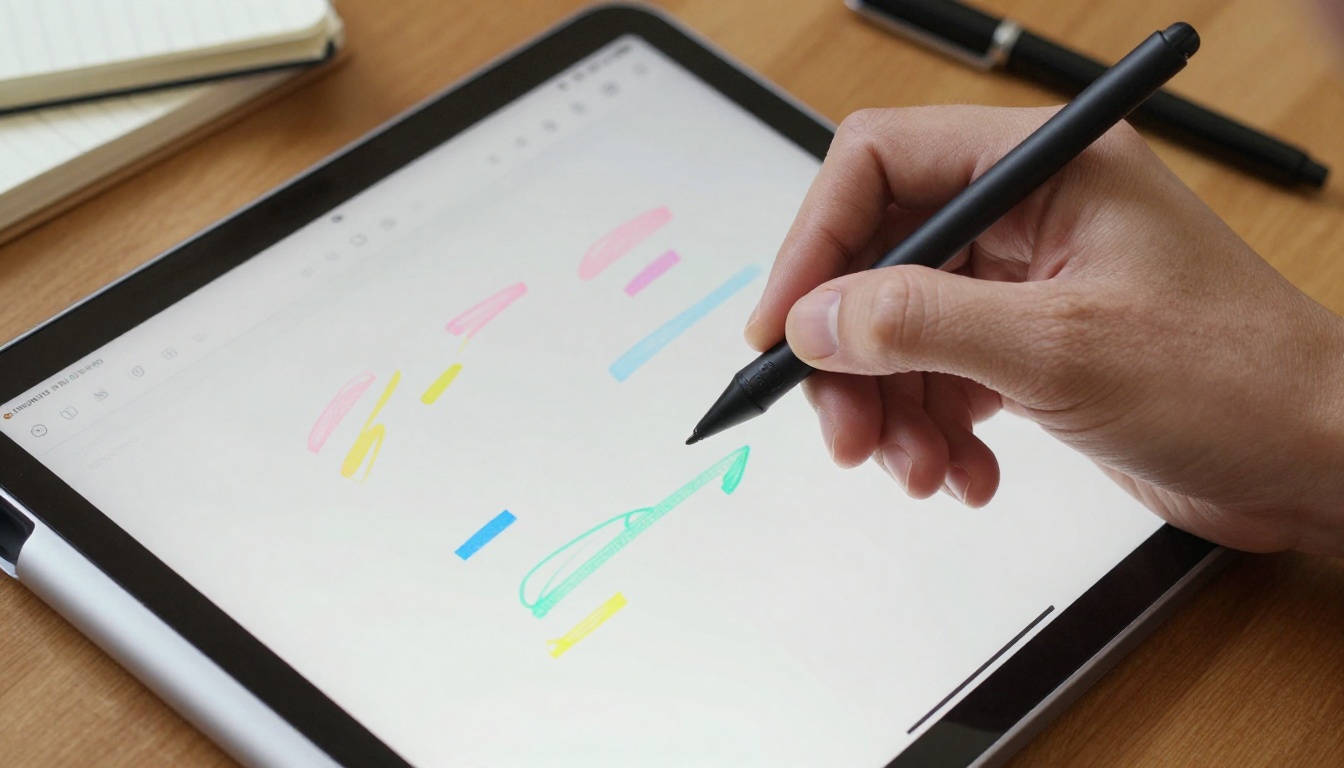
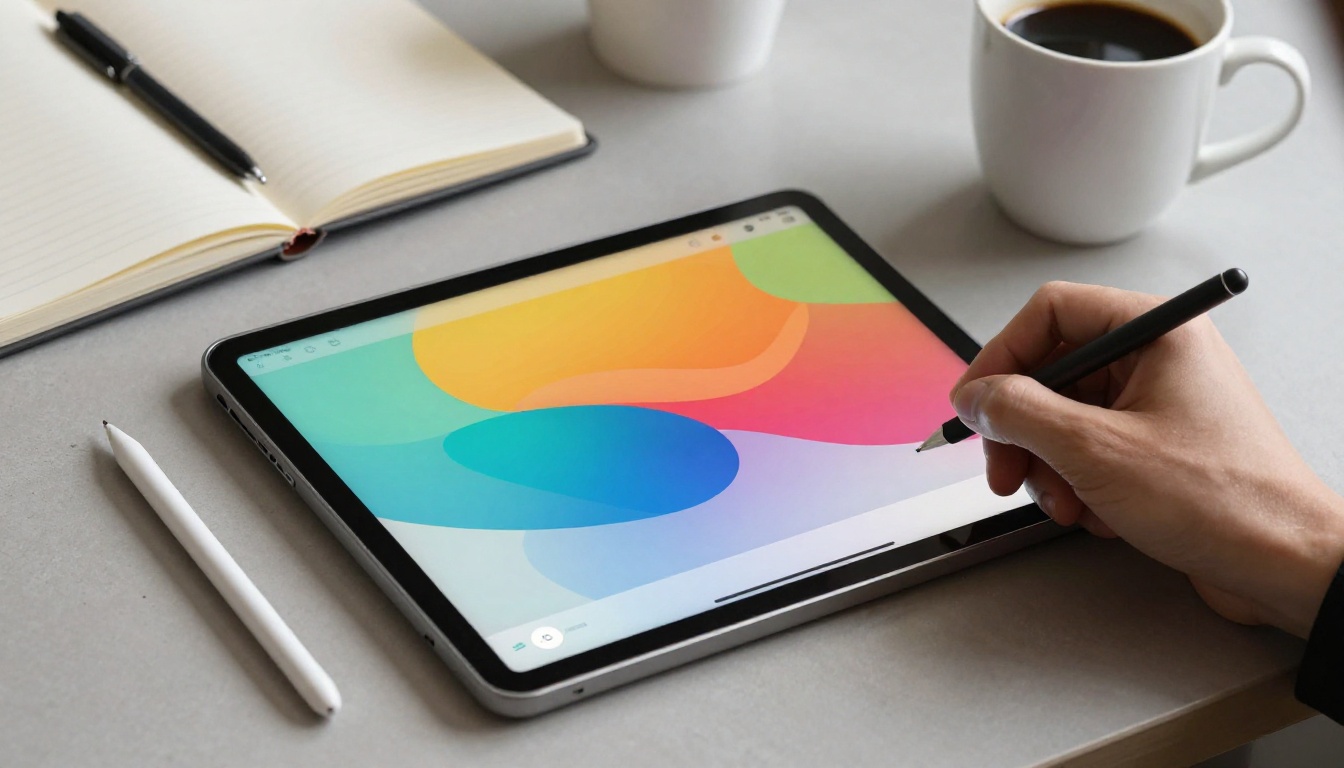
A tablet with a stylus bridges the gap between analog comfort and digital power. Handwriting on glass feels natural once you overcome the initial friction, and modern pens offer palm rejection, pressure sensitivity, and tilt detection. These features let you vary line weight, shade sketches, and rest your hand without triggering stray marks. It’s like having an infinite notebook that never runs out of pages. Beyond note-taking, a stylus excels at precise photo edits, document signing, and navigating complex interfaces. The key is finding a tablet and pen that work together seamlessly-lag, jitter, or poor palm rejection can break the illusion of writing on paper.
When choosing a device, consider the stylus protocol. Apple’s ecosystem uses the proprietary Apple Pencil, which offers industry-leading latency and pressure sensitivity on iPads. Samsung’s Galaxy Tab series relies on the S Pen, a Wacom-based technology that’s included with the tablet and requires no charging for basic use. For a more universal approach, the USI (Universal Stylus Initiative) standard works across Chromebooks and some Android tablets, allowing you to use one pen with multiple devices. Each system has trade-offs in feel, features, and cost, but all three can deliver a satisfying writing experience when paired with the right app.
Top Note-Taking Apps Compared
Software is where your notes come alive. Three apps dominate the conversation: GoodNotes, Notability, and Nebo. GoodNotes excels at organization, offering a familiar notebook metaphor with customizable covers, folders, and a powerful search that recognizes handwriting. Notability shines with audio recording synced to your notes-tap a word and hear what was said at that moment. Nebo takes a different approach, converting handwriting to text in real time and allowing interactive editing gestures. All three support PDF annotation, cloud sync, and export to common formats, but their philosophies differ. Your choice depends on whether you prioritize searchable archives, multimedia integration, or typed-text conversion.
Here’s a quick breakdown of their strengths:
- GoodNotes: Best for visual organizers who want a paper-like notebook with robust handwriting search and template options.
- Notability: Ideal for students and meeting attendees who need audio-synced notes and a fluid, infinite-scroll canvas.
- Nebo: Perfect for those who mix handwriting and typed text, with powerful conversion and diagram support.
Each app works across iPad, and some have Android or Windows versions. GoodNotes and Notability are iPad-first, while Nebo is available on multiple platforms. If you’re using a Galaxy Tab, Samsung Notes-pre-installed and deeply integrated with the S Pen-is a compelling free alternative that rivals these paid apps. Test a few with your stylus to see which interface feels most natural, most offer a free trial or limited version.
Stylus Technologies: Apple Pencil, S Pen, and USI
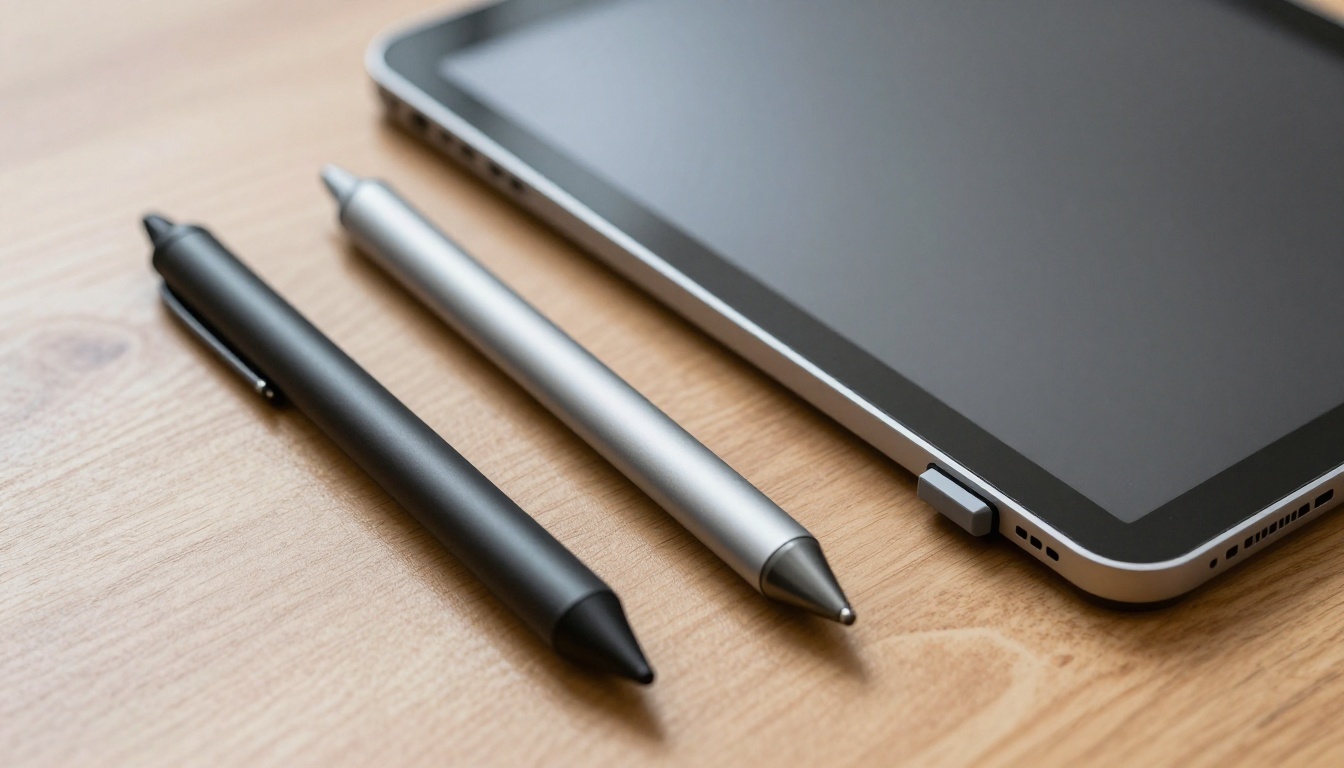
The stylus is your primary tool, so understanding the differences matters. The Apple Pencil (2nd generation) attaches magnetically to recent iPads, charges wirelessly, and delivers pixel-perfect precision with imperceptible latency. It supports double-tap to switch tools and pressure-sensitive shading. The S Pen, found on Galaxy Tab S series and Note devices, uses electromagnetic resonance (EMR)-it’s battery-free for writing, though Bluetooth features like air actions require a charge. Its fine tip and 4,096 pressure levels make it feel close to a real pen. USI styluses, like those from Lenovo or HP, are rechargeable and work across certified devices, offering a consistent experience without being locked to one brand.
Consider these factors when choosing:
- Latency: Apple Pencil and S Pen lead with near-zero lag, USI pens vary by device.
- Charging: S Pen’s passive EMR means no charging for core writing, Apple Pencil and USI need periodic recharging.
- Ecosystem lock-in: Apple Pencil only works with iPads, S Pen is Samsung-exclusive, USI is the most flexible across brands.
- Feel: Tip material and screen texture affect friction-some prefer the slight drag of a matte screen protector.
No single stylus is universally best.
Pick the stylus that matches your tablet, then fine-tune with app settings and screen protectors to get the writing feel you want.
If you already own a tablet, your choice is largely made, if you’re buying new, let the stylus experience guide your tablet decision.
Building Your Paperless Workflow
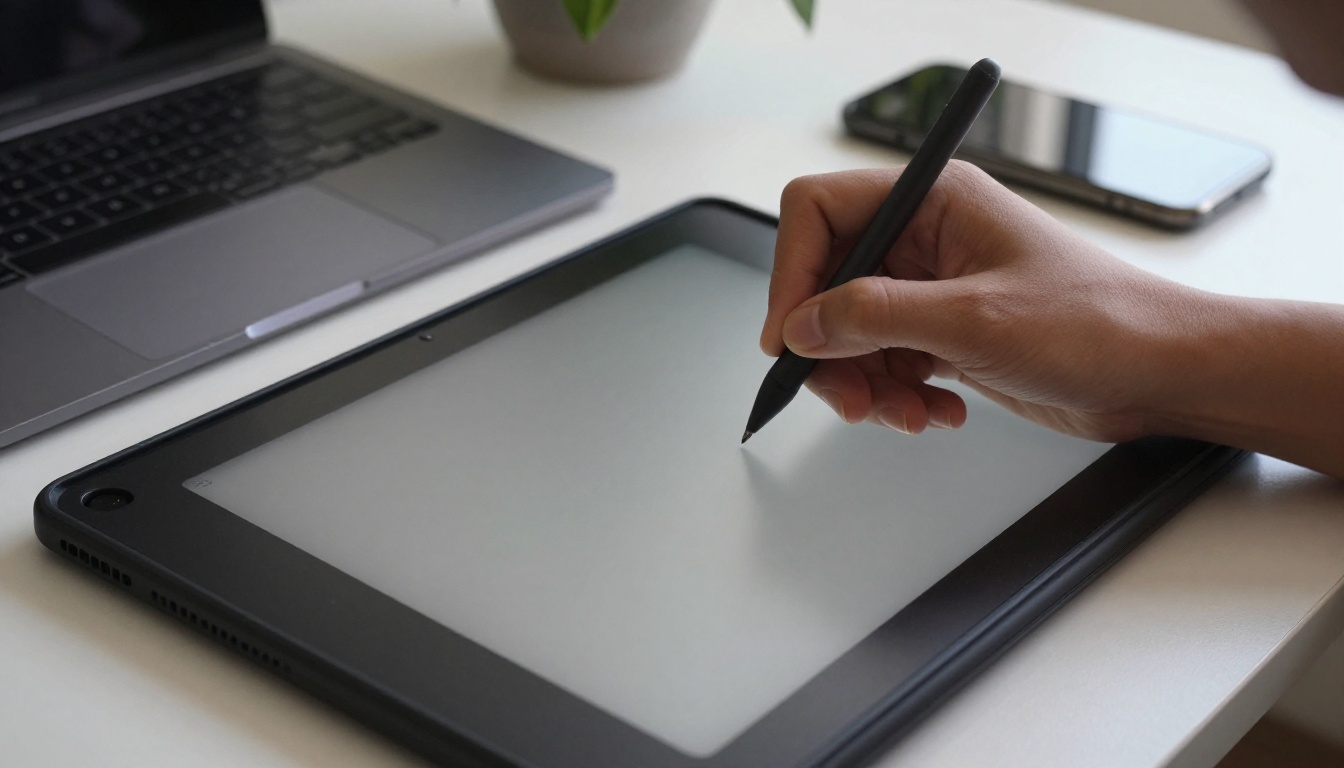
A great note-taking setup extends beyond the app and pen. Cloud sync keeps your notes accessible everywhere-GoodNotes and Notability use iCloud, while Nebo and Samsung Notes offer cross-platform sync via their own services or Google Drive. Consider a matte screen protector to add paper-like texture and reduce glare, though it may slightly soften display clarity. For students, a keyboard case can turn your tablet into a hybrid device for typing essays, but handwriting remains superior for learning retention. Your brain engages differently when you write by hand, even on glass.
Start with a simple system: create a notebook for each subject or project, use consistent naming, and rely on search instead of manual organization. Most apps can scan documents with the camera, turning physical papers into annotated PDFs. Over time, you’ll develop a rhythm-capture ideas with the stylus, review with highlights, and export only what you need to share. The goal isn’t to replicate paper perfectly but to surpass it with search, backup, and portability. With the best stylus tablets and a well-chosen app, you’ll wonder why you ever carried a backpack full of notebooks.