Follow us on Facebook
Breaking updates in your feed — tap to open
Picking an Android tablet isn’t just about the flashiest screen. It’s about matching the device to how you actually live. This Android tablet buying guide breaks down what really counts-display tech, processing power, stylus support, battery endurance, and software longevity. Whether you’re a student jotting notes, a pro on the move, or someone who just wants a killer media machine, you’ll find the right fit.
Display and Performance
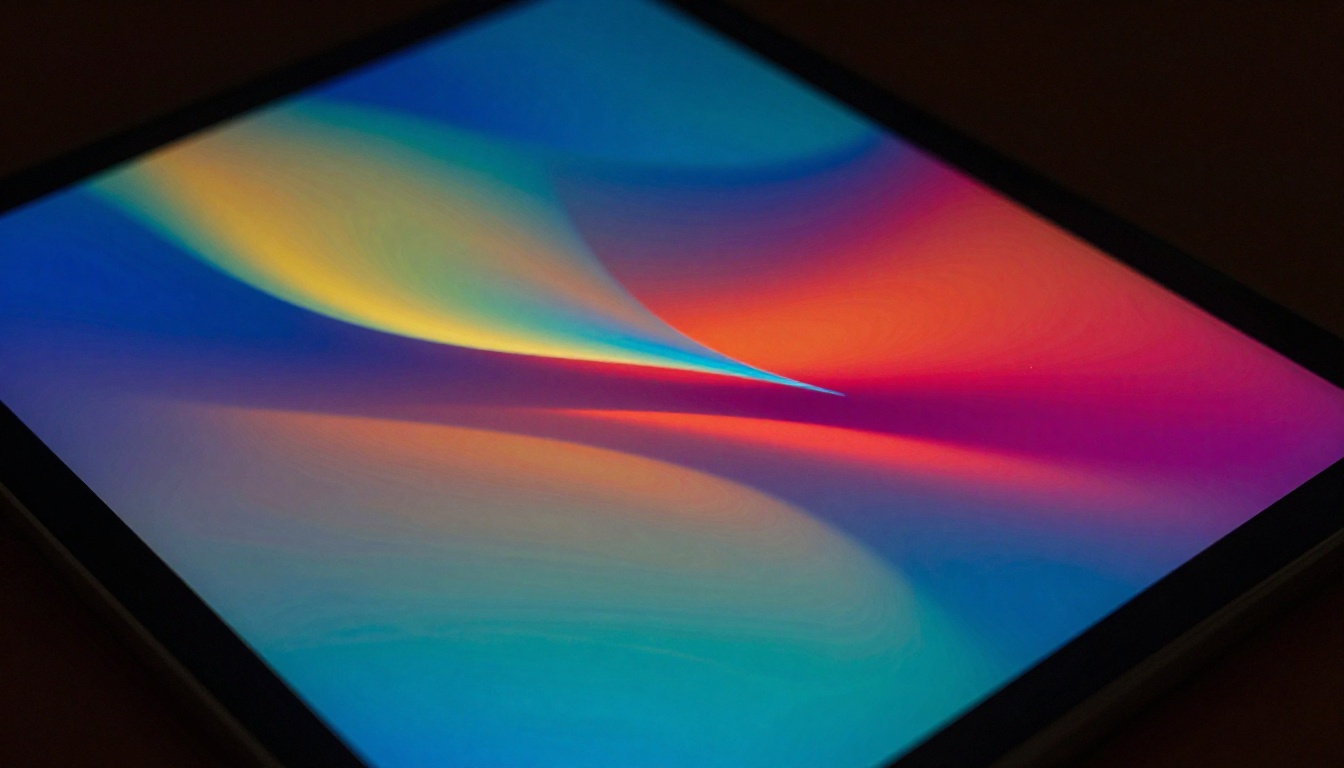
Screen quality shapes everything you do. Most modern tablets use OLED or high-refresh-rate LCD panels. OLED gives you deep blacks and vivid colors, perfect for movies or photo editing. A 120Hz refresh rate makes scrolling and drawing feel incredibly smooth. For reading or basic stuff, a standard 60Hz LCD still does the job.
Performance tiers are all over the place. Entry-level tablets handle browsing and streaming without a hitch. Midrange chips power multitasking and light gaming. Flagship processors turn your tablet into a laptop replacement, breezing through video editing and heavy apps. RAM matters too: 4GB is fine for casual use, but 8GB or more keeps things fluid under pressure.
Think about how you’ll use the tablet. Media lovers should focus on screen and speakers. Gamers need a fast processor and high touch sampling. Productivity users will dig a bright, big display and keyboard support.
Stylus and Productivity
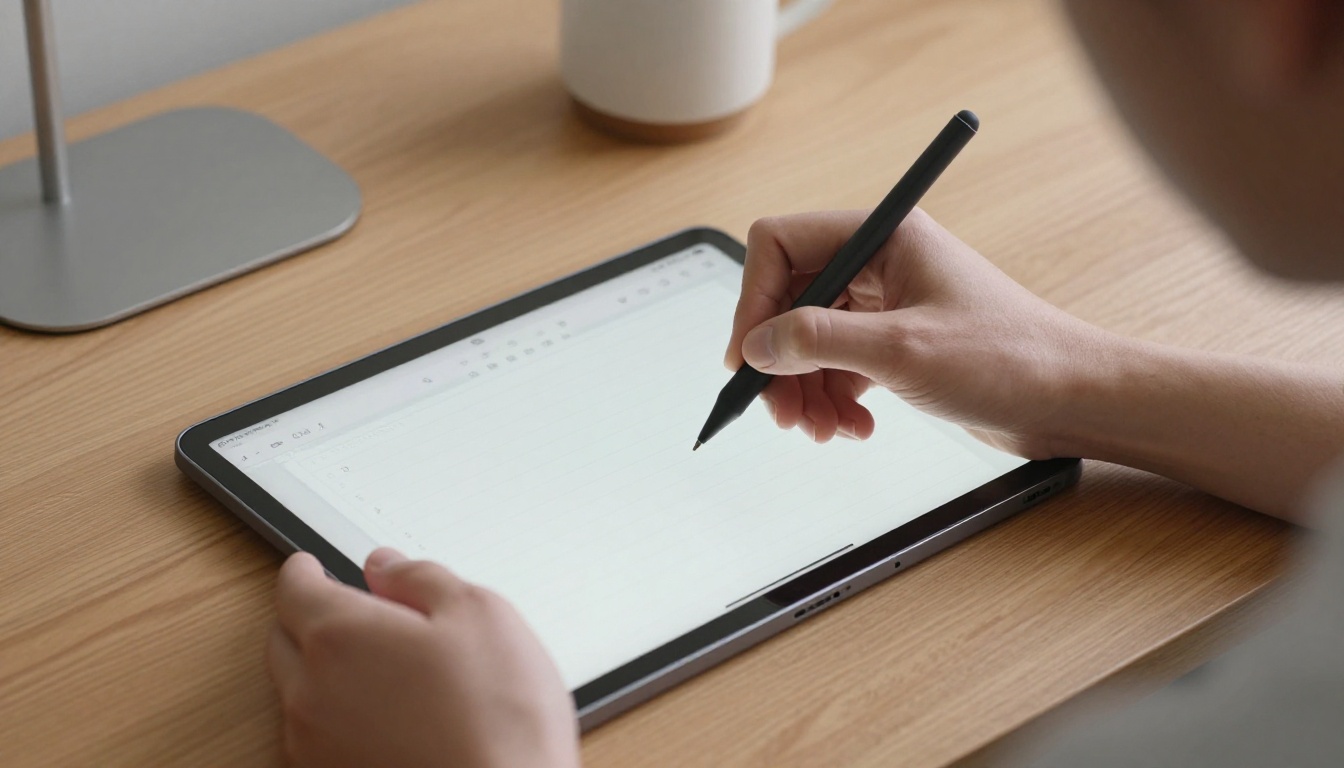
A stylus flips a tablet from a consumption gadget into a creation tool. Samsung’s S Pen is pressure-sensitive and doesn’t need charging for basic writing. It snaps on magnetically and offers air gestures on compatible Galaxy Tabs. Google’s Pixel Tablet supports USI styluses, which work across brands. OnePlus and other makers often include stylus support in their pricier models.
Note-taking and sketching feel natural with low latency and palm rejection. Look for tablets that toss in the stylus if you plan to use it daily. Keyboard accessories turn tablets into compact workstations. Check for pogo pin connectors or solid Bluetooth keyboards. DeX mode on Samsung tablets gives a desktop-like vibe, while other brands offer split-screen and floating window multitasking.
Students and pros should test stylus responsiveness in person if they can. Your workflow hinges on that seamless pen-to-screen connection. Don’t sleep on software: some note-taking apps are exclusive to certain brands or offer better features on specific devices.

Battery and Updates
Battery life expectations depend on what you do. A typical Android tablet lasts 8-12 hours of mixed use. Video streaming and gaming drain power faster. Fast charging support varies-some tablets refill in under two hours, while others take longer. Wireless charging is still rare in tablets, so stick with wired for speed.
Software updates keep your tablet secure and fresh. Google’s Pixel Tablet gets prompt Android version updates and monthly security patches. Samsung offers up to four years of OS updates and five years of security patches for its flagship Galaxy Tabs. Other brands might provide shorter support windows. Check the manufacturer’s update policy before buying.
Prioritize update longevity if you plan to keep the tablet for several years-security patches protect your data, and OS updates bring new features.
For a device that stays useful longer, pick a brand with a proven track record. This is pretty much a must for students and pros who lean on their tablet daily.
Choosing Your Tablet
Now, let’s match your needs to the right device. Start with these steps:
- Define your primary use: Media, work, gaming, or reading?
- Set a budget: Entry-level, midrange, or flagship tier?
- Check stylus and keyboard compatibility: Essential for productivity.
- Evaluate screen size and type: OLED for contrast, high refresh for smoothness.
- Review update policies: Longer support means better longevity.
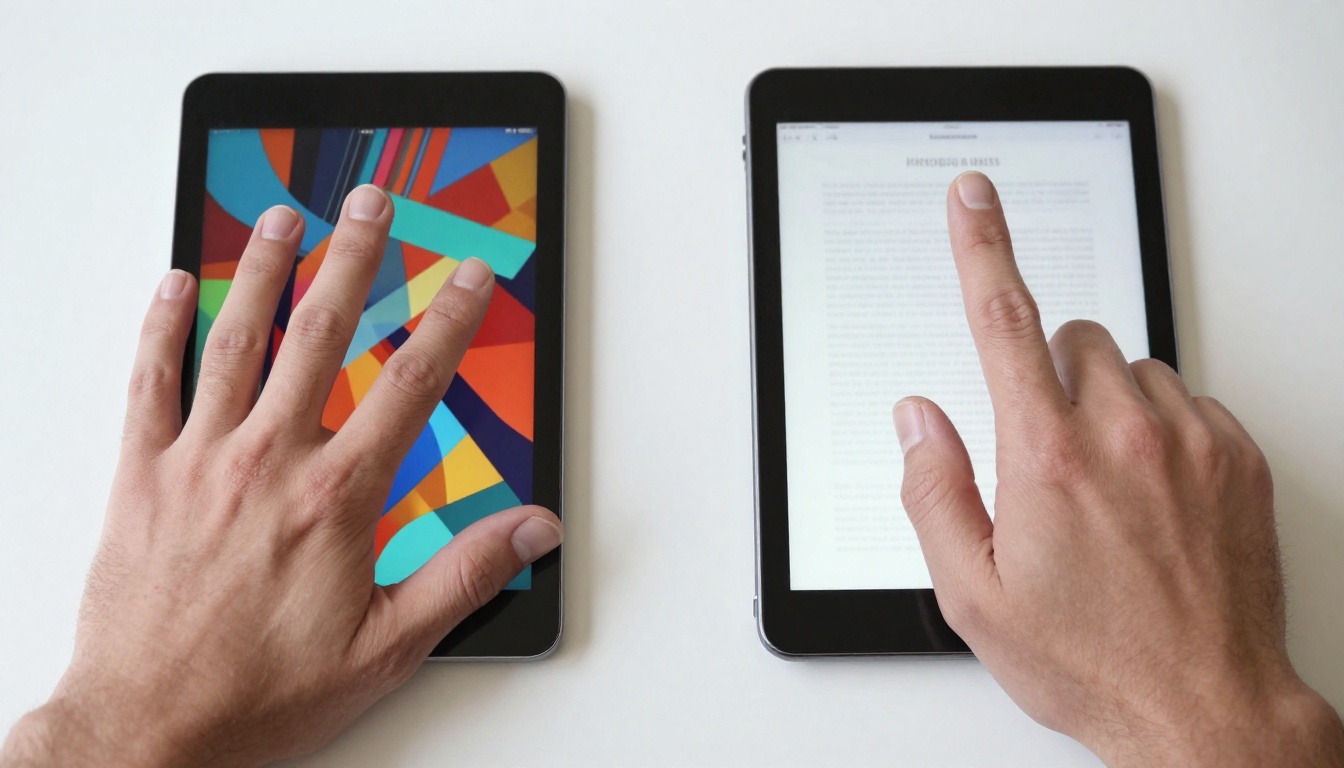
For pure entertainment, a midrange tablet with a vibrant OLED screen and quad speakers hits the sweet spot. Students will appreciate a lightweight design, long battery life, and included stylus. Professionals might invest in a flagship model with desktop mode and a keyboard case. There’s no single best tablet-only the best one for you.
Test devices in stores if you can. Pay attention to weight, screen glare, and stylus feel. Read user reviews focusing on real-world battery life and software bugs. With this Android tablet buying guide, you’re set to make a confident choice that serves you well for years.