Follow us on Facebook
Breaking updates in your feed — tap to open
Picking an e-reader? It’s not just about the screen. It’s about how you read, what you read, and where you get your books. This e-reader buying guide cuts through the noise. You’ll learn how E Ink works, why ecosystems matter, and which features actually make daily reading better. No hype, no fleeting trends-just stuff that holds up.
Understanding E Ink technology
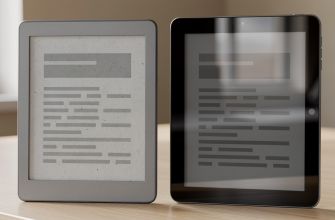
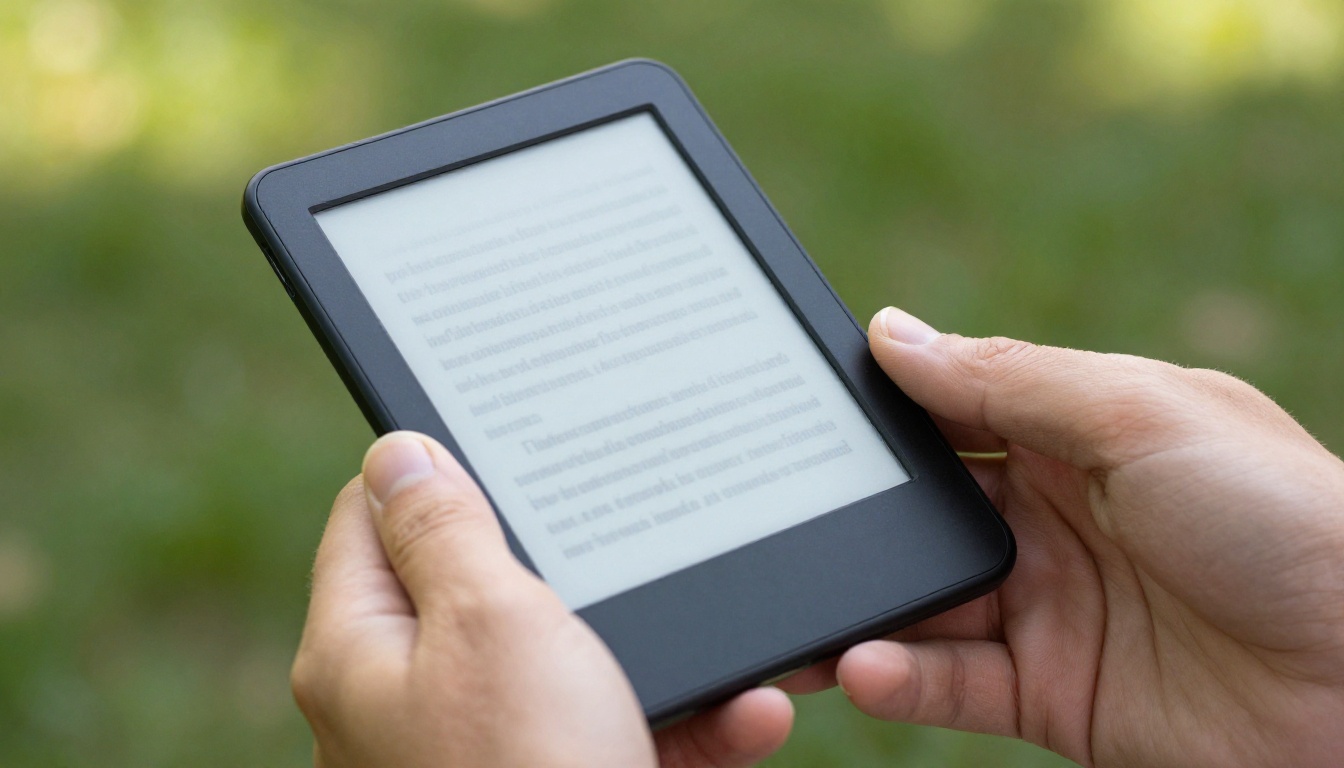
E Ink displays are nothing like the OLED on your phone. They bounce back ambient light, like paper. So no backlight strain, great outdoor visibility, and battery life that lasts weeks, not hours. Most modern e-readers use Carta or Mobius screens. Carta gives you higher contrast and sharper text. Mobius is flexible and lighter, often in bigger devices. Both feel like paper, easy on the eyes for long reading sessions.
Resolution matters, but not how you’d think. A 300 PPI screen makes text as crisp as a printed book. Going higher? Diminishing returns for novels. For PDFs and manga, though, a bigger canvas with at least 227 PPI helps. Screen size affects comfort too. A 6-inch display slips into a pocket. A 7-inch or 8-inch model feels more like a paperback. Larger 10-inch devices suit technical docs and note-taking. Your ideal size depends on what you read most.
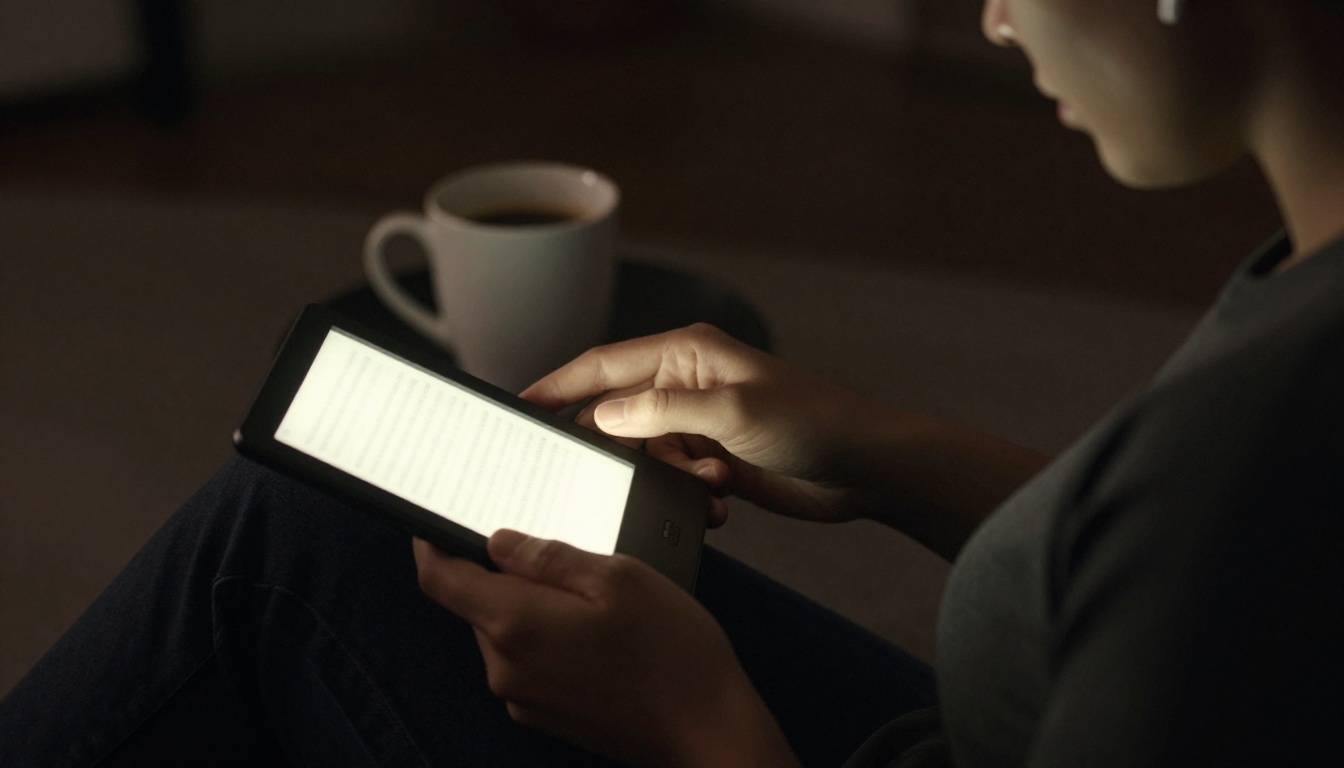
Front lights are standard now. They let you read in the dark without the harshness of a phone screen. Adjustable color temperature-shifting from cool blue to warm amber-can reduce eye fatigue before bed. Some readers offer amber-only modes for a candle-like glow. Waterproofing is another common feature. An IPX8 rating means it can survive a dunk in the bath or pool. If you read near water, don’t skip this.
Ecosystems and file formats
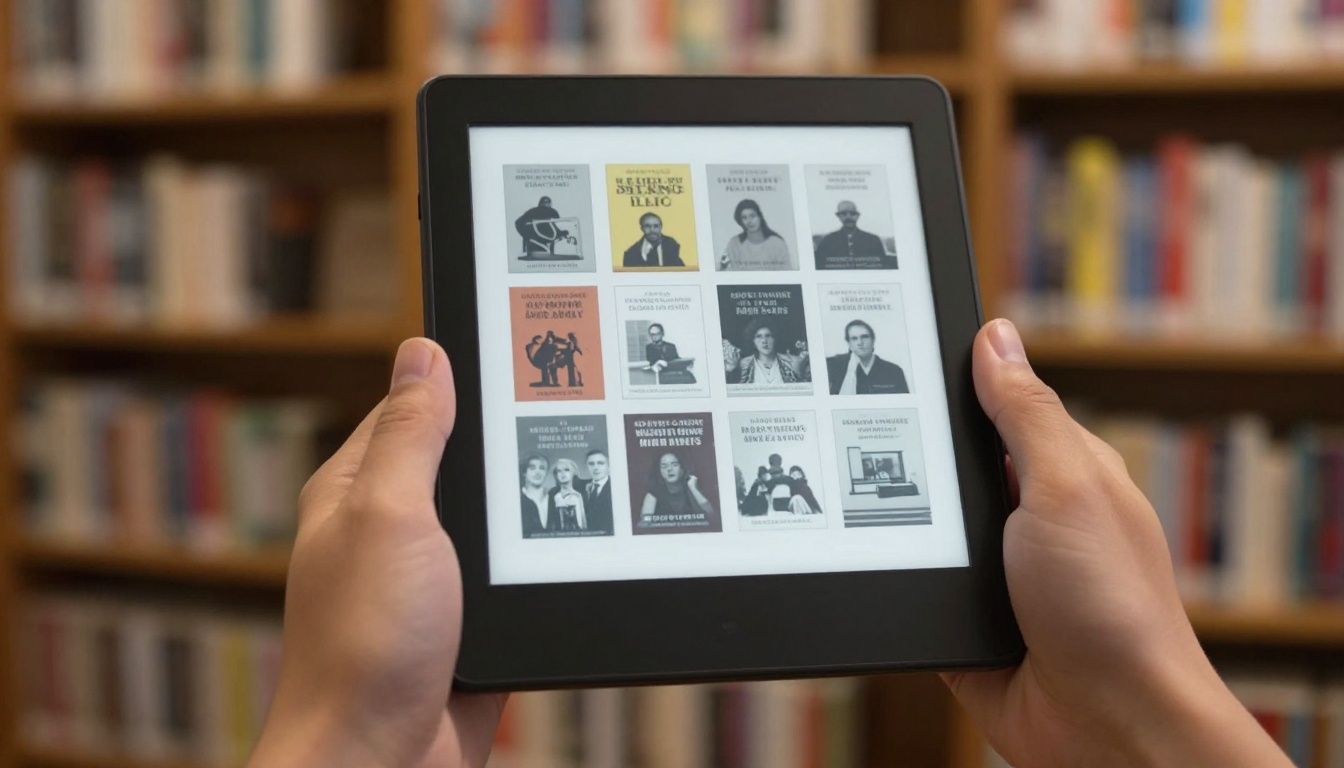
Your e-reader ties you to a store. Kindle devices connect to Amazon’s huge catalog. Kobo links to Rakuten’s bookstore and supports OverDrive for library borrowing in many regions. PocketBook embraces open formats and often includes Adobe DRM support out of the box. Think about where you buy books now-and where you might buy them later. Switching ecosystems later can be a headache.
File format support is the hidden dealbreaker. Kindle uses AZW3 and KFX, but it won’t natively open EPUB. Kobo and PocketBook handle EPUB, the most widely used open standard. PDF reading varies wildly. A 6-inch screen reflows text awkwardly. A 10-inch device displays PDFs natively, preserving layouts. If you read academic papers or scanned documents, prioritize a large screen and robust PDF software. Always check which formats a device supports before buying.
Lock-in isn’t just about the store. It’s about your notes, highlights, and reading progress. Exporting these can be messy. Choose a platform that respects your data portability.
Library integration is a game-changer for avid readers. Kobo’s built-in OverDrive support lets you borrow ebooks directly on the device. Kindle offers Libby integration in some countries, but the process is less seamless. PocketBook can often sideload library books via Adobe Digital Editions. If you rely on public libraries, pick a reader that makes borrowing frictionless.
Key reading features
Beyond the basics, software features shape your daily experience. Adjustable fonts, margins, and line spacing let you tailor the page. Some devices offer weight and sharpness settings for custom typefaces. Dictionary lookup is standard-tap a word to see its definition. Wikipedia and translation integration add depth. Note-taking ranges from simple highlights to full stylus support. If you mark up books heavily, consider a model with a pen.
Audio capabilities are becoming more common. Bluetooth lets you connect wireless earbuds for audiobooks. Some readers include text-to-speech, turning any book into an impromptu audio experience. It’s not a replacement for dedicated audio devices, but it’s handy. Storage size matters if you hoard books or listen to audiobooks. Most readers start at 8 GB, which holds thousands of novels. Manga and audiobooks eat space faster. A microSD slot, found on some PocketBook models, offers flexibility.
- Test the screen in different lighting before committing.
- Confirm library app compatibility in your region.
- Check if the store’s DRM locks you in permanently.
- Consider a stylus if you annotate or sketch.
- Prioritize waterproofing for beach or bath reading.
Battery life is a non-issue for most E Ink devices. Even heavy use yields weeks of reading. Wireless connectivity, front light brightness, and page refresh settings affect longevity. Turning off Wi-Fi and keeping the light low stretches it further. Fast charging is rare, you won’t need it often. Focus on reading comfort, not battery anxiety.
Choosing your ideal device
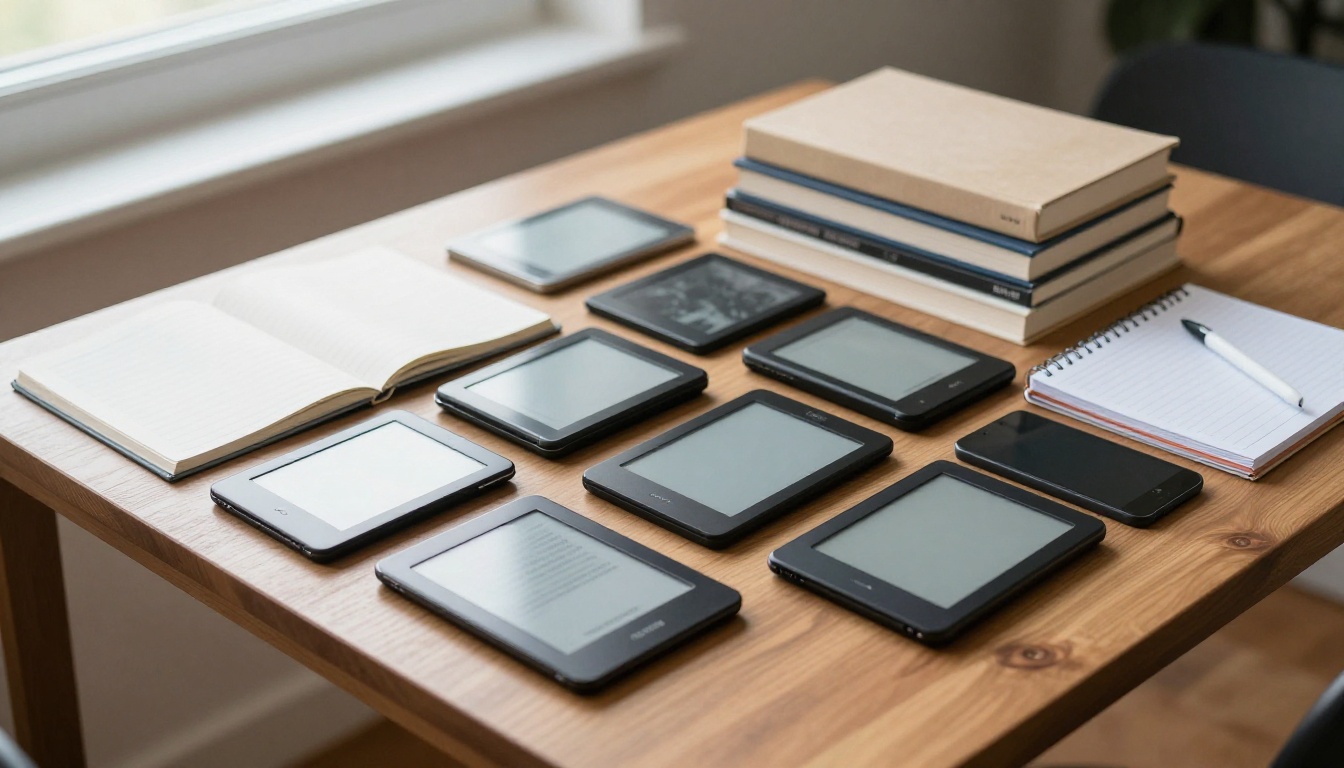
Start with your reading habits. Do you devour novels one-handed? A lightweight 6-inch Kindle or Kobo Clara fits perfectly. Need to read PDFs or academic papers? A 10-inch Kobo Elipsa or PocketBook InkPad X handles them natively. Love annotating? The Kobo Sage or Kindle Scribe adds a stylus. Budget-conscious readers find solid options in entry-level Kindles or PocketBook Basic models. There’s no single best e-reader-only the best one for you.
Think about your book sources. If you’re deep in the Amazon ecosystem, a Kindle makes sense. If you value library borrowing and open formats, Kobo shines. If you need maximum format flexibility and physical buttons, PocketBook delivers. Android-based e-readers like Onyx Boox offer app flexibility but often sacrifice battery life and simplicity. Sometimes less is more when all you want to do is read.
Physical buttons are a divisive feature. Some readers swear by them for one-handed page turns. Others prefer a clean touchscreen. Water resistance, screen size, and weight all factor into ergonomics. Try holding different models if you can. A device that feels awkward in your hand will gather dust, no matter how good its specs look on paper.
Ultimately, the right e-reader disappears in your hands. It gets out of the way and lets you sink into the story. This guide gives you the framework. The final choice depends on your personal reading landscape. Pick the device that aligns with your habits, and you’ll read more than ever.