Follow us on Facebook
Breaking updates in your feed — tap to open
Phone screens have moved way past just more pixels. Now everyone talks about one thing: refresh rate. Measured in hertz, it’s how many times per second the display redraws. A higher number makes scrolling feel buttery and animations look seamless. But those refresh rate benefits come with a cost-battery life. Knowing how it works helps you figure out what’s worth it for your day-to-day.

How refresh rates work
Picture a flipbook. Flip slowly, and the motion’s choppy. Speed up, and it gets smooth. A phone screen’s the same. At 60Hz, it refreshes 60 times a second. Bump that to 120Hz, and motion clarity jumps. Your eyes see less blur during quick moves. It’s not just for gaming-swiping menus or reading long articles feels way nicer.
Newer panels often use adaptive tech. They can drop to 1Hz for still images, then shoot up to 120Hz when you touch the screen. This dynamic shift saves battery while giving you smoothness when you need it. Without it, a locked high refresh rate would drain power nonstop. So you kinda get the best of both-fluidity on demand, efficiency the rest of the time.

Where you’ll notice the difference
Not every task benefits the same. Scrolling social feeds or web pages? Huge improvement. Text stays readable as it moves, so your eyes don’t tire as fast. Fast-paced games also feel more responsive, inputs just snap. But for static stuff like reading an e-book or looking at photos, the edge shrinks. A 60Hz panel still shows crisp pics when nothing’s moving.
Video playback gets tricky. Most content is shot at 24 or 30 frames per second. A 120Hz screen can’t magically add detail that isn’t there. Though some devices use motion smoothing to fake it. Purists usually turn that off, they want the original cinematic feel. Your own motion sensitivity matters too. Some folks spot the difference right away, others barely notice. It’s kind of ridiculous how personal it is.
Battery life considerations
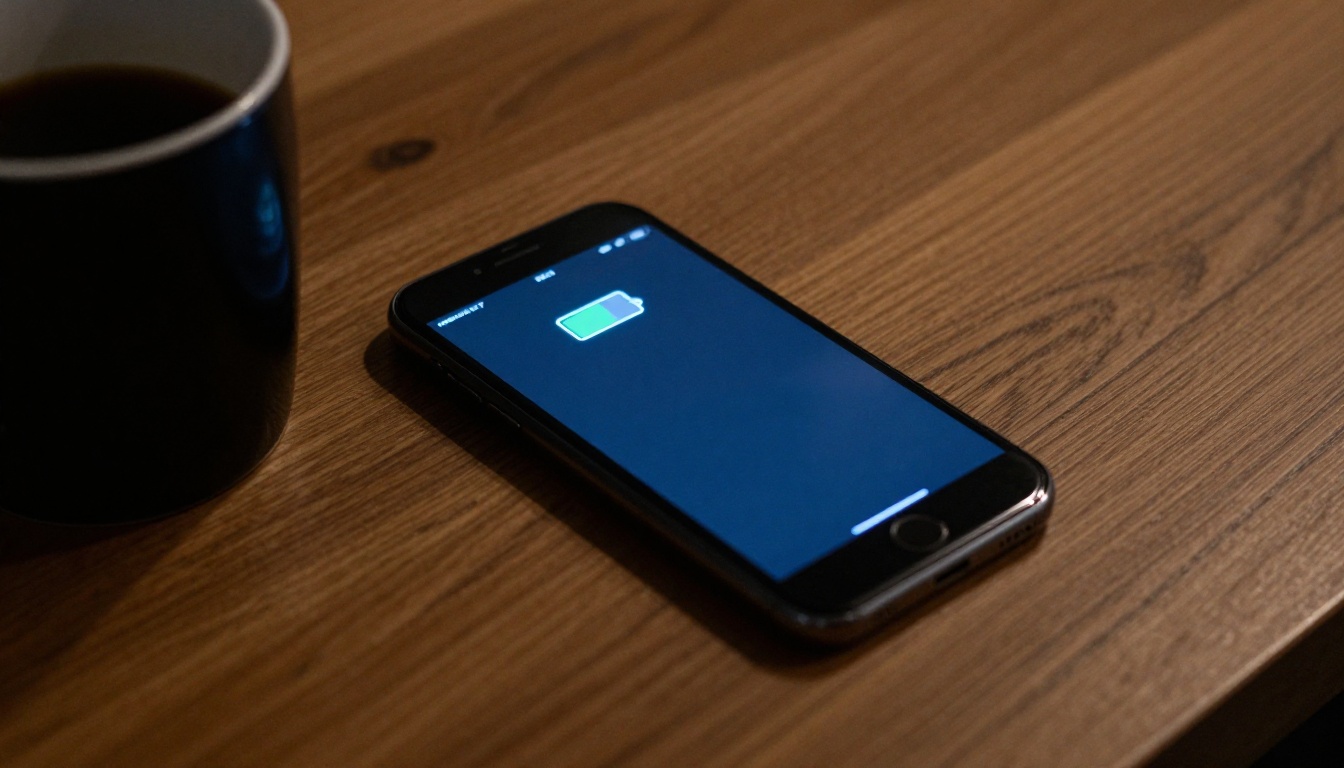
Higher refresh rates eat more power. The display processor works harder, and pixels switch states more often. In tests, going from 60Hz to 120Hz can cut screen-on time by 10-20%. That’s a lot if you’re not near a charger. Adaptive panels help by dropping rates when the screen’s idle. Still, a phone stuck at 120Hz won’t last as long as one locked at 60Hz.
Battery size and chip efficiency count too. Flagship phones with big batteries and optimized processors handle 120Hz with less penalty. Budget devices might struggle. If battery life is your priority, think about a 90Hz middle ground. It gives a noticeable bump over 60Hz without the full power drain. Many midrange phones now offer this, balancing smoothness and stamina.
A 90Hz display often provides 80% of the perceived smoothness at a fraction of the battery hit compared to 120Hz.
Choosing the right setting
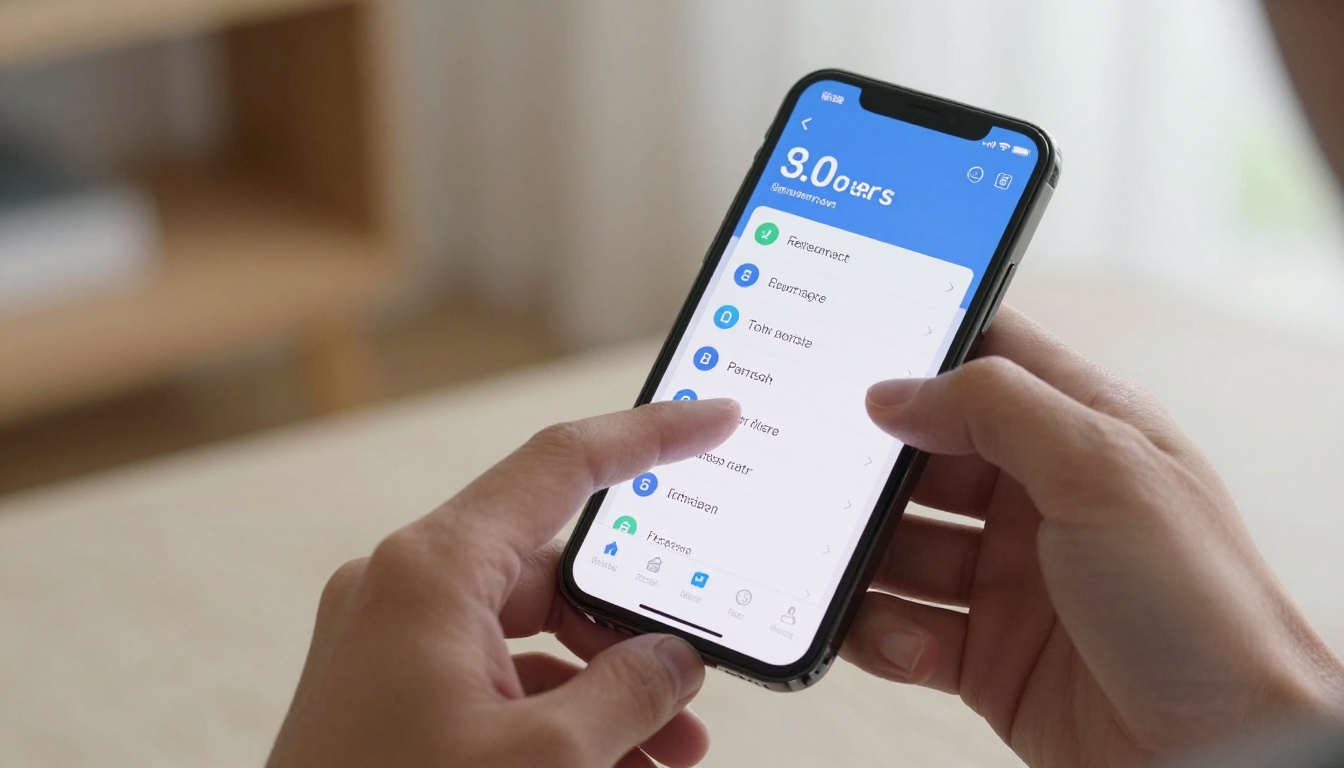
Most phones let you tweak the refresh rate in settings. Options usually include 60Hz, 90Hz, 120Hz, or an adaptive mode. Try cranking it to the max. Use your phone normally for a day. Then switch to 60Hz. If the change feels jarring, the higher setting’s worth it. If not, you can save battery without missing out.
Gamers should check per-app settings. Some game launchers let you set custom rates for each title. A fast shooter benefits from 120Hz, a puzzle game doesn’t. For reading, e-ink devices are still king, but on a regular phone, 60Hz with a warm backlight is often more comfy than a flickery high-refresh panel. Your habits decide the best setup.
There’s no one-size-fits-all. Someone who streams video all day might never need 120Hz. A social media addict will love the fluidity. Be honest about how you use your phone. The refresh rate benefits are real, but they don’t matter equally to everyone. Pick what makes your daily interaction better.