Follow us on Facebook
Breaking updates in your feed — tap to open
In today’s fast-paced digital world, where new apps emerge daily promising to revolutionize productivity, many users face a common problem: finding a note-taking solution that actually works consistently across all devices without constant updates breaking functionality or requiring subscription fees. While countless flashy alternatives have come and gone, one application has quietly maintained its position as a reliable workhorse for millions of users worldwide.
- The Problem With Modern Note-Taking Apps
- Why OneNote’s Timeless Design Solves Modern Problems
- The Notebook Metaphor That Just Works
- Cross-Platform Compatibility: Your Notes Everywhere
- OneDrive Integration: The Safety Net You Need
- Comprehensive Features Without the Price Tag
- Essential Tools for Every Note-Taking Scenario
- Microsoft Ecosystem Integration: More Than Just Notes
- Seamless Connection to Essential Tools
- OneNote vs. Microsoft Loop: Complementary, Not Competitive
- Why Users Keep Returning to OneNote
- The Longevity Advantage
- Practical Applications for Different Users
- For Students and Academics
- For Professionals and Teams
- For Personal Organization
- Getting Started with OneNote: Practical Tips
- Conclusion: The Solution That Stands the Test of Time
The Problem With Modern Note-Taking Apps
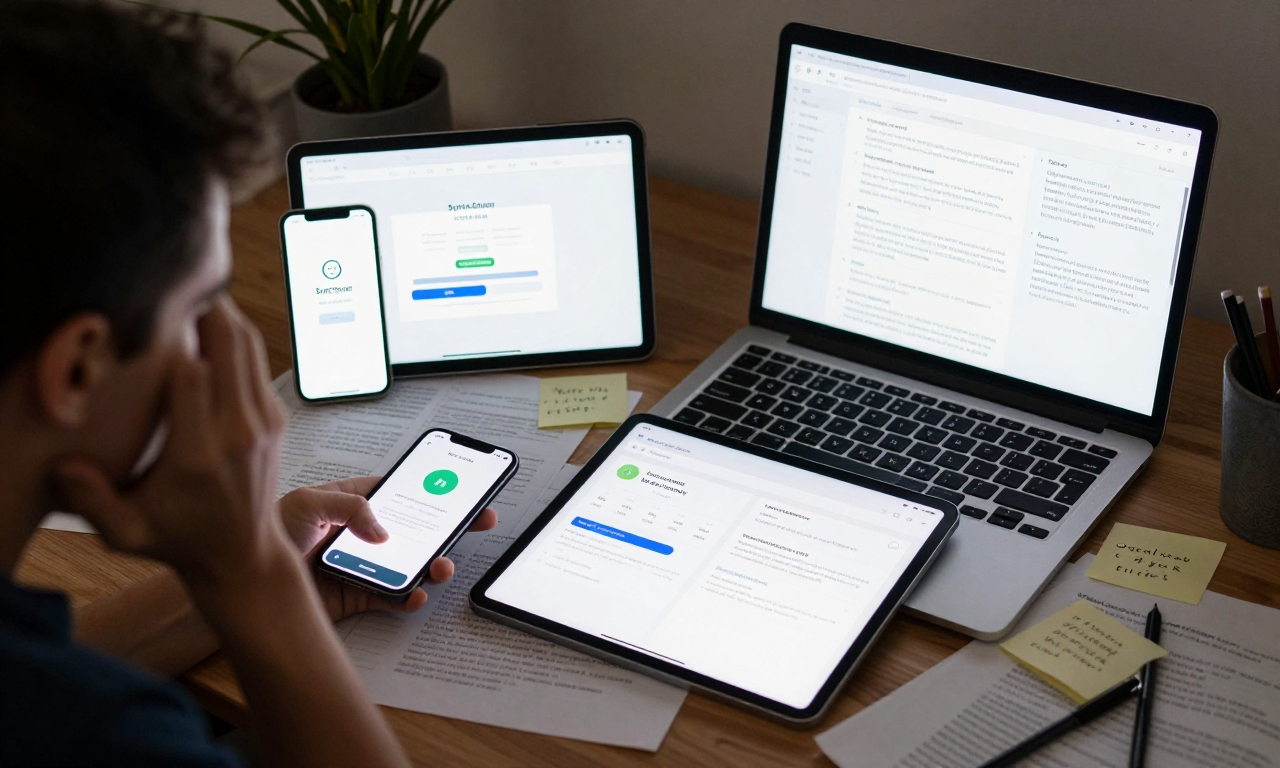
Most productivity enthusiasts have experienced the frustration of investing time and energy into a new note-taking app, only to discover its limitations months later. Whether it’s poor synchronization between devices, confusing organizational systems, or unexpected subscription costs, many contemporary solutions fail to deliver on their promises. The market is flooded with apps that prioritize trendy interfaces over practical functionality, leaving users constantly switching between tools and losing valuable notes in the process.
This constant app-hopping creates several real problems for users:
- Data fragmentation: Notes scattered across multiple platforms
- Learning curve waste: Time spent mastering interfaces that get abandoned
- Cost accumulation: Multiple subscriptions for specialized features
- Compatibility issues: Notes that don’t transfer well between devices
Why OneNote’s Timeless Design Solves Modern Problems
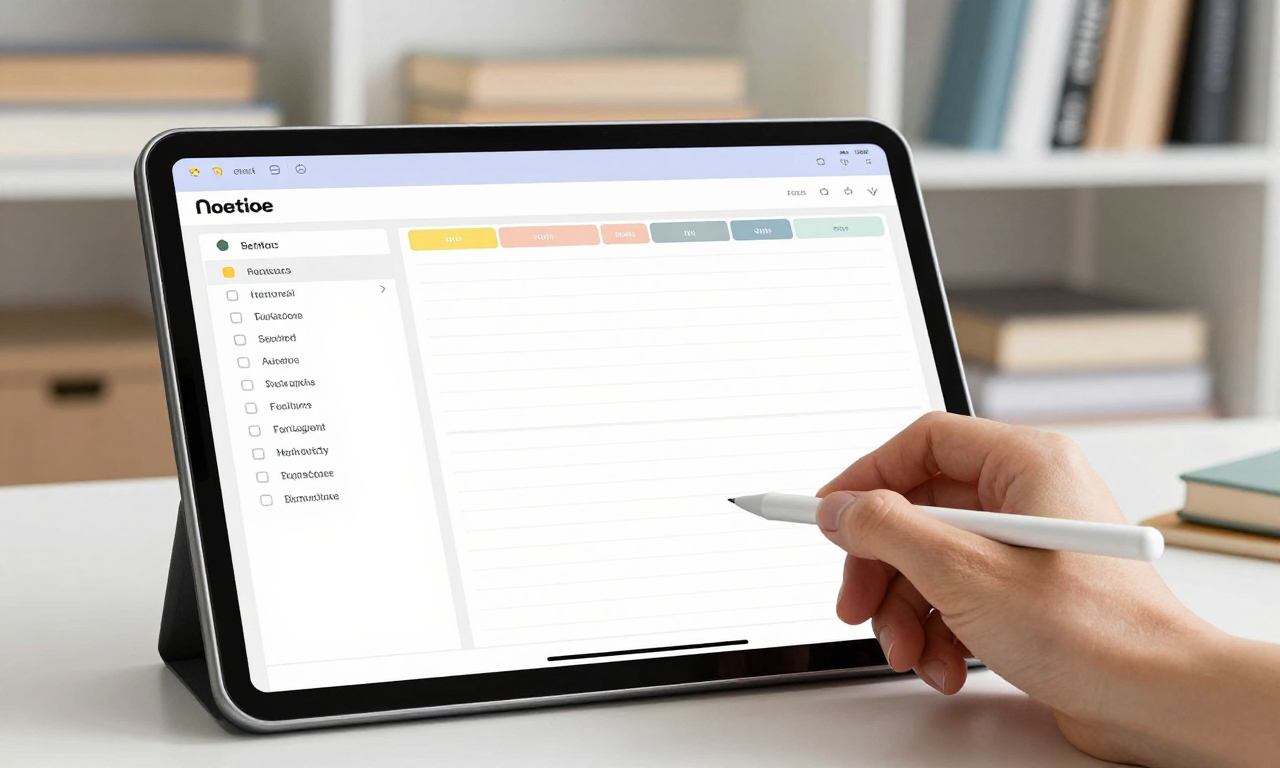
Microsoft OneNote, first released in 2003, addresses these contemporary frustrations through a surprisingly simple approach: a notebook-style interface that mimics physical organization. Unlike tag-based systems that can become chaotic with scale or overly structured databases that feel restrictive, OneNote’s intuitive hierarchy of notebooks, sections, and pages provides just enough organization without overwhelming complexity.
The Notebook Metaphor That Just Works
OneNote’s core strength lies in its familiar organizational structure. Each notebook can represent a major project or area of life, with sections acting as dividers and pages containing individual notes. This system proves particularly effective for:
- Project management: Keep all research, meeting notes, and resources in one place
- Academic work: Organize courses, lectures, and study materials systematically
- Personal organization: Separate work, home, and hobby notes cleanly
The beauty of this system is its flexibility. You can start with minimal structure and expand as needed, unlike rigid templates that force premature organization. This solves the common problem of either over-organizing (wasting time on structure) or under-organizing (creating digital clutter).
Cross-Platform Compatibility: Your Notes Everywhere
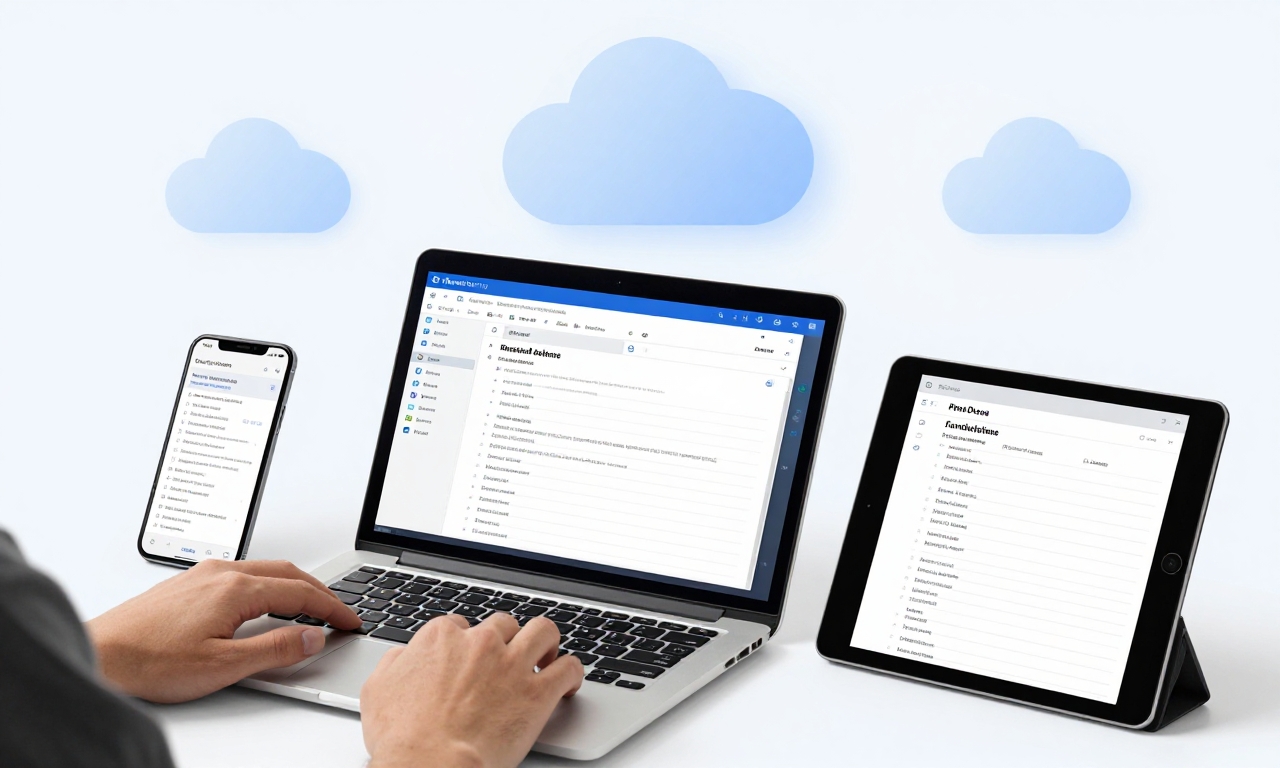
One of OneNote’s most significant advantages is its seamless operation across all major platforms. Whether you’re using Windows, macOS, iOS, or Android, your notes remain synchronized and accessible. This solves the frustrating problem of platform lock-in that plagues many note-taking solutions.
OneDrive Integration: The Safety Net You Need
All notes automatically sync through OneDrive, providing both cloud backup and cross-device accessibility. This addresses critical concerns:
- Data safety: Automatic cloud backup prevents note loss from device failure
- Accessibility: Access notes from any device with internet connectivity
- Collaboration: Share notebooks with colleagues or classmates easily
The synchronization happens seamlessly in the background, eliminating the manual saving and exporting steps required by many alternatives. For mobile users who frequently switch between phone, tablet, and computer, this reliability is invaluable.
Comprehensive Features Without the Price Tag
Unlike many modern productivity apps that lock essential features behind paywalls, OneNote offers a remarkably complete feature set completely free. This solves the budget problem faced by students, freelancers, and anyone tired of subscription fatigue.
Essential Tools for Every Note-Taking Scenario
| Feature | Practical Application | Problem Solved |
|---|---|---|
| Handwriting Support | Tablet users can write naturally with stylus | Digital note-taking feels restrictive |
| Dictation | Capture thoughts hands-free while commuting | Typing isn’t always practical |
| Drawing Tools | Create diagrams, sketches, and mind maps | Visual ideas need visual expression |
| File Insertion | Embed documents, images, and PDFs directly | Related files get separated from notes |
| Collaboration | Multiple users edit simultaneously | Team projects need shared workspaces |
These features work together to create a versatile environment that adapts to your needs rather than forcing you to adapt to the tool. The spell check, translation capabilities, and table creation tools further enhance productivity without requiring additional apps.
Microsoft Ecosystem Integration: More Than Just Notes
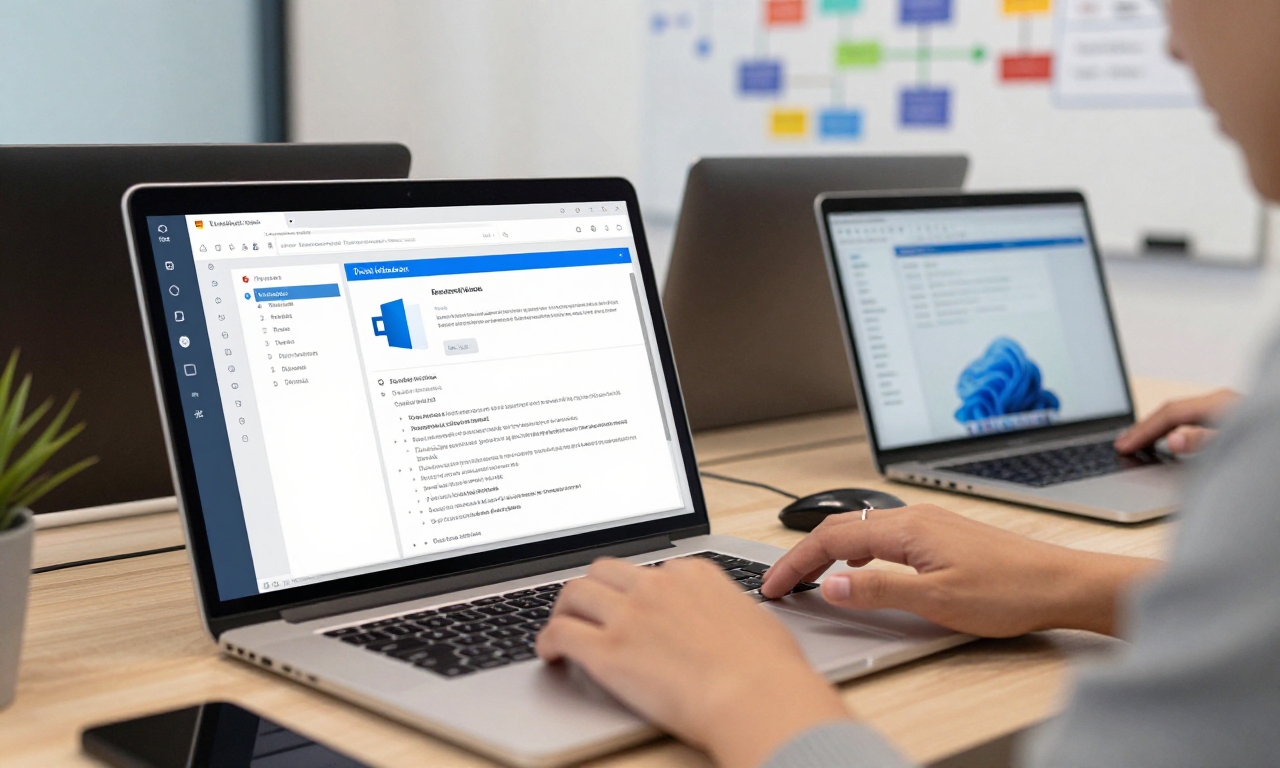
OneNote doesn’t exist in isolation. Its deep integration with the Microsoft ecosystem solves the problem of app fragmentation that plagues many productivity workflows.
Seamless Connection to Essential Tools
When used alongside other Microsoft applications, OneNote becomes significantly more powerful:
- Microsoft Teams: Share meeting notes directly in channels
- SharePoint: Store team notebooks for organizational access
- Outlook: Email notes to yourself or embed meeting details
- CoPilot Integration: AI-assisted organization and summarization
This integration is particularly valuable in professional and educational environments where Microsoft tools are already standard. Rather than maintaining separate systems, everything works together cohesively.
OneNote vs. Microsoft Loop: Complementary, Not Competitive
Recent concerns about Microsoft Loop replacing OneNote have been addressed through clear differentiation. While Loop excels at real-time, project-based team collaboration with dynamic components, OneNote remains superior for individual note organization and long-term reference. They solve different problems: Loop for collaborative brainstorming, OneNote for personal knowledge management.
Why Users Keep Returning to OneNote
The most telling evidence of OneNote’s effectiveness comes from user behavior. Many productivity enthusiasts, including the author, have experimented with numerous alternatives only to return to OneNote. This pattern reveals several key advantages:
“After trying nearly every note-taking app on the market, I consistently return to OneNote for its reliability, comprehensive features, and intuitive organization. It’s the solution that works when you need it most.”
The Longevity Advantage
OneNote’s 20+ year history provides benefits newer apps can’t match:
- Proven stability: Two decades of refinement means fewer bugs and crashes
- Extensive support: Vast online resources and community knowledge
- Future-proofing: Microsoft’s ongoing commitment ensures continued development
- Data longevity: Notes from years ago remain accessible and usable
This longevity solves the anxiety many users feel when investing in new apps: will this still be here in five years? With OneNote, the answer is clearly yes.
Practical Applications for Different Users
OneNote’s versatility makes it suitable for various user profiles, each with specific needs:
For Students and Academics
The free price point and organizational structure make OneNote ideal for educational use. Features like equation support, research note organization, and collaboration tools address common academic challenges.
For Professionals and Teams
Meeting notes, project documentation, and shared knowledge bases benefit from OneNote’s structure and Microsoft integration. The ability to embed files and collaborate in real-time streamlines workplace productivity.
For Personal Organization
From recipe collections to travel planning, OneNote’s flexibility accommodates personal use cases. The mobile apps ensure notes are available wherever inspiration strikes.
Getting Started with OneNote: Practical Tips
If you’re ready to solve your note-taking problems with OneNote, here’s how to begin effectively:
- Start simple: Create one notebook for your primary use case
- Use sections logically: Divide by project, subject, or time period
- Explore features gradually: Don’t overwhelm yourself with every tool at once
- Sync immediately: Set up OneDrive synchronization from day one
- Explore templates: Use built-in templates for common note types
Remember that OneNote’s strength is adaptability. Your organizational system can evolve as your needs change, unlike rigid apps that force premature commitment to specific structures.
Conclusion: The Solution That Stands the Test of Time
In a world of constantly changing productivity apps, Microsoft OneNote offers something increasingly rare: reliable consistency. It solves the fundamental problems of note organization, cross-platform access, and feature availability without requiring subscription fees or accepting compromises.
While specialized alternatives exist for specific use cases like journaling or highly unstructured data, OneNote’s balanced approach provides comprehensive functionality for most users. Its longevity isn’t a sign of obsolescence but rather proof of effective design that continues to meet user needs decades after its introduction.
The next time you find yourself frustrated with note-taking app limitations or subscription costs, consider returning to the solution that has quietly served millions reliably for over twenty years. Sometimes, the best solution isn’t the newest or trendiest-it’s the one that consistently solves your problems without creating new ones.