Follow us on Facebook
Breaking updates in your feed — tap to open
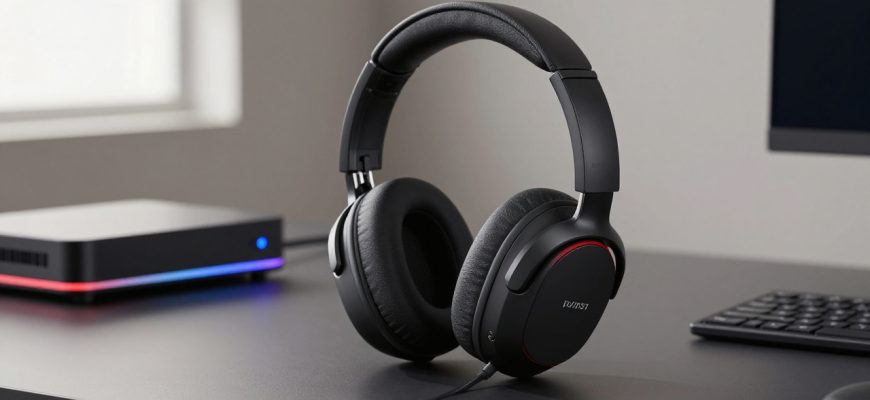
When HyperX announced the Cloud Alpha 2 Wireless, gaming headset enthusiasts had high expectations. Building on the success of the original Cloud Alpha series, this premium wireless model promised exceptional audio, marathon battery life, and the convenience of a dedicated base station. At $300, it positions itself as a top-tier option for serious gamers who want both performance and convenience.
After extensive testing, we’ve found a headset with a split personality. The hardware components-the drivers, build quality, comfort, and battery-are genuinely impressive and live up to the premium price tag. However, the software experience and base station implementation feel rushed, incomplete, and frustratingly buggy, creating a package that’s difficult to recommend at full price.
In this comprehensive review, we’ll break down exactly what works, what doesn’t, and whether the HyperX Cloud Alpha 2 Wireless is worth your hard-earned money in its current state.
- Hardware Excellence: Where the Cloud Alpha 2 Wireless Shines
- Audio Performance That Impresses
- Comfort That Lasts Through Marathon Sessions
- Battery Life That Sets New Standards
- The Base Station: Feature-Rich but Flawed
- Physical Design and Controls
- Connectivity and Versatility Issues
- Software Woes: The Achilles’ Heel
- Basic Features That Don’t Work
- Spatial Audio: A Glimmer of Hope
- Microphone Performance
- Value Proposition: Is It Worth $300?
- What You Get for Your Money
- Competitive Alternatives
- Final Verdict: Wait for Updates or Look Elsewhere
Hardware Excellence: Where the Cloud Alpha 2 Wireless Shines
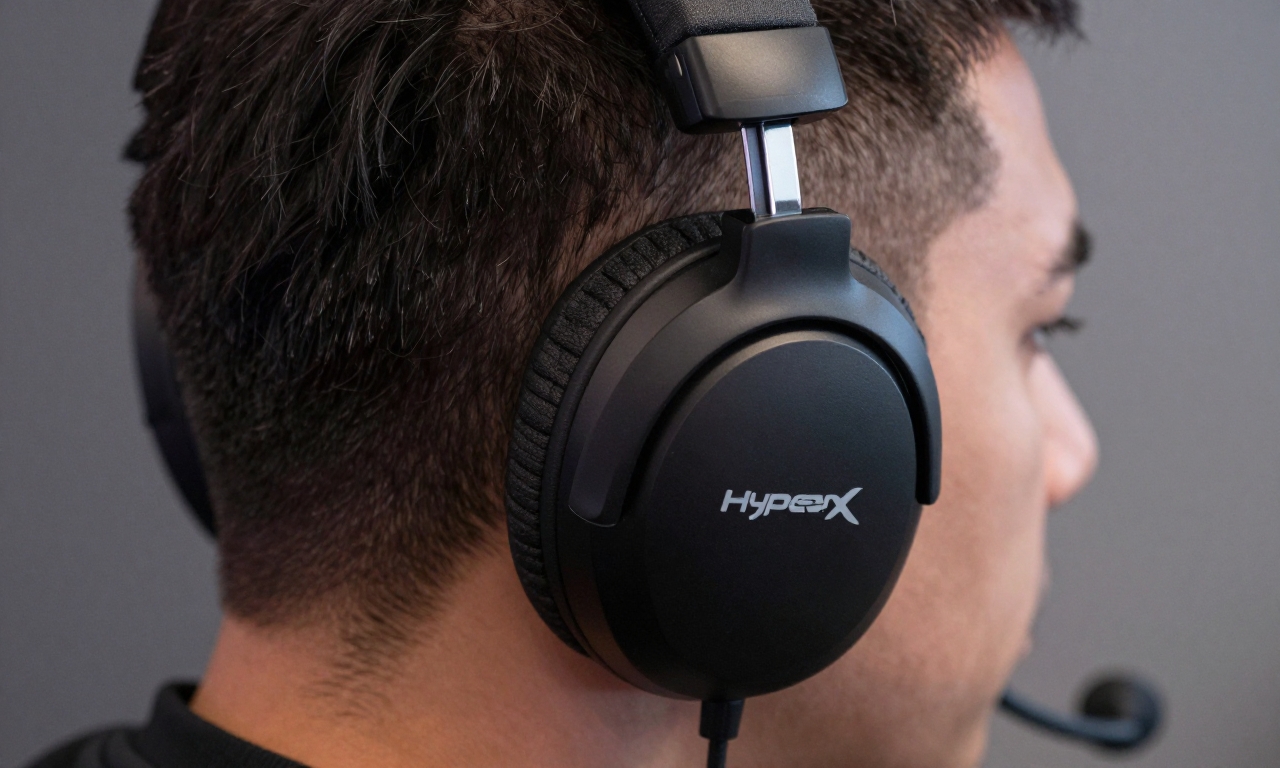
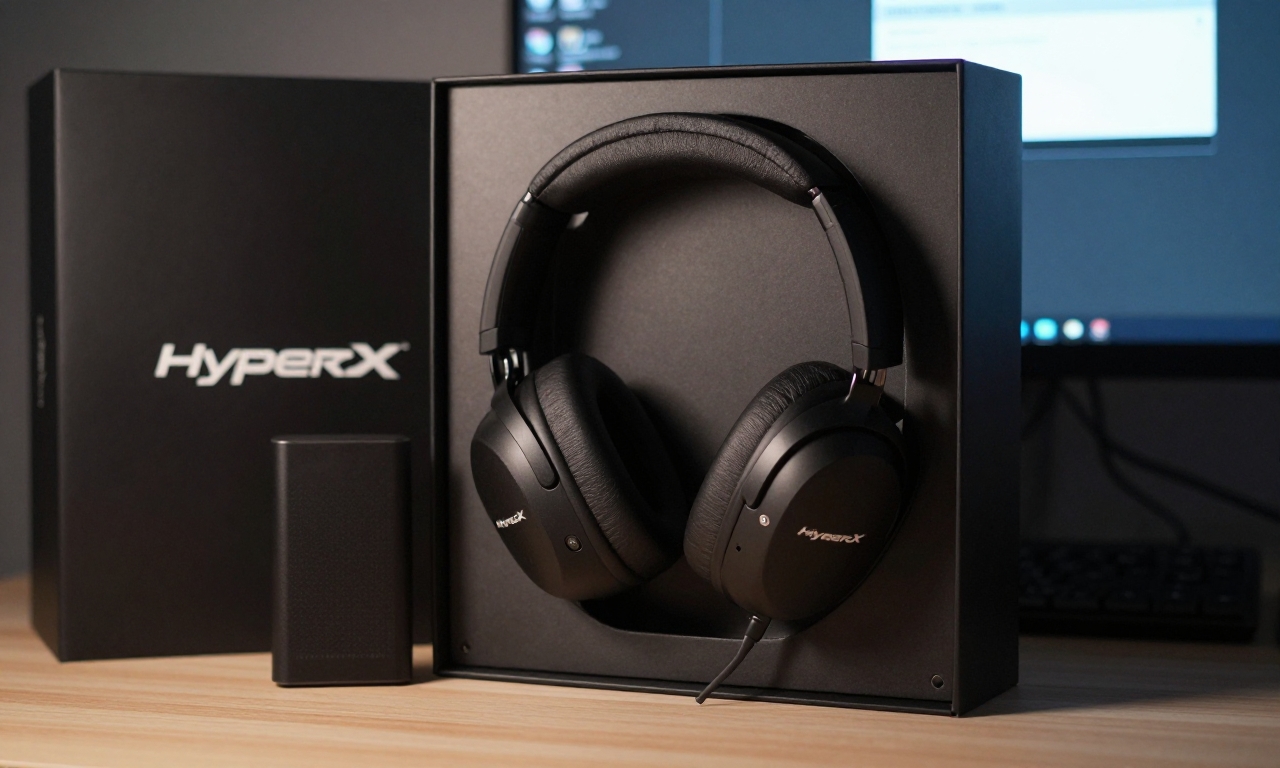
The physical headset itself is where HyperX’s expertise truly shows. From the moment you unbox it, you can feel the quality in your hands and see it in the design.
Audio Performance That Impresses
HyperX has equipped the Cloud Alpha 2 Wireless with dual-chamber drivers that deliver exceptional audio separation. The bass response is deep and punchy without overwhelming the mids and highs, making explosions in games feel impactful while keeping dialogue and environmental sounds clear. The open midrange allows for excellent positional audio in competitive games-you can genuinely hear footsteps approaching from specific directions.
Compared to other wireless gaming headsets in this price range, the Cloud Alpha 2 Wireless holds its own in pure audio quality. The sound signature leans slightly toward the bass-heavy side that gamers typically prefer, but it’s well-balanced enough for music and movies too.
Comfort That Lasts Through Marathon Sessions
Comfort is non-negotiable for gaming headsets, and HyperX delivers here:
- Memory foam ear cups: The plush memory foam conforms to your head shape without creating uncomfortable pressure points
- Breathable fabric: Unlike leather alternatives, the fabric covering stays cool during extended use
- Adjustable headband: The steel slider mechanism feels durable and provides a secure fit
- Lightweight design: At just 337g, it’s lighter than many competitors, reducing neck strain
We tested the headset during multiple 4+ hour gaming sessions and experienced minimal discomfort, a testament to HyperX’s ergonomic design.
Battery Life That Sets New Standards
Perhaps the most impressive hardware feature is the battery life. HyperX claims up to 250 hours on a single charge, and in our testing with RGB lighting disabled, we consistently achieved 230-240 hours of mixed use. Even with heavy daily gaming, you’ll only need to charge this headset once every few weeks.
The USB-C charging is convenient, and a 15-minute quick charge provides about 10 hours of playback-perfect for when you forget to charge overnight.
The Base Station: Feature-Rich but Flawed
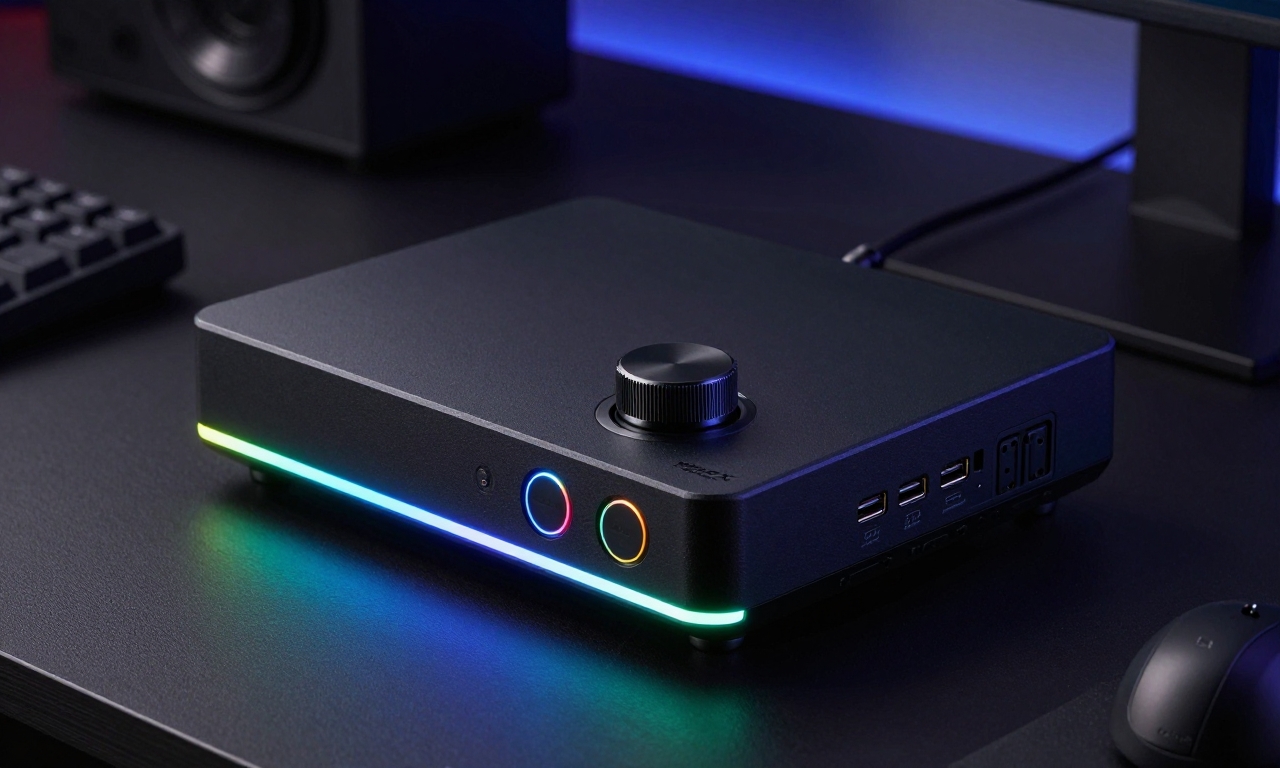
The Cloud Alpha 2 Wireless comes with a substantial base station that serves as both a wireless dongle holder and a control center. On paper, it’s packed with features, but the execution leaves much to be desired.
Physical Design and Controls
The base station is larger than most competitors’ solutions, measuring approximately 6.5 x 4.5 inches. It features:
- Volume knob with satisfying tactile feedback
- Three programmable buttons (though their functions are confusing)
- RGB lighting around the edges and on the buttons
- USB-C port for charging the headset
- 3.5mm audio jack for connecting other devices
While the build quality feels premium, the size means it consumes significant desk real estate. The bright RGB lighting cannot be fully dimmed-only turned on or off-which can be distracting in dark gaming environments.
Connectivity and Versatility Issues
The base station connects to your PC via USB-A and creates a proprietary 2.4GHz wireless connection to the headset. The connection itself is stable with minimal latency, but there are limitations:
- No Bluetooth support: Unlike some competitors, you can’t connect to mobile devices directly
- Proprietary ecosystem: The headset only works with this specific base station
- Limited multi-device support: Switching between devices isn’t as seamless as with Bluetooth solutions
For a $300 headset in 2024, the lack of Bluetooth feels like a significant omission, especially when competitors like the SteelSeries Arctis Nova Pro Wireless offer both proprietary wireless and Bluetooth simultaneously.
Software Woes: The Achilles’ Heel
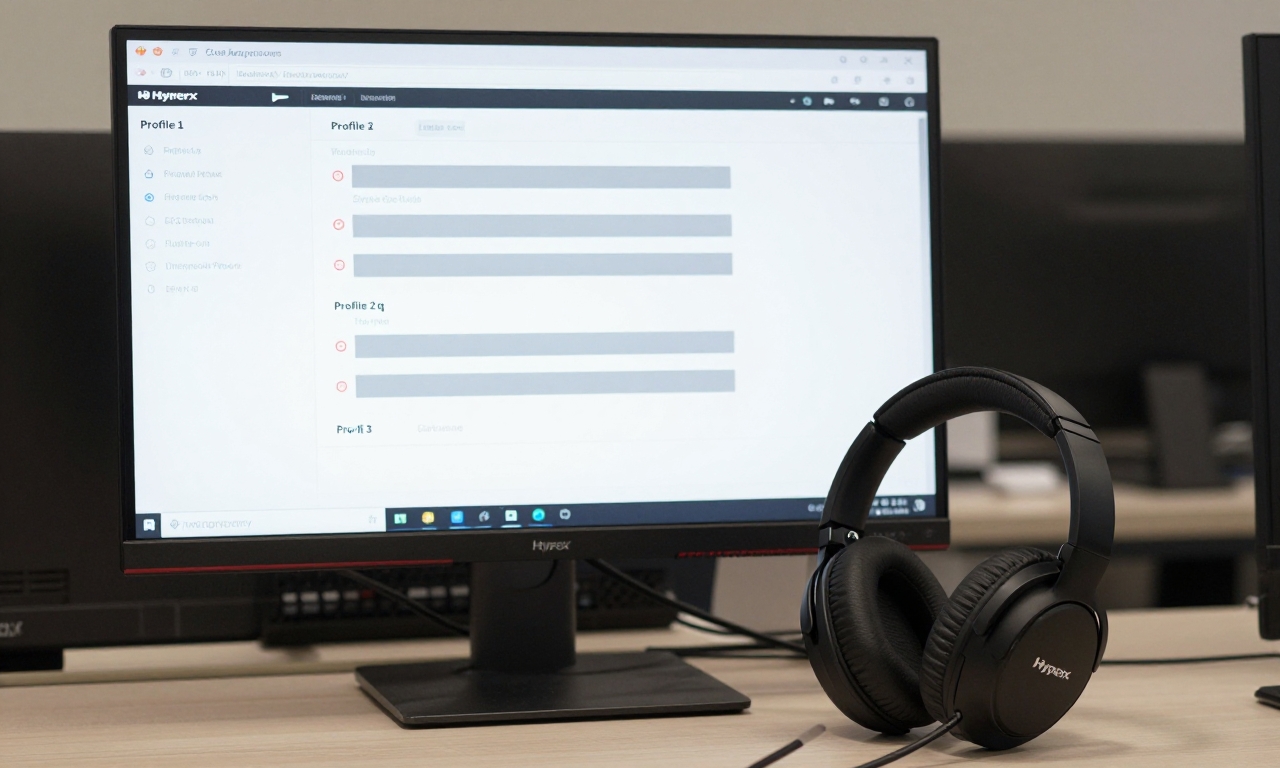
This is where the HyperX Cloud Alpha 2 Wireless experience falls apart. The headset relies on HyperX’s Ngenuity software for customization, and at launch-and months later-it remains shockingly incomplete.
Basic Features That Don’t Work
In our testing, several fundamental features either didn’t work or behaved inconsistently:
| Feature | Status | Issue |
|---|---|---|
| Custom EQ Saving | Broken | Presets don’t save between sessions |
| RGB Customization | Partially Broken | Base station button colors can’t be changed |
| Automatic Startup | Unreliable | Settings don’t persist after reboot |
| Hardware EQ Storage | Nonfunctional | Can’t save EQs to base station memory |
The “Hardware” tab in Ngenuity, which supposedly allows storing EQ settings directly on the base station, simply doesn’t work. This means the three built-in EQ profiles (labeled only as “Profile 1,” “Profile 2,” and “Profile 3”) remain mysterious-users have no way of knowing what each profile actually does.
Spatial Audio: A Glimmer of Hope
One area where the software shows potential is spatial audio. The Cloud Alpha 2 Wireless offers both 8-channel and 12-channel virtual surround sound modes with adjustable virtual speaker distance. When it works, the spatial audio creates an immersive experience with good directional accuracy.
However, the 12-channel mode is currently broken in our testing, and enabling spatial audio creates multiple virtual devices in Windows labeled “System Use Only,” making the audio device management feel hacked together rather than polished.
“The spatial audio implementation shows what HyperX could achieve with proper software development, but in its current state, it feels like a beta feature rather than a finished product.”
Microphone Performance
The detachable noise-cancelling microphone performs adequately for gaming communication. Voice clarity is good, and background noise suppression works reasonably well. However, microphone settings (like sidetone level) don’t always persist between gaming sessions, requiring manual adjustment each time.
Value Proposition: Is It Worth $300?
At $300, the HyperX Cloud Alpha 2 Wireless enters a competitive segment with established alternatives from SteelSeries, Logitech, and Razer. Let’s break down the value comparison.
What You Get for Your Money
Pros at this price point:
- Exceptional battery life that outperforms most competitors
- Superior comfort for extended gaming sessions
- Excellent audio quality with deep bass and clear mids
- Solid build quality that feels durable
Cons at this price point:
- Unfinished, buggy software that undermines the experience
- No Bluetooth support for mobile device connectivity
- Clunky base station that’s larger than necessary
- Limited customization due to broken software features
Competitive Alternatives
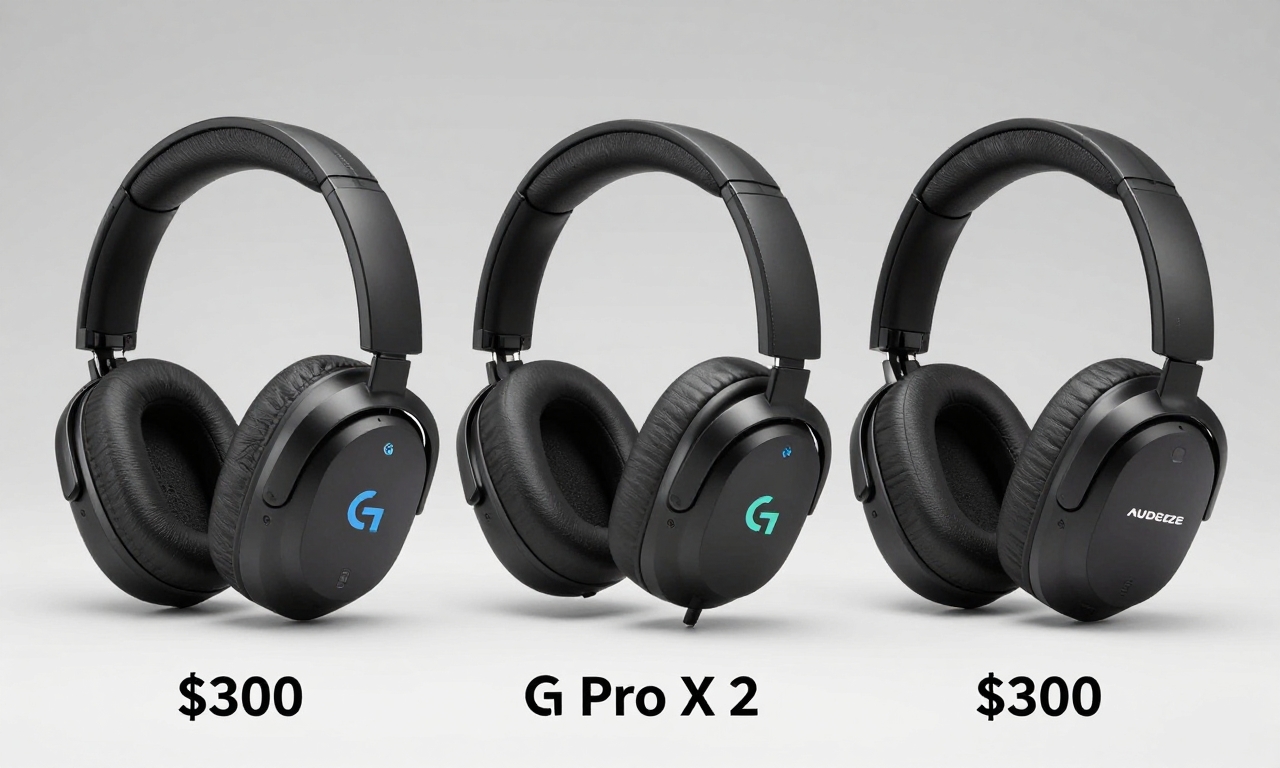
For the same $300, you could consider:
- SteelSeries Arctis Nova Pro Wireless: Offers simultaneous Bluetooth, hot-swappable batteries, and more polished software
- Logitech G Pro X 2 Lightspeed: Features excellent software, Bluetooth support, and a more compact receiver
- Audeze Maxwell: Provides planar magnetic drivers for superior audio quality at a similar price
Each of these alternatives offers a more complete, polished experience at the same price point, making the HyperX Cloud Alpha 2 Wireless difficult to recommend in its current state.
Final Verdict: Wait for Updates or Look Elsewhere
The HyperX Cloud Alpha 2 Wireless presents a frustrating paradox. The core headset hardware is genuinely excellent-the audio quality, comfort, and battery life compete with the best in the category. HyperX has clearly invested in creating premium physical components that justify the $300 price tag.
However, the software experience and base station implementation feel like they shipped months too early. Basic features don’t work reliably, customization is limited, and the overall ecosystem feels unfinished. For a premium product in 2024, this level of software polish is unacceptable.
Our recommendation: If you’re considering the HyperX Cloud Alpha 2 Wireless, we suggest waiting for significant software updates that address the numerous bugs and missing features. Alternatively, look at competitors that offer more complete packages at similar price points.
The potential is there-HyperX has created hardware worthy of its flagship status. But until the software catches up, the Cloud Alpha 2 Wireless remains a premium headset with a beta-level experience, making it a difficult purchase to justify at full price.
HyperX needs to either overhaul the Ngenuity software completely or release cheaper variants that don’t promise features they can’t reliably deliver. For now, gamers deserve better than paying $300 for unfinished software that hampers otherwise excellent hardware.