Follow us on Facebook
Breaking updates in your feed — tap to open
Adobe has long been the industry standard for photo editing software, but with Project Indigo, the creative giant is stepping directly into the camera app arena. This new computational photography application, currently in development for iPhone, isn’t designed to replace your default Camera app for quick snaps. Instead, it targets serious photographers and enthusiasts who crave more control and superior image quality from their smartphone. By leveraging Adobe’s expertise in image processing, Project Indigo promises to unlock new photographic potential from the hardware already in your pocket.
At its core, Project Indigo is about computational photography-using software and multiple image captures to create a final photo that’s better than any single shot could be. This approach has become increasingly common in flagship smartphones, but Adobe is taking it to a professional level with features that prioritize image fidelity and creative control over convenience. The app is particularly intriguing for genres like flower and macro photography, where detail and dynamic range are paramount.
- How Project Indigo’s Computational Photography Works
- Key Features and Manual Controls
- Complete Exposure Control
- Focus and Composition Tools
- Image Quality and Output Options
- Current Limitations and Considerations
- Who Should Use Project Indigo?
- Ideal Users:
- Less Suitable For:
- The Future of Project Indigo
- Final Verdict
How Project Indigo’s Computational Photography Works
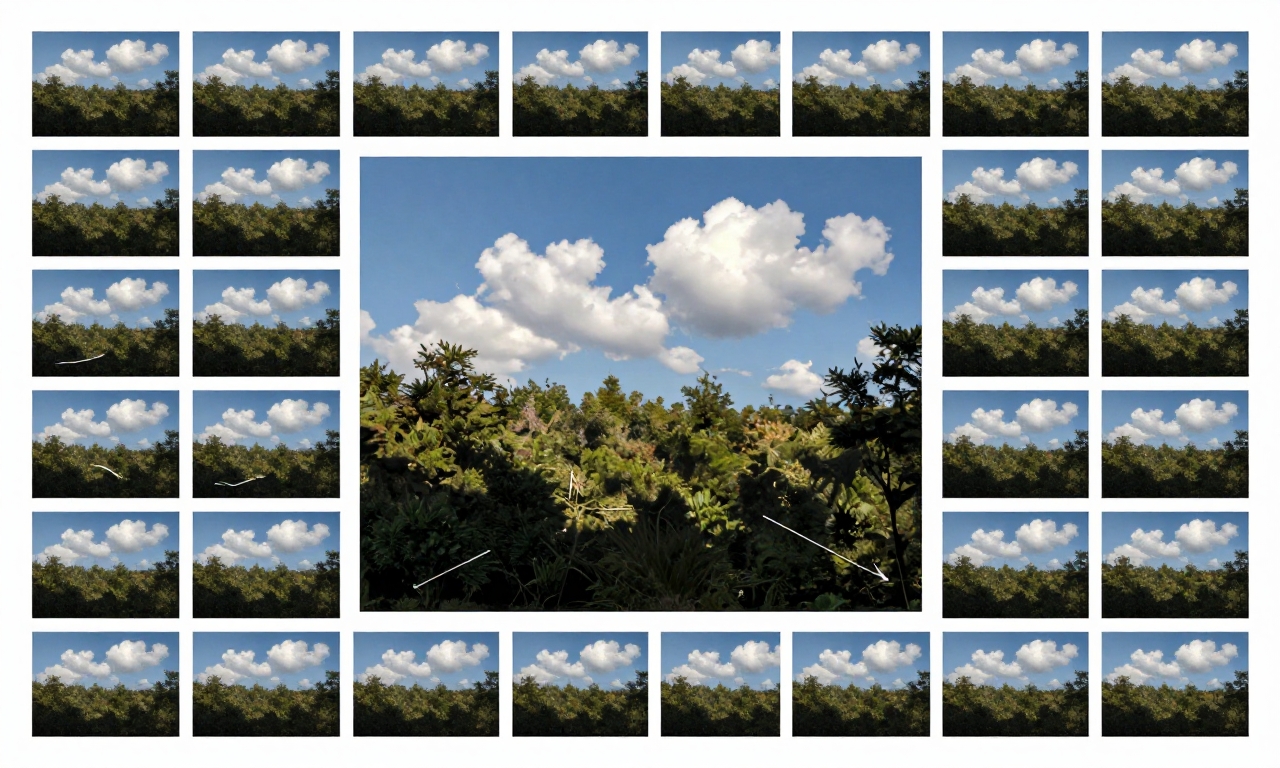
Unlike standard camera apps that capture a single image when you press the shutter, Project Indigo employs a sophisticated multi-shot capture system. When you take a photo, the app rapidly captures up to 32 individual frames in quick succession. This burst of images isn’t just for selecting the best shot; each frame contains slightly different data that Adobe’s algorithms can combine intelligently.
The computational magic happens in three key areas:
- Enhanced Dynamic Range: By analyzing multiple exposures within the burst, the app can reconstruct scenes with challenging lighting-like a bright sky against a dark foreground-with remarkable detail in both highlights and shadows.
- Advanced Noise Reduction: Shooting in low light typically introduces digital noise. Project Indigo compares the 32 frames to distinguish between actual image detail and random noise, resulting in cleaner, more natural-looking images even in dim conditions.
- Super Resolution Zoom: This is perhaps the app’s most impressive technical feat. When you zoom in, the app captures multiple images with slight sensor shifts (a technique similar to pixel shift in high-end cameras). These shifted images are then combined to create a final photo with significantly more detail than digital zoom alone could provide, maintaining quality even at substantial magnification.
Key Features and Manual Controls
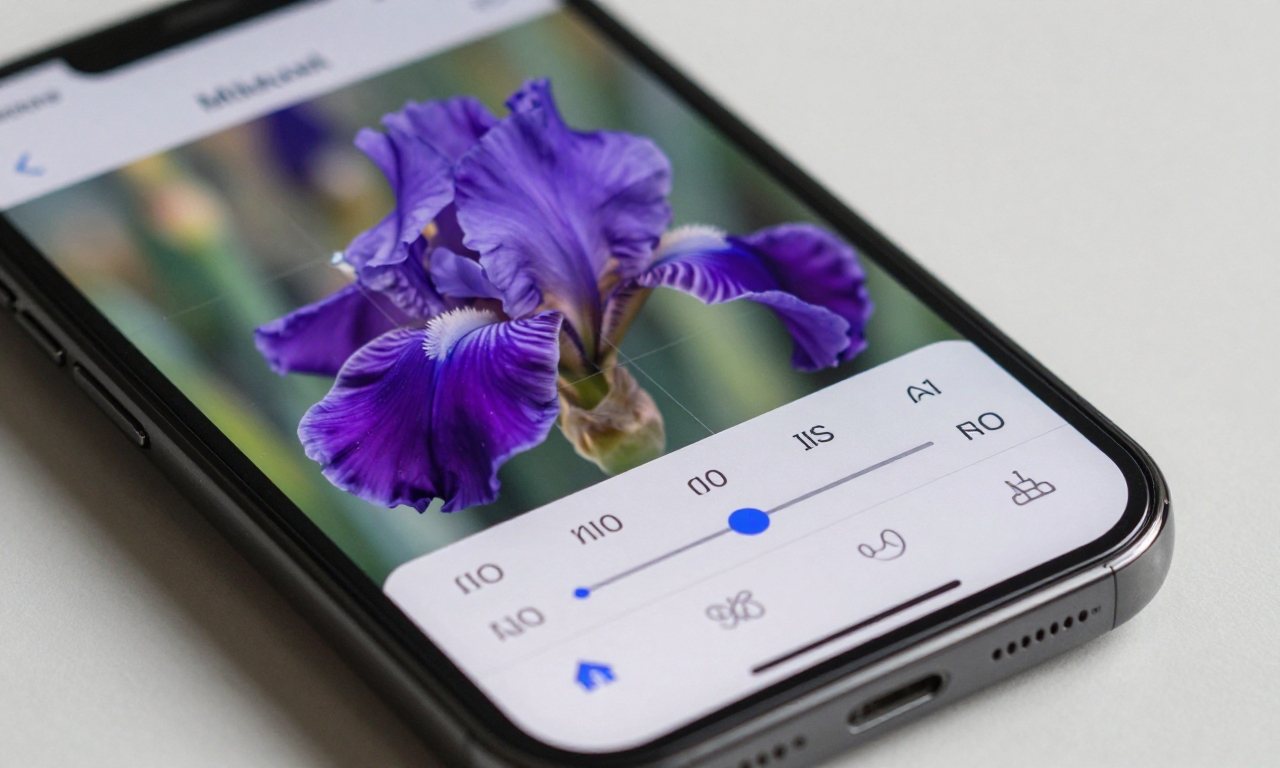
Project Indigo distinguishes itself from consumer camera apps through its extensive manual controls, putting professional-level adjustments at your fingertips. While automatic modes are available for convenience, the real power emerges when you dive into manual settings.
Complete Exposure Control
Photographers accustomed to DSLR or mirrorless cameras will feel right at home with Project Indigo’s exposure controls. You can manually adjust:
- Shutter Speed: From fast speeds to freeze motion to long exposures for creative blur effects
- ISO Sensitivity: Control the sensor’s light sensitivity, though the app’s computational processing helps manage noise at higher ISOs
- Exposure Compensation: Fine-tune brightness without changing other settings
- White Balance: Adjust color temperature with precision or use custom Kelvin values
Focus and Composition Tools
Beyond exposure, the app offers manual focus control-a rarity in smartphone photography. This allows for precise focus placement, essential for macro photography of flowers or other detailed subjects. The interface provides focus peaking (highlighting in-focus areas) and magnification for critical focus confirmation.
The app also includes composition guides like rule of thirds grids, golden ratio overlays, and level indicators to help frame technically perfect shots.
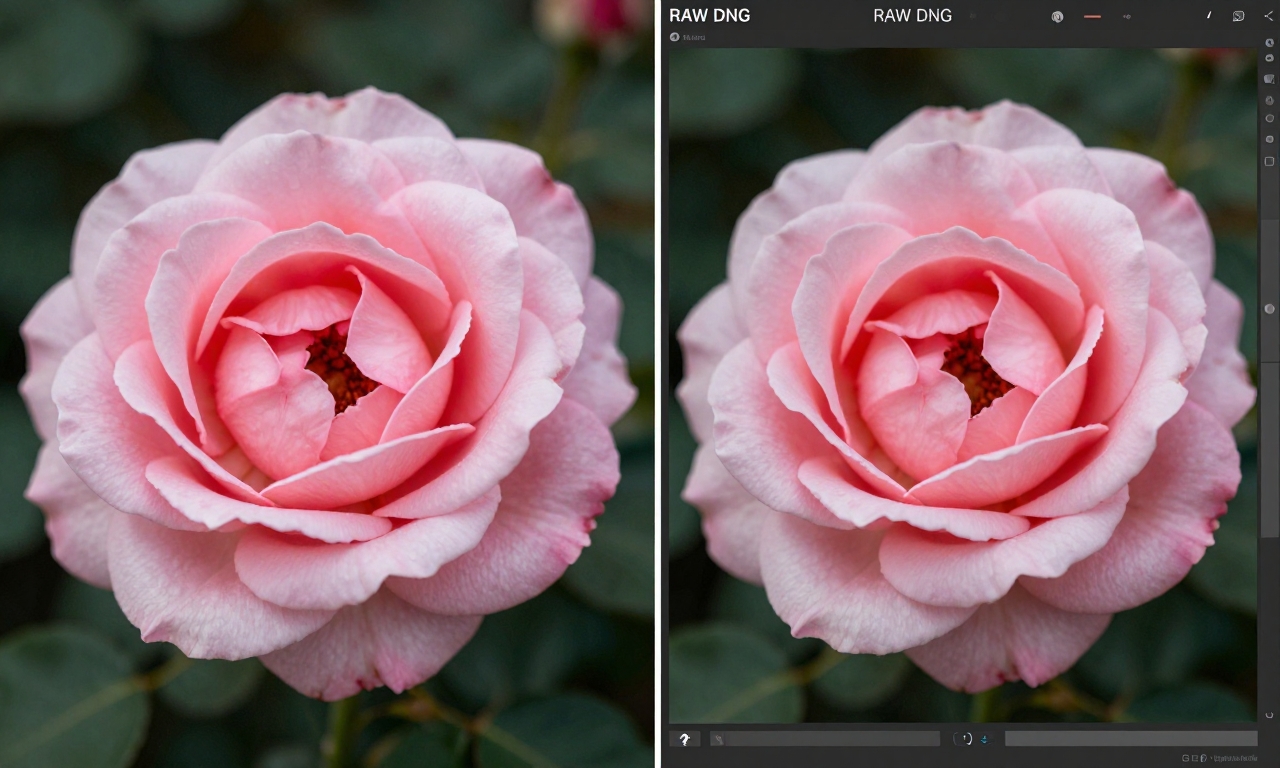
Image Quality and Output Options
Project Indigo produces noticeably different results compared to standard iPhone camera processing. Images tend to exhibit more contrast and micro-contrast, bringing out subtle textures and details that might be smoothed over by Apple’s computational photography. This creates a more “photographic” look that many enthusiasts prefer.
The app currently outputs images at 12 megapixels, which might seem modest compared to some smartphone cameras’ 48MP or higher modes. However, the quality per pixel is exceptional, and the Super Resolution zoom helps compensate for the lower megapixel count when cropping. Adobe has indicated that higher resolution support may come in future updates.
Perhaps most importantly for serious photographers, Project Indigo saves images in two formats:
- Standard JPG: Ready-to-share images with Adobe’s processing applied
- RAW DNG Files: Unprocessed sensor data that preserves maximum flexibility for editing in Lightroom, Photoshop, or other RAW-capable software
It’s worth noting that some computational features, like Super Resolution, may not be fully preserved in the DNG files, as they’re applied during processing. The JPGs will show the full benefit of Adobe’s algorithms.
Current Limitations and Considerations
As a development-stage application, Project Indigo has several notable limitations that potential users should consider:
| Limitation | Impact | Workaround/Potential |
|---|---|---|
| No video recording | Cannot replace primary camera app for video | Use default Camera app for video needs |
| Missing portrait mode | No automated background blur for people | Manual focus can create similar effects with practice |
| Slow processing times | Cannot shoot rapidly; phone may warm up | Patience required; not for action photography |
| 12MP resolution limit | Less cropping flexibility than higher MP cameras | Super Resolution helps; updates may increase MP |
| Potential overheating | Extended use may throttle performance | Take breaks during long sessions |
Additionally, while excellent for many subjects, the app’s computational approach can sometimes create overly sharp backgrounds in flower photography-an area Adobe is reportedly working to improve. The current free status may also change, with potential for a paid or subscription model upon full release.
Who Should Use Project Indigo?
Project Indigo isn’t for everyone, and that’s by design. Understanding its target audience helps determine if it’s right for you.
Ideal Users:
- Photography Enthusiasts: Those who understand manual controls and want more creative freedom from their iPhone
- Flower and Macro Photographers: The app’s detail rendering and manual focus excel with close-up subjects
- Landscape Photographers: Excellent dynamic range and the ability to shoot RAW make it strong for outdoor scenes
- Adobe Ecosystem Users: Photographers already using Lightroom or Photoshop who want seamless integration
Less Suitable For:
- Casual Point-and-Shoot Users: The default Camera app is faster and simpler for everyday photos
- Video Creators: Complete lack of video recording makes it unsuitable as a primary video tool
- Social Media Influencers: Unless specifically focused on photography content, the processing time may frustrate
- Action/Sports Photographers: Slow capture and processing can’t keep up with fast-moving subjects
“Project Indigo represents a shift toward professional tools in mobile photography. It’s not about replacing your phone’s camera for everything, but about having a specialized tool for when image quality matters most.” – Future Gadgets Analysis
The Future of Project Indigo
Adobe has been transparent that Project Indigo is a work in progress, and future updates could address many current limitations. Based on user feedback and Adobe’s development patterns, we might see:
- Focus Stacking: Combining multiple focus points for extreme depth of field in macro photography
- Enhanced Background Processing: Algorithms to create more natural background blur and bokeh
- Higher Resolution Support: Unlocking 48MP or higher capture on supported iPhone models
- Video Capabilities: Potentially bringing computational photography to video recording
- Android Version: Expanding beyond iOS to reach more photographers
The app’s development trajectory suggests Adobe is serious about creating a professional mobile photography tool, potentially positioning it as a companion to their Creative Cloud ecosystem.
Final Verdict
Adobe Project Indigo is a fascinating experiment in bringing serious computational photography to smartphones. Its strengths are undeniable: exceptional image quality, extensive manual controls, and innovative features like Super Resolution zoom that genuinely push mobile photography forward. The ability to shoot RAW DNG files alone makes it valuable for photographers who edit their work.
However, the current limitations are significant. The lack of video, portrait mode, and sometimes sluggish performance mean it can’t serve as your only camera app. The learning curve for manual controls may deter casual users, and the potential future cost adds uncertainty.
For serious iPhone photographers willing to work within its limitations, Project Indigo offers unique capabilities that justify its place alongside the default Camera app. The image quality improvements, particularly in challenging lighting and when zooming, are tangible. As a free download during its development phase, it’s certainly worth experimenting with to see if its approach aligns with your photographic style.
For casual users or those primarily interested in video, the standard Camera app-potentially supplemented with editing in Lightroom Mobile-remains the more practical choice. Project Indigo is a specialist’s tool in a world of generalists, and its value depends entirely on how much you prioritize ultimate image quality over convenience.
As computational photography continues to evolve, Adobe’s entry into the camera app space signals an exciting direction for mobile photography-one where software expertise becomes as important as hardware specifications. Whether Project Indigo becomes a must-have tool or remains a niche experiment will depend on how Adobe addresses its current limitations in future updates.