Follow us on Facebook
Breaking updates in your feed — tap to open
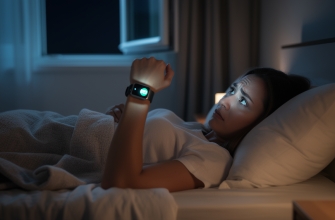
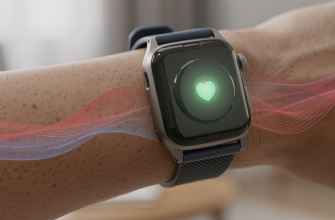
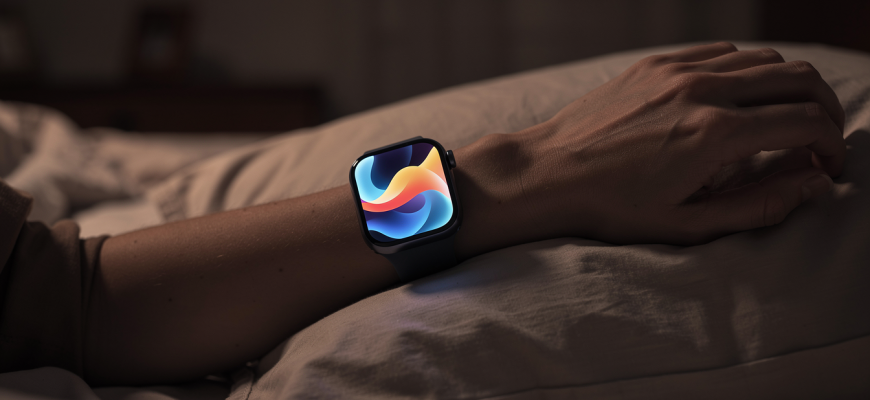
Apple just rolled out its sleep apnea detection to over 100 countries, as of May 2026. If you’ve got a compatible Apple Watch, you can now track breathing hiccups while you snooze and get alerts if something’s off. It’s a big deal because sleep apnea often flies under the radar, and catching it early can dodge some nasty health problems. The feature uses the watch’s accelerometer to pick up tiny wrist movements tied to your breathing patterns. Basically, it’s a non-invasive screening tool right on your wrist.

Enabling the Feature
First things first, your Apple Watch needs watchOS 11 or later, paired with an iPhone on iOS 18. You’ll need a Series 9, Ultra 2, or anything newer. Open the Health app on your iPhone, tap Browse, then Respiratory. Look for Sleep Apnea Notifications and follow the prompts. You’ve gotta wear your watch to bed for at least 10 nights in a 30-day stretch to collect enough data. After that, the watch checks your breathing disturbances every night. If it spots steady signs of moderate to severe sleep apnea, you’ll get a notification. Simple enough.

Interpreting Your Data
In the Health app, there’s a Breathing Disturbances section under Sleep. It shows your nightly average of breathing interruptions per hour. Under 15 is normal. Between 15 and 30 hints at moderate sleep apnea, and over 30 screams severe. The data’s in a straightforward graph, so trends jump out. Remember, this is a screening tool, not a diagnosis. False positives happen, especially if you sleep weird or have conditions that mess with wrist movements. So don’t freak out over one bad night. Look for patterns over weeks. Honestly, it’s more of a heads-up than a verdict.

Accuracy Compared to Medical Devices
Apple’s sleep apnea detection has been tested against polysomnography, the gold standard in sleep studies. In trials, the watch’s breathing disturbance index lined up pretty well with medical-grade trackers. But it’s not as spot-on as a dedicated home sleep test kit. For one, it can’t tell obstructive from central sleep apnea.
Dr. Laura Simmons, a sleep specialist at Stanford, notes: “Wearable screening is a game-changer for public health, but patients with high readings should still undergo a formal sleep study to confirm the diagnosis and determine treatment.”
So yeah, the Apple Watch is a handy first step, but it doesn’t replace a pro evaluation. Kinda like a smoke alarm-it warns you, but you still need the fire department.
Next Steps After a Warning
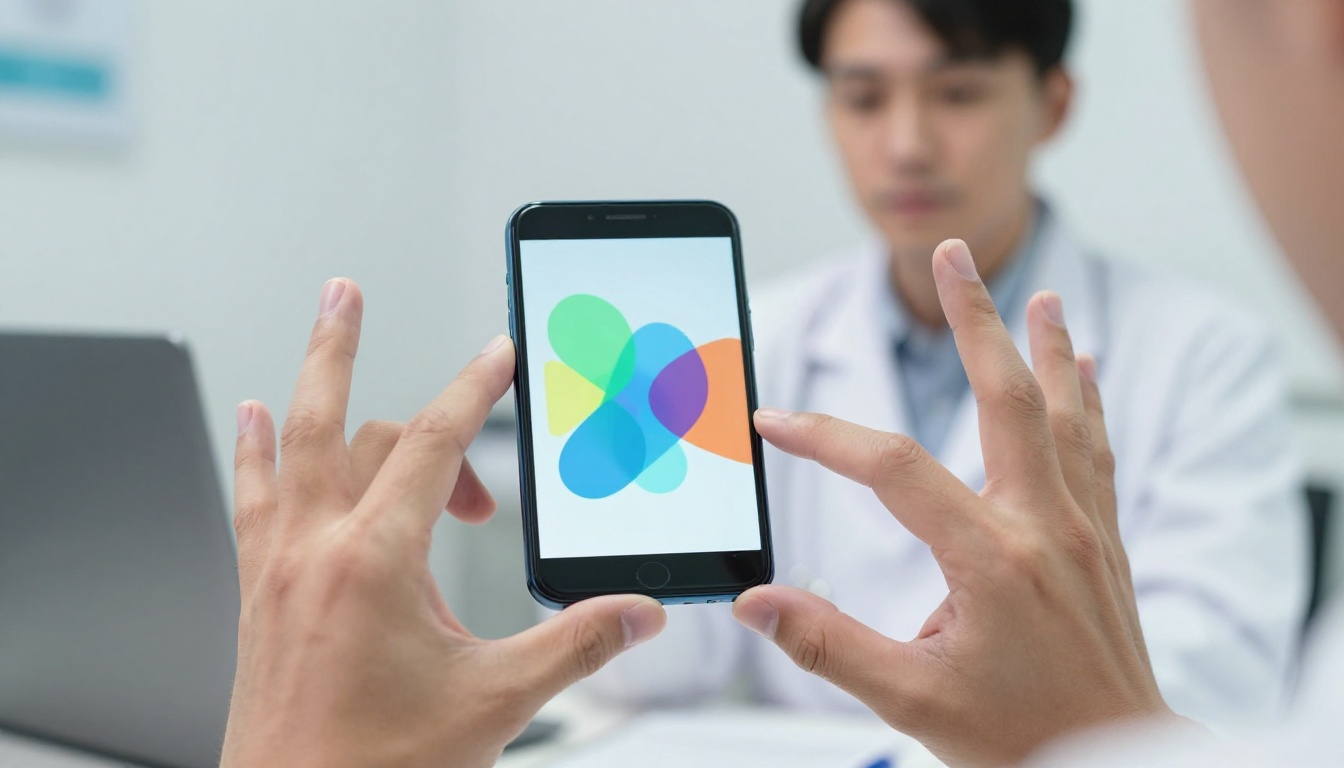
If you get a sleep apnea notification, don’t brush it off. Start by checking your breathing disturbance data from the past month. Share it with your doc using the PDF export in the Health app. Your physician might suggest a home sleep test or a lab study. Meanwhile, try some lifestyle tweaks: sleep on your side, skip the booze before bed, keep a healthy weight. For a lot of folks, these changes can dial down apnea events. Untreated sleep apnea hikes your risk of heart disease, stroke, and daytime fatigue. So acting early is key. It’s not something to sleep on-pun intended.
Apple’s global push with this feature is a solid move in consumer health tech. It puts a powerful screening tool on millions of wrists, potentially flagging a condition that hits nearly a billion people worldwide. It’s not perfect, but it’s a valuable add to your health toolkit. Just remember, use it as a starting point, not the final word, on your health journey.