Follow us on Facebook
Breaking updates in your feed — tap to open
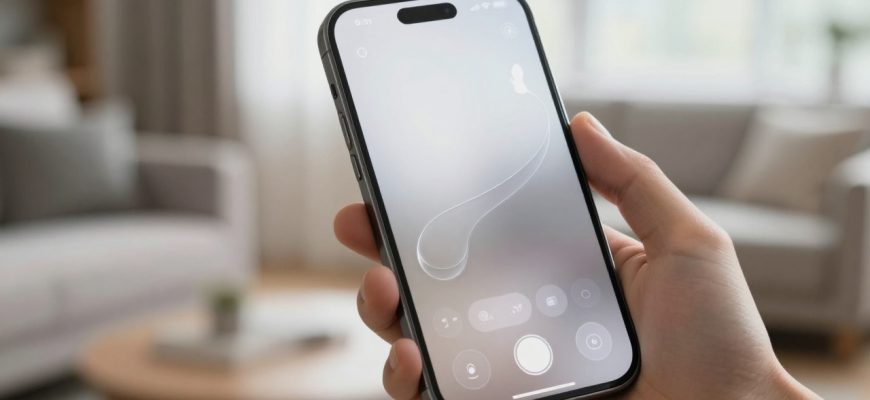
Apple has long been celebrated for its intuitive user interfaces, but the upcoming iOS 26 camera app redesign is sparking debate among photographers and tech enthusiasts alike. The company’s push toward an even more minimalist aesthetic-featuring what Apple calls ‘liquid glass’ effects and gesture-based controls-represents a significant departure from the familiar swipe-based interface that millions have grown accustomed to. While the intention appears to be simplification, early feedback suggests the changes might actually complicate the photography experience for many users.
This redesign comes at a critical time when smartphone photography has become more sophisticated than ever. With computational photography advancing rapidly and users ranging from casual snapshooters to professional creators, the camera interface serves as the gateway to capturing life’s moments. Apple’s gamble on minimalism raises important questions about usability, accessibility, and whether form should ever compromise function in such a fundamental application.
- The Minimalist Vision: What Apple Is Changing
- Usability Concerns: When Minimalism Creates Confusion
- Buried Features and Hidden Controls
- Visibility Issues in Real-World Conditions
- Impact on Different User Groups
- Casual Users: Disrupted Muscle Memory
- Professional and Enthusiast Photographers: Missing Manual Controls
- The Third-Party Opportunity: Could Competitors Gain Ground?
- Market Implications
- Practical Solutions: Balancing Aesthetics and Usability
- Customizable Interface Options
- A “Classic Mode” Toggle
- Improved Visual Feedback
- Looking Ahead: The Future of iPhone Photography
The Minimalist Vision: What Apple Is Changing
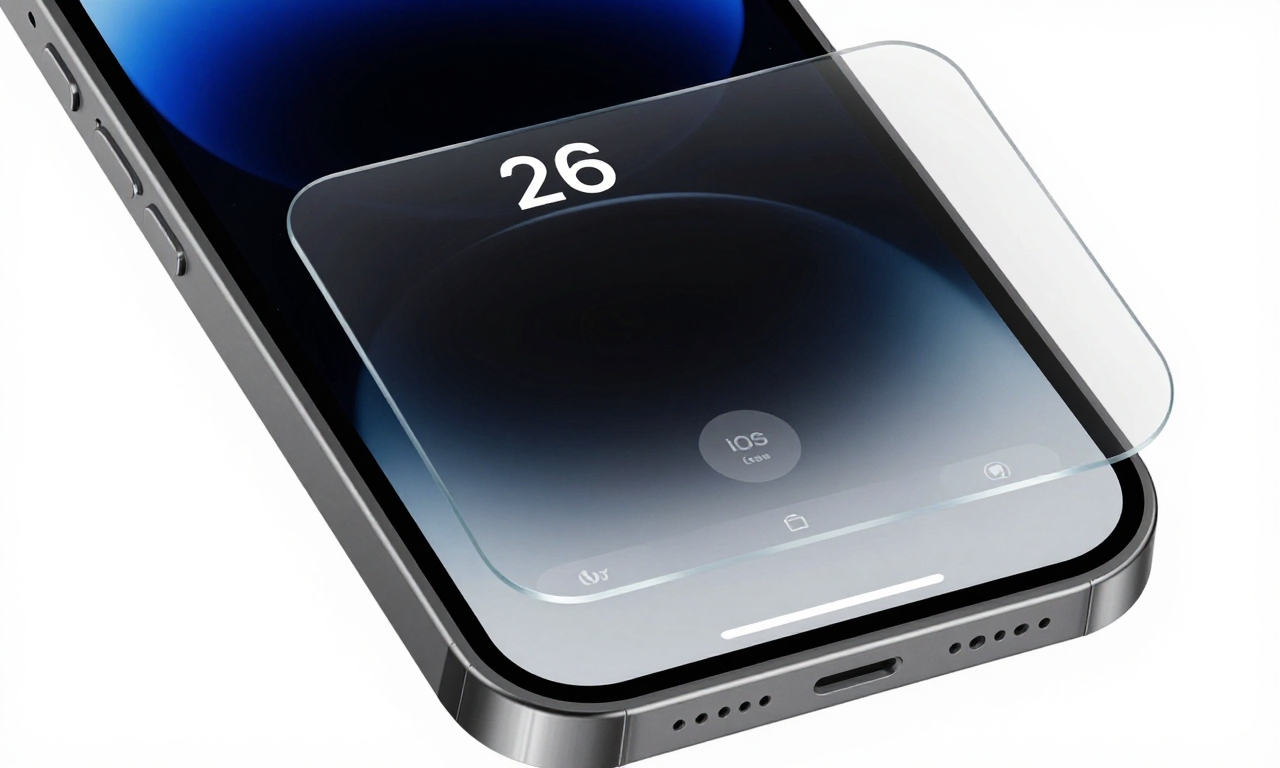
Apple’s design philosophy has always emphasized clean lines and intuitive interactions, but the iOS 26 camera app takes this to new extremes. The most noticeable changes include:
- ‘Liquid Glass’ Visual Effects: Transparent, flowing animations that create a sense of depth and fluidity throughout the interface
- Gesture-Based Controls: Replacing some traditional buttons with swipe gestures and tap-and-hold interactions
- Collapsible Menus: Essential settings like flash, aspect ratio, and Live Photo now hide behind expandable panels
- Reduced Visual Clutter: Smaller, translucent buttons with minimal labeling and subtle feedback mechanisms
According to Apple’s design team, these changes aim to create “a more immersive photography experience” that “gets out of the way” so users can focus on composition and creativity. The company argues that by reducing on-screen elements, photographers can better see their subjects without interface distractions. However, this approach assumes that all users prioritize aesthetics over quick access to tools-an assumption that may not hold true for everyone.
Usability Concerns: When Minimalism Creates Confusion
Buried Features and Hidden Controls
The most significant criticism of the redesign centers on how essential photography tools have been tucked away. Features that were previously accessible with a single tap now require multiple steps:
- Flash control requires tapping a small lightning icon, then selecting from a pop-up menu
- Aspect ratio settings are buried in a collapsible panel that defaults to closed
- Live Photo toggle has moved from a prominent button to a secondary menu option
- Manual controls like exposure compensation and white balance require entering a separate “Pro” mode
For casual users who rely on muscle memory, these changes disrupt established workflows. The familiar swipe-up gesture for accessing camera modes has been replaced with a less intuitive horizontal swipe that doesn’t provide the same tactile feedback. This learning curve could lead to missed shots and frustration, particularly in fast-paced situations where quick adjustments are crucial.
Visibility Issues in Real-World Conditions
Photography doesn’t happen in controlled environments, and the new design’s subtle visual cues may struggle in various lighting conditions:
| Element | Previous Design | iOS 26 Design | Potential Issue |
|---|---|---|---|
| Zoom indicator | Clear “1x” bubble with solid background | Translucent text with minimal contrast | Hard to read in bright sunlight |
| Shutter button | Prominent white circle | Thinner outline with subtle animation | Less discoverable for new users |
| Mode indicators | Labeled text buttons | Minimal icons without labels | Requires memorization of icon meanings |
These visibility concerns are particularly problematic for older users or those with visual impairments. While Apple has made accessibility a priority in other areas of iOS, the camera app’s reduced contrast and smaller touch targets could create barriers for some photographers.
Impact on Different User Groups
Casual Users: Disrupted Muscle Memory
The majority of iPhone photographers fall into the casual category-people who want to quickly capture moments without thinking about settings. For these users, the camera app’s previous design worked because it was predictable. The swipe-up gesture for switching between photo, video, portrait, and panorama modes had become second nature through years of use.
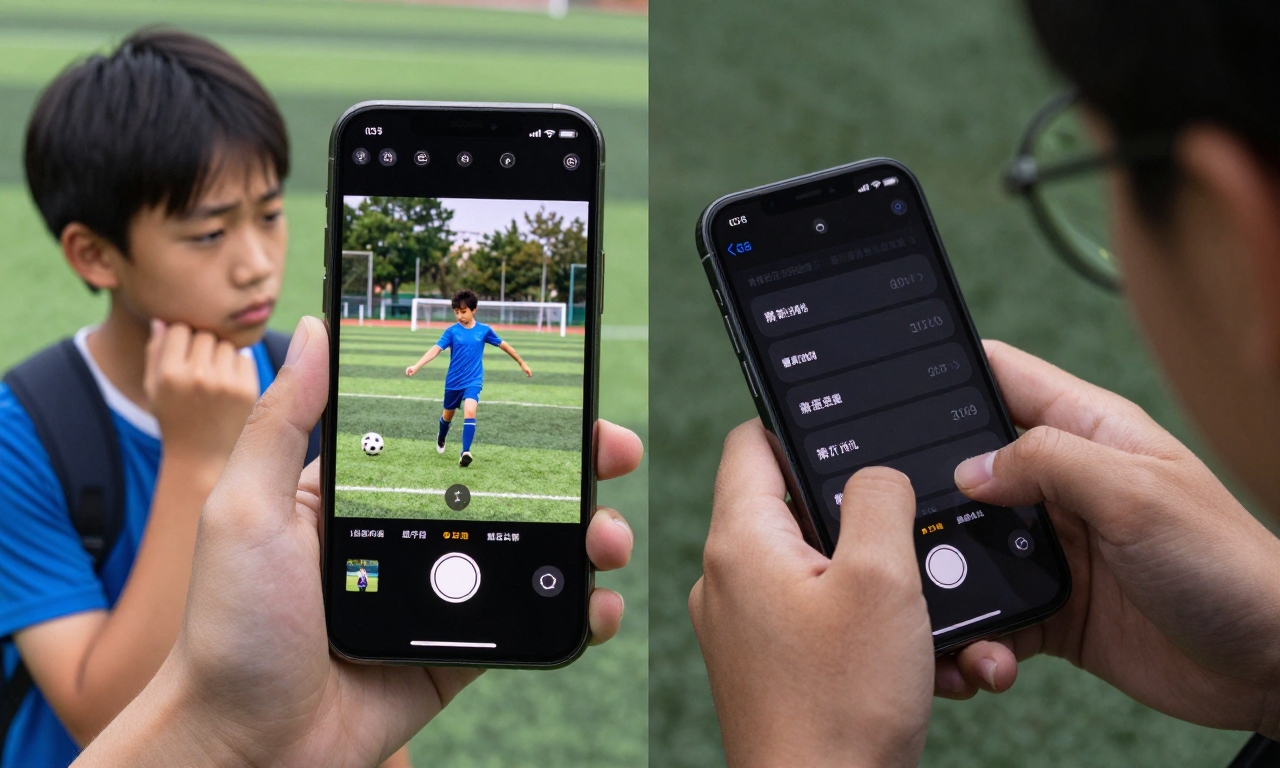
“When I’m trying to capture my kid’s soccer game, I don’t want to think about how to change modes or where the flash setting went. I just want it to work like it always has,” says Sarah Mitchell, an iPhone user since 2015.
This sentiment echoes across user forums and social media, where many express concern that the redesign prioritizes aesthetics over the practical needs of everyday photography. The learning curve-however small Apple might consider it-represents friction at moments when users least want to think about interface design.
Professional and Enthusiast Photographers: Missing Manual Controls
For serious photographers who use iPhones alongside or instead of traditional cameras, quick access to manual controls is essential. The iOS 26 redesign pushes these controls deeper into the interface:
- Exposure compensation requires entering “Pro” mode rather than being available from the main screen
- White balance adjustments are buried in a submenu within the Pro mode
- Focus and exposure lock, previously a simple tap-and-hold, now uses a less intuitive gesture
Professional photographer Alex Chen notes: “When I’m shooting street photography with my iPhone, I need to adjust exposure quickly as light conditions change. Having to navigate through multiple menus defeats the purpose of smartphone photography’s immediacy.”
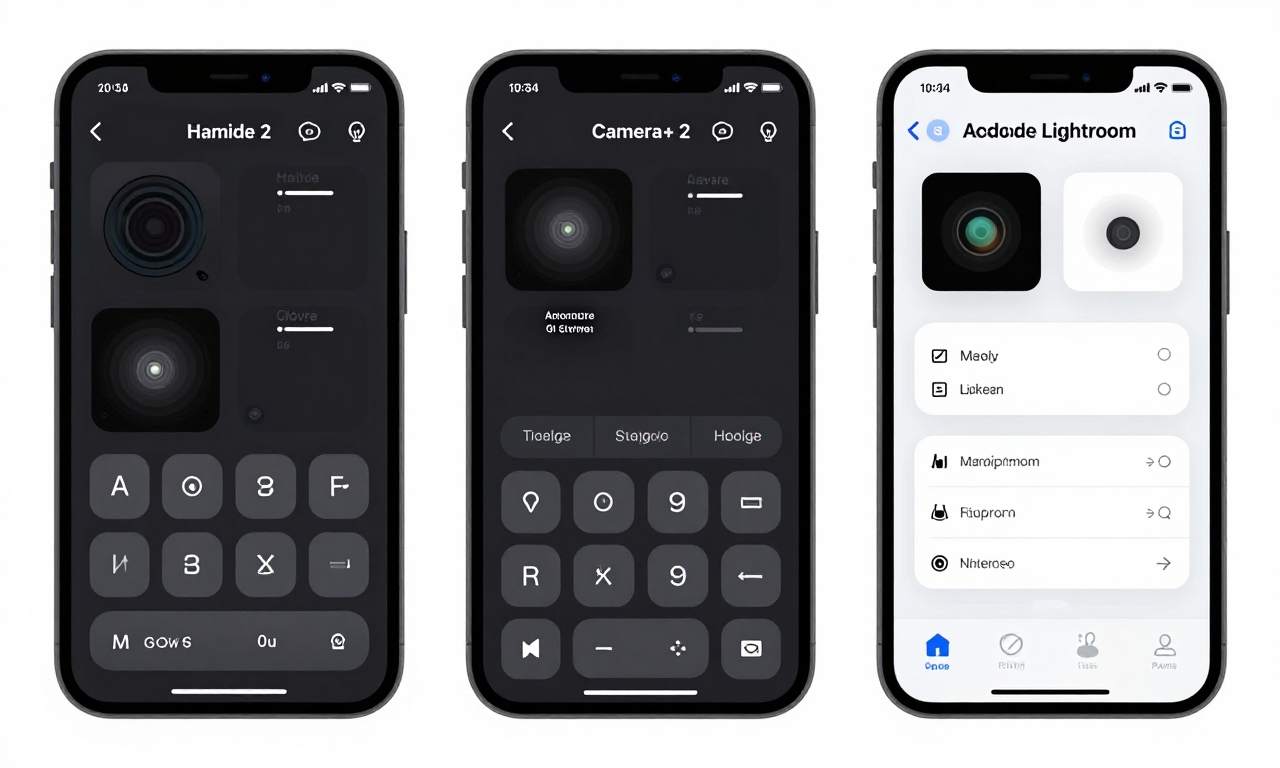
This friction creates an opportunity gap that third-party camera apps are poised to fill. Applications like Halide Mark II, Camera+ 2, and Adobe Lightroom already offer more comprehensive manual controls than Apple’s native app. If Apple’s redesign makes basic adjustments more cumbersome, these alternatives could see increased adoption even among mainstream users who previously found them too complex.
The Third-Party Opportunity: Could Competitors Gain Ground?
Apple’s camera app has traditionally enjoyed near-universal usage among iPhone owners, but the iOS 26 redesign might change that equation. Third-party camera applications offer several advantages that could become more appealing if Apple’s native app becomes frustrating to use:
- Customizable Interfaces: Apps like Halide allow users to arrange controls according to their preferences
- Advanced Manual Controls: More granular adjustments for exposure, focus, white balance, and shutter speed
- Specialized Features: RAW capture, advanced computational photography modes, and professional-grade editing tools
- Familiar Workflows: Some third-party apps maintain interface conventions that Apple is abandoning
The barrier to third-party adoption has always been convenience-most users prefer the default camera app because it’s always available from the lock screen and integrates seamlessly with the Photos app. However, if Apple’s redesign creates enough friction, users might be willing to overcome this convenience factor for better usability.
Adobe’s Lightroom camera, in particular, represents an interesting threat as it combines capture and editing in a single workflow. With Apple pushing computational photography capabilities through its Neural Engine, third-party apps that leverage these capabilities while offering better interfaces could become compelling alternatives.
Market Implications
If significant numbers of users switch to third-party camera apps, it could impact Apple’s ecosystem strategy in several ways:
- Reduced control over the photography experience that Apple has carefully curated
- Potential fragmentation as users adopt different camera apps with varying capabilities
- Missed opportunities to showcase Apple’s computational photography advancements
- Increased competition within Apple’s own App Store for what was previously a default function
This scenario represents a rare vulnerability in Apple’s typically ironclad ecosystem control. The company has successfully maintained dominance in areas like messaging and maps by making its native apps “good enough” for most users. If the camera app ceases to meet that standard, it could open the door to meaningful competition.
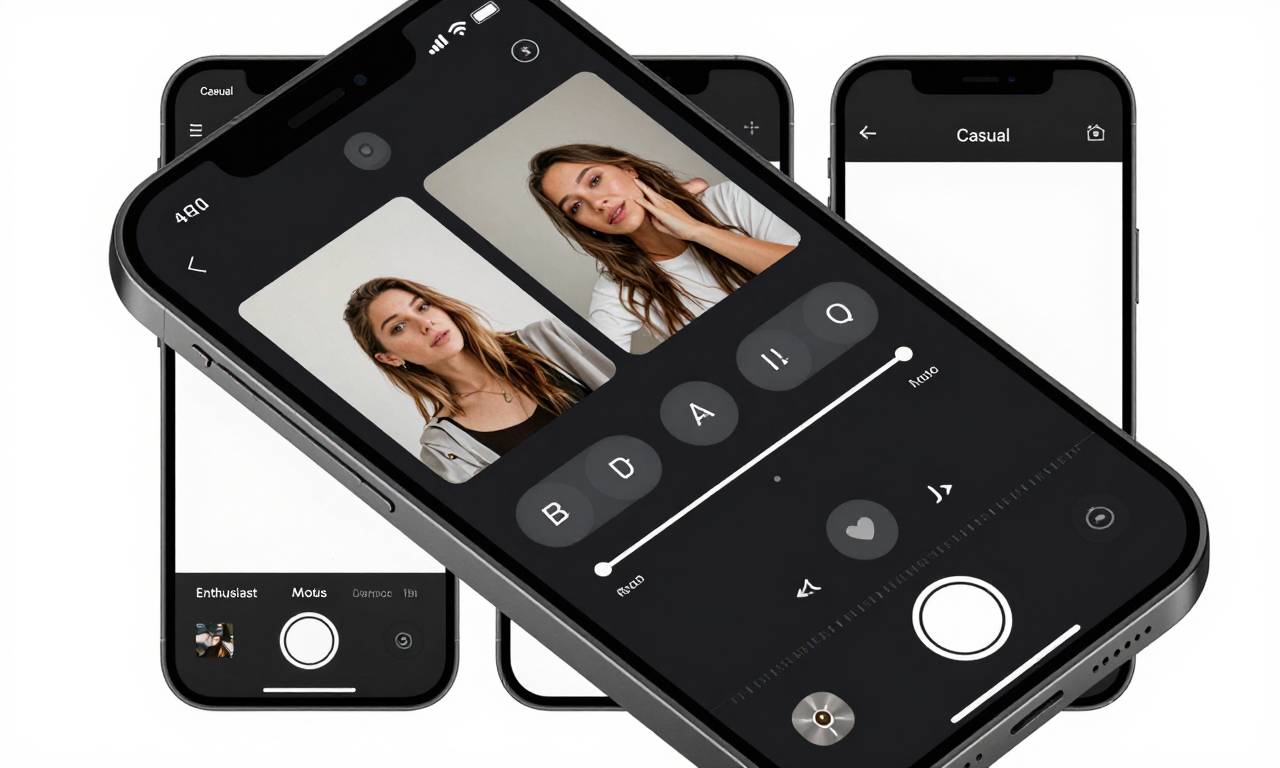
Practical Solutions: Balancing Aesthetics and Usability
The good news is that Apple has time to address these concerns before iOS 26’s final release. Based on feedback from beta testers and photography experts, several practical improvements could bridge the gap between minimalist design and functional usability:
Customizable Interface Options
Rather than forcing a single design on all users, Apple could implement:
- Layout Presets: Pre-configured interface arrangements for Casual, Enthusiast, and Professional users
- User-Created Presets: Allow photographers to save their preferred control layouts
- Control Density Slider: A simple setting that adjusts button size and spacing based on user preference
This approach would maintain Apple’s minimalist vision as the default while giving users who prefer more immediate access to controls the option to customize their experience. Similar customization exists in other Apple apps like Mail and Calendar, suggesting the company understands the value of adaptable interfaces.
A “Classic Mode” Toggle
For users who prefer the previous interface, a simple toggle could restore familiar elements:
- Swipe-up gesture for mode selection instead of horizontal swipe
- Prominent buttons for flash, Live Photo, and aspect ratio
- Higher contrast visual elements for better visibility
- Traditional shutter button design with clearer feedback
This solution acknowledges that different users have different needs without forcing everyone to adapt to a single design philosophy. It also provides a smoother transition period, allowing users to switch between interfaces as they gradually learn the new system.
Improved Visual Feedback
Even within the minimalist framework, Apple could enhance usability through better feedback mechanisms:
- More pronounced haptic feedback when buttons are activated
- Clearer visual indicators for active settings (brighter colors, more noticeable animations)
- Contextual hints that appear when users seem confused (tapping multiple times without finding a control)
- Adaptive contrast that increases in bright lighting conditions
These subtle improvements could maintain the minimalist aesthetic while making the interface more discoverable and easier to use in real-world conditions.
Looking Ahead: The Future of iPhone Photography
Apple’s iOS 26 camera redesign represents a bold experiment in interface minimalism, but its success will ultimately be measured by how well it serves photographers of all skill levels. The company faces a delicate balancing act between pursuing aesthetic purity and maintaining the intuitive usability that has made the iPhone camera so popular.
Early beta feedback provides valuable insights that could shape the final release. Apple has historically been responsive to user concerns during beta periods, often making adjustments based on real-world testing. The camera app’s central role in the iPhone experience means the company has strong incentive to get this right.
As computational photography continues to advance, the interface that controls these capabilities becomes increasingly important. The best camera technology means little if users can’t access it when they need it. Apple’s challenge with iOS 26 is to prove that minimalist design can coexist with powerful, accessible functionality-that less visual clutter can actually mean more photographic control.
The coming months will reveal whether Apple has struck this balance or whether third-party alternatives will gain unexpected ground in one of the most fundamental aspects of the smartphone experience. For millions of iPhone photographers, the hope is that Apple listens to the feedback and creates a camera app that truly serves everyone-from casual snapshooters to serious creators-making photography more intuitive and joyful, not more complicated.