Follow us on Facebook
Breaking updates in your feed — tap to open
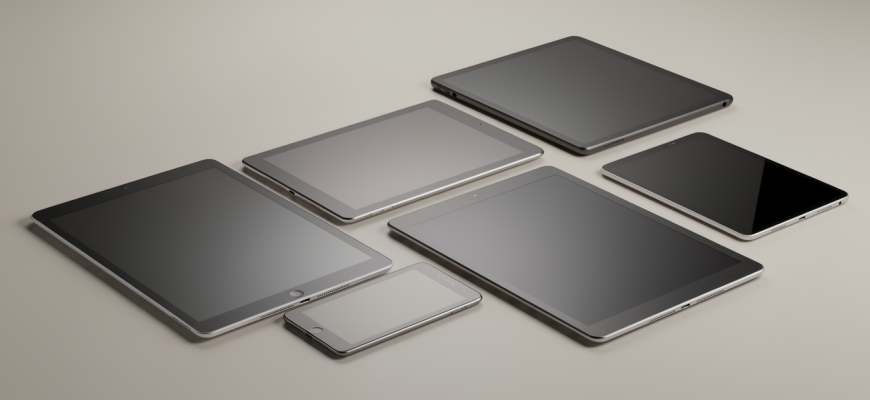
Picking a tablet can be a headache. So many sizes, systems, and features. This tablet buying guide cuts through the noise. It helps you match a device to your daily life. Sketching, reading, crunching spreadsheets-the right choice comes down to a few key things. Let’s figure it out.
Screen size and portability
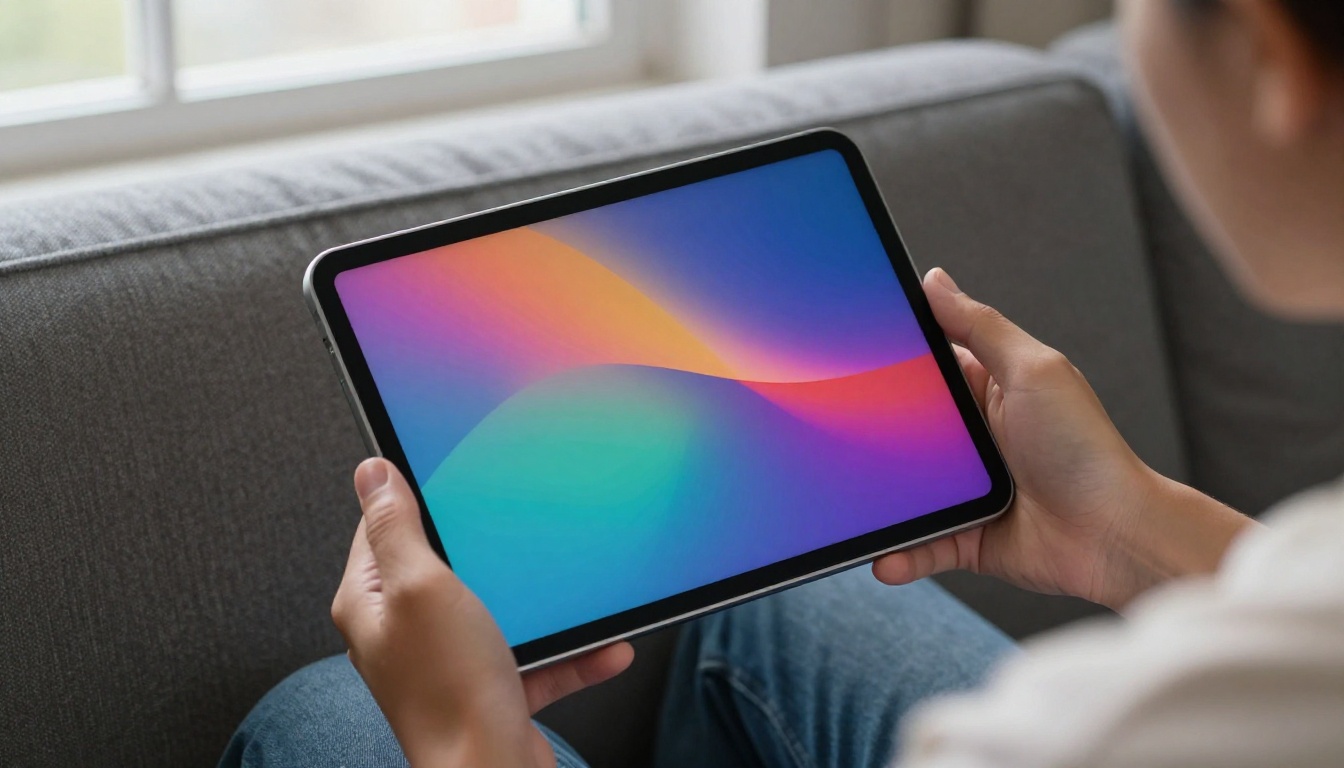
Screen size shapes everything. Compact 8-inch models are great for reading and travel. Light, easy to hold with one hand. Mid-size, around 10 to 11 inches, hits a sweet spot. They handle notes, streaming, and light work without feeling clunky. Big slates-12 inches and up-can replace a laptop for many. Artists and multitaskers love the roomy canvas. But they eat bag space and can tire your arms.
Think about where you’ll use it most. A smaller screen won’t bug your wrist on the couch. A bigger one becomes a portable monitor on the go. Resolution and panel type matter too. Many modern tabs use OLED display tech for deep blacks and punchy colors. A high refresh rate makes scrolling and drawing feel smoother. These specs aren’t just numbers. They hit eye comfort and responsiveness directly.
Operating system and ecosystem
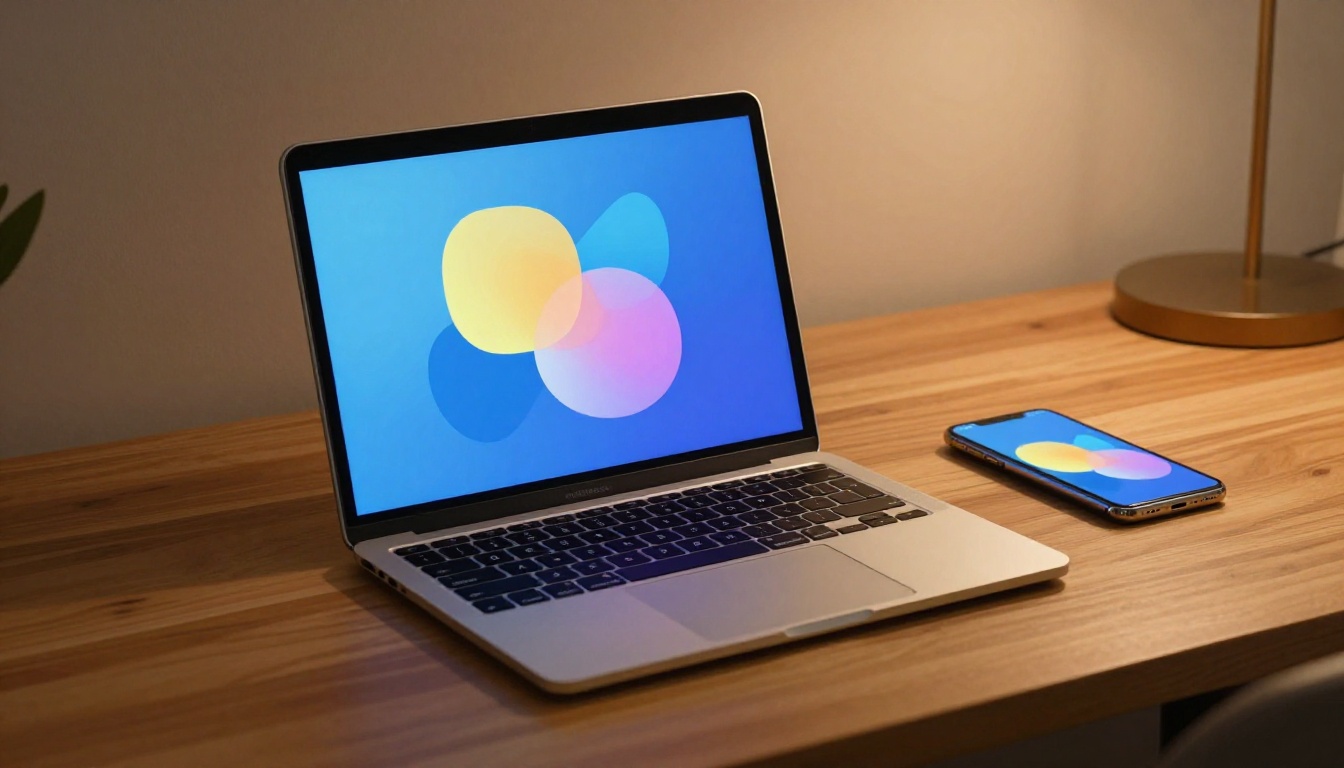
The OS defines what you can do. iPadOS is polished, intuitive, with a huge app library. Creatives love it. Android gives flexibility and tons of hardware choices. You’ll find models at every price. Windows tablets run full desktop software. That’s a game-changer for pros needing specific programs. Each ecosystem has strengths. Pick one that fits the apps and services you already use.
Think about how the tablet plays with your other devices. Seamless integration saves time. An iPad works effortlessly with iPhone and Mac. Android tabs often sync well with Windows PCs and Google stuff. Windows tablets are basically PCs, so they slot into a normal workflow. Don’t underestimate a familiar interface. It cuts friction and lets you focus.
A tablet’s true power emerges when it complements your existing tools, not when it tries to replace them all.
Stylus support and note-taking
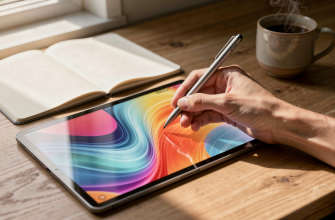
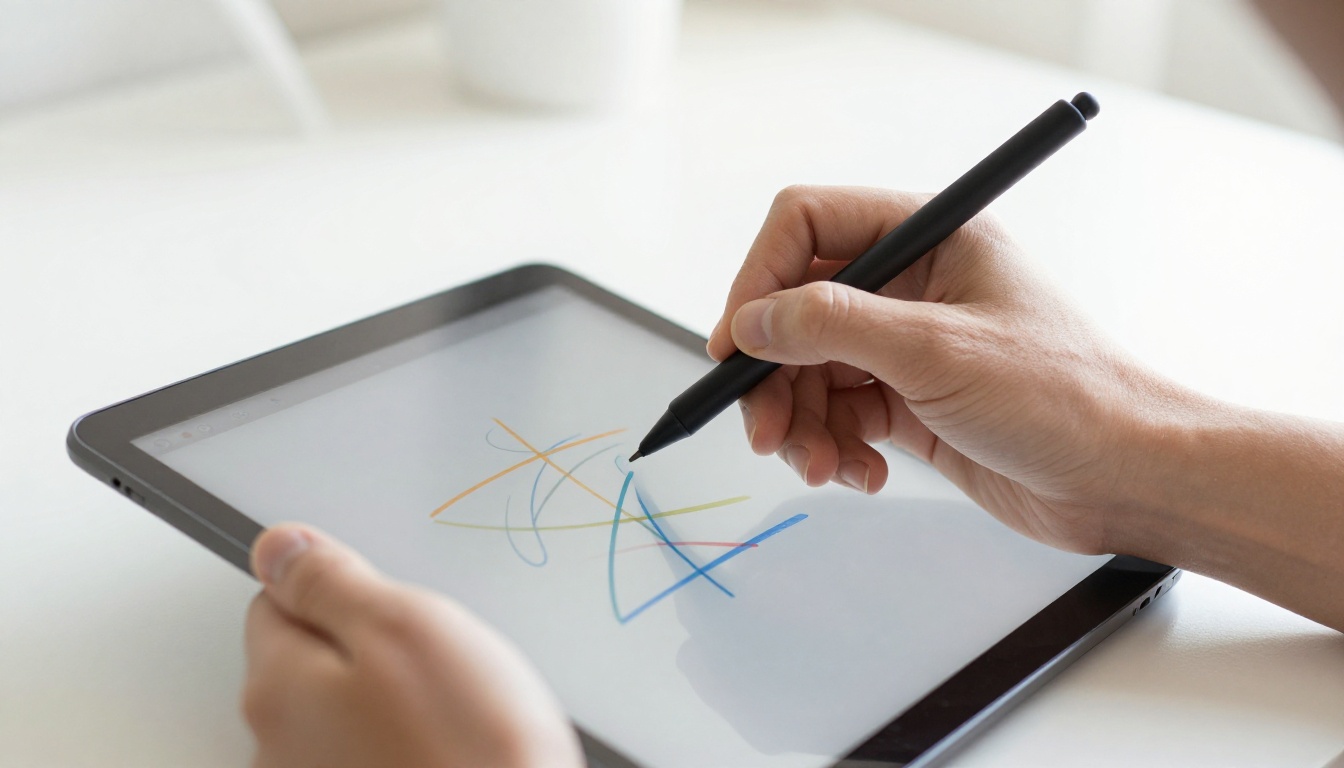
A stylus turns a tablet into a digital notebook. Artists and students need precise pen input. Look for low latency and pressure sensitivity. These make writing and drawing feel natural. Palm rejection is key too-it stops stray marks when your hand rests on the screen. Some styluses attach magnetically and charge wirelessly. Others use a regular battery or pull power from the screen.
Not all styluses are equal. Apple Pencil sets a high bar for responsiveness. Samsung’s S Pen feels similar on Galaxy Tabs. Many Windows tablets support active pens from Wacom or Microsoft. Budget Android tabs have third-party options. Test the feel if you can. A stylus that’s too slippery or grippy can mess with your flow. It’s kind of like a scratchy pen versus a smooth rollerball.
Battery life and performance
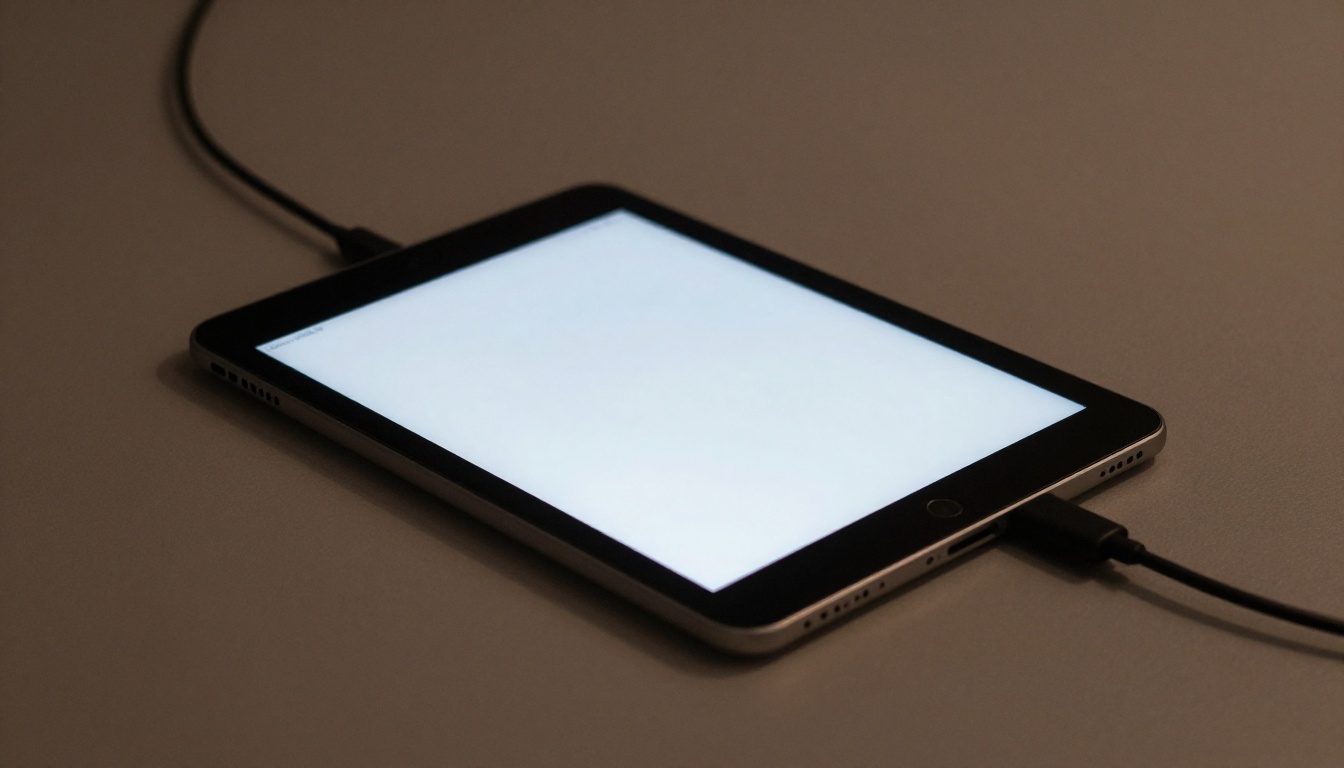
Battery life decides how freely you can roam. Most tablets last a full workday on a charge. But heavy stuff like gaming or video editing drains faster. Check real-world estimates, not just what the maker claims. Screen brightness and network use play big roles. A device promising 10 hours might give you 7 under your typical load. Fast charging can save you in a pinch.
Performance comes down to the processor and RAM. Entry-level tabs handle browsing and streaming fine. Mid-range chips tackle multitasking and casual gaming. Flagship processors power pro creative work. Don’t pay for power you won’t use. But don’t cheap out if you’ll keep the tablet for years. Storage matters too. Cloud services help, but local space counts for big apps and offline media.
Here’s a quick look at three popular tablet types:
| Type | Screen Size | Stylus Support | Typical Battery Life | Best For |
|---|---|---|---|---|
| Compact (iPad Mini, Galaxy Tab A) | 8-9 inches | Basic or optional | 10-12 hours | Reading, travel, casual use |
| Mid-Size (iPad Air, Galaxy Tab S) | 10-11 inches | Advanced, low latency | 10-14 hours | Note-taking, streaming, light work |
| Large (iPad Pro, Surface Pro) | 12+ inches | Professional grade | 8-10 hours (varies with load) | Art, design, full productivity |
Honestly, the best tablet is the one that fits your life. Prioritize what matters most to you. Screen size, OS, stylus quality, and battery life are the core of any decision. Don’t chase specs you’ll never notice. Focus on how the device supports your daily habits. A well-chosen tablet becomes a go-to companion for years.