Follow us on Facebook
Breaking updates in your feed — tap to open
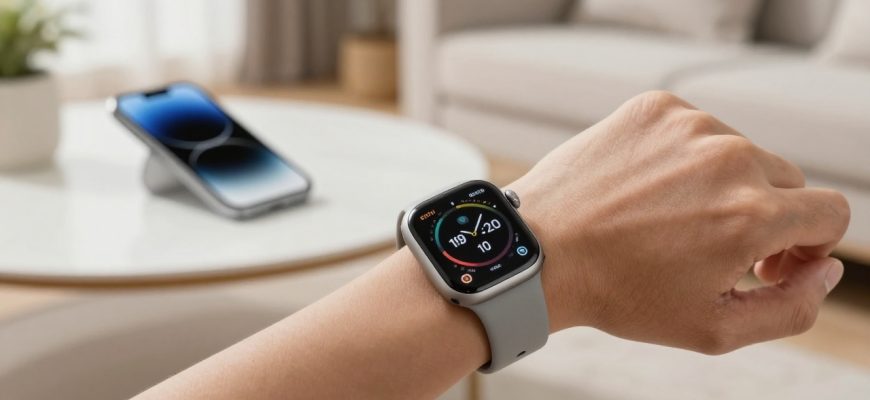
The Apple Watch Ultra 3 lands in a crowded wearables field, but after two months of use it becomes clear that this model is more about daily practicality than dramatic leaps. For Ultra 2 owners, changes are subtle; for first‑generation Ultra fans, the upgrade still offers real value without a wholesale overhaul. Here are five takeaways from real‑world use.
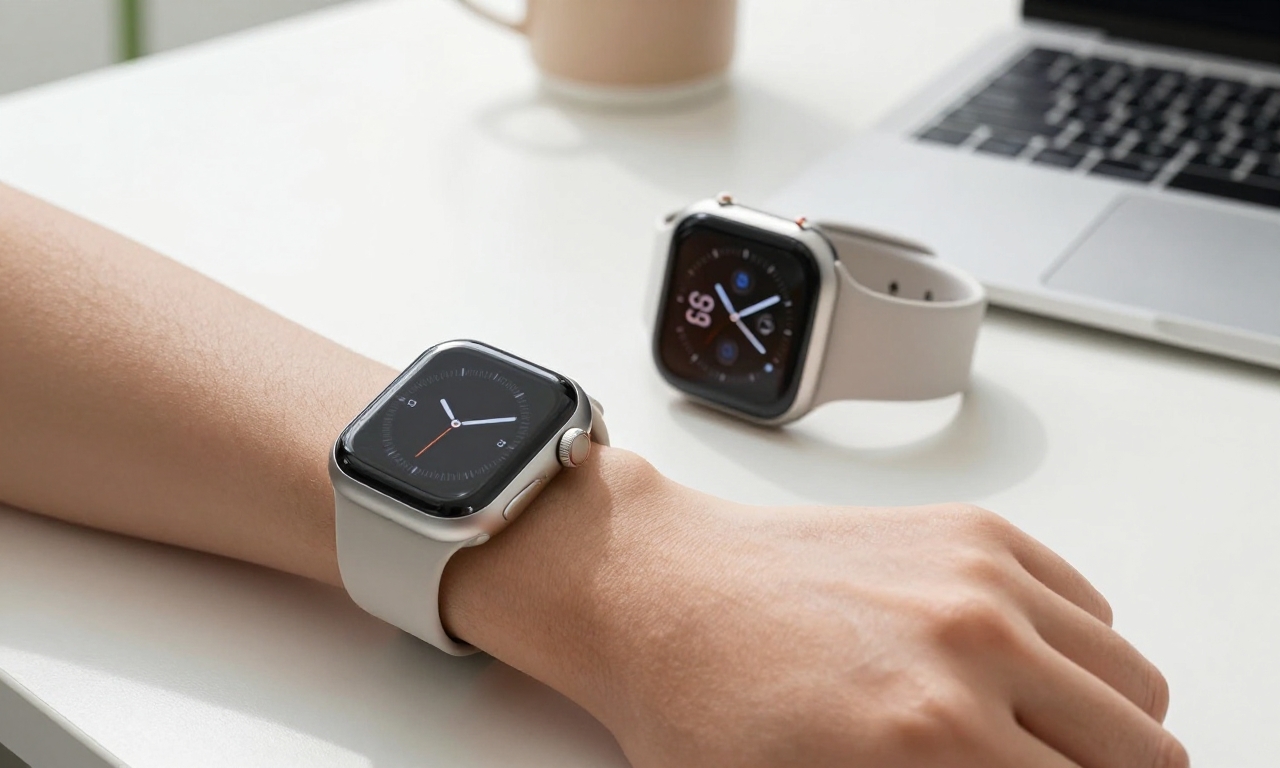
Not a dramatic upgrade: what’s actually new
In practice, Ultra 3 shares most of Ultra 2s DNA: rugged build, large display, precise GPS and the same watchOS foundation. The changes are incremental and largely about polish and reliability rather than a full reinvention. If you own Ultra 2, you will notice refinements but not a night and day difference. For those coming from older models, the Ultra 3 still feels like an upgrade in daily use.
Subtle upgrades persist as the theme. Improvements may include more efficient internals and software refinements that improve day to day flow, yet the overall experience remains familiar. The gains that matter most show up in practical tasks such as battery stamina, faster charging and sleep data reliability rather than in bigger feature bets.
Practical note that you should compare models using real world tasks rather than specs alone. The Ultra 3 is a confident incremental step, not a wholesale reimagining.

Battery life and charging: practical improvements
Battery life has long been a sticking point for high end smartwatches. In two months of use the Ultra 3 delivered a battery performance that feels usable day to day with a quoted 42 hours in typical use. The real world result is a device that handles a full day of tracking, notifications and workouts with energy to spare for sleep tracking. The fastest improvement is charging; reaching about 80% in roughly 45 minutes helps keep the watch ready for long days away from a charger.
Reliability over novelty wins here. If you have ever skipped a morning workout because the watch was flat, the Ultra 3s charging speed helps avoid those moments. The battery life is not an extreme leap, but the practical lift is noticeable, especially for travelers and heavy users who rely on sleep data.
The Ultra 3’s value comes from daily reliability rather than headline changes. The faster top up and improved sleep data translate into real daily benefit for those who already use Apple devices. For Ultra 2 owners, decide based on how much you value these conveniences.
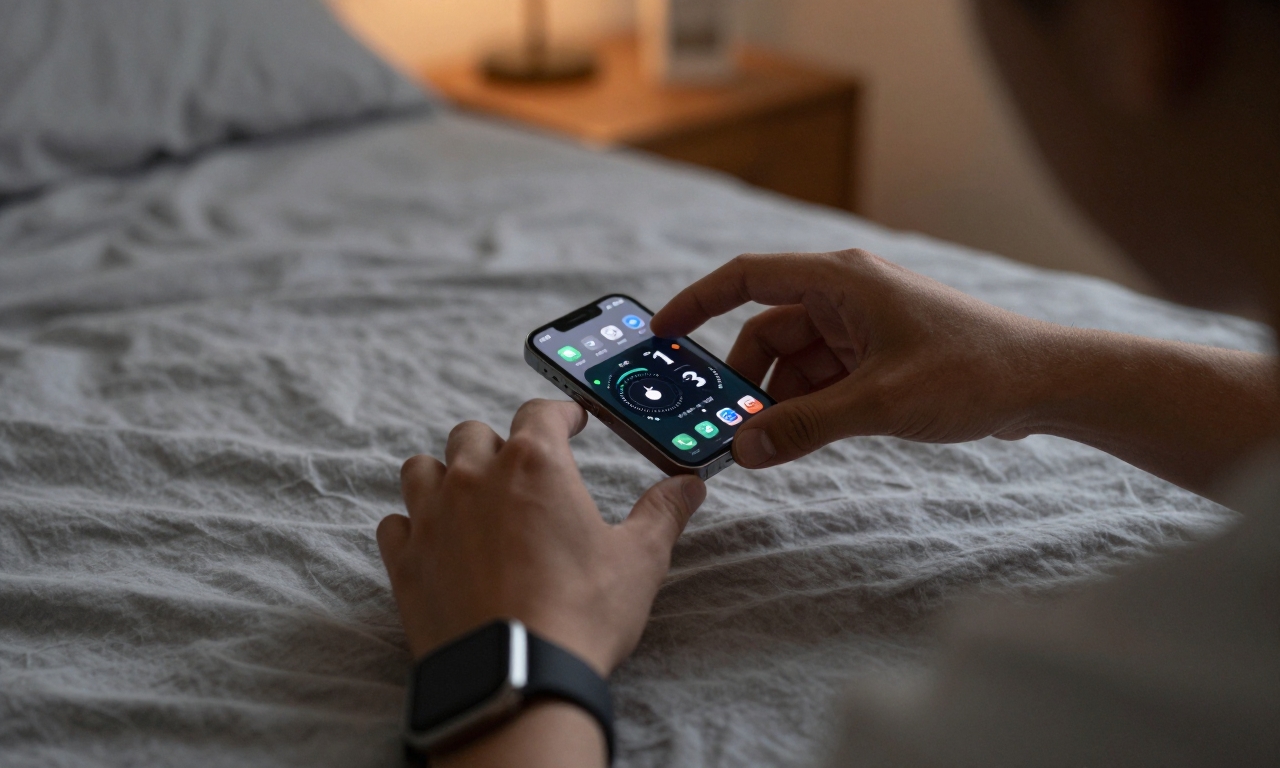
Sleep tracking and health features: a reliable companion
Sleep data is more than a bedtime number; it is a simple glanceable metric that fits into a broader routine. The Ultra 3 provides an accessible sleep duration readout via an iOS widget on the home screen, so you can see how many hours you got without opening Health. The widget is easy to check during morning routines, and the data is saved in a consistent format that reduces guesswork about nightly rest. Many users aim for eight hours, and the widget makes that goal tangible.
Ease of use matters here: you don’t need to fuss with multiple screens to gauge nightly rest. The Ultra 3’s sleep data integrates cleanly with Apple’s health ecosystem, which matters for people who rely on widgets and Mac continuity for daily planning. Be aware that sleep duration is a single metric among broader health metrics, but it’s a reliable anchor for routine improvement.
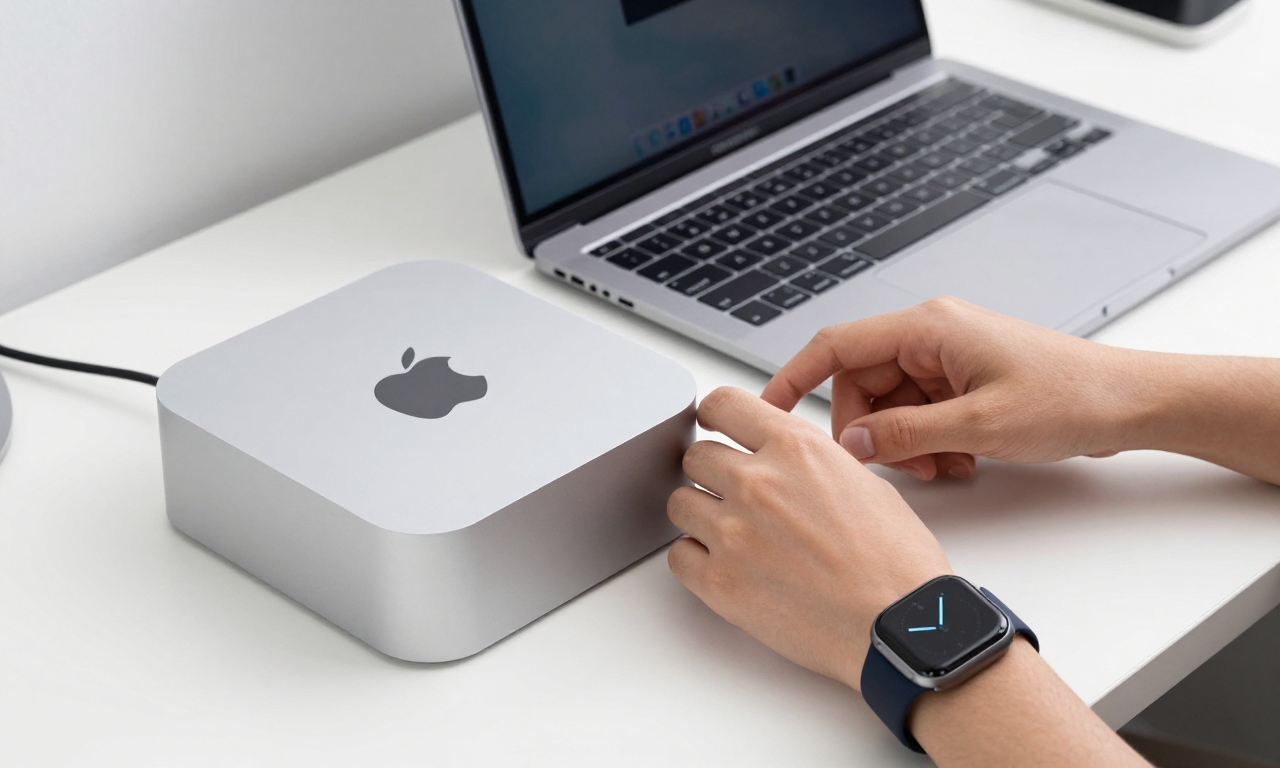
Real-world use cases: unlocking, streaming, and navigation
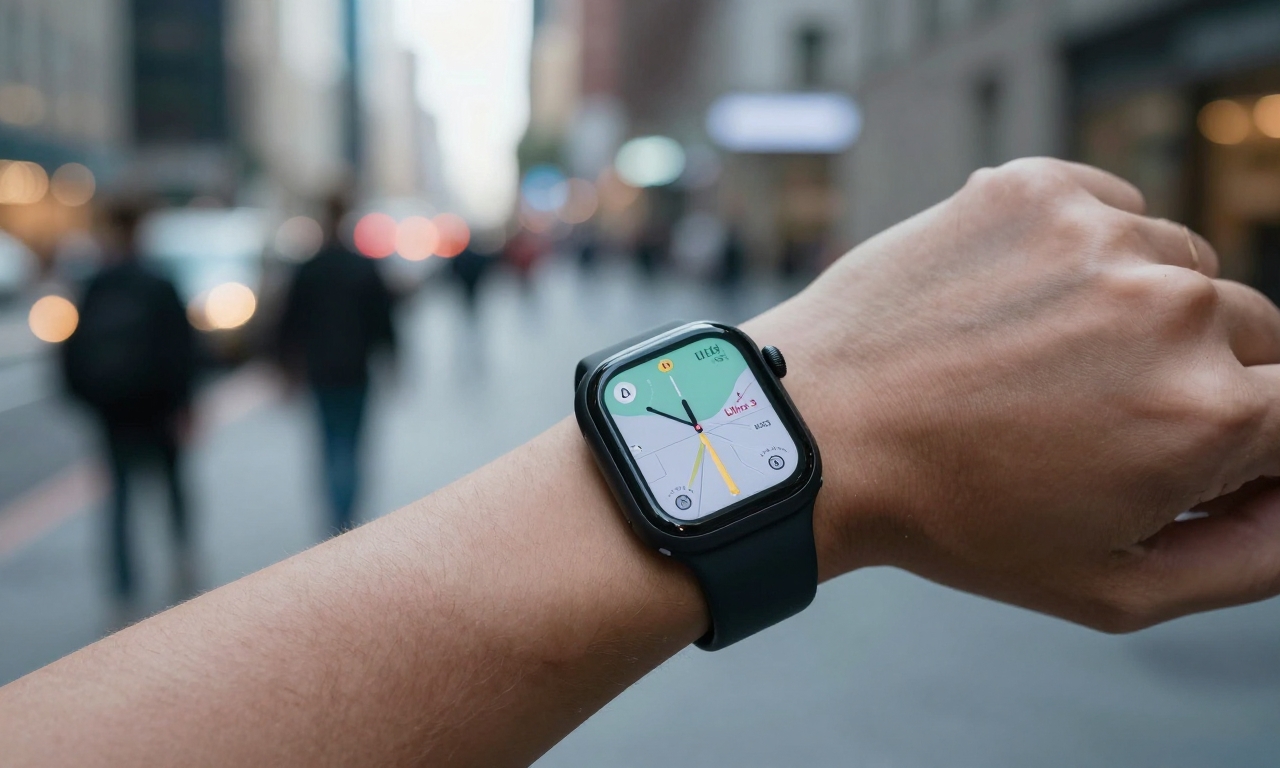
Five practical use cases helped me understand where the Ultra 3 adds daily value. The watch acts as a quick, secure way to unlock a Mac mini with a double tap, removing the need to pull a phone from the pocket. When you’re on the move, cellular streaming of Apple Music without the iPhone is a welcome convenience for longer walks. And on busy streets, the bright display makes glanceable turn‑by‑turn directions easy to read without stopping.
Glanceable, reliable, integrated sums up the Ultra 3’s day-to-day value. The seamless handoff to other Apple devices and its vivid display make everyday tasks smoother, even if you’re not chasing every new feature.
Who should upgrade and bottom line
For ecosystem fans and long-time Ultra owners, the Ultra 3 reinforces the idea that the best device is the one that fits into your existing setup. If yours is an Ultra 2 and you’re not desperate for longer sleep windows or faster charging, upgrading isn’t essential. If your Ultra 2 is damaged or you’re coming from an older model, the Ultra 3 offers a meaningful upgrade, especially the black version, which feels almost like a new device.
In the end, the Ultra 3 is a strong case for staying in Apple’s wearables ecosystem, offering tangible improvements in battery life, sleep data, and daily convenience without a wholesale overhaul. The decision boils down to how much you value incremental upgrades and how much you rely on ecosystem coherence.