Follow us on Facebook
Breaking updates in your feed — tap to open
Switching your iPhone to USB-C can feel like a jumble of old cables and new questions. You might wonder if your existing chargers still work. Fast charging isn’t automatic-it depends on the cable and power adapter. This guide cuts through the confusion. We’ll explain the USB-C transition in plain terms, so you can charge efficiently without wasting money.
Understanding the USB-C shift
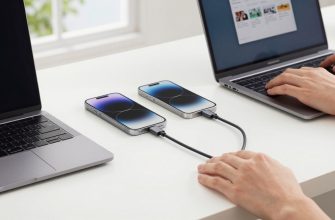
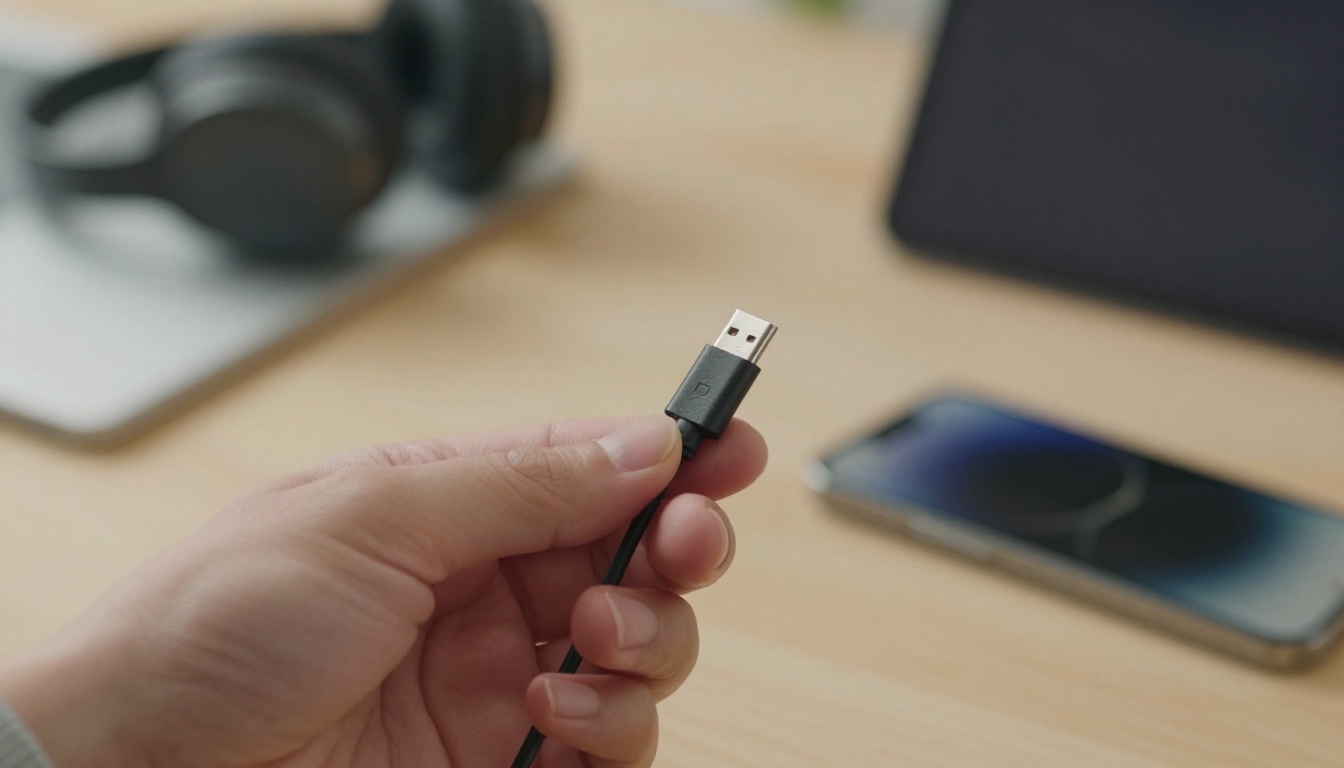
Think of USB-C as a universal plug, much like the standard wall outlet in your home. Before, iPhones used a proprietary Lightning connector. Now, they embrace a common standard found on many modern devices. This change simplifies your tech life. One cable can charge your iPhone, iPad, and even some headphones. It’s a move toward convenience.
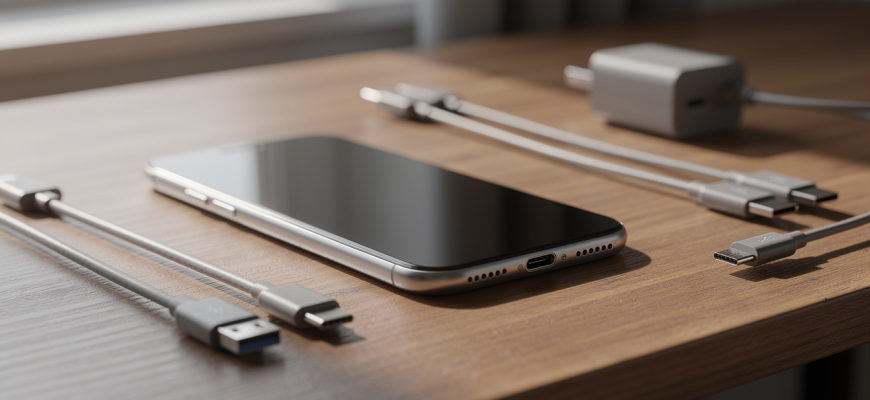
But not all USB-C cables are equal. Some only transfer data slowly. Others support high-speed charging. The key is the cable’s power rating and data speed. A cable that works for a keyboard might not fast-charge your phone. Look for cables rated for at least 60W power delivery for reliable fast charging. Data transfer speeds vary too-USB 2.0 is slow, while USB 3.1 or Thunderbolt is much faster.
Always check a cable’s wattage and data spec before buying. A cheap, unmarked cable can limit charging speed and data transfers.
Managing old Lightning accessories
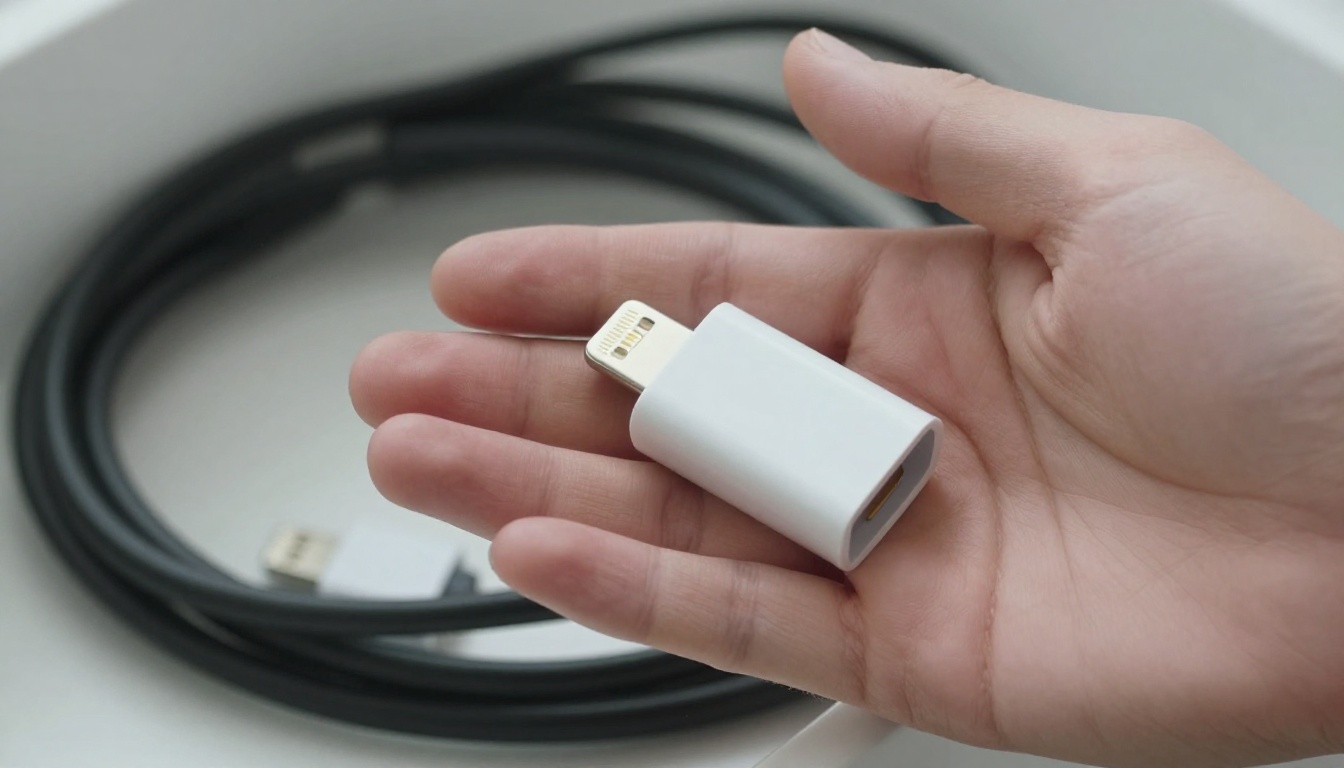
You probably have a drawer full of Lightning cables. Don’t toss them yet. They still work with older iPhones, iPads, and AirPods. You can also use a USB-C to Lightning adapter. This small dongle lets you connect legacy accessories to your new iPhone. It’s a practical bridge during the transition.
Another option is to repurpose Lightning cables for dedicated spots. Keep one in the car, one at the office, and one for travel with an older device. If you’re ready to move on, consider donating or recycling them. Many electronics stores accept old cables for responsible disposal.
For a minimalist kit, focus on multi-port chargers. A single GaN charger with multiple USB-C ports can power your iPhone, watch, and earbuds simultaneously. Pair it with a couple of high-quality USB-C cables. You’ll reduce clutter and always have fast charging at hand.
Fast charging essentials
Fast charging requires both a compatible power adapter and a capable cable. iPhones typically support USB Power Delivery (PD). To get the fastest speeds, use a USB-C PD charger of 20W or higher. Combine it with a USB-C cable that supports PD. The phone and charger communicate to deliver optimal power safely.
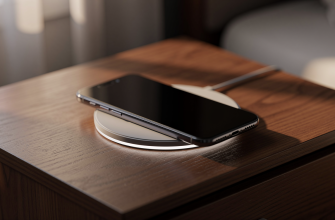
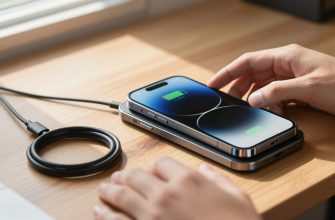
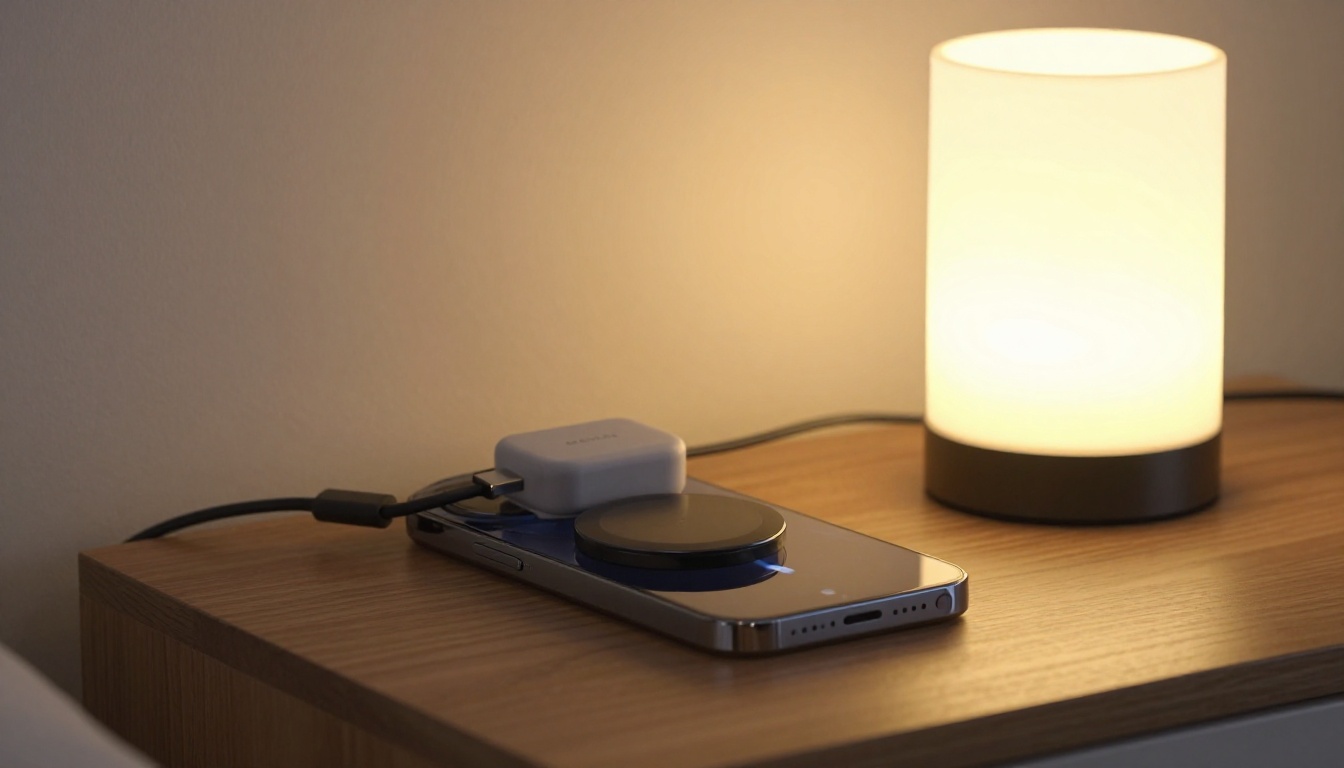
Wireless charging is another piece of the puzzle. MagSafe offers a convenient, magnetic attachment. It aligns perfectly for efficient charging. While not as fast as wired PD, it’s ideal for overnight or desk use. Standard Qi wireless pads work too, but without the magnetic snap. They’re slower and require careful placement.
Battery life optimization goes hand in hand with charging habits. Avoid extreme temperatures. Don’t let the battery drain to zero regularly. Partial charges are better for long-term health. Modern iPhones include optimized battery charging to reduce wear. It learns your routine and waits to finish charging past 80% until you need it.
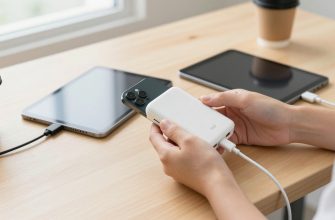
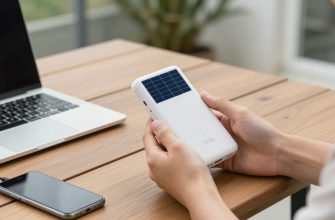
Building a travel kit? Choose a compact GaN charger with foldable prongs. Add a short, durable USB-C cable and a MagSafe puck. This covers wired fast charging and wireless convenience. It’s lightweight and versatile. For longer trips, a power bank with USB-C PD output keeps you topped up without hunting for outlets.
Understanding these principles helps you navigate the USB-C transition smoothly. You don’t need to replace everything at once. Start with a good cable and charger. Gradually phase out Lightning as your older devices retire. The shift is a step toward a simpler, more unified charging future.