Follow us on Facebook
Breaking updates in your feed — tap to open
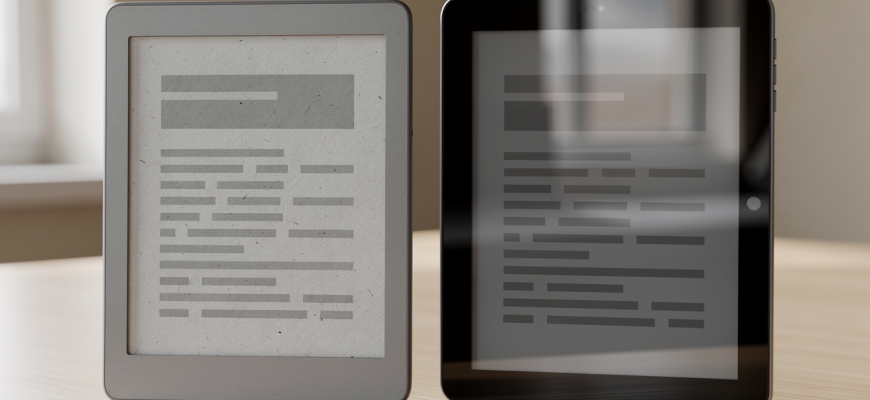
Picking an eReader or a tablet for reading isn’t just about what you like. It’s about how your eyes feel after hours lost in a story. How often you hunt for a charger. Whether you can read under a blazing sun. The whole eReader vs tablet reading thing comes down to the screen. That one difference changes everything. E Ink screens act like paper. Tablets use backlit LCD or OLED panels. Both let you carry a ton of books. But that’s where the similarities stop.
Display technology and eye health
E Ink displays bounce back ambient light. Just like a printed page. They don’t beam blue light straight into your eyes. So you get less digital eye strain during long reading sessions. Tablets? They shine light through pixels. That constant glow can dry out your eyes, tire them, and mess with sleep if you read before bed. It’s kind of like staring at a lamp versus reading by one. Lots of tablets now have blue light filters and warm night modes. But those are just software band-aids on a hardware problem. If you get headaches or read for hours, an eReader’s easy-on-the-eyes screen is tough to beat.
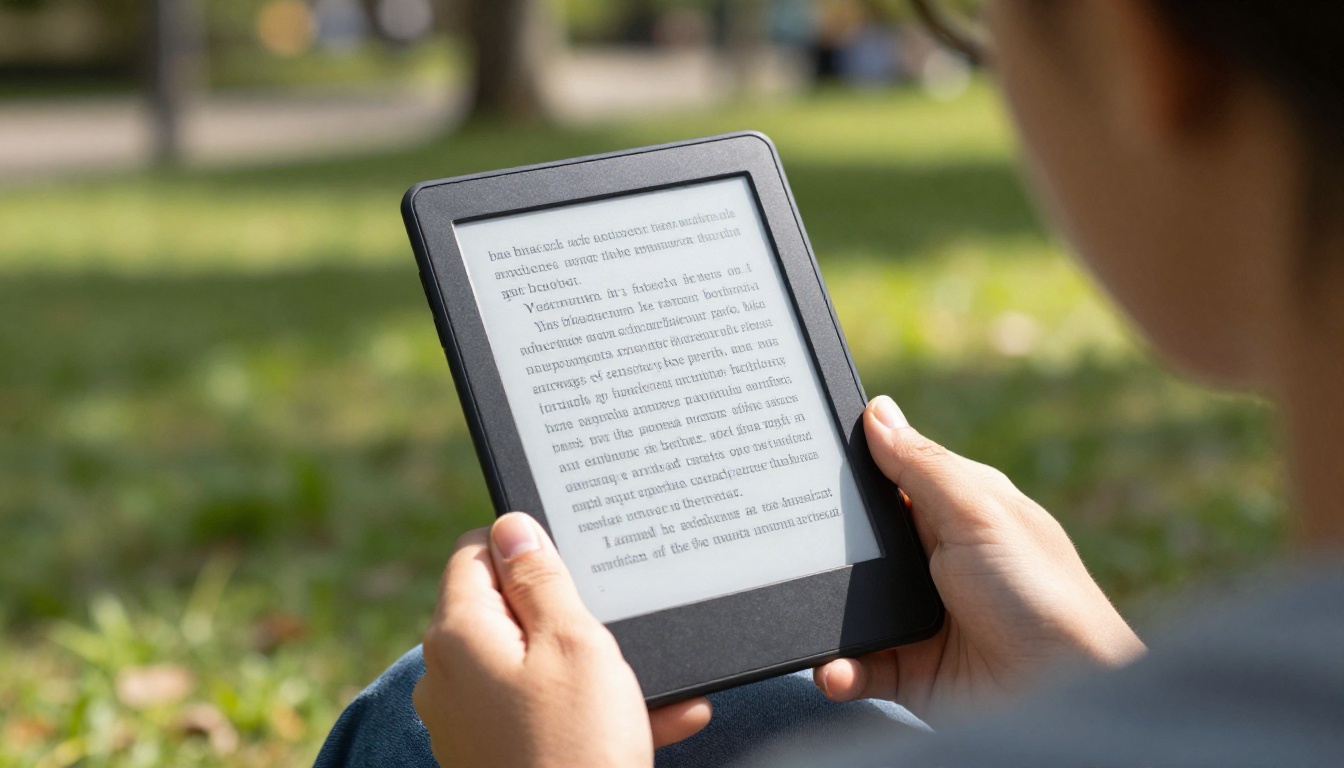
Screen feel matters too. E Ink panels have a matte, slightly rough surface. It scatters reflections. So you can read in direct sunlight. Tablets usually have glossy glass. That turns into a mirror outside. You can slap on a matte screen protector. But it often makes things less sharp. For beach readers, park sitters, or anyone by a window, an eReader’s outdoor readability is a real plus. Indoors, tablets crank up brightness to fight glare. That kills battery and can still strain your eyes in dim rooms.
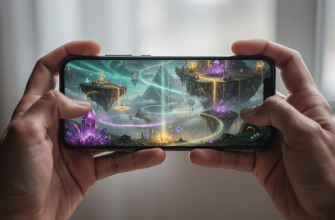
Sharpness has pretty much evened out. Modern eReaders pack around 300 PPI. That matches the crispness of many tablets for text. But tablets show images, comics, and PDFs in full color with faster refresh. E Ink’s slow refresh-fine for turning pages-can’t do smooth scrolling or video. So if your reading includes graphic novels, magazines, or interactive textbooks, a tablet’s screen is more flexible. Even if it’s harder on your eyes.
Battery life and portability
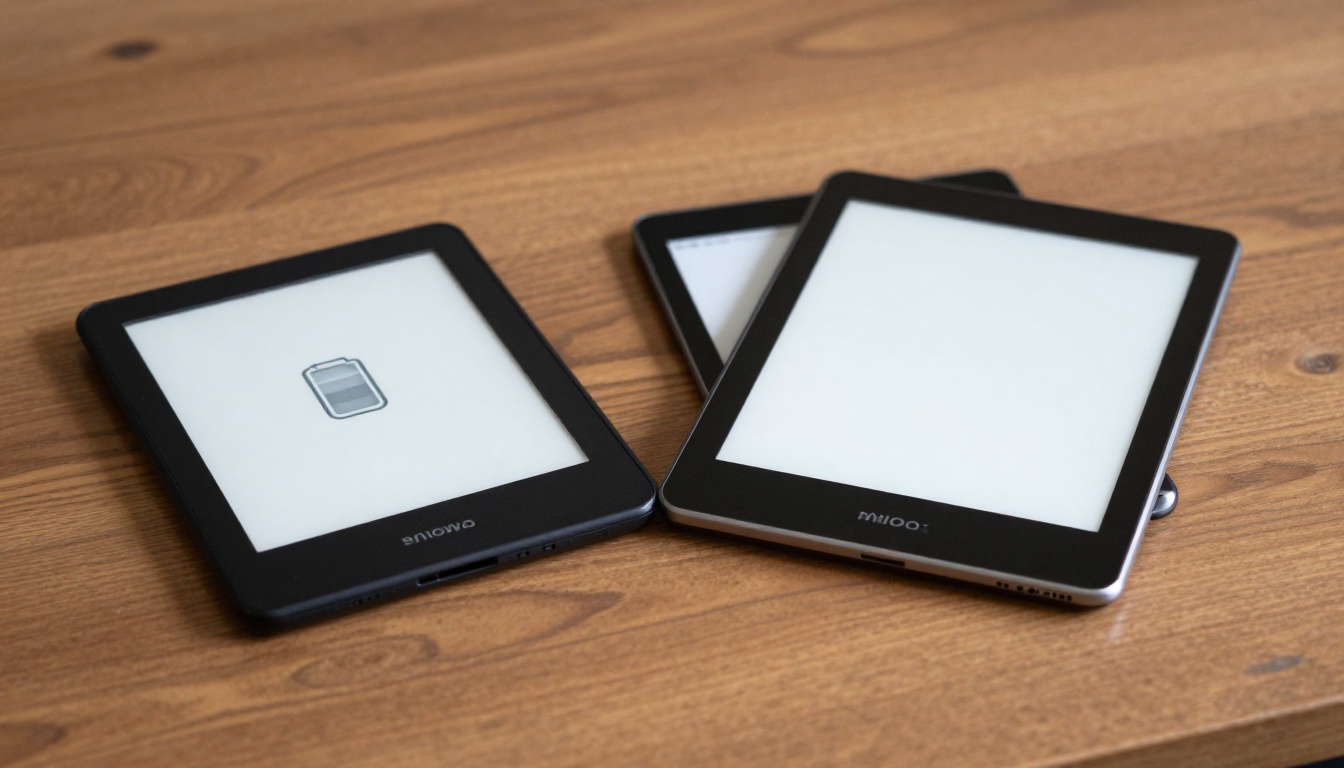
Battery life is where eReaders leave tablets in the dust. An E Ink device barely sips power. Only during page turns. The rest of the time, it shows a still image using zero energy. That’s why a typical eReader can go weeks on one charge. Even with daily reading. Tablets have power-hungry processors and bright screens. They usually need charging every day or two. For travelers, campers, or anyone who forgets to plug in, an eReader’s long life is freeing. You can toss it in a bag and not think about a charger for your whole vacation.
Weight and size differ too. eReaders are often lighter and thinner. They don’t need big batteries or cooling. A dedicated reading device might weigh under 200 grams. That’s comfy to hold in one hand for hours. Tablets start heavier and get bulkier with bigger screens. If you read lying down or on a commute, that extra weight can bug you. On the flip side, tablets combine devices-you can read, browse, watch, and work on one gadget. But that do-it-all ability means less reading comfort and more battery worry.
Think of an eReader as a specialized tool, like a chef’s knife, while a tablet is a multi-tool. Each excels at different tasks.
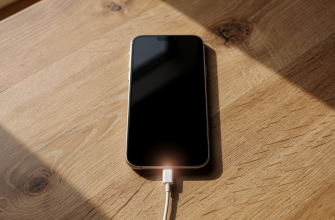
Charging habits matter too. eReaders often use standard micro-USB or USB-C ports. They charge slowly. But you do it so rarely it’s no big deal. Tablets support fast charging and sometimes wireless charging. That’s handy if you already have the gear. Yet needing to recharge often can break up your reading flow. If you’re the type to binge a novel over a weekend, an eReader won’t bug you with low-battery warnings.
Real-world reading scenarios
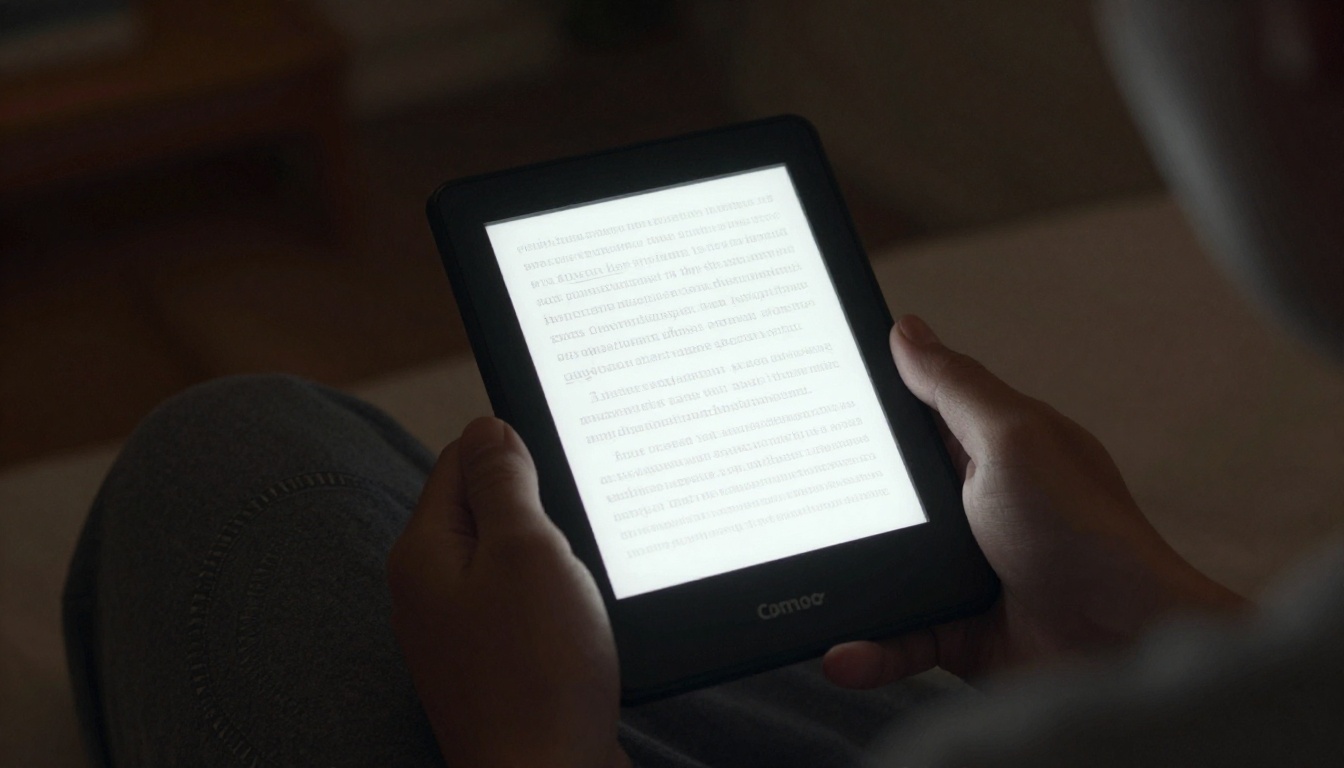
Think about where and when you read most. Nighttime novel fans might like a tablet’s built-in front light with adjustable warmth. But an eReader with a similar front light gives you the same without the eye strain. Many eReaders now have warm lighting. So the gap has shrunk. For bedtime reading, both can work. But an eReader’s softer light might help you wind down more naturally. Tablets, though, let you switch to audiobooks or podcasts easily if your eyes get tired.
Students and researchers often need to mark up, highlight, and jump between docs fast. A tablet with a stylus-like those in many tablet buying guides-handles this smoothly. eReaders have gotten better at note-taking. But the slow refresh makes quick skimming clunky. If your reading involves PDFs with tricky layouts, a tablet’s pinch-to-zoom and fast rendering are a must. For straight-through reading of novels or memoirs, an eReader’s simplicity keeps you locked in. No distractions from notifications or apps.
Outdoor lovers face a clear pick. An eReader’s sunlight-readable screen and weeks-long battery make it perfect for hiking, camping, or beach days. A tablet might overheat in direct sun and die before you finish a chapter. But if you read mostly indoors-in cafes or on the couch-a tablet’s color screen makes cookbooks, travel guides, and art books pop. The choice comes down to whether your reading stuff is mostly words or pictures.
Choosing the right device
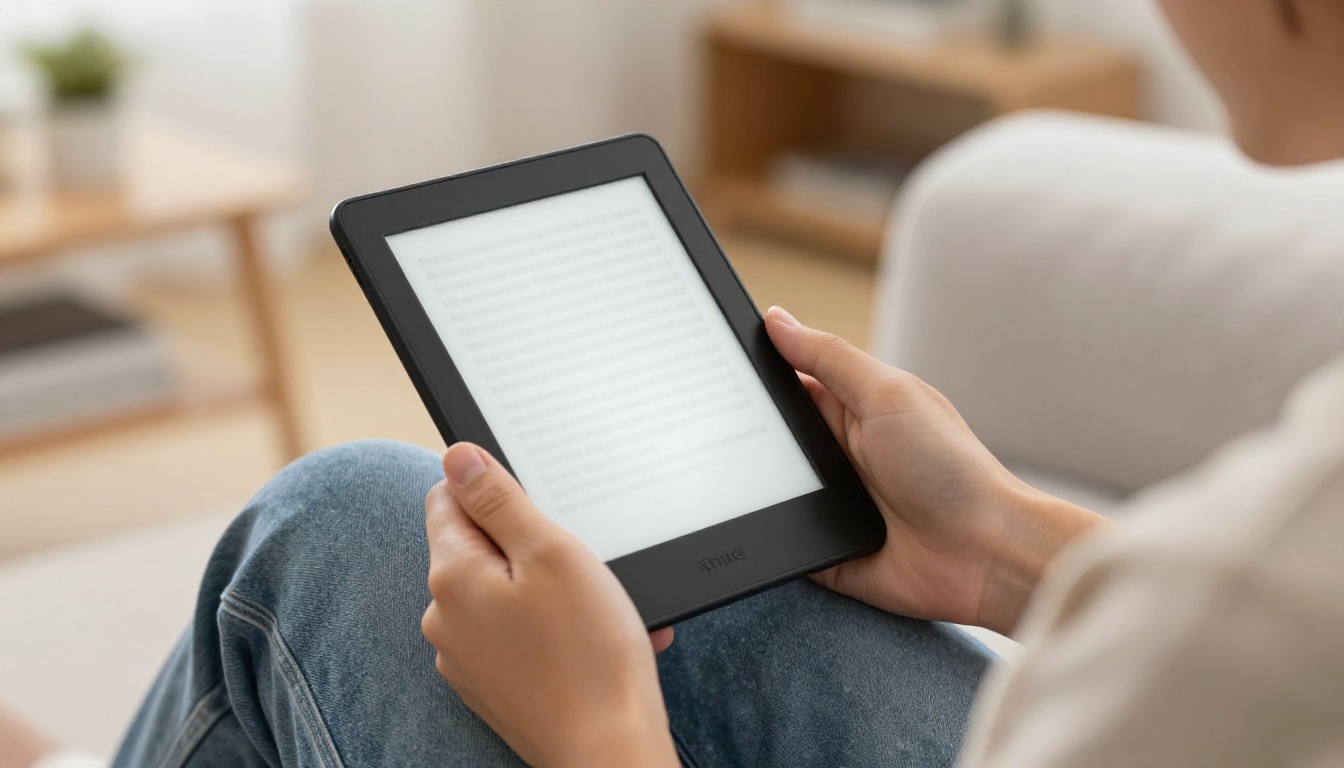
To decide, ask yourself three things. One, do your eyes hurt or do you get headaches after reading on screens? If yes, an eReader is probably the healthier bet. Two, how much do you care about battery life? If you hate charging all the time, an eReader wins. Three, what do you read? For text-heavy books, eReaders are tops. For magazines, comics, or interactive stuff, a tablet makes more sense. Budget plays a part too-basic eReaders are often cheaper than tablets. But fancy models with big screens and note features can cost as much as a mid-range tablet.
Here’s a quick look at key specs across typical devices.
| Feature | Basic eReader | Premium eReader | Entry Tablet | Flagship Tablet |
|---|---|---|---|---|
| Screen type | E Ink, no color | E Ink, warm light | LCD, glossy | OLED, high refresh |
| Battery life | Weeks | Weeks | 1-2 days | 1-2 days |
| Eye comfort | Excellent | Excellent | Moderate | Good (with filters) |
| Outdoor reading | Great | Great | Poor | Fair (high brightness) |
| Content versatility | Books only | Books, some PDFs | All media | All media, gaming |
| Weight | ~150-200g | ~200-250g | ~300-500g | ~400-700g |
Honestly, lots of big readers own both. An eReader for serious reading sessions and a tablet for everything else. But if you have to pick one, let your reading habits steer you. Your eyes and your patience for chargers will thank you.