Follow us on Facebook
Breaking updates in your feed — tap to open
For digital artists and illustrators, the choice between screen drawing tablets and pen tablets represents more than just a preference-it’s a decision that can impact workflow, comfort, and long-term eye health. While screen tablets offer an intuitive, paper-like drawing experience, many creators are discovering that traditional pen tablets provide surprising benefits, particularly for those experiencing eye strain from prolonged close-distance work.
- The Eye Strain Dilemma: Why Screen Tablets Can Be Problematic
- The Pen Tablet Alternative: Separating Drawing Surface from Display
- Ergonomic Benefits
- The Hand-Eye Coordination Challenge
- Software Familiarity: The Secret to Smooth Transition
- Artistic Quality: Device vs. Skill Development
- What Really Matters for Artistic Growth
- Practical Considerations for Making the Switch
- Choosing the Right Pen Tablet
- Setting Up for Success
- Conclusion: Choosing Tools That Support Your Creative Journey
The Eye Strain Dilemma: Why Screen Tablets Can Be Problematic
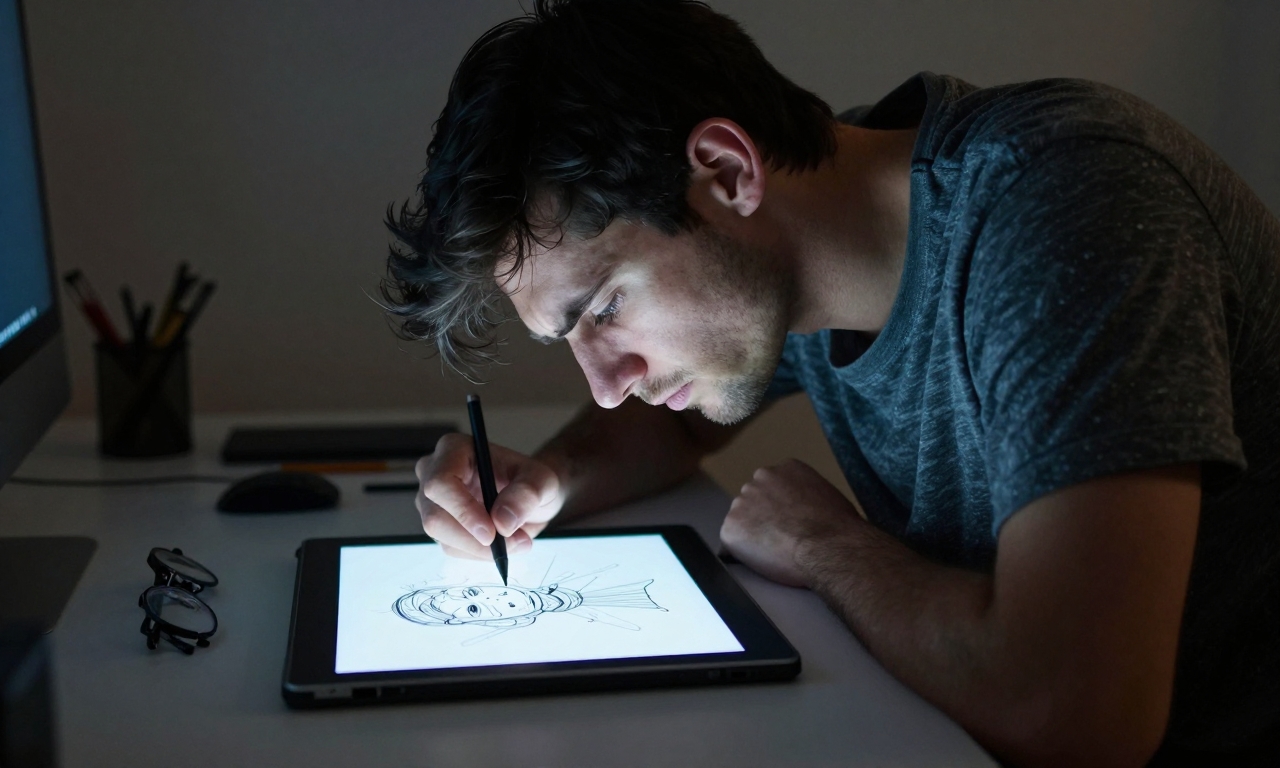
Screen drawing tablets have revolutionized digital art by allowing artists to draw directly on a display, mimicking the natural feel of traditional media. However, this convenience comes with a hidden cost: prolonged exposure to close-distance viewing. Unlike traditional monitors that sit at arm’s length, screen tablets require artists to maintain a much closer working distance, often leading to:
- Digital eye strain from constant focusing at close range
- Neck and shoulder tension from unnatural posture
- Reduced blinking frequency during intense creative sessions
- Blue light exposure at closer proximity than standard monitors
“The transition wasn’t about abandoning convenience,” explains one digital artist who made the switch. “It was about preserving my ability to create comfortably for years to come. The eye strain from eight-hour sessions on a screen tablet became impossible to ignore.”
The Pen Tablet Alternative: Separating Drawing Surface from Display
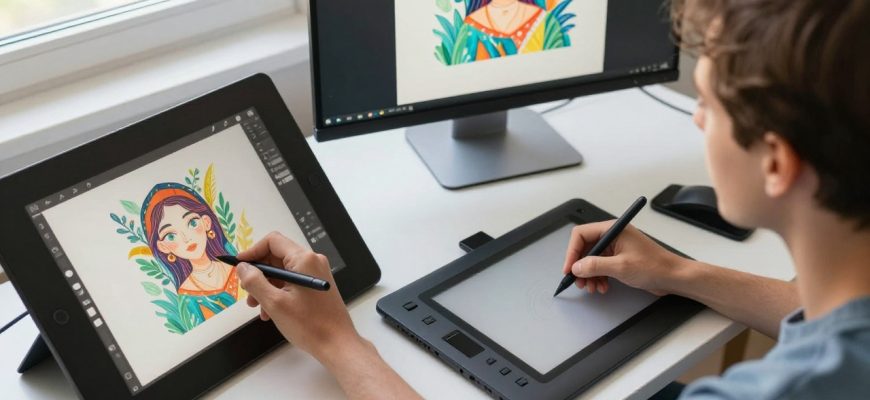
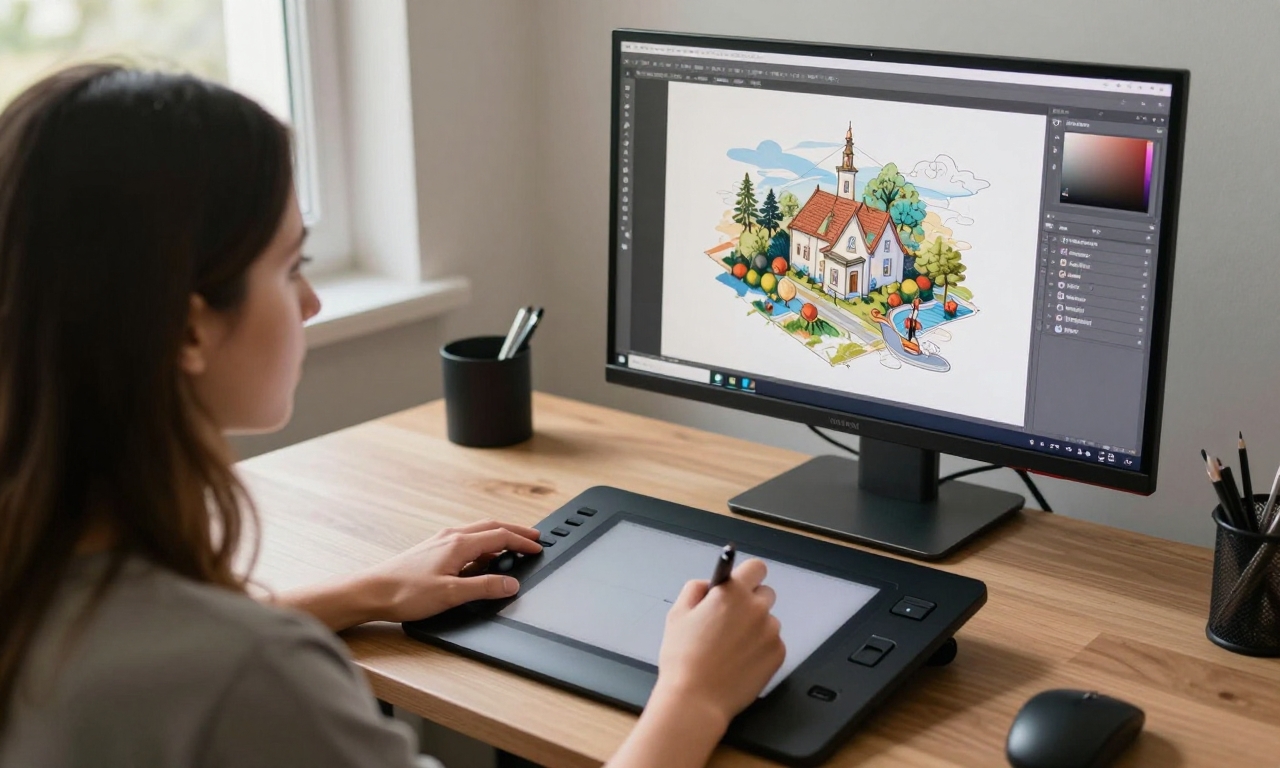
Pen tablets, where artists draw on a separate surface while viewing their work on a monitor, represent a different approach to digital creation. While initially less intuitive than screen tablets, they offer distinct advantages for eye health and ergonomics:
Ergonomic Benefits
- Natural viewing distance: Monitors can be positioned at optimal eye level and distance
- Better posture: Drawing surface can be positioned separately from viewing screen
- Reduced glare: Traditional monitors often have better anti-glare properties
- Flexible positioning: Drawing surface can be angled for wrist comfort
The Hand-Eye Coordination Challenge
The primary adjustment when switching to a pen tablet involves developing new hand-eye coordination. Unlike screen tablets where your hand and the visual result are in the same location, pen tablets require your brain to map movements on the drawing surface to results on a separate screen. This learning curve varies by individual but typically involves:
- Initial disorientation (first few hours to days)
- Gradual adaptation (first week)
- Muscle memory development (first month)
- Complete comfort (ongoing use)
Software Familiarity: The Secret to Smooth Transition
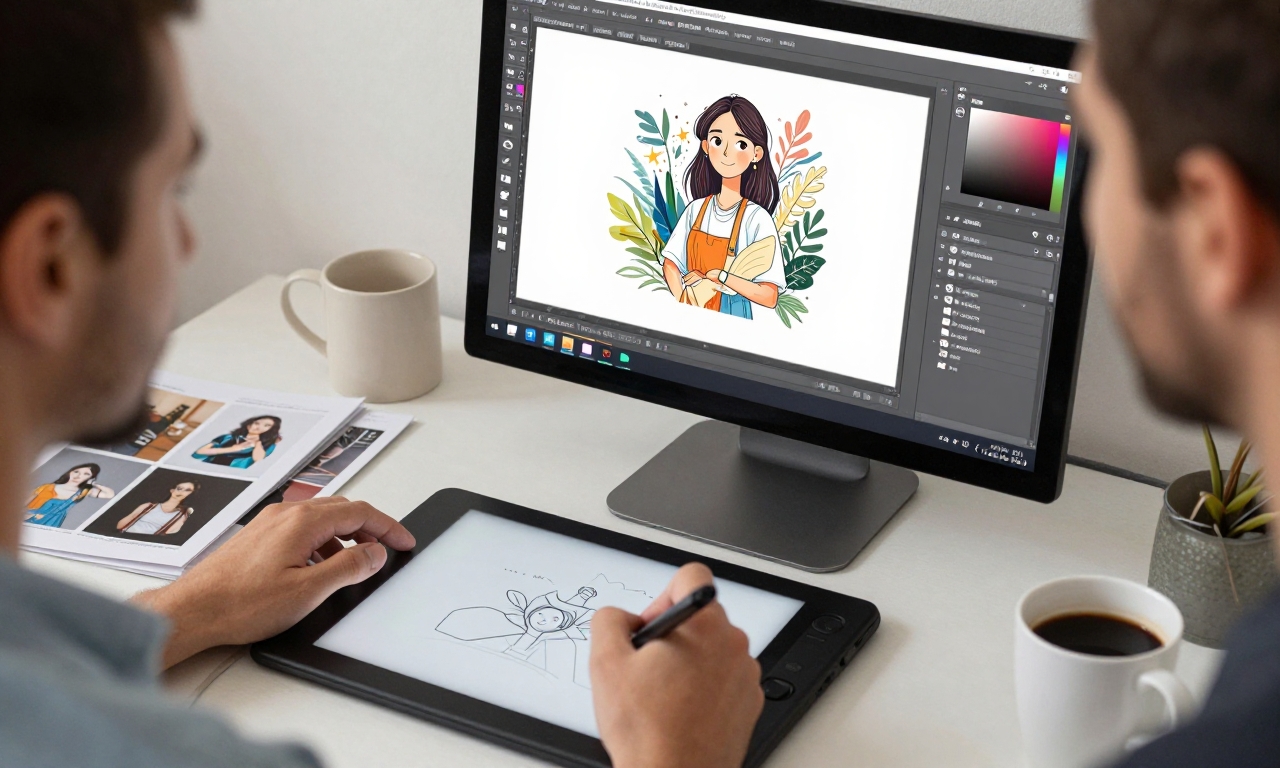
One crucial factor that significantly eases the transition from screen to pen tablet is existing software proficiency. Artists who are already comfortable with their digital art software-whether it’s Clip Studio Paint, Photoshop, Krita, or Procreate-have a substantial advantage. This familiarity allows them to focus exclusively on developing the new hand-eye coordination without simultaneously learning software basics.
“Knowing Clip Studio Paint inside out meant I could concentrate 100% on coordinating my hand movements with what I saw on screen. I wasn’t fighting the software while learning the new hardware.”
For those considering a similar transition, building software proficiency before switching hardware can dramatically reduce the adjustment period. Key software elements to master include:
| Software Element | Why It Helps Transition |
|---|---|
| Keyboard shortcuts | Reduces dependence on tablet buttons during adjustment |
| Brush customization | Maintains consistent feel despite hardware change |
| Interface layout | Familiar workspace reduces cognitive load |
| Tool organization | Efficient workflow minimizes frustration |
Artistic Quality: Device vs. Skill Development
A common concern among artists considering hardware changes is whether switching devices will negatively impact their artistic output. The reality, as experienced by many who have made the transition, is that artistic quality depends far more on skill development than on specific hardware.
What Really Matters for Artistic Growth
- Fundamental skills: Drawing fundamentals transfer across any digital medium
- Practice consistency: Regular creation matters more than device perfection
- Creative problem-solving: Artists adapt to their tools over time
- Workflow optimization: Efficient processes beat “perfect” hardware
“After the initial adjustment period, I found my drawing quality was completely unaffected,” reports an illustrator who switched six months ago. “If anything, the reduced eye strain meant I could work longer sessions without fatigue affecting my work.”
Practical Considerations for Making the Switch
For artists considering transitioning from screen to pen tablets, several practical factors can influence success:
Choosing the Right Pen Tablet
- Active area size: Match to your monitor size for better coordination
- Pressure sensitivity: Ensure adequate levels for your art style
- Driver compatibility: Verify support for your operating system
- Express keys: Customizable buttons can streamline workflow
Setting Up for Success
- Position your monitor at eye level, approximately arm’s length away
- Place the pen tablet at a comfortable drawing angle
- Map the tablet’s active area to match your monitor’s aspect ratio
- Start with simple exercises to build hand-eye coordination
- Be patient with the adjustment period-it’s temporary
Conclusion: Choosing Tools That Support Your Creative Journey
The debate between screen tablets and pen tablets ultimately comes down to individual needs rather than objective superiority. Screen tablets offer undeniable intuitive benefits, particularly for beginners transitioning from traditional media. However, pen tablets provide ergonomic advantages that can be crucial for artists experiencing eye strain or those planning long-term digital art careers.
As one artist who successfully made the transition concludes: “I’ve adapted completely to the pen tablet and find it both comfortable and effective. I’m actually planning to sell my screen tablet. The key takeaway is that tools should serve your needs-not dictate them. Whether you choose screen or pen tablet, what truly matters is developing your skills and creating in a way that sustains your passion and health.”
For digital artists at any level, the most important consideration remains consistent practice and skill development. Hardware can facilitate the creative process, but it cannot replace the fundamental artistic growth that comes from dedicated work. By choosing tools that support both creative expression and physical comfort, artists can build sustainable practices that last throughout their careers.