Follow us on Facebook
Breaking updates in your feed — tap to open
Microsoft has officially marked October 14, 2025, as the end-of-support date for Windows 10. This milestone means the operating system will no longer receive critical security updates or technical support, potentially exposing millions of devices to vulnerabilities. For users, the clock is ticking to decide on a path forward: upgrade to Windows 11 if their hardware allows, purchase a new PC, enroll in a paid Extended Security Updates program, or consider a platform change.
While each option has its merits, transitioning to Apple’s macOS ecosystem presents a compelling, often overlooked alternative. This guide addresses the practicalities of such a switch, specifically countering six common reservations that might hold Windows users back from exploring a Mac.
- Myth 1: Macs Are Too Expensive
- Myth 2: Setting Up a Mac Is Complicated
- Seamless Data Transfer
- Out-of-Box Experience
- Myth 3: macOS Has a Steep Learning Curve
- Myth 4: Essential Software Won’t Work
- Myth 5: You’ll Be Locked Into the Apple Ecosystem
- Myth 6: Windows Is Simply a Better OS
- Conclusion: A Practical Path Forward
Myth 1: Macs Are Too Expensive
The perception that Apple computers come with a prohibitive price tag is one of the most persistent barriers. However, the landscape has shifted significantly with the introduction of Apple Silicon chips like the M-series.
- Value Proposition: Models like the M4 Mac mini and MacBook Air start at competitive price points that align with many Windows laptops offering similar or lesser performance and build quality.
- Total Cost of Ownership: Macs are renowned for their longevity, often receiving software updates for seven years or more. This extended lifespan can make the initial investment more economical over time compared to replacing Windows machines more frequently.
- Resale Value: Apple products consistently retain a higher resale value, further offsetting the purchase cost when it’s time to upgrade again.
When evaluating cost, it’s more accurate to compare the total experience and longevity rather than just the sticker price.
Myth 2: Setting Up a Mac Is Complicated
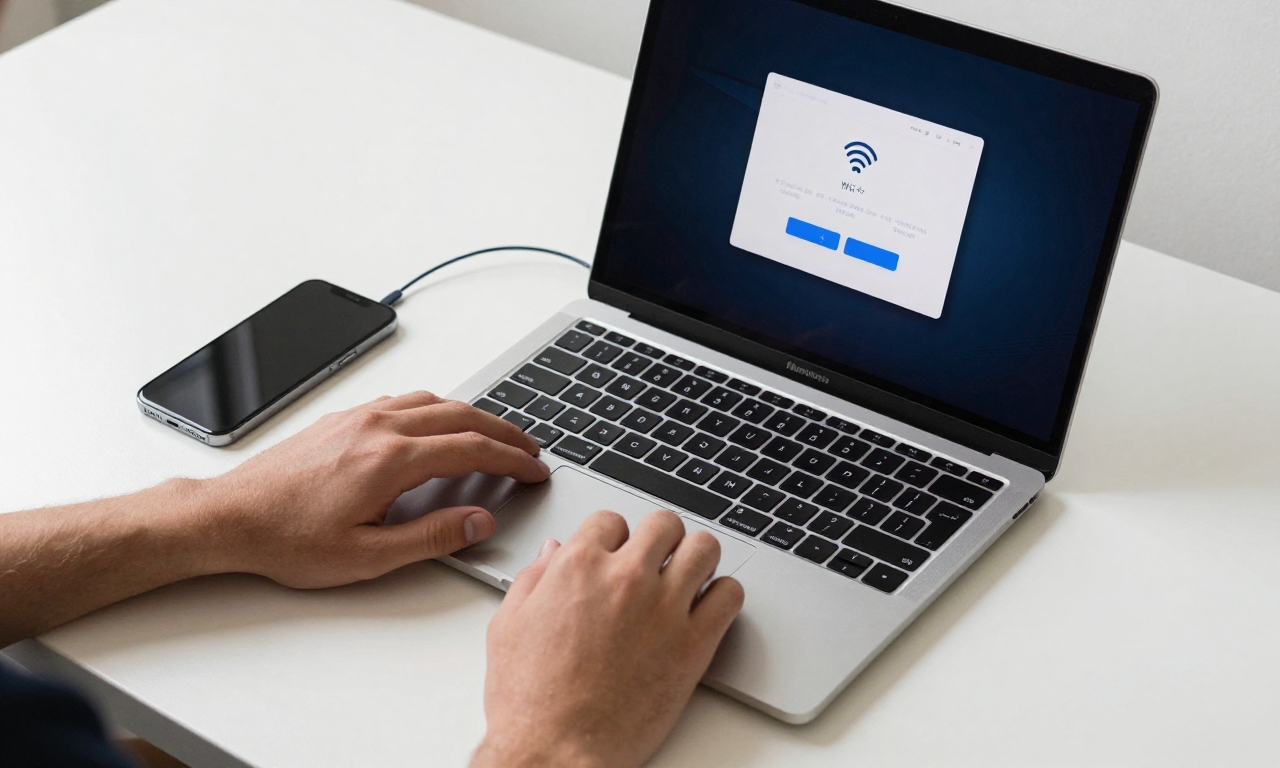
The fear of a complex, time-consuming setup process can deter potential switchers. In reality, Apple has streamlined this experience, especially for those already in its ecosystem.
Seamless Data Transfer
For iPhone owners, the process is remarkably simple. Using Migration Assistant or simply restoring from an iCloud backup can transfer contacts, photos, messages, and settings directly to the new Mac, creating instant familiarity.
Out-of-Box Experience
Even without an iPhone, the macOS setup wizard is intuitive and guides users through essential steps like connecting to Wi-Fi, creating an Apple ID, and setting up security features within minutes.
The initial setup of a modern Mac is often quicker and less cluttered than a fresh Windows installation, which can be pre-loaded with trial software and manufacturer utilities.
Myth 3: macOS Has a Steep Learning Curve
Any new operating system requires adjustment. While macOS will feel different initially, the learning curve is manageable and the payoff is significant.
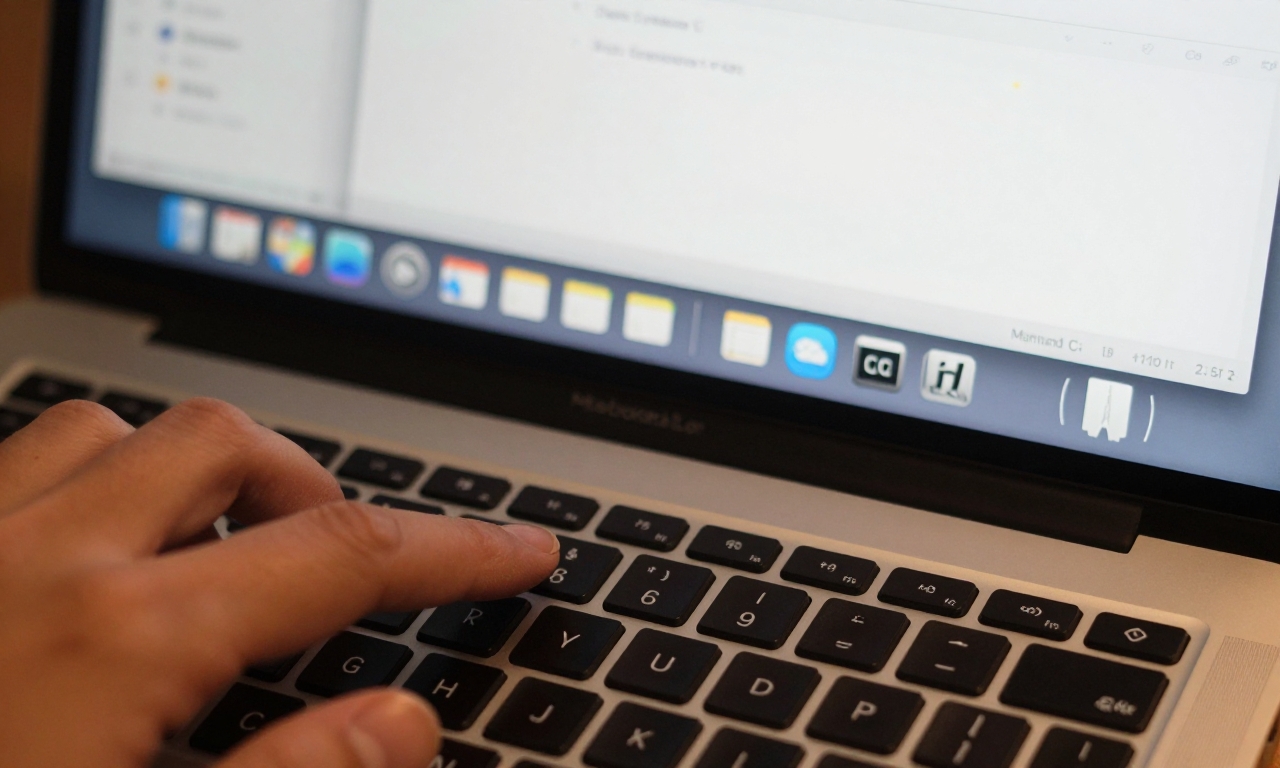
- Familiar Concepts: Core computing concepts-files, folders, windows, and applications-work the same. The Dock is analogous to the Windows taskbar, and Finder serves a similar purpose to File Explorer.
- Gestures and Shortcuts: macOS offers powerful trackpad gestures and keyboard shortcuts that, once learned, can significantly boost navigation speed and productivity.
- Fluidity Over Time: Most users report that within a few weeks of regular use, macOS becomes fluid and even enjoyable, with many appreciating its stability and clean design aesthetic.
Resources like Apple’s built-in help guides and numerous online tutorials make the transition smoother than ever.
Myth 4: Essential Software Won’t Work
A major concern for professionals and students is access to critical software, particularly Microsoft Office. This is largely a non-issue today.
| Application | Windows | macOS |
|---|---|---|
| Microsoft Word | ✓ Full Version | ✓ Full Version |
| Microsoft Excel | ✓ Full Version | ✓ Full Version |
| Microsoft PowerPoint | ✓ Full Version | ✓ Full Version |
| Web Browsers (Chrome, Firefox, Edge) | ✓ | ✓ |
| Adobe Creative Cloud | ✓ | ✓ (Often preferred) |
| Zoom / Slack | ✓ | ✓ |
Microsoft develops native versions of its Office suite for macOS, ensuring full file compatibility and feature parity. Furthermore, the rise of cloud-based and cross-platform software means most tools used daily are readily available.
Myth 5: You’ll Be Locked Into the Apple Ecosystem
This point is often framed as a negative, but the integration within Apple’s ecosystem is one of its greatest strengths for usability.
If you own an iPhone, AirPods, or an Apple Watch, a Mac enhances their functionality through features like:
- Universal Clipboard: Copy text or an image on your iPhone and paste it directly on your Mac.
- Handoff: Start writing an email on your iPhone and pick up right where you left off on your Mac.
- AirDrop: Instantly share files between devices without cables or email.
- Sidecar: Use your iPad as a secondary display for your Mac.
This seamless connectivity isn’t a lock-in; it’s a productivity multiplier that simplifies workflows across devices.
Myth 6: Windows Is Simply a Better OS
Operating system preference is subjective, rooted in familiarity. However, macOS offers distinct advantages that are worth evaluating objectively:
- Security and Privacy: macOS has a historically strong security architecture with built-in protections like Gatekeeper and XProtect, and Apple places a high emphasis on user privacy.
- Stability and Performance: The tight integration between Apple’s hardware and software (especially with Apple Silicon) often results in a smooth, responsive experience with fewer unexpected crashes or slowdowns.
- Unified Experience: The consistency across the interface and Apple’s own applications creates a cohesive user experience.
It’s not about one being universally “better,” but about which system’s strengths align with your needs for security, stability, and a integrated digital life.
Conclusion: A Practical Path Forward
The end of Windows 10 support is not an immediate catastrophe, but it is a clear deadline that necessitates preparedness. Ignoring it leaves devices increasingly vulnerable.
While upgrading within the Windows ecosystem is a valid choice, it often comes with hardware compatibility checks and the learning curve of a new Windows version anyway. Exploring a switch to macOS is a practical alternative that addresses the core need for a secure, modern, and supported computing platform.
By debunking these common myths, we see that the barriers to adoption-cost, setup, learning, software, ecosystem, and perception-are lower than many assume. For users looking at the post-October 2025 landscape, especially those valuing longevity, security, and a streamlined experience, a Mac deserves serious consideration as a viable and smart upgrade path.