Follow us on Facebook
Breaking updates in your feed — tap to open
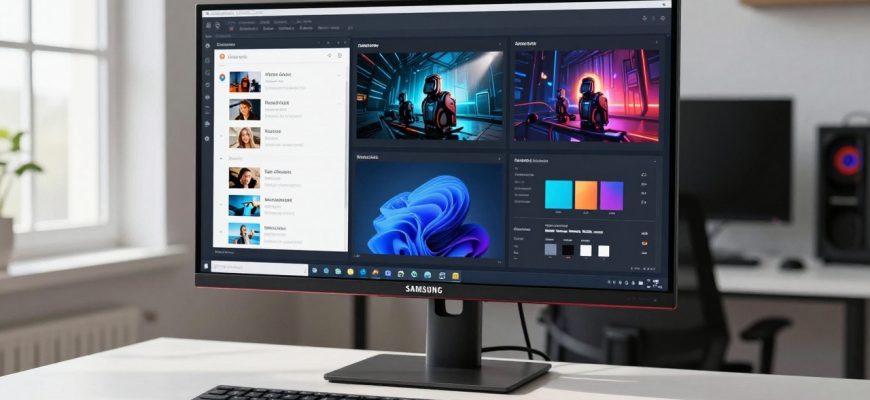
Selecting the right monitor can transform your computing experience, whether you’re gaming competitively, managing complex workflows, or enjoying multimedia content. Samsung’s extensive lineup offers everything from cutting-edge OLED displays to massive ultrawide screens and smart monitors that double as entertainment hubs. However, with so many options available, choosing the perfect model requires careful consideration of your specific needs rather than simply opting for the most advanced technology.
As someone who has personally experienced the frustration of a faulty OLED display with screen bubbling issues, I’ve learned that the “best” monitor is highly subjective. What works brilliantly for a professional video editor might be overkill for a casual gamer, while a productivity-focused user might prioritize screen real estate over refresh rates. This guide will help you navigate Samsung’s offerings to find the display that truly matches your requirements.
- Understanding Your Primary Use Case
- Gaming: Response Time and Visual Fidelity
- Productivity: Screen Real Estate and Multitasking
- Entertainment and Hybrid Use
- Samsung’s Key Monitor Series Explained
- Odyssey Gaming Monitors
- Smart Monitor Series
- Ultrawide and Super-Ultrawide Displays
- Top Samsung Monitor Recommendations
- For PC Gamers: Odyssey OLED G60SD
- For Console Gamers: Odyssey OLED G80SD
- For Productivity and Multitasking: Odyssey Neo G9
- For Hybrid Work and Entertainment: Smart Monitor M9
- Critical Factors to Consider Before Buying
- Display Technology: OLED vs. LED
- Screen Size and Desk Space
- Connectivity and Future-Proofing
- Ergonomics and Adjustability
- Addressing Common Concerns and Limitations
- OLED Durability and Burn-In
- Screen Bubbling and Quality Control
- Value Proposition and Alternatives
- Final Recommendations and Decision Framework
Understanding Your Primary Use Case
Before diving into specific models, it’s essential to identify how you’ll primarily use your monitor. Samsung’s lineup caters to distinct user profiles, and selecting the wrong type can lead to disappointment and wasted investment.
Gaming: Response Time and Visual Fidelity
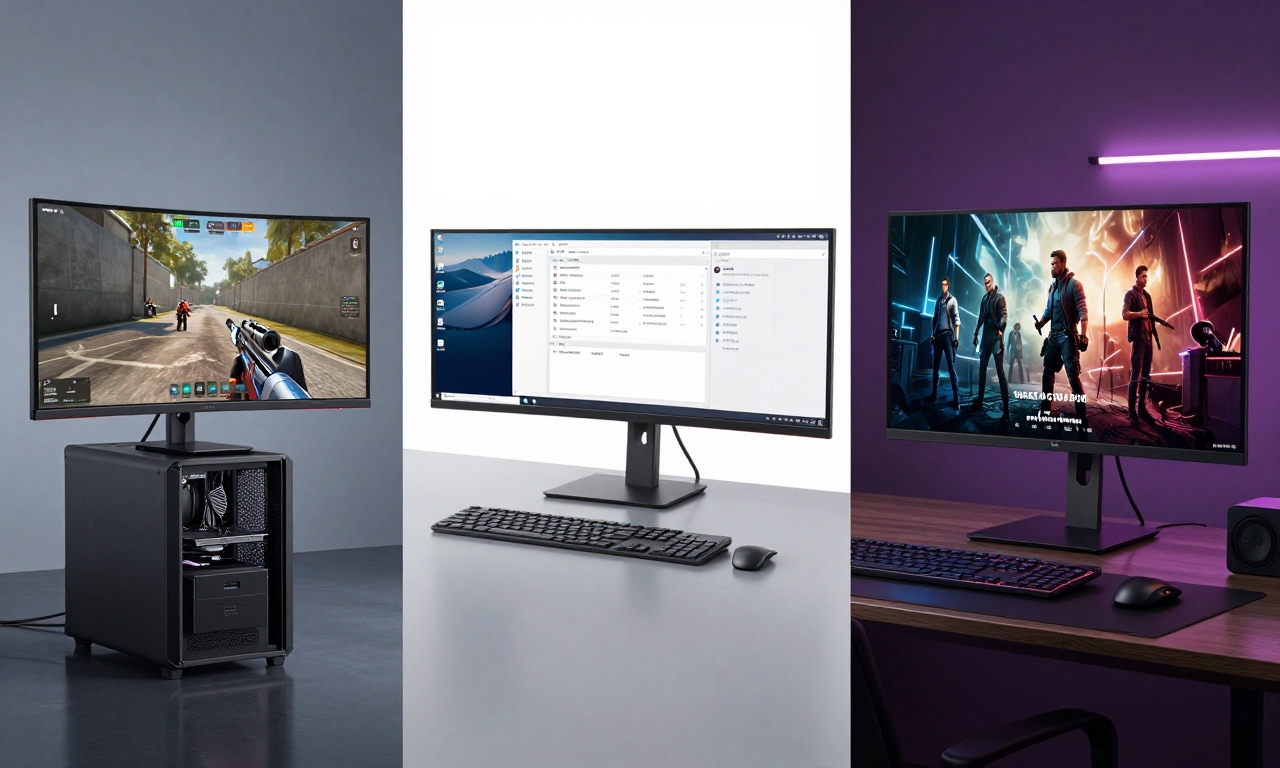
For gamers, two key factors dominate the decision: response time and visual quality. Competitive gamers prioritize minimal input lag and high refresh rates (144Hz or above) to maintain an edge in fast-paced titles. Meanwhile, immersive single-player enthusiasts often value stunning HDR visuals and deep contrast ratios that bring game worlds to life.
Samsung addresses both needs with specialized gaming monitors. The Odyssey series, in particular, offers models optimized for different gaming platforms and preferences. Console gamers should consider different specifications than PC gamers, as next-generation consoles have specific display requirements that not all monitors can fully leverage.
Productivity: Screen Real Estate and Multitasking
Professionals working with multiple applications simultaneously benefit from ultrawide or super-ultrawide displays that eliminate the need for multiple monitors. The additional horizontal space allows for side-by-side document comparison, video editing timelines, coding environments, and spreadsheet management without constant window switching.
Beyond raw screen size, productivity users should consider ergonomic features like height adjustment, pivot capability, and blue light reduction for extended work sessions. Connectivity options also matter-having multiple inputs allows seamless switching between different devices like a work laptop and personal computer.
Entertainment and Hybrid Use
For users who want a single display for both work and entertainment, smart monitors offer compelling versatility. These displays combine traditional monitor functionality with smart TV features, streaming apps, and sometimes even built-in productivity tools. They’re ideal for dorm rooms, small apartments, or home offices where space is limited.
Entertainment-focused users should prioritize color accuracy, HDR performance, and audio quality (or at least good audio output options). The ability to connect gaming consoles, streaming devices, and computers to a single display without constant cable swapping adds significant convenience to media consumption setups.
Samsung’s Key Monitor Series Explained
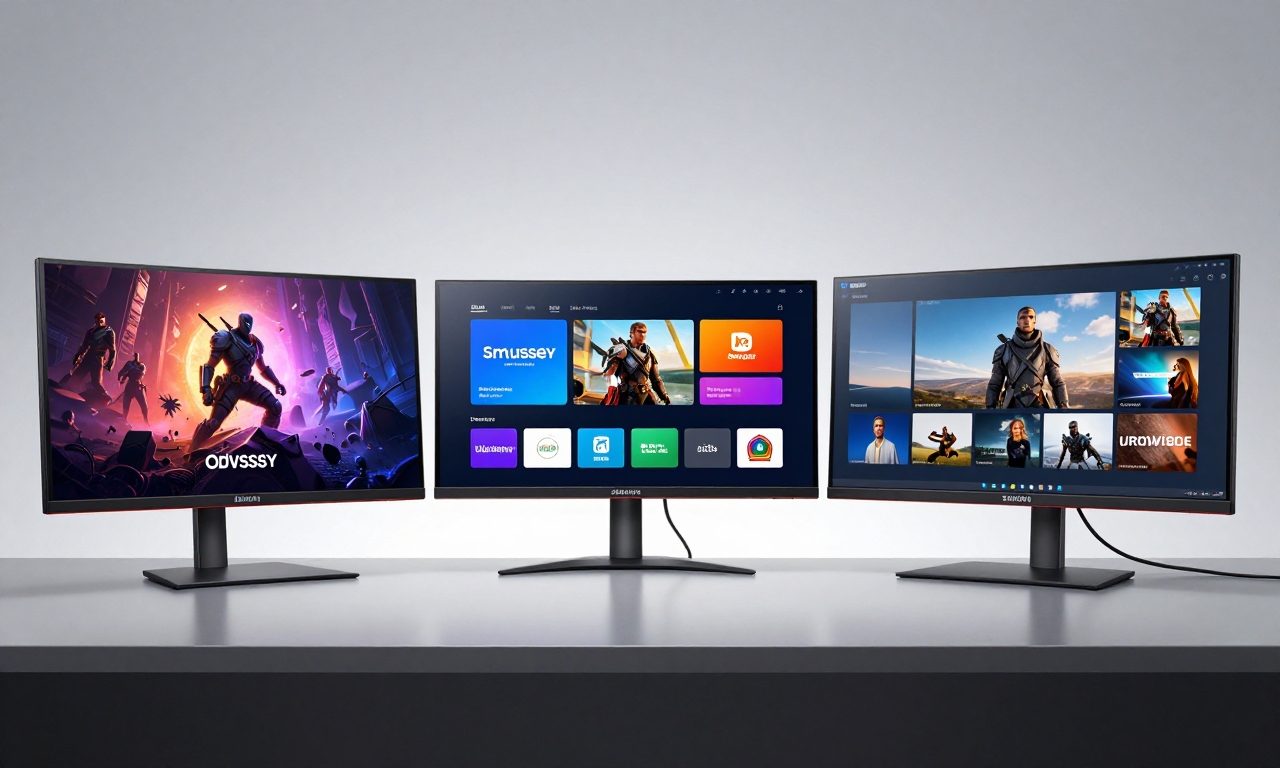
Samsung organizes its monitor offerings into distinct series, each targeting specific user needs. Understanding these categories will help you narrow your search efficiently.
Odyssey Gaming Monitors
Samsung’s Odyssey lineup represents their premium gaming offerings, featuring cutting-edge display technology and gamer-centric designs. These monitors typically offer high refresh rates (up to 240Hz), fast response times (as low as 0.03ms GtG), and often incorporate curved screens for enhanced immersion.
The series includes both OLED and Quantum Mini-LED models, with the former offering perfect blacks and infinite contrast ratios, while the latter provides exceptional brightness and HDR performance. Recent Odyssey models also include Core Lighting+ on the back of the display, which projects colors that match on-screen content for added immersion.
Smart Monitor Series
Samsung’s Smart Monitors bridge the gap between traditional computer displays and smart TVs. These models run Samsung’s Tizen operating system, giving you access to streaming services like Netflix, Disney+, and YouTube without needing a connected computer. Many include built-in productivity apps and wireless connectivity options like AirPlay 2 and Samsung DeX.
The M-series Smart Monitors, particularly the M9 model, have gained popularity for their clean design, 4K resolution, and versatile stand that allows both landscape and portrait orientation. They’re essentially all-in-one entertainment and productivity hubs that can serve as your primary display for both work and leisure.
Ultrawide and Super-Ultrawide Displays
Samsung has been a pioneer in ultrawide monitor technology, with the Odyssey Neo G9 representing the extreme end of this category. With its 49-inch super-ultrawide format (32:9 aspect ratio), it essentially provides the equivalent of two 27-inch monitors side-by-side without a bezel in the middle.
These expansive displays are particularly valuable for professionals in fields like video editing, financial trading, software development, and data analysis. The immersive curvature (typically 1000R) helps maintain visibility across the entire screen without excessive head movement during extended use.
Top Samsung Monitor Recommendations
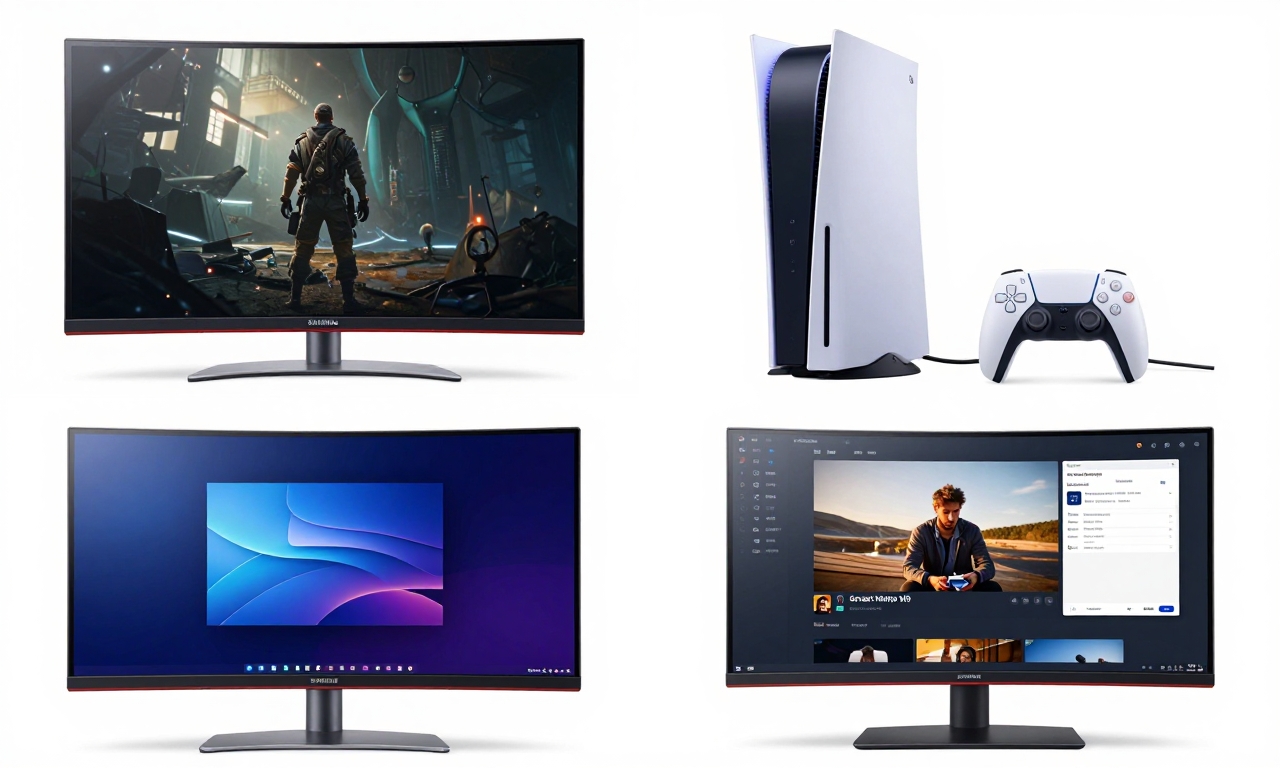
Based on extensive testing and real-world usage scenarios, here are our top recommendations across different use cases.
For PC Gamers: Odyssey OLED G60SD
The Odyssey OLED G60SD represents the pinnacle of gaming display technology for PC enthusiasts. Its 32-inch 4K OLED panel delivers exceptional HDR visuals with perfect blacks and virtually instantaneous pixel response times. With a 240Hz refresh rate and support for both AMD FreeSync Premium Pro and Nvidia G-Sync Compatible, it ensures buttery-smooth gameplay without screen tearing.
Key advantages:
- Perfect blacks and infinite contrast ratio for stunning HDR gaming
- Extremely fast 0.03ms gray-to-gray response time
- High 240Hz refresh rate for competitive gaming
- Wide color gamut covering 99% of DCI-P3
Considerations: OLED technology requires some care to prevent potential burn-in with static elements. The monitor includes pixel refresh and logo dimming features to mitigate this risk, but users displaying the same interface for extended periods should enable these protective measures.
For Console Gamers: Odyssey OLED G80SD
Designed specifically for next-generation console gaming, the Odyssey OLED G80SD optimizes the experience for PlayStation 5 and Xbox Series X|S owners. Its 32-inch 4K QD-OLED panel supports 120Hz refresh rates at 4K resolution, taking full advantage of console capabilities. The monitor includes dedicated console features like Auto Source Switch+ and Game Mode optimization.
Key advantages:
- Optimized for PlayStation 5 and Xbox Series X|S capabilities
- Supports 4K at 120Hz with HDMI 2.1 connectivity
- Quantum Dot technology enhances color volume and brightness
- Includes console-specific picture presets and features
Considerations: While excellent for console gaming, PC gamers might prefer the higher refresh rates available on other models. The stand offers limited adjustability compared to some competitors.
For Productivity and Multitasking: Odyssey Neo G9
The massive Odyssey Neo G9 super-ultrawide represents the ultimate productivity display. Its 49-inch screen with 5120×1440 resolution provides ample space for multiple applications side-by-side. The Quantum Mini-LED backlight with 2,048 local dimming zones delivers excellent contrast and HDR performance for creative work.
Key advantages:
- Massive screen real estate equivalent to dual 27-inch monitors
- Quantum Matrix Technology with precise local dimming
- Picture-by-Picture and Picture-in-Picture modes for multiple inputs
- 240Hz refresh rate for both work and gaming versatility
Considerations: The sheer size requires substantial desk space (at least 45 inches wide). Some applications and games don’t fully support the 32:9 aspect ratio, resulting in black bars or stretched interfaces.
For Hybrid Work and Entertainment: Smart Monitor M9
The Samsung Smart Monitor M9 offers remarkable versatility for users who need one display for both work and entertainment. Its 32-inch 4K IPS panel provides excellent color accuracy for creative tasks, while the built-in Tizen OS gives you instant access to streaming services without a computer. The slim, modern design with white finish fits well in contemporary workspaces.
Key advantages:
- Built-in smart TV functionality with streaming apps
- USB-C connectivity with 65W power delivery for laptop charging
- Wireless connectivity options including AirPlay 2 and Samsung DeX
- Versatile stand allowing both landscape and portrait orientation
Considerations: The 60Hz refresh rate limits gaming potential compared to dedicated gaming monitors. Built-in speakers are adequate for casual use but lack the depth of dedicated audio systems.

Critical Factors to Consider Before Buying
Beyond specific models, several universal factors should influence your Samsung monitor selection.
Display Technology: OLED vs. LED
Samsung offers monitors with both OLED and various LED technologies (including Quantum Dot and Mini-LED). OLED provides perfect blacks and essentially infinite contrast ratios, making it ideal for HDR content and dark room viewing. However, it carries a small risk of burn-in with static elements and typically costs more than LED alternatives.
LED displays, particularly those with Quantum Dot or Mini-LED backlights, offer higher peak brightness and don’t suffer from burn-in concerns. They’re often more affordable while still providing excellent color reproduction and contrast. For most users, LED technology represents the better value proposition, while OLED appeals to enthusiasts seeking the absolute best image quality.
Screen Size and Desk Space
Monitor size should match both your viewing distance and available desk space. As a general guideline:
- 24-27 inches: Ideal for standard desks and typical viewing distances
- 32 inches: Requires deeper desks (30+ inches viewing distance recommended)
- 34-49 inches ultrawide: Needs substantial desk width and consideration of curvature
Remember to account for the monitor stand’s footprint or consider VESA mounting if desk space is limited. Ultrawide monitors particularly benefit from curved designs that maintain comfortable viewing angles across the entire screen.
Connectivity and Future-Proofing
Modern monitors should include HDMI 2.1 ports for compatibility with next-generation consoles and graphics cards. USB-C with power delivery is increasingly valuable for laptop users who want single-cable connectivity for both video and charging. DisplayPort remains essential for high-refresh-rate PC gaming.
Consider how many devices you’ll connect simultaneously. Professionals often benefit from monitors with multiple inputs and KVM (keyboard, video, mouse) switches that allow control of multiple computers with one set of peripherals. Smart monitors add wireless connectivity options that reduce cable clutter.
Ergonomics and Adjustability
A monitor you’ll use for hours daily should offer comfortable adjustability. Look for models with height adjustment, tilt, and swivel capabilities. Pivot functionality (rotating to portrait orientation) benefits programmers, writers, and social media managers who work with long documents or feeds.
Eye comfort features like blue light reduction and flicker-free technology can reduce eye strain during extended sessions. Many Samsung monitors include Eye Saver Mode and Flicker Free technology certified by TÜV Rheinland.
Addressing Common Concerns and Limitations
Even the best monitors have trade-offs and potential issues worth understanding before purchase.
OLED Durability and Burn-In
OLED technology, while offering exceptional image quality, requires some care to maintain longevity. Static elements like taskbars, desktop icons, or game HUDs can eventually cause image retention or burn-in if displayed continuously for extended periods. Samsung addresses this with several protective features:
- Pixel Refresh: Automatically runs when the monitor enters standby mode
- Pixel Shift: Slightly moves the image periodically to prevent static wear
- Logo Dimming: Detects and reduces brightness of static logos
- Screen Saver: Activates when no input is detected
For most users who vary their content, OLED monitors should provide years of trouble-free use. Those displaying the same interface for 8+ hours daily might prefer LED alternatives.
Screen Bubbling and Quality Control
Some Samsung monitor models, particularly certain OLED variants, have reported issues with screen bubbling or delamination over time. This appears as small bubbles or separation between display layers, typically near the edges. While not widespread, it’s worth checking warranty terms and user reports for specific models.
Samsung generally offers standard warranties that cover manufacturing defects. Registering your product and keeping purchase documentation ensures you can address any issues that arise during the warranty period. Consider purchasing from retailers with good return policies if you’re concerned about potential quality issues.
Value Proposition and Alternatives
Samsung monitors often command premium pricing, particularly for their Odyssey gaming series and OLED models. Before committing, consider whether you’re paying for features you’ll actually use. A 240Hz refresh rate matters little if you primarily play single-player games at 60fps, just as HDR performance is irrelevant if you work mainly with text documents.
Competitors like LG, Dell, and ASUS offer compelling alternatives in most categories. Cross-shop similar specifications and read professional reviews to ensure you’re getting the best value for your specific needs rather than simply opting for brand recognition.
Final Recommendations and Decision Framework
Choosing the right Samsung monitor ultimately comes down to matching technology to your specific requirements. Follow this decision framework to simplify your selection:
- Identify primary use: Are you gaming, working, or consuming media most of the time?
- Determine must-have features: What specifications are non-negotiable (refresh rate, resolution, connectivity)?
- Consider physical constraints: Will the monitor fit your space and viewing distance?
- Evaluate trade-offs: Are you willing to accept potential OLED burn-in risk for superior image quality?
- Check compatibility: Will your existing devices work optimally with the monitor?
- Review warranty and support: Does Samsung’s coverage address your concerns?
For most users, we recommend the following approach:
- Competitive gamers: Prioritize high refresh rates (144Hz+) and fast response times
- Creative professionals: Focus on color accuracy, resolution, and screen real estate
- Hybrid users: Consider smart monitors that balance work and entertainment features
- Budget-conscious buyers: Look for previous-generation models or sales on current inventory
Samsung’s monitor lineup successfully addresses diverse needs across gaming, productivity, and entertainment segments. By carefully considering your specific requirements rather than chasing specifications, you’ll find a display that enhances your computing experience for years to come. Remember that the “best” monitor isn’t the one with the highest specifications-it’s the one that best serves your unique workflow and preferences.