
Follow us on Facebook
Breaking updates in your feed — tap to open
As a tech enthusiast who’s been covering gadgets for years, I thought I knew exactly what I was doing when I ordered my M4 Pro Mac mini. I loaded it up with 48GB of RAM, 1TB of storage, and upgraded Ethernet, convinced I was future-proofing my setup. The total? A staggering £2,199. After twelve months of daily use, I’ve come to a sobering conclusion: I made a classic buying mistake that many Apple customers fall into.
This isn’t a story about a bad product-far from it. The Mac mini performed admirably. It’s a story about understanding Apple’s carefully crafted product ecosystem and resisting the temptation to transform entry-level devices into something they were never designed to be. If you’re considering a new Mac purchase, especially with Apple’s increasingly segmented lineup, this hard-earned wisdom could save you hundreds, if not thousands, of pounds.
- The Core Problem: Trying to Make a Mini Into a Max
- When Your Workflow Evolves Unexpectedly
- Apple’s Upgrade Trap: Where the Money Disappears
- The Sweet Spot: Where Value Meets Performance
- Smart Mac Buying Strategies for 2024
- The Durability Advantage of Apple Silicon
- Final Verdict: Lessons From a £2,199 Mistake
The Core Problem: Trying to Make a Mini Into a Max
Apple’s product strategy is brilliantly precise. Each Mac model occupies a specific tier in their ecosystem, designed with particular user profiles in mind. The Mac mini sits squarely in the “entry-level desktop” category, perfect for students, home users, office workers, and developers who need solid performance without breaking the bank. The Mac Studio, meanwhile, targets creative professionals who regularly push their systems with intensive video editing, 3D rendering, and complex computational tasks.
My mistake was attempting to bridge these two categories through expensive upgrades. Here’s the painful comparison that crystallized my error:
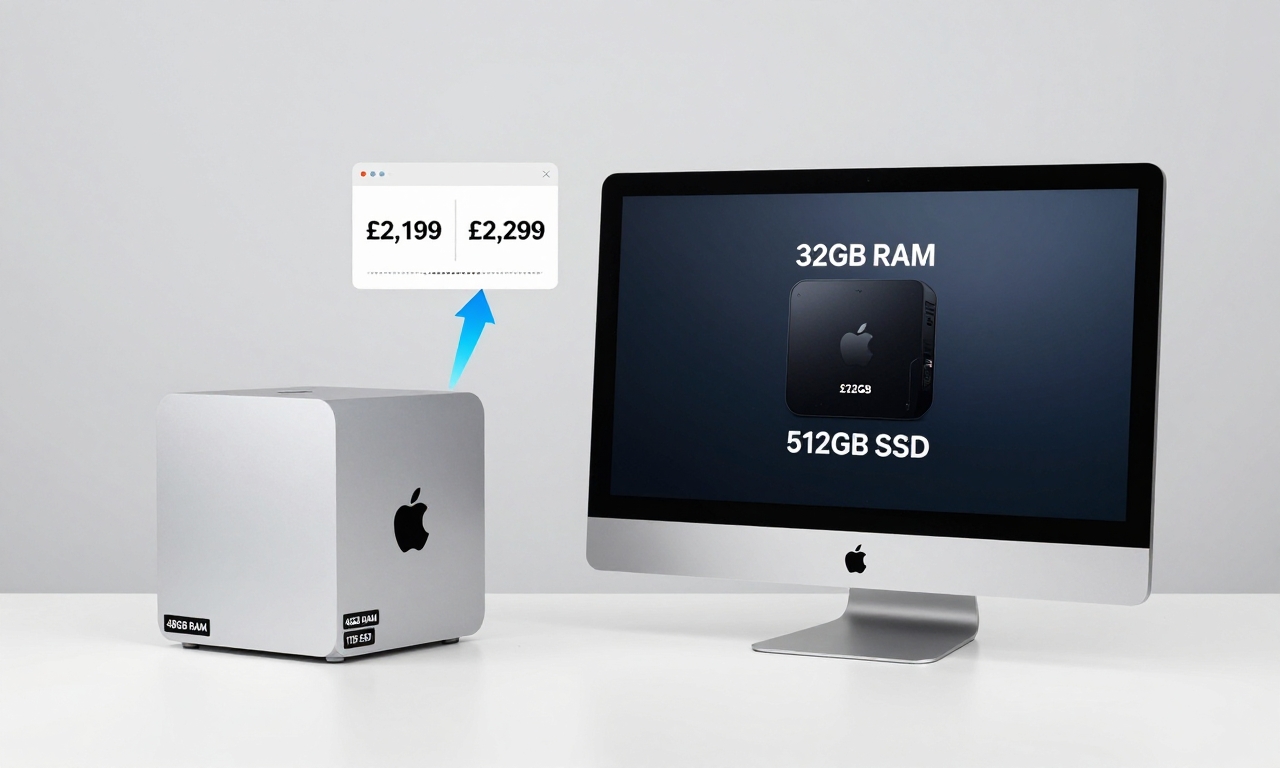
- My Configuration: M4 Pro Mac mini with 48GB RAM, 1TB SSD, 10Gb Ethernet – £2,199
- Alternative: Base M4 Max Mac Studio with 32GB RAM, 512GB SSD – £2,299
For just £100 more, the Mac Studio offers superior specs across the board: faster memory bandwidth, more GPU cores, better thermal management, and additional ports. More importantly, it’s designed from the ground up to handle sustained heavy workloads without thermal throttling.
When Your Workflow Evolves Unexpectedly
When I purchased the Mac mini, my workflow consisted primarily of writing, web development, photo editing, and occasional light video work. For these tasks, the machine was flawless-silent, efficient, and incredibly responsive. Then something unexpected happened: my work shifted toward more intensive video editing with large ProRes files, 4K timelines, and complex effects.
Suddenly, I found myself pushing the Mac mini to its absolute limits. While it could handle these tasks, it wasn’t happy about it. Fans would spin up during longer renders, and I’d occasionally encounter performance bottlenecks that reminded me I was asking a compact desktop to perform like a workstation.
Apple’s Upgrade Trap: Where the Money Disappears
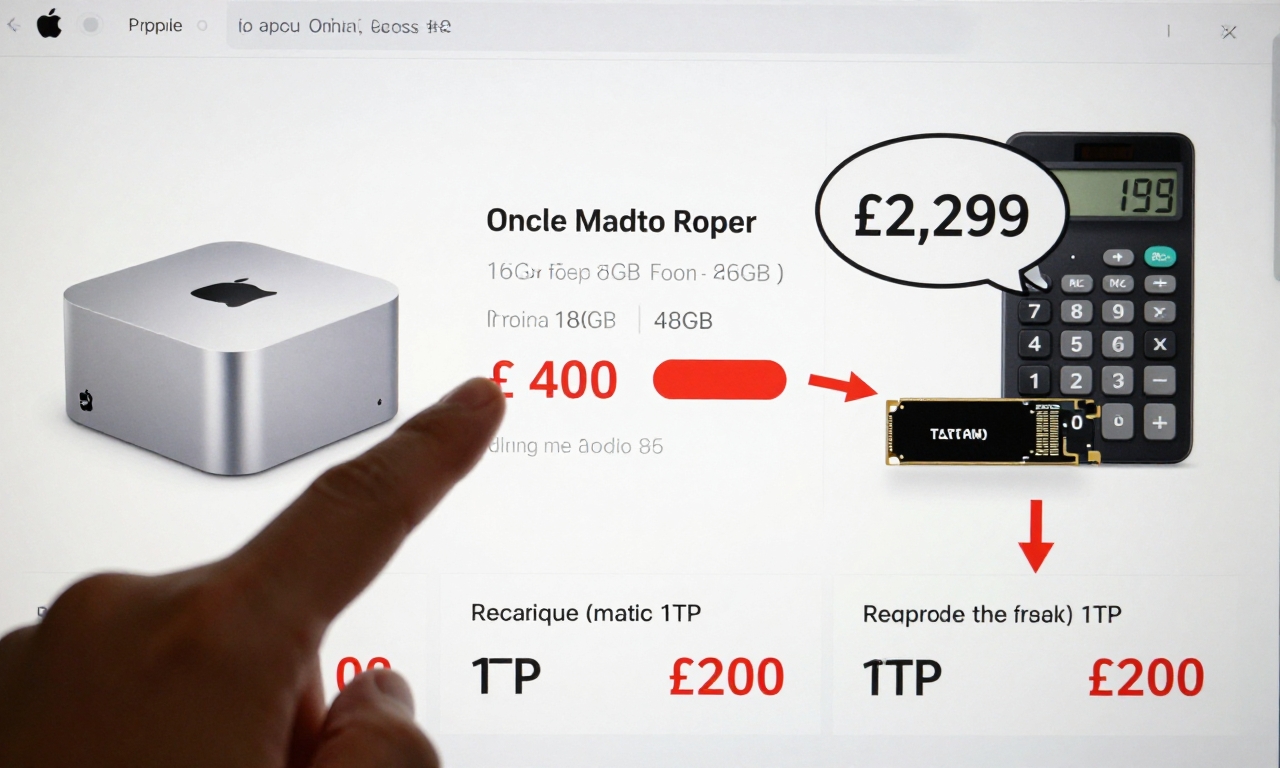
Apple’s upgrade pricing follows a predictable pattern that exploits our fear of future limitations. The jump from 16GB to 24GB of RAM might seem reasonable, but the leap to 48GB carries a premium that disproportionately benefits Apple. Storage upgrades follow a similar curve, with 1TB and 2TB options carrying significant markups compared to third-party external solutions.
This creates what I call the “upgrade trap”: by the time you’ve spec’d an entry-level Mac to handle professional workloads, you’ve often spent enough money to buy a higher-tier model that would perform those tasks better from the start.
| Device | Base Price | My Configuration | Better Alternative |
|---|---|---|---|
| Mac mini | £699 | £2,199 | Mac Studio at £2,299 |
| MacBook Air | £1,099 | £1,899 (24GB/1TB) | 14″ MacBook Pro at £1,999 |
The psychological factor is powerful. When configuring online, incremental upgrades don’t seem that expensive individually. “Just £200 more for double the storage” or “only £400 for more RAM” sounds reasonable in isolation. But when you add them all up, the total often surprises buyers who started with a budget-friendly base model.
The Sweet Spot: Where Value Meets Performance
Through trial, error, and considerable reflection, I’ve identified what I believe is the optimal configuration for most Mac mini buyers:
- M4 Pro Chip (for those needing extra power)
- 24GB Unified Memory
- 512GB Storage
- Base Ethernet (upgrade only if you have 10Gb infrastructure)
This configuration typically costs around £800-£900 more than the base model-a significant but justifiable investment for users who need more than basic performance. The 24GB RAM sweet spot handles 95% of professional workflows without overspending, while 512GB storage provides breathing room with the option to add fast external SSDs later.
“Apple Silicon Macs are remarkably durable and future-proof. Resist the marketing hype telling you to max out specs you’ll never use.”
Smart Mac Buying Strategies for 2024
Based on my experience and extensive testing, here’s my practical advice for anyone navigating Apple’s current Mac lineup:
- Identify Your Actual Needs, Not Your Aspirations
Be brutally honest about your daily workflow. If you’re not regularly editing 8K video or compiling massive codebases, you probably don’t need workstation-level specs. - The 80/20 Rule of Upgrades
Focus on the upgrades that will deliver 80% of the benefit. For most users, this means prioritizing RAM over storage (since external drives are cheap and fast) and choosing the right chip tier for your workload. - Consider Refurbished and Base Models
Apple’s refurbished store offers significant savings on configurations that are often over-specced for average users. Base models, particularly for MacBook Air and Mac mini, represent exceptional value. - Know When Upgrades Make Sense
The exceptions to my rule are the iMac (where the display is part of the package) and MacBook Pro (where thermal design justifies higher specs). These products can sometimes warrant more aggressive configuration.
The Durability Advantage of Apple Silicon
One crucial factor many buyers overlook: Apple Silicon Macs are built to last. The efficiency of these chips means they run cooler, experience less thermal stress, and maintain performance consistency over years of use. Unlike Intel Macs that might feel sluggish after a few macOS updates, M-series Macs show remarkable longevity.
This durability changes the upgrade calculus. Instead of buying for hypothetical future needs, buy for your current workflow with confidence that your Mac will remain capable for 5+ years. When your needs genuinely evolve beyond your machine’s capabilities, you can sell it (Apple products hold value remarkably well) and purchase the right tool for your new requirements.
Final Verdict: Lessons From a £2,199 Mistake
My year with the over-upgraded Mac mini taught me several valuable lessons that extend beyond Apple products to smart tech purchasing in general:
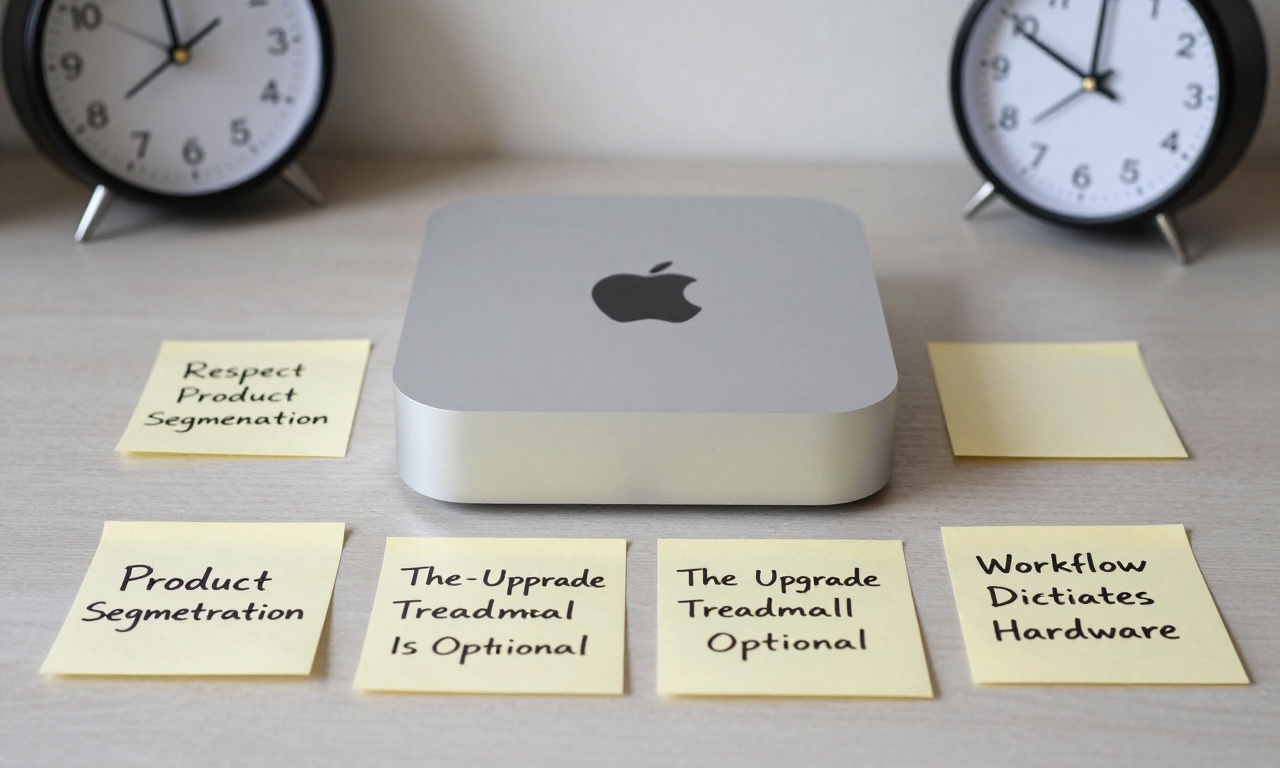
- Respect Product Segmentation: Manufacturers design products for specific use cases. Trying to make an entry-level device perform like a flagship usually results in poor value.
- Future-Proofing Is Overrated: Buy for your current needs with a reasonable buffer (24GB RAM instead of 16GB, for example), not for hypothetical scenarios that may never materialize.
- The Upgrade Treadmill Is Optional: You don’t need to max out every spec. Smart compromises (like using external storage) can save significant money without sacrificing performance.
- Workflow Dictates Hardware: Let your actual daily tasks guide your purchasing decisions, not marketing claims or fear of missing out.
If I could rewind the clock, I would purchase either a sensibly configured Mac mini (M4 Pro, 24GB RAM, 512GB storage) for around £1,400 or save a bit longer for the base Mac Studio. Both would have served me better than my Frankenstein configuration that tried to be something it wasn’t designed to be.
For most users considering a Mac mini today, my recommendation is simple: spend no more than £800-£900 above the base price on upgrades. Beyond that point, you’re almost always better served by moving up to a higher product tier. Apple makes excellent computers across their lineup-the key is choosing the right tool for your actual job, not the most expensive version of the wrong tool.