Follow us on Facebook
Breaking updates in your feed — tap to open
- The Limitations of AI Photography
- Night Mode and Portrait Mode Drawbacks
- Automatic Editing Issues
- When Manual Controls Excel
- Artistic Effects and Advanced Techniques
- Action and Sports Photography
- Examples of Manual Control Scenarios
- Landscape Photography
- Portrait Photography
- The Automation vs. Control Balance
- Hybrid Method for Users
The Limitations of AI Photography
The recent smart phones have revolutionized the world of photography with more advanced forms of artificial intelligence which do all the work of detecting scenes to the way a final image should look. What these automated systems do is scan your surroundings in real time and adjust exposure, color balance and focus to capture what the algorithm perceives to be the best shot possible. In the case of most everyday scenarios, this computational photography provides amazing output with little effort, and everyone can now appear to have professional-looking photography. But in certain cases, these AI-based systems tend to misunderstand your original intention or find difficulty when working under demanding conditions, requiring some human assistance to achieve better results.
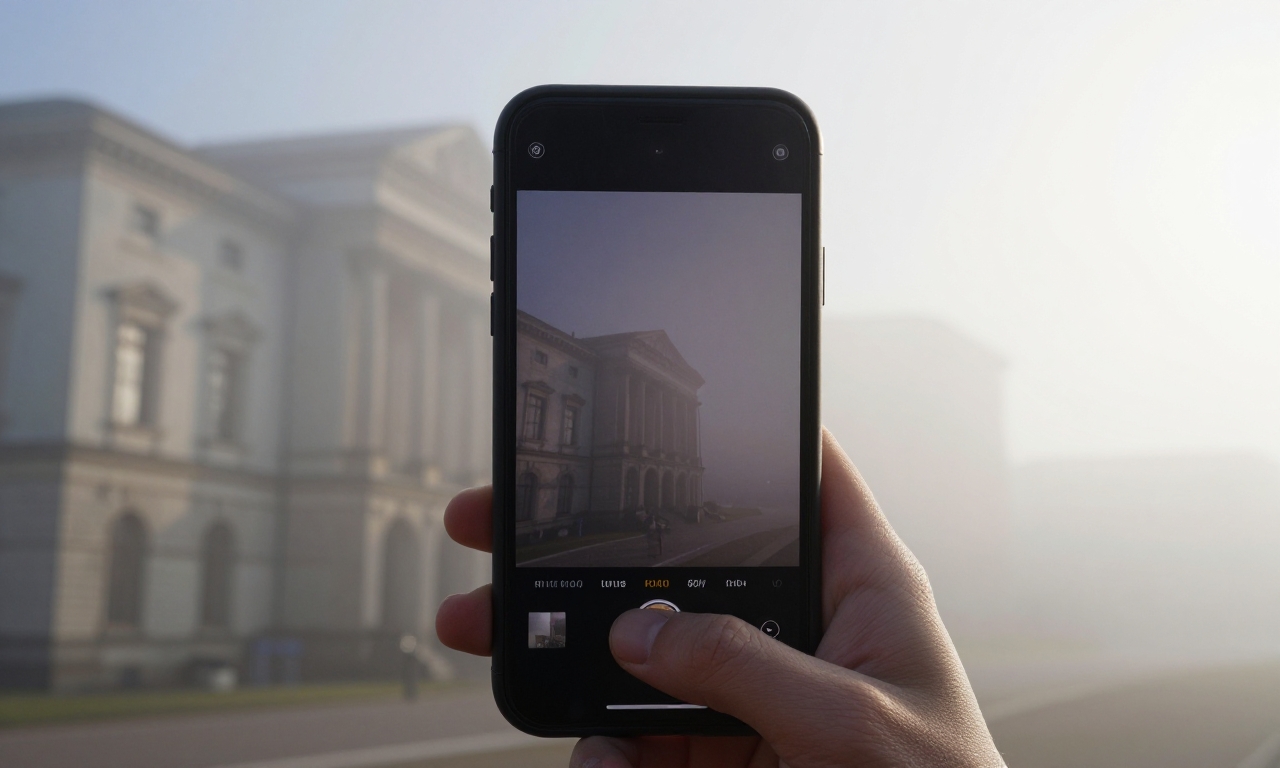
Whereas AI photography is competent in foreseeable settings, it tends to have issues with artistic interpretation and technical difficulties. The algorithms are trained on millions of pictures to identify frequent scenes such as sunsets, food, or portraits with preset settings in each category. The technique is useful when covering ordinary shots, but it is a drabber when you want to express some mood or atmosphere, and none of the existing presets fits the choices. As an example, when shooting architecture with strong shadows or recording the finer details of a foggy morning, the AI will recognize the subject and make the wrong changes ruining the desired effect.
Night Mode and Portrait Mode Drawbacks
Such technologies as night mode and portrait mode demonstrate considerable progress in computational photography, but they have their drawbacks. Night mode is an algorithm that sets several exposures to illuminate darker environments and minimise noise to produce some of the clearest images of low-lights ever to be taken by smartphone cameras. Nonetheless, the camera must be kept motionless over the course of a couple of seconds, which is why the technique cannot be used with dynamic objects or with handheld photography in extremely low-light environments. In like manner, portrait mode applies depth mapping to produce the appearance of background blur artificially, although more tricky edges such as hair or objects with transparency can be challenging to deal with, resulting in some unnatural-looking results that must be manually edited.
Automatic Editing Issues
Another area where manual control can be superior is the automatic editing that occurs once a photo is captured. Smartphones use aggressive processing of images to make them more vivid and detailed, a practice that tends to boost more saturation, contrast, and details than what is natural. Although this makes social media images eye catching, it may ruin the fine texture and gradations of color that professionals in photography appreciate. This can be especially evident in landscape photography as the AI may make the skies overly saturated or even in portrait photography where the skin color may appear to be unnaturally smooth or colored.
When Manual Controls Excel
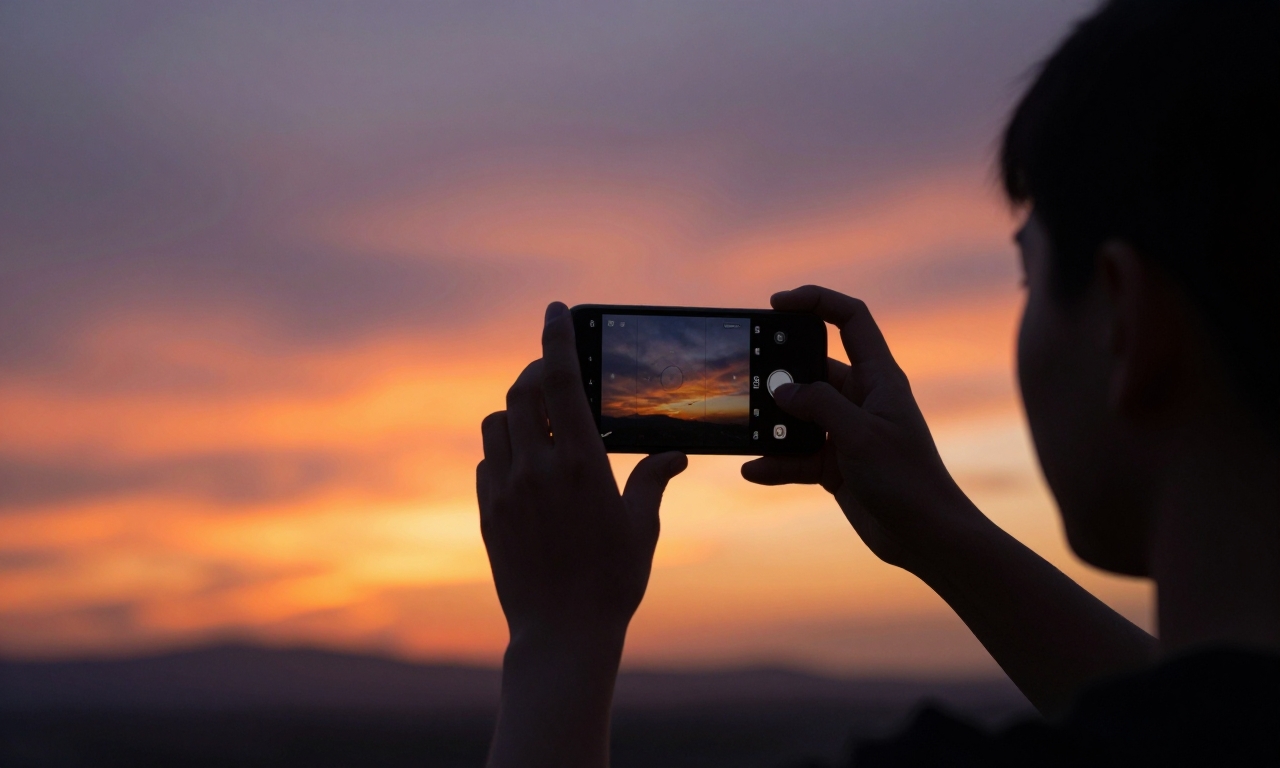
There are always certain situations when manual control of the camera is better than the automated method, and those are the situations facing hard-to-detect lights. Smartphone AI tends to create low-quality images in situations with backlit subjects, high contrast scenes, and mixed lighting conditions when attempting to balance mismatched aspects. You can also lock or adjust exposure compensation on your main subject manually, or lock or set background exposure on your main subject, so that the background can be clustered around the proper exposure. It is a particularly useful process when you are working on a silhouette or wish to maintain highlight in a bright frame.
Artistic Effects and Advanced Techniques
Virtual photography scenarios require the physical manipulation to attain certain artistic effects. Light trail and water-smooth photography techniques demand a full command over the length of the shutter, which few others than the pro mode of smartphone camera apps allow. Likewise, in cases of desired underexposure (intentionally or otherwise) to create a mood, or to adjust focus selectively to achieve specific depth of field, manual settings are much more flexible than automated modes. These controls get even more crucial as you grow up and as a photographer and you stop taking standard snapshots.
Action and Sports Photography
Another field where manual controls are superior to automated controls is in action and sports photography. Although smartphone AI has advanced in keeping up with moving objects, it tends to be tricked by erratically moving objects or objects in rapid situations. You can enable sharp shots of an object in motion, like a child playing, pets in action or athletics, by simply adjusting your shutter speed to a higher rate and allowing continuous focus effects. This method will avoid the motion blur that is common when full automation of settings is used with movable objects.
Examples of Manual Control Scenarios
Manual controls can help everyday users in a number of typical scenarios without the professional photography understanding.
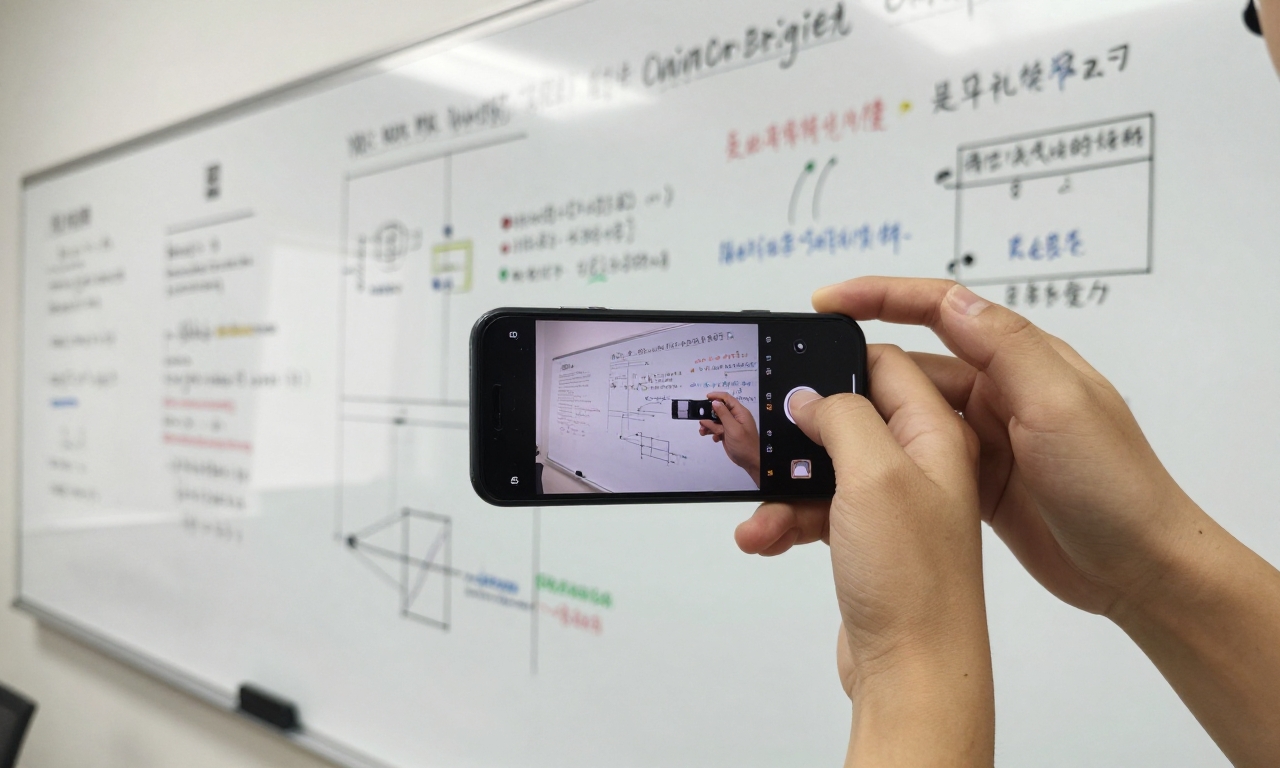
- In document and whiteboard photography using whiteboards, it is good to focus the camera manually to make the text crisp compared to using autofocus which may have a tendency to target a focus on the subject and the background.
- In the case of product photography, White balance adjustment should be carried out manually in order to avoid color casts associated with indoor light so that items you may be selling online are accurately represented.
- Even basic family photographs become better when you can actually choose the focus on your own eyes of the subject rather than have the computer AI determine which part of the image bears the most significance.
Landscape Photography
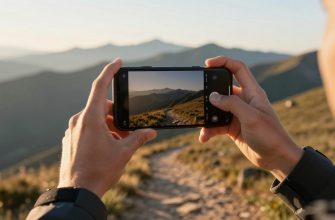
Landscape photography has many possibilities in manual control which can greatly improve outcomes. With lower ISO to minimize noise set manually, and a rule of thirds grid overlay used in composition, you can come up with a more balanced and professional-looking landscape image. Shutterspeed in waterfalls or water You can control the shutterspeed manually when photographing a waterfall or flowing water so that you can freeze the individual drops or use that silky smooth look of water that most landscape photographers chase. The adjustments are simple technically and yield considerably improved outcomes compared to fully automated modes.
Portrait Photography
Selective manual adjustments are of great help to portrait photography especially when dealing with tricky backgrounds or light. Although portrait mode produces a pleasing background blur, depth of field that looks more natural can be achieved by simply moving your subject further off-background (and aperture equivalent, should it be available) or by manually adjusting the aperture equivalent. Manual exposure management avoids the AI over-brightening faces in backlit conditions or discontinuously processing faces to form unnatural skin tones. Such minor manipulations bring portraits closer to professional and real life.
The Automation vs. Control Balance
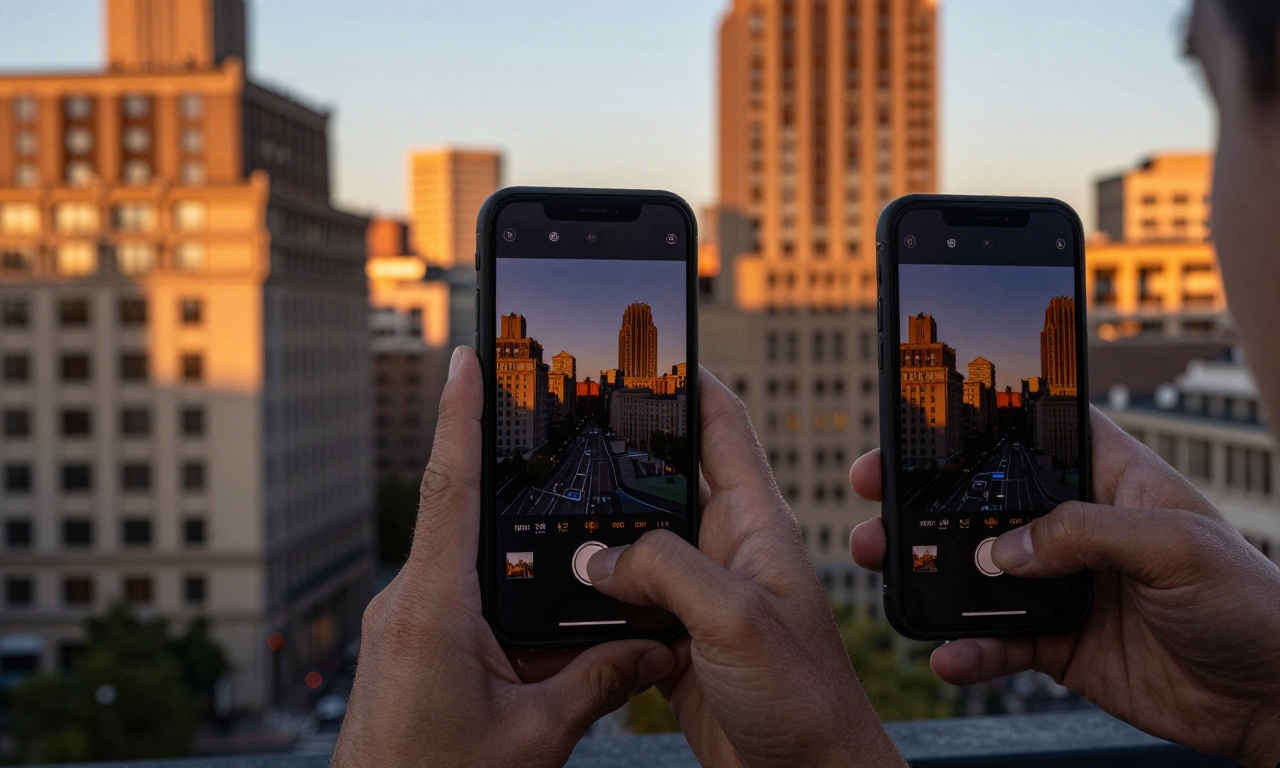
The trick to the best photography on your smartphone is to know when to leave automation alone and when to exert control. In the case of snapshots, social media, and light-filled standard shots, AI photography systems on contemporary smartphones will produce superior output without any effort. These algorithms are exceptionally good in their day-to-day applications, developed over many years by Apple, Samsung, Google, and others, and they can be found in flagship smartphones. Nevertheless, you must be aware of the shortcomings of these systems, so that you can carefully use the manual controls where they are most needed.
Hybrid Method for Users
A hybrid method towards smartphone photography shall best suit the majority of the users. Alternate with automatic settings to general photography then slowly test with manual settings in particular scenarios where you notice the AI stumbling. Majority of smartphone camera applications have pro or manual settings that give a good control of ISO, shutter speed, white balance, and focus without confusing new users with the technicality. With time and familiarity with these devices, you will come to think intuitively about when you might need to provide yourself with this manual effort; making your smartphone a creatively flexible instrument instead of a simply point-and-shoot one.
The history of smartphone photography remains one where automated ease-of-use mixes with the control of a manual system, with each new generation of devices having increasingly advanced AI and more affordable manual capabilities. Using both the knowledge, you can take advantage of the best of all the features of your device whether you have a budget phone or flagship model. This is a positive attitude and therefore, you are guaranteed to do the best you can reasonably do in whatever circumstances you find yourself in and therefore, guaranteed success in your smart phone photography in all your photographic activities.