Follow us on Facebook
Breaking updates in your feed — tap to open
Ecosystem lock-in has emerged as one of the greatest obstacles to any smartphone user in terms of switching platforms. Both iOS and Android ecosystems in Apple and Samsung overdeliver compelling dependencies by using built-in services, attached accessories, and unavailable software effects. This addiction can easily leave users locked in and scared to lose functionality or convenience or the investments they have made to-date trying to switch ecosystems. The thing is, though, that you can move between these worlds with the proper planning and with the necessary tools without losing most of the necessary capacities.
Understanding Ecosystem Dependencies
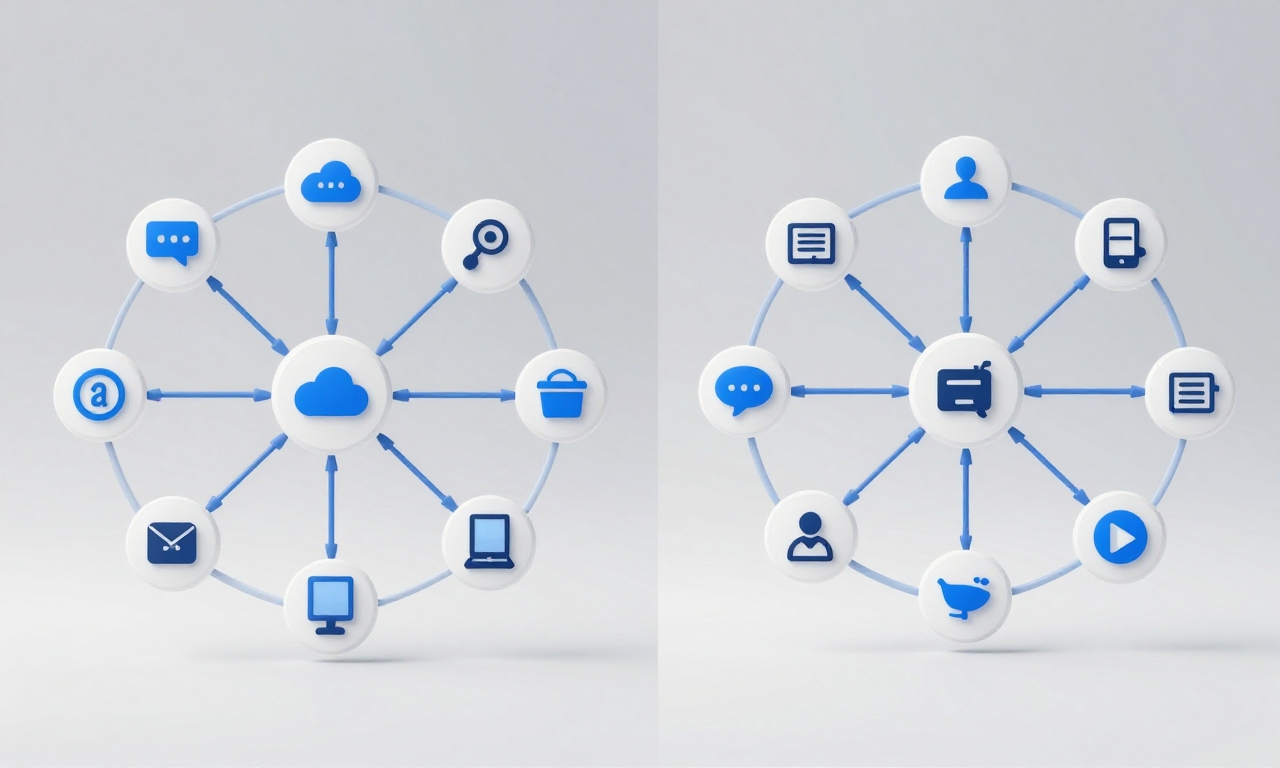
Knowledge of the tools that form this dependency is the Road to Freedom. The Apple ecosystem is deeply dependent on the iMessage, FaceTime, iCloud, AirDrop, and the harmonious connection of the iPhone, iPad, Mac, Apple Watch, and AirPods. The strategy is a mixture of Google features such as Gmail, Google Photos, and Google Drive as well as Galaxy-only features such as Samsung Messages, Samsung Cloud, SmartThings integration, and close integration with Galaxy Buds and Galaxy Watches. Such services are built to run in their individual ecosystems and attempting to cross-pollinate between them generates friction.
The Central Requirement: Messaging and Communication
One of the most difficult parts of ecosystem transition is messaging, which iMessage with its blue bubbles and powerful capabilities has established social pressure and practical obstacles to those who may wish to leave iOS. In the same manner, the introduction of Samsung and Google Messages and RCS provides their own communication ecosystem. The remedy is in the adoption of cross-platform alternatives prior to your switch.
- Apps such as WhatsApp, Signal and Telegram provide full-fledged messaging on each platform, which include group chats, media sharing, and voice/video calls.
- Start switching important conversations to these systems weeks in advance of your intended change, so that your contacts can know where to find you.
Cloud Storage and Data Syncing
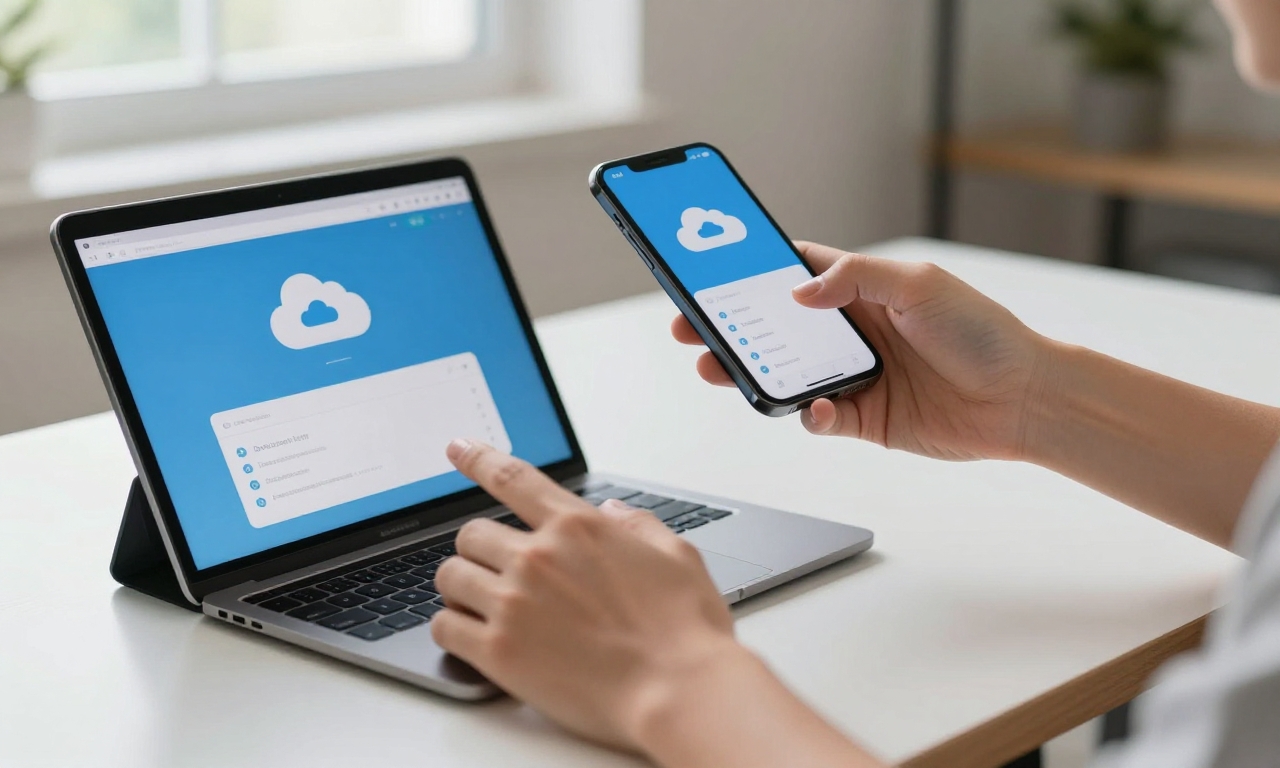
Another considerable challenge is cloud-based storage and data syncing iCloud is a strong solution that also backs up photos, contacts, calendars, and documents on Apple devices, whereas Samsung customers generally use Google Drive or Samsung Cloud. The process of migration will involve creating a download of your data in your current ecosystem and uploading it to your new one.
- Google Photos is a great cross-platform solution compatible with both iOS and Android and will be a great choice in the case of photos.
- In the case of documents, services such as Dropbox and Microsoft OneDrive, or even Google Drive in itself can be used to fill the gap between ecosystems, but you will have to manually transfer the files first.
Smart Home Control
Smart home control is becoming more and more integrated with our smart phones, with Apple HomeKit and Samsung SmartThings forming a very different ecosystem. Luckily, most smart home devices support a multitude of platforms concurrently. Seriously consider changing phones before switching to make sure that your smart bulbs, thermostat, security cameras, and similar devices are compatible with both ecosystems or consider a neutral solution, such as Amazon Alexa or Google Home, as the main control interface. This will enable you to have a control on the type of phone you are using, although you might have to re-pair with your new phone.
Wearable Integration Issues
Wearables are among the most ecosystem-dependent types where Apple Watch needs an iPhone and Galaxy Watch is most compatible with Samsung phones. In case you switch to Samsung, you will have to get a wearable that fits with your Apple Watch. The silver line is that there is a range of excellent options such as Wear OS products by Wear OS-compatible brands like Fossil and Mobvoi or fitness-oriented products by Garmin and Fitbit that support both platforms. In audio accessories, most new Bluetooth headphones and earbuds are ecosystem-agnostic, but proprietary features will be lost when AirPods are used on Android or Galaxy Buds on iPhones.
Planning and Preparation
A realistic timetable and preparation are critical in crafting an efficient plan of migration. Begin by finding out what services you need most in your day-to-day life and see cross-platform options to those services. Start the transitioning at least 2 weeks before you intend to change phones with messaging and transition to cloud services, followed by smart home devices and wearables. Use your old and new services simultaneously during this period to be able to make sure everything works just as expected. This incremental strategy causes minimal disturbance and enables you to debug problems before totally investing in the new ecosystem.
Hybrid Solutions
To those who want a more integrated solution as opposed to a total change, some solutions to decrease reliance on the ecosystem without missing on their favorite services. This could be a case of you using an iPhone as your main phone, but you use Google in terms of email, photos, and documents, or a Samsung phone but use iPad in terms of apps that Apple has exclusive access to. This method is more management intensive but has flexibilities and access to other features of the two worlds that were best. This middle ground appeals to many users as it makes them less likely to feel trapped into a single ecosystem, yet it offers them the majority of the convenience they might want.
Security and Privacy Considerations
Any ecosystem transition should consider security and privacy. Apple and Samsung have both invested heavily into keeping user data safe, yet the methods differ. Many services are focused on on-device processing and end-to-end encryption in Apple, whereas Samsung integrates the Google security infrastructure with its own Knox platform. When switching between ecosystems, be careful of the data transfer and storage of your data as the transition process occurs. Sending encrypted transfer systems and automatically enforcing two-factor authentication on every account provide significant security layers at this high-risk time.
Practical Migration Timeline
Successful transition takes a rational progression of a few weeks.
- The first week is dedicated to communication and messaging by setting up cross-platform alternatives and notifying the contacts.
- Week two deals with cloud services and data migration to make sure that photos, documents, and valuable files are available in the new ecosystem.
- Week three deals with smart home reconfiguration and wearable research or replacement.
- The real phone switch will take place at the start of week four and the subsequent days will be devoted to adjustments and troubleshooting.
This methodical process will avoid an overwhelming experience and also make sure that none of the important functionalities are lost in the process.
Conclusion
Finally, to escape ecosystem lock-in, one should be aware that no single system can provide it all. Both have advantages and disadvantages, and the ideal ecosystem arrangement may be a thoughtful blend of services of numerous providers. Knowing how to move you can gain the advantage of a new smartphone ecosystem without losing the functionality you have come to rely on by planning your move carefully, knowing the dependencies and finding cross-platform solutions that will support the most important functions. The ultimate triumph to be made over lock-in culture is the ability to select your own equipment according to its merits rather than ecosystem limitations.