Follow us on Facebook
Breaking updates in your feed — tap to open
For over a decade, iPhone users have interacted with what appeared to be infinite scrolling date and time pickers-smooth, responsive interfaces that suggested limitless choice. What most users never realized was that these elegant interfaces were sophisticated illusions, born from the severe technical constraints of early iPhones with limited memory and processing power.
Apple’s solution wasn’t to expand hardware capabilities immediately, but to create a perceptual experience that felt boundless while operating within carefully engineered boundaries. This approach transformed what began as technical workarounds into a design philosophy that continues to influence user interface development today.
- The Technical Constraints That Forced Innovation
- Four Key Techniques Behind the Illusion
- Dynamic Range Generation
- Lazy Loading Implementation
- Momentum Simulation
- Boundary Masking Techniques
- The Psychology Behind the Perception
- Cognitive Closure and Pattern Extrapolation
- Boundary Perception Principles
- Optimization for Common Use Cases
- Temporal Anchoring Effects
- Time Picker: Additional Constraint Masking
- 5-Minute Increment Optimization
- Midnight Transition Handling
- Context-Aware Defaults
- From Technical Workaround to Design Philosophy
- Constraint as Creative Catalyst
- Cognitive Load Theory Application
- Choice Architecture Principles
- Legacy in Modern Design
- Broader Implications for Interface Design
- Modern Applications and Future Directions
- Adaptive Interfaces
- Accessibility Considerations
- Cross-Platform Design
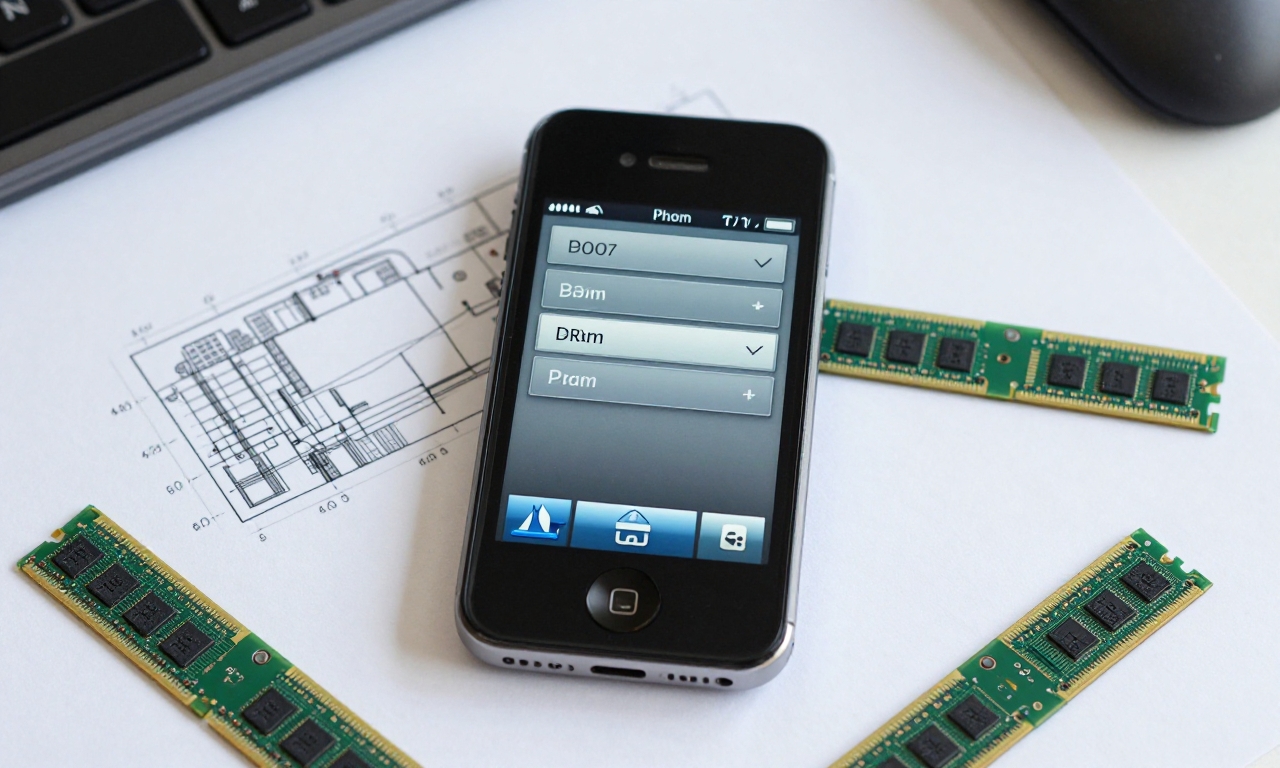
The Technical Constraints That Forced Innovation
Early iPhones, particularly the original model released in 2007, faced significant hardware limitations. With only 128MB of RAM and limited processing power, loading thousands of date and time options would have overwhelmed the system, causing crashes and sluggish performance. Apple’s engineers needed a solution that would:
- Maintain smooth scrolling performance
- Prevent memory overload
- Create the perception of infinite choice
- Provide practical date ranges for real-world use
The challenge was particularly acute for the date picker, which theoretically needed to accommodate dates spanning centuries in both directions-a data set that would have consumed precious system resources.
Four Key Techniques Behind the Illusion
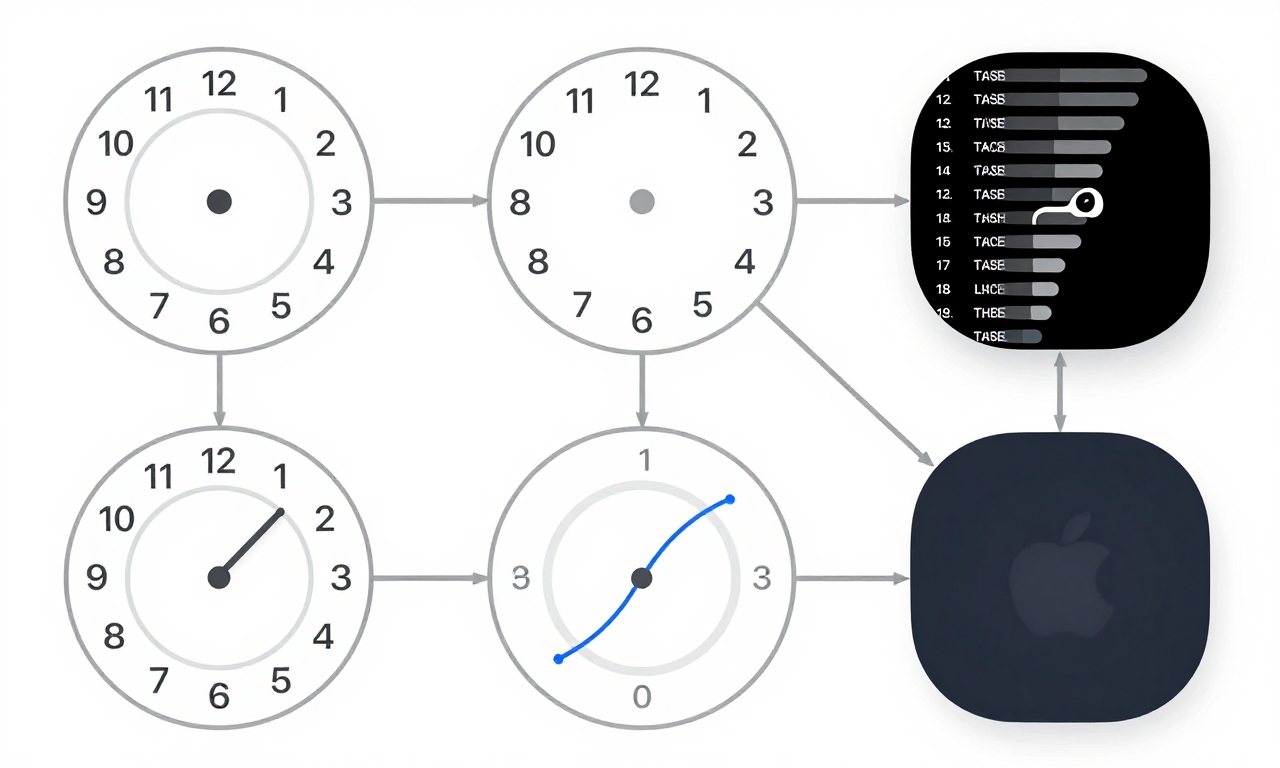
Apple implemented several sophisticated techniques to create the date picker illusion, each addressing specific technical constraints while maintaining user experience quality.
Dynamic Range Generation
Rather than loading all possible dates, Apple’s system generated only practical ranges-typically 50 years into the past and future from the current date. This reduced the data set from thousands of options to a manageable few hundred while covering the vast majority of real-world use cases.
Lazy Loading Implementation
As users approached the visible boundaries of the date range, the system seamlessly loaded additional dates in the background. This created the impression of continuous scrolling while only maintaining a limited number of options in active memory at any given time.
Momentum Simulation
Apple implemented physics-based scrolling that mimicked real-world momentum, complete with deceleration curves. This made interactions feel natural and responsive while actually consuming minimal processing power compared to loading and displaying thousands of individual date elements.
Boundary Masking Techniques
Technical constraints were transformed into what felt like natural stopping points. When users reached what appeared to be the “end” of the date range, the interface provided subtle visual cues that felt intentional rather than limited, making constraints part of the design language rather than technical shortcomings.
The Psychology Behind the Perception
Apple’s success with the date picker illusion relied heavily on understanding and leveraging fundamental principles of human cognition and perception.
Cognitive Closure and Pattern Extrapolation
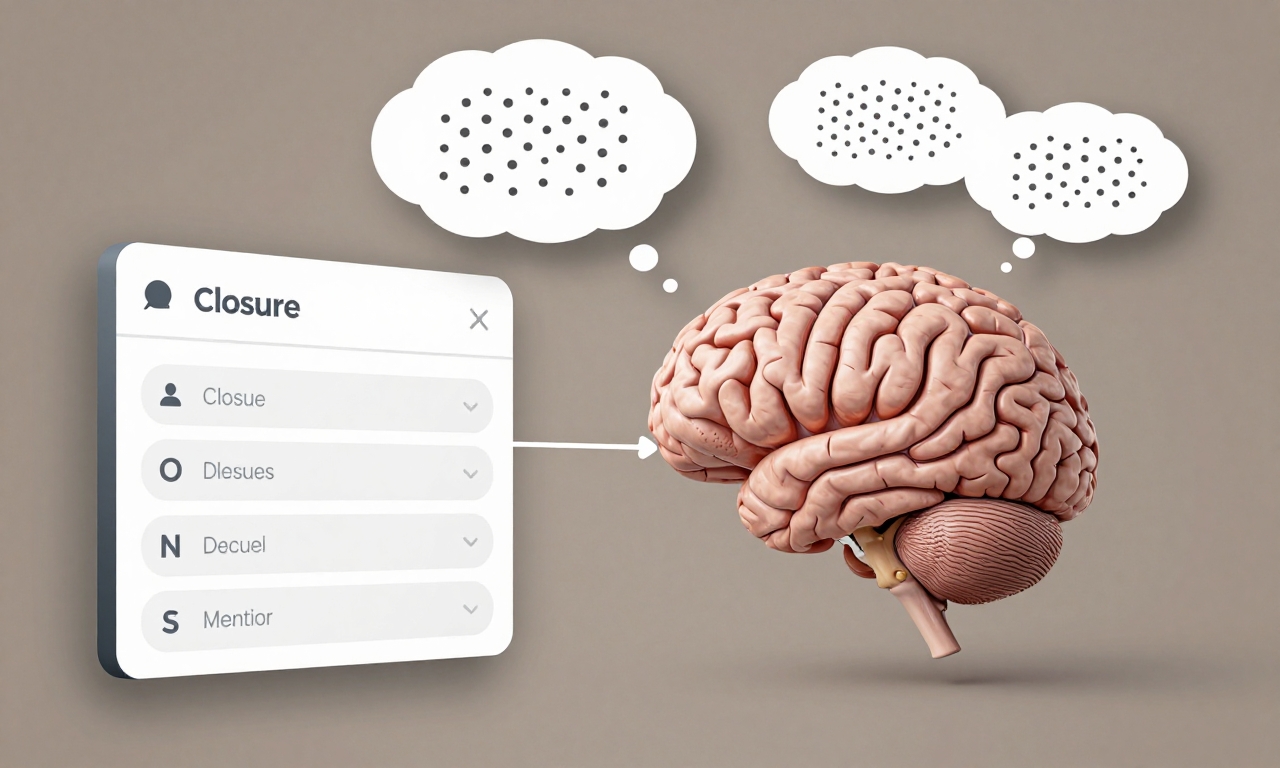
Users naturally seek closure and consistency in their interactions. By establishing predictable scrolling patterns and consistent interface behavior, Apple enabled users to mentally extrapolate those patterns infinitely, even when the actual data was constrained.
Boundary Perception Principles
Human brains are remarkably good at filling in gaps when boundaries aren’t clearly defined. Apple’s designers exploited this by creating interfaces where the edges felt natural rather than abrupt, allowing users’ minds to assume continuity beyond what was actually displayed.
Optimization for Common Use Cases
The system prioritized the availability heuristic by making frequently selected dates (like recent years and months) more responsive and accessible, while less common selections remained available but required slightly more interaction.
Temporal Anchoring Effects
Current dates and times received special attention in the interface, appearing more prominent and responsive. This anchoring effect made the system feel more intuitive while actually simplifying the computational load.
Time Picker: Additional Constraint Masking
The time picker presented unique challenges, particularly around precision and special cases like midnight transitions.
5-Minute Increment Optimization
By defaulting to 5-minute increments, Apple reduced the number of time options by 80% while maintaining what felt like adequate precision for most users. The system allowed for more precise selection when needed, but the default optimization significantly reduced computational requirements.
Midnight Transition Handling
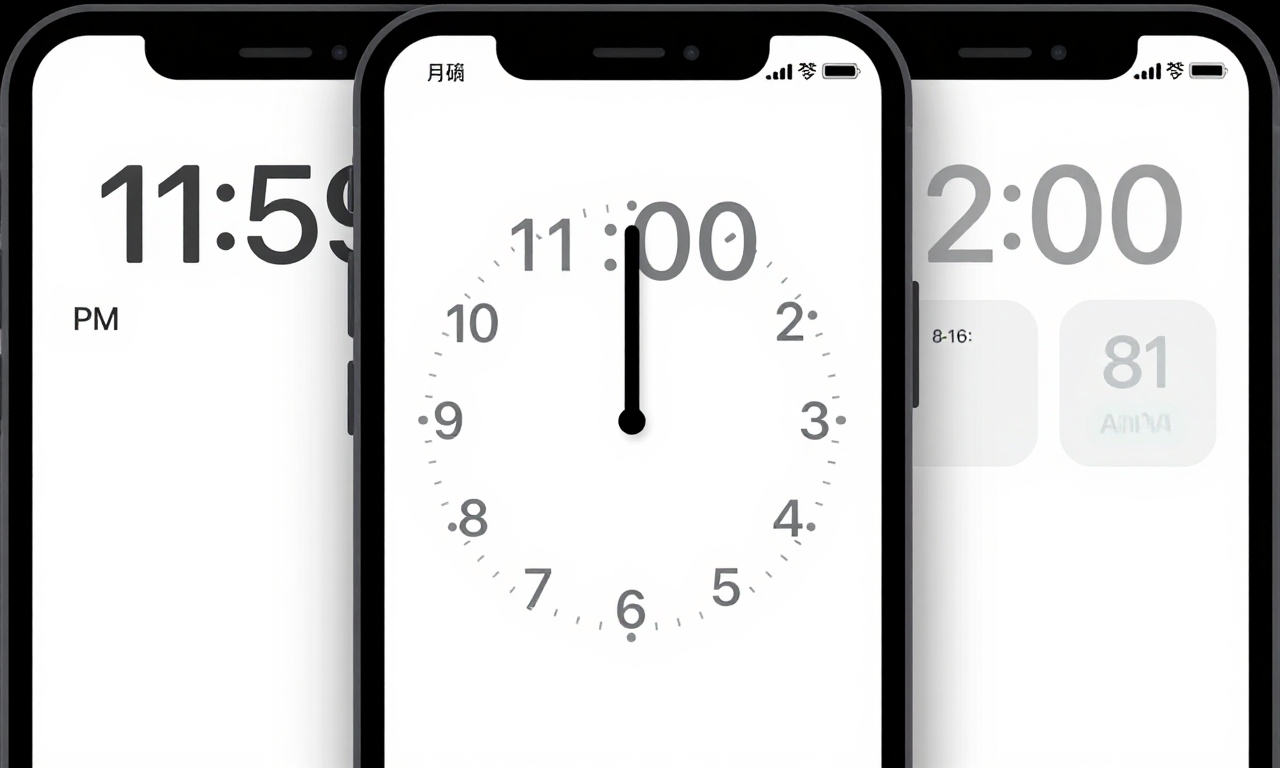
The transition from 11:59 PM to 12:00 AM presented computational challenges. Apple addressed this with smooth animations that users interpreted as natural resistance in the scrolling mechanism, masking what was actually a more complex data transition.
Context-Aware Defaults
The time picker adapted its behavior based on context, offering different default increments for scheduling appointments versus setting alarms, further optimizing the user experience while managing system resources.
From Technical Workaround to Design Philosophy
What began as a necessity-working around hardware limitations-evolved into a core Apple design principle that continues to influence product development.
Constraint as Creative Catalyst
Apple discovered that technical constraints could actually improve user experience by forcing elegant solutions. The date picker’s success demonstrated that perceived limitless choice could be more satisfying than actual unlimited options, which often lead to decision paralysis.
Cognitive Load Theory Application
By reducing the number of visible choices while maintaining the perception of availability, Apple applied cognitive load theory principles to create interfaces that felt comprehensive without overwhelming users.
Choice Architecture Principles
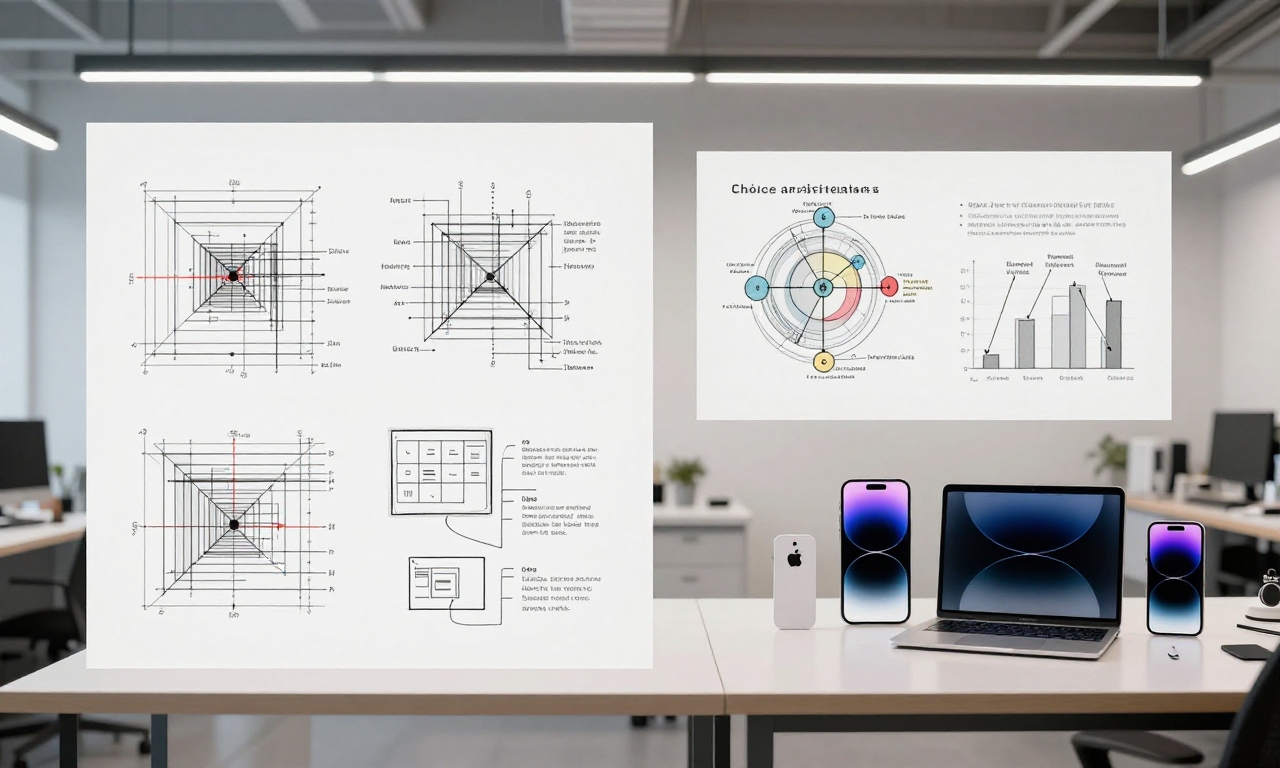
The date picker became a textbook example of choice architecture-carefully structuring how options are presented to guide users toward better decisions while making the process feel effortless and natural.
Legacy in Modern Design
Today, Apple’s approach to transforming constraints into features influences everything from battery optimization in iOS to memory management in macOS. The philosophy that limitations can drive innovation rather than hinder it remains central to Apple’s design ethos.
Broader Implications for Interface Design
Apple’s date picker solution offers valuable lessons for designers and developers across the technology industry.
| Design Principle | Application | User Benefit |
|---|---|---|
| Perceived Infinity | Limited data presented as unlimited | Feeling of control and choice |
| Progressive Disclosure | Information revealed as needed | Reduced cognitive overload |
| Constraint Transformation | Technical limits become design features | More intuitive interactions |
| Psychological Optimization | Interfaces designed for human perception | Natural, effortless use |
The most significant insight from Apple’s approach is that user satisfaction often depends more on perception than technical capability. A well-designed constrained system can feel more powerful and responsive than a poorly implemented unlimited one.
“Great design isn’t about removing all constraints-it’s about transforming constraints into features that enhance the user experience.”
Modern Applications and Future Directions
As hardware capabilities have expanded, the principles behind Apple’s date picker illusion have found new applications.
Adaptive Interfaces
Modern iOS versions use similar techniques to adapt interface complexity based on device capabilities, user preferences, and context-showing that the philosophy of intelligent constraint management remains relevant even with more powerful hardware.
Accessibility Considerations
The same principles that made date selection more efficient for all users have been extended to accessibility features, where constrained, predictable interfaces can significantly improve usability for people with various abilities.
Cross-Platform Design
Apple’s approach has influenced design patterns across platforms, demonstrating that user-centered constraint management can create better experiences regardless of the underlying technology.
As we look toward future interface developments, from augmented reality to voice-controlled systems, the core lesson remains: the most successful designs often come not from eliminating constraints, but from embracing them as opportunities for innovation that serves real human needs and perceptions.