Follow us on Facebook
Breaking updates in your feed — tap to open
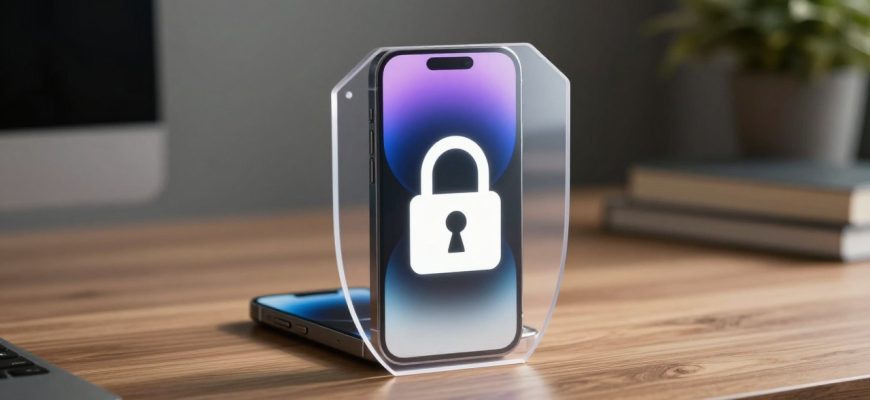
Although the majority of users of the iPhone are accustomed to standard privacy settings such as passcodes, Face ID, Apple mobile devices have advanced security levels that people are not aware of. These are high-tech functionality features that are frequently hidden in settings menus or need dedicated activation and offer security on par with the most advanced security systems of an enterprise. To individuals who are more 3D-prone when it comes to digital privacy in a globally connected world, learning and empowering these features can make an iPhone a digital fortress.
- Contemporary Smartphones and Security
- Lockdown Mode: Ultimate Security When Using at Risk
- Advanced Data Protection
- Hardware Security: The iPhone Keystone
- Security in Mobile Photography and Accessories
- Hands-On Application to Everyday Security
- Comparison with Android Devices
- Security for Productivity and Buying Considerations
- Evolution of Mobile Security
- How to Access These Features
Contemporary Smartphones and Security
Contemporary smartphones especially flagship models such as recent iPhone releases deal with sensitive data, including monetary data and personal correspondence. The shift to USB-C connections and optimization of battery life has been greatly emphasized, but security benefits are largely overlooked. The strategy of Apple combines both software and hardware protection, forming several defense layers with smooth cooperation among them.
Lockdown Mode: Ultimate Security When Using at Risk
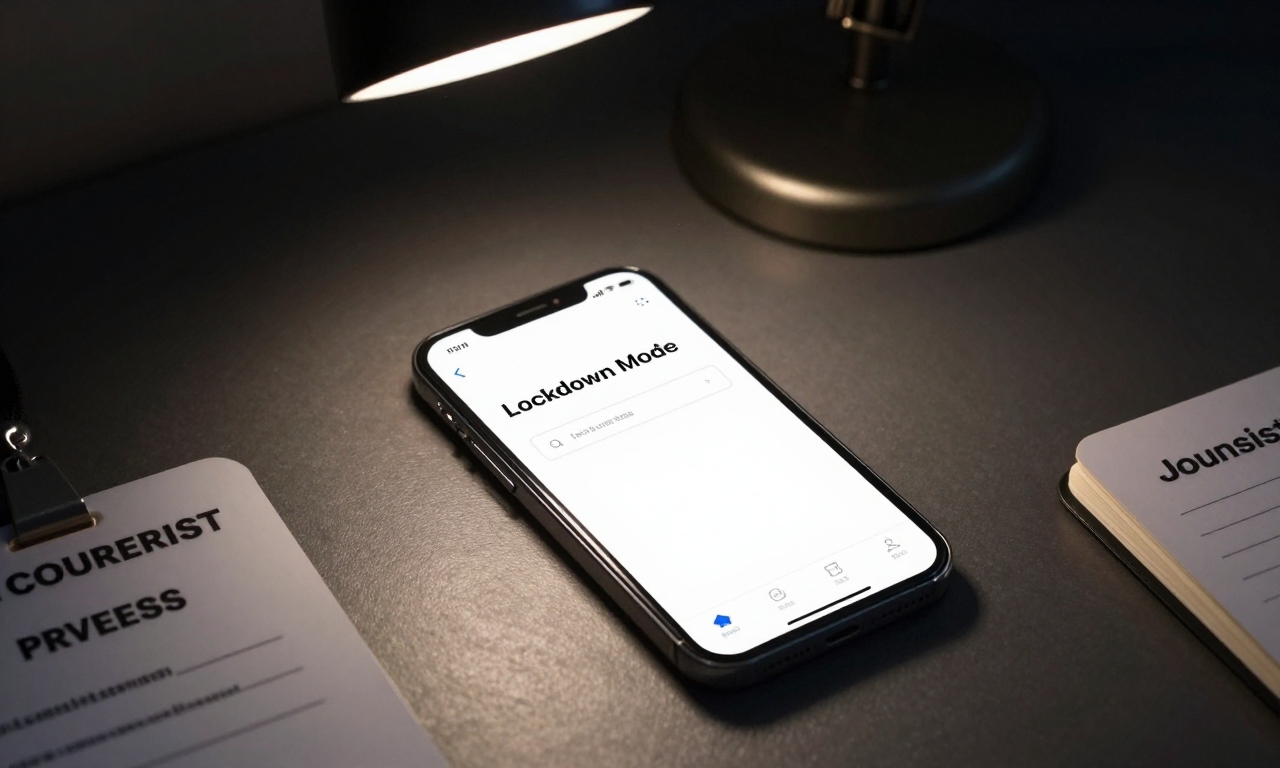
Lockdown Mode, which began in iOS 16, is one of the most effective security mechanisms though not widely used. This environment essentially transforms the iPhone in a quite radical manner, restricting functionality to the minimum to preclude possible attack vectors. Unless configured to the contrary, it disallows most message attachment types, complex web technologies cannot be loaded, and incoming FaceTime calls by unknown contacts are banned. Although it would appear excessive in the daily usage, it remains essential to protect journalists, activists, politicians and anyone who may be exposed to complex digital attacks. The performance implication is observable yet controllable, web browsing experience is simplified and some convenience features turn out to be unusable in the meantime.
Advanced Data Protection
Lockdown Mode is not the only feature; there is also an optional setting called Advanced Data Protection, which is end-to-end encryption for almost all iCloud data. Although Apple has been encrypting some of its data categories such as health information and passwords, it also extends the protection to iCloud backups, and notes, and photos. Making it is so that not even Apple could retrieve such information is a certain guarantee of the ultimate privacy of users worried about the vulnerability of cloud storage. The arrangement is a process that must be approached with much care regarding recovery techniques because in the event of a loss of access, there would be a risk that the data would be lost forever without the relevant measures in place.
Hardware Security: The iPhone Keystone
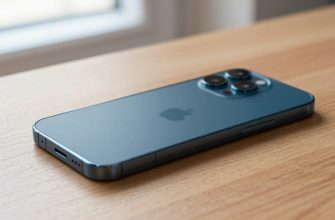
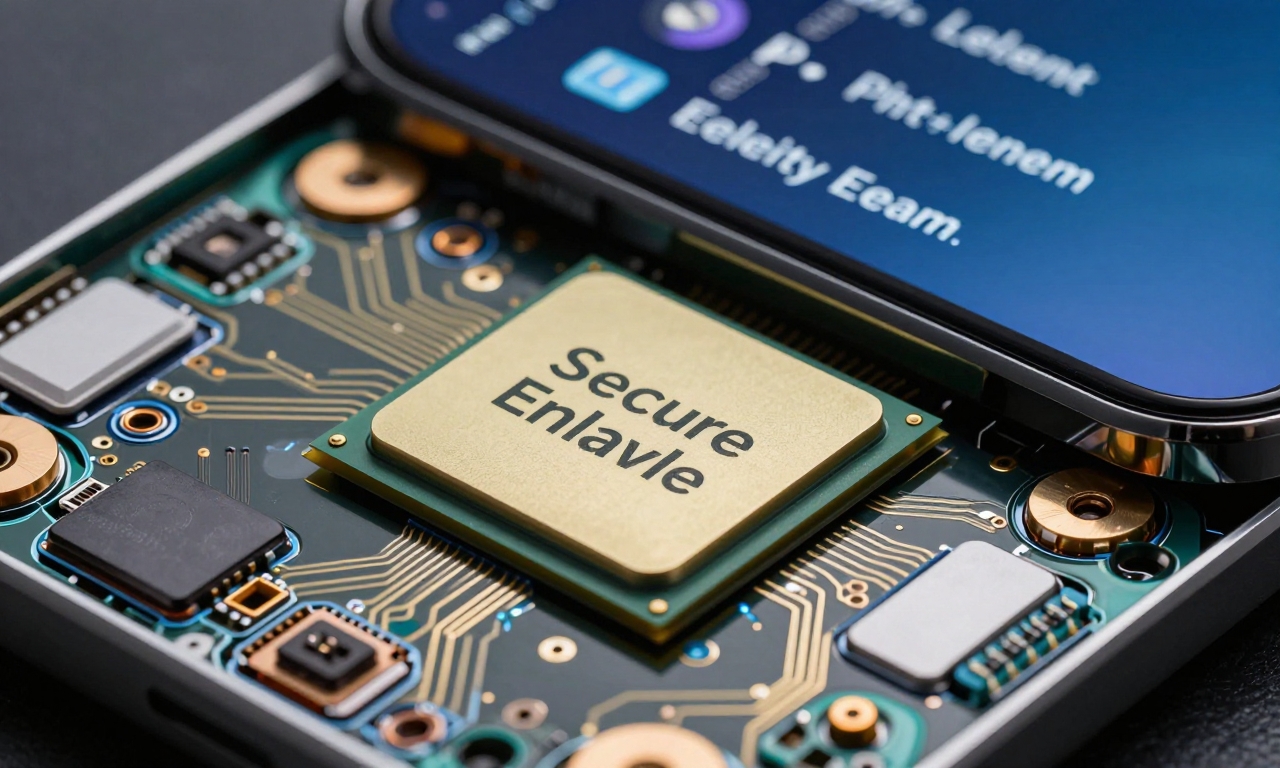
The industrial security narrative is carried well into the hardware of the iPhone with the custom silicon of Apple offering physical protection. Cryptography and biometric data storage are performed by the separate coprocessor called the Secure Enclave, and is independent of the processor chip. This isolation guarantees that in case the primary processor is compromised, important information is not accessed. All of these hardware features, along with the most recent use of OLED displays with superior visibility of security notifications, are the foundation on which software safeguards can be supported.
Security in Mobile Photography and Accessories
To users who are more active in mobile photography, specifically when using the night mode or portrait mode shooting, the security is further extended to the storage and transmission of these images. Recent iOS releases have also added a feature that automatically removes location information in any photos shared via specific channels, eliminating unwanted privacy breaches. Equally, during wireless charging or MagSafe accessories, the security measures guarantee that even between power transfers, data transfer is secured.
Hands-On Application to Everyday Security
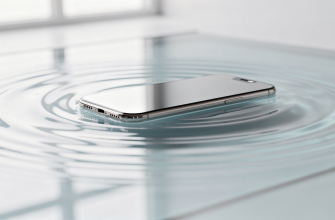
To adopt these sophisticated features, it is important to know their practical implications. Lockdown Mode is powerful, but it makes the user experience significantly different by restricting the functionality that many have come to consider as standard. Advanced Data Protection requires proper handling of recovery keys and trusted devices. The hardware security measures, although activated at all times, are optimally effective when used together with appropriate software settings and user awareness. Non-expert, wanting to be informed on how the smartphone survives water tests or with waterproof cases, it should be known that physical protection is an addition to the digital protection, which forms a complete protective device.
Comparison with Android Devices
The iPhone has a different yet familiar security policy to users who have been previously using Android devices and especially Samsung Galaxy or Google Pixel products. Whilst Android updates features tend to focus on customization and flexibility, iOS focuses on integrated protection features. The platform comparison discloses the philosophies between Android and Apple: Android permits more granular control of permissions, whereas the Apple offers more system-wide safeguards that do not need as much user configuration. Both are very good, but there is something to like about the hidden features in iPhone, which offers a very strong defense layer to those who are willing to dig above default settings.
Security for Productivity and Buying Considerations
To students, professional, or anyone who uses their iPhone to perform productivity functions, such security provisions are comforting without severe effects on daily usage. The battery life optimization required by long working hours is still being effective whether advanced protections are enabled or not. In relation to a smartphone buying guide or an iPhone buying guide, security features must be of equal weight in comparison to camera powers or screen resolution, especially when one is dealing with sensitive data.
Evolution of Mobile Security
Mobile security has had an evolution that replicated technological trends, including the USB-C standardization that makes all connection points uniform, and creating foldable phones with new security requirements. The more integrated the devices are in everyday use with smart integration in the home as well as in wearable devices, the more comprehensive protection becomes necessary. Though this strategy has been criticized by some as closed, the multilayered security afforded by Apple is able to respond to both existing and emerging threats and vulnerabilities.
How to Access These Features
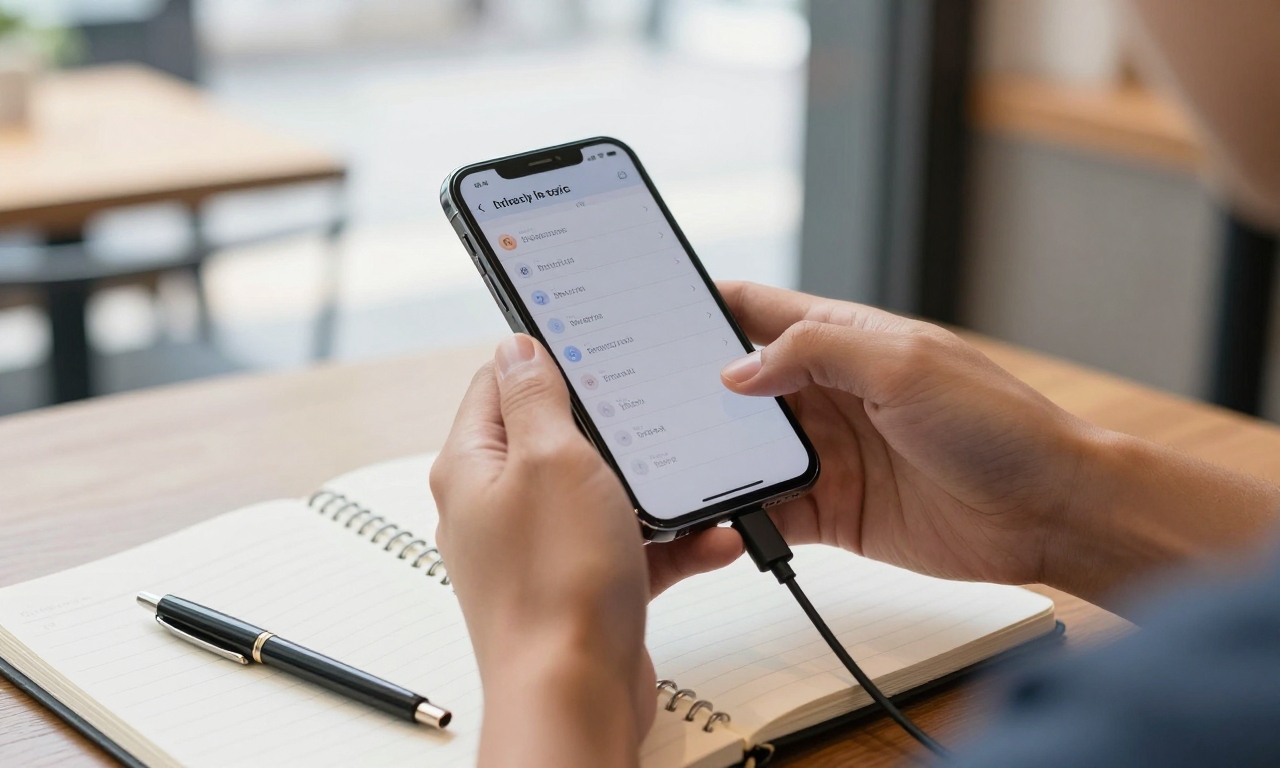
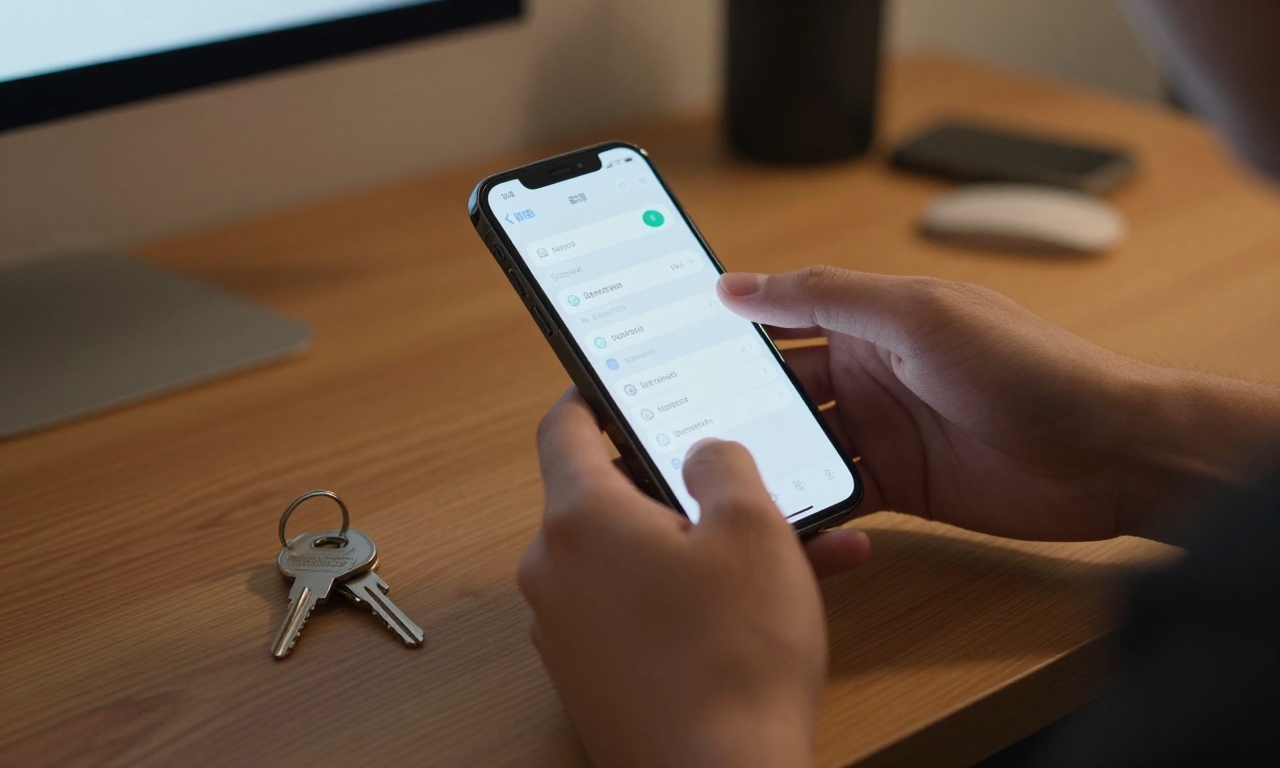
To access these features, it is necessary to enter the Settings, Privacy and Security, and in this section, it is possible to find such options as Lockdown Mode or Advanced Data Protection. The procedure can be completed in less than ten minutes but offers a supply of protection over the lifetime of the device. To users who initially concentrated on camera tricks or game performance, investing time in the security settings is an act of long term investment in digital security. With the changing threats and the growing popularity of personal data, these darker features of iPhones are shifting the lines of ancillary products to indispensable elements of contemporary online existence.