Follow us on Facebook
Breaking updates in your feed — tap to open
The topic of sharing a smartphone with family members is particularly relevant to the digital reality of the modern world, where individual information and privacy are of overriding significance. A large number of households are having to pass devices either among partners, children, or guests without violating individual boundaries. This guide addresses both iOS and Android ecosystem solutions, covering a combination of approaches that both reduce accessibility and maintain security. It is intended to develop a common device experience whereby all individuals can access basic functionalities without any sensitive data leakage.
Understanding iOS and Android Differences
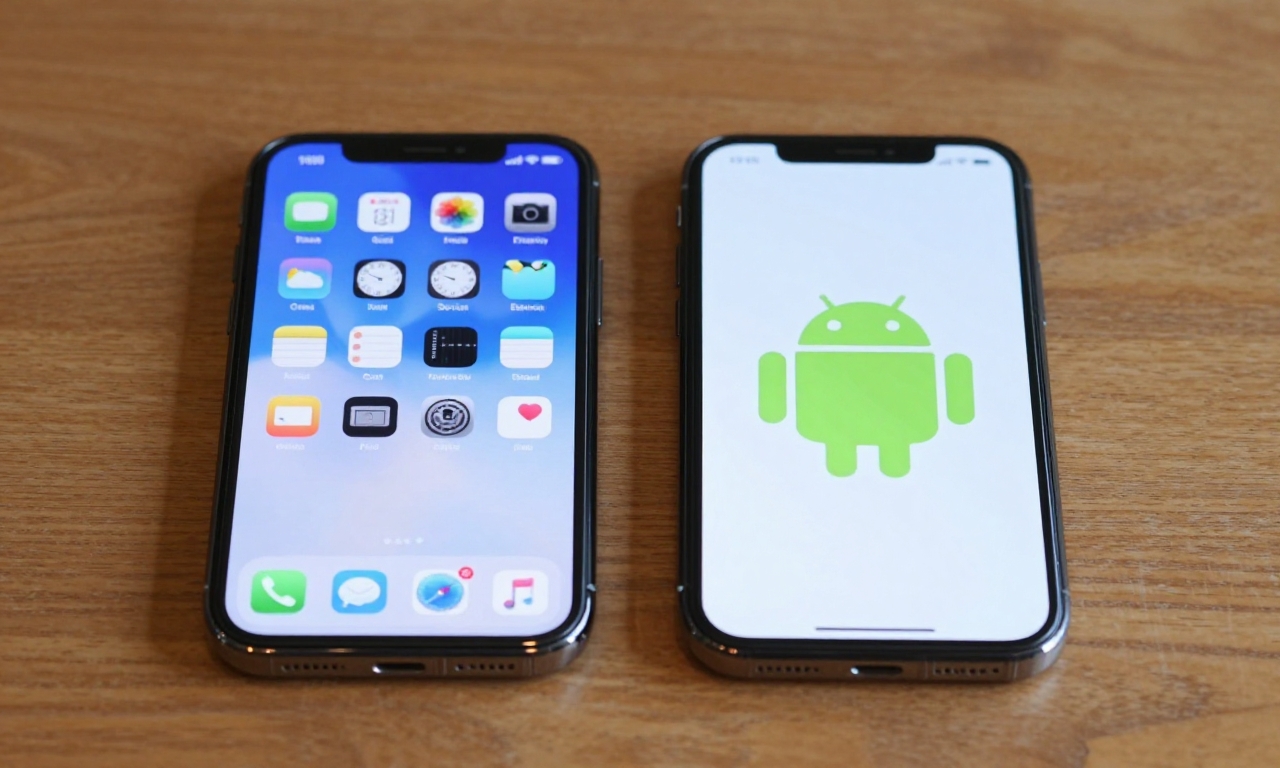
It is essential to know the basic divergence between operating systems so that effective sharing strategies can be established. iOS of Apple is more restrictive in its multi-user capabilities, whereas Android is more flexible with its open architecture. Both platforms have gone through numerous changes over the years as with every significant update, they introduce new capabilities that facilitate family sharing and manage devices. The trick is to find a combination of built-in features and third-party apps that suit your needs and level of technical comfort in relation to the needs of your home.
Creating Secure User Profiles
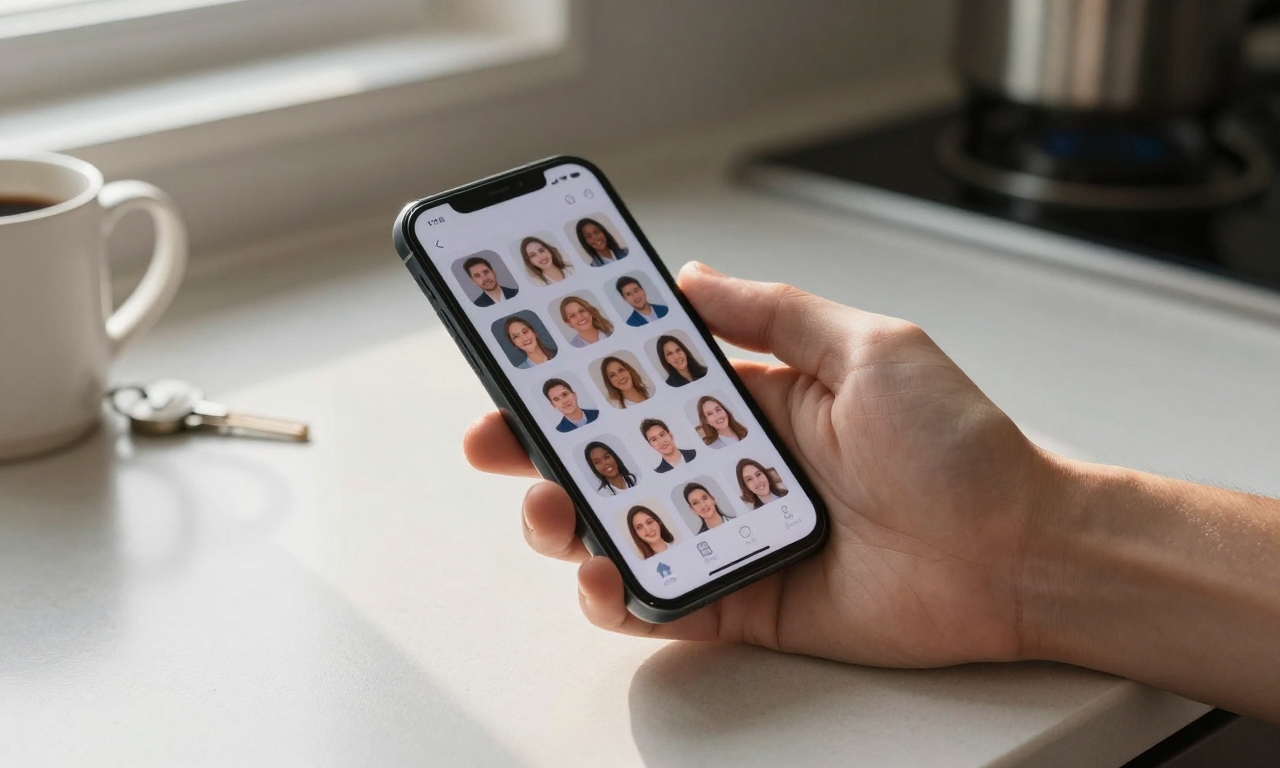
The most universal initiative about smartphone sharing, especially in Android phones, is creating individual user profiles. The approach creates unique digital spaces, where every user has their apps, settings, and stores of data. Android has built-in multi-user options, which enable users to alternate between profiles just by tapping on a screen, ensuring that all personal data is kept entirely in the background. This separation is particularly useful in households where children are enforced with parental restrictions that restrict app access and screen time. The profile system also assists in avoiding the possibility of data being deleted or altered between users accidentally.
iOS manages multiple-user situations via its Screen time and Family Sharing options as opposed to conventional profiles. Although it is not possible to set up separate user accounts on one iPhone or iPad, Apple offers powerful content and purchase management tools between family members. The Guided Access configuration provides short-term limitations under the guest use allowing the device to be locked down to a single app with limited capabilities. In a family who share an iPad, the multiple apple ID feature enables various users to have their own settings and data saved to iCloud. Such methods involve additional manual setup, but otherwise, can be as effective in protecting privacy.
Guest Modes
Guest modes offer a balance between complete user profiles and unlimited access, which would be suitable in temporary sharing scenarios. Both Android and iOS have simplified interfaces which restrict users to simple tasks such as web browsing or calling. Android allows a guest mode which generates a temporary profile that vanishes as soon as the guest is over, so no personal information is retained. iOS users can either apply the above-mentioned Guided Access or make a distinct Apple ID to use with the system. Specifically, these solutions come in handy during the process of lending the device to visitors or sharing common tablets in home settings.
Handling Data Separation and App Permissions
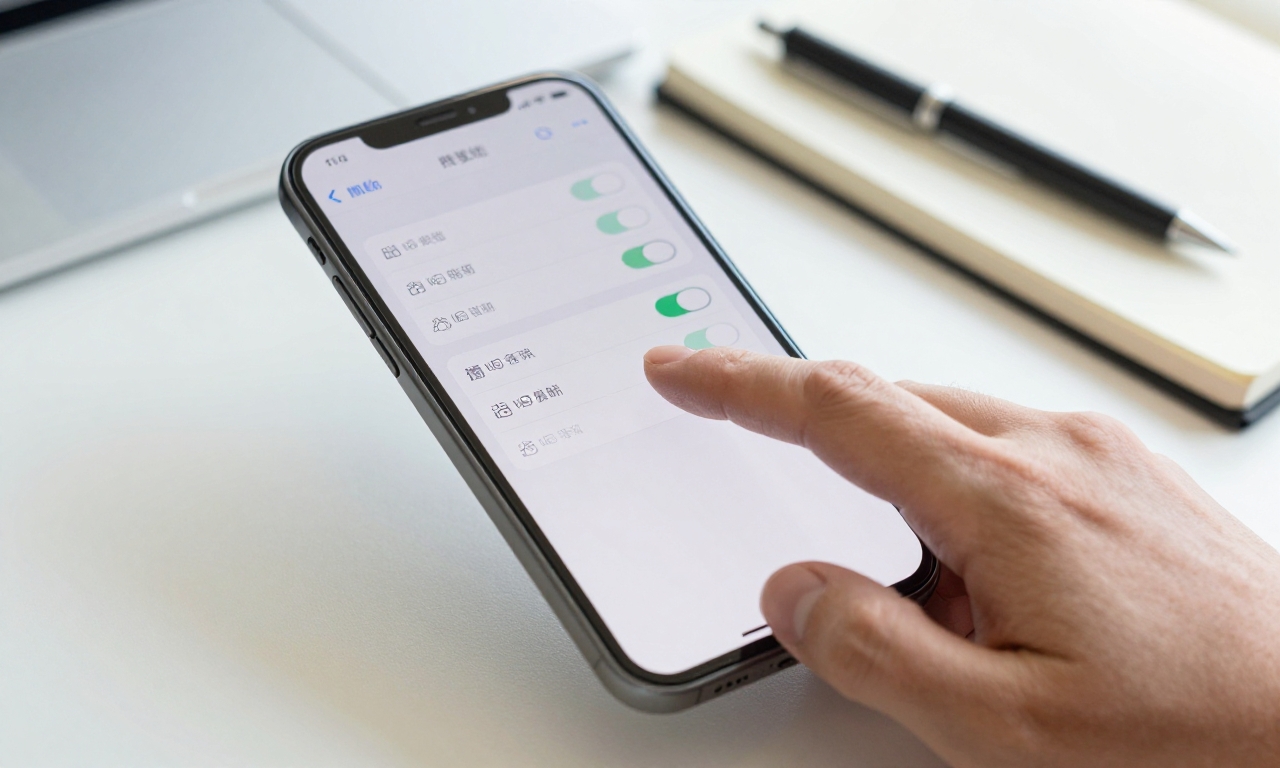
Another essential level of privacy is app-specific permissions as a part of sharing smartphones protection. Both are granular on what information individual applications are allowed to gather, including location data, contacts, and media files. Periodic review of these permissions will also help make sure that sensitive information is not exposed even with several individuals utilizing the same apps. On the part of families, it translates to putting down clear rules on which applications are able to be installed and the data they are allowed to gather. Permission management features are oftentimes provided in parental control applications that enable less technical users to do this.
Data separation is not confined to the user profile but extends to the cloud storage services as well as the local file management. Applications whose services include Google Drive and iCloud provide family sharing features, preserving personal folders and enabling discrete collaboration. In this method, personal documents, photos, and backup are kept secure and family calendars or shopping lists can be shared. Local storage orientations include organizing different folders by user and developing strategies of organizing files. Numerous contemporary smartphones have secure folders or encrypted storage space that further offers more security to sensitive files.
There is a need to be cautious when sharing content with family members with regard to privacy, particularly in regard to photos and messages. Both Android and iOS have features enabling selective sharing without the need of having full access to the whole device. Photo apps shared albums enable families to add to shared memories but maintain personal collections. Multi-account messaging applications help to keep distinct conversations on the same device by different users. The dilemma is to strike a balance between convenience and security that the shared content does not accidentally reveal personal information or conversations.
Advanced Security Concerns
In addition to standard setup, there are a number of more advanced methods of maximizing privacy on shared equipment. Security audits periodically can reveal possible weaknesses in your sharing settings, including applications that are out of date and ineffective authentication systems. Two-factor authentication of sensitive accounts provides an additional security measure in case an individual manages to step into the device. Both major platforms have encryption capabilities, which makes the stored data resistant to losses and theft even in the event of losing the device or theft. Such steps are all the more urgent as smartphones start to save more important financial and health data.
Parental Controls
In the context of family sharing, parental controls require a special consideration, which has become much more than just a set of content filters. Current ones are activity trackers, time limits, and adaptable education resources depending on the development of children. The respective Screen Time on Apple and Family Link on Google offer full-fledged dashboards to manage multiple gadgets intertwining family members. These can give parents the opportunity to authorize apps being downloaded, impose bedtime limits, as well as track usage behaviour without having to physically follow up device use. The most efficient solutions involve both technical measures and constant discussions concerning the topic of digital responsibility.
Future Solutions
Femerging solutions such as biometric authentication and secure enclaves have brighter prospects to the future of family sharing solutions. Fingerprint scanning and facial recognition can give fast, safe switching among user profiles and also ensure high levels of authentication. Flagship smartphones have hardware-based protection measures that provide isolated environments to high-sensitivity applications such as mobile payments or password management. The possibility of completely customized multi-user experiences is increasing exponentially as foldable devices and larger displays become more standard. These advances indicate that the process of smartphone sharing will be more secure and more streamlined in established years.
Practical Implementation and Family Communication
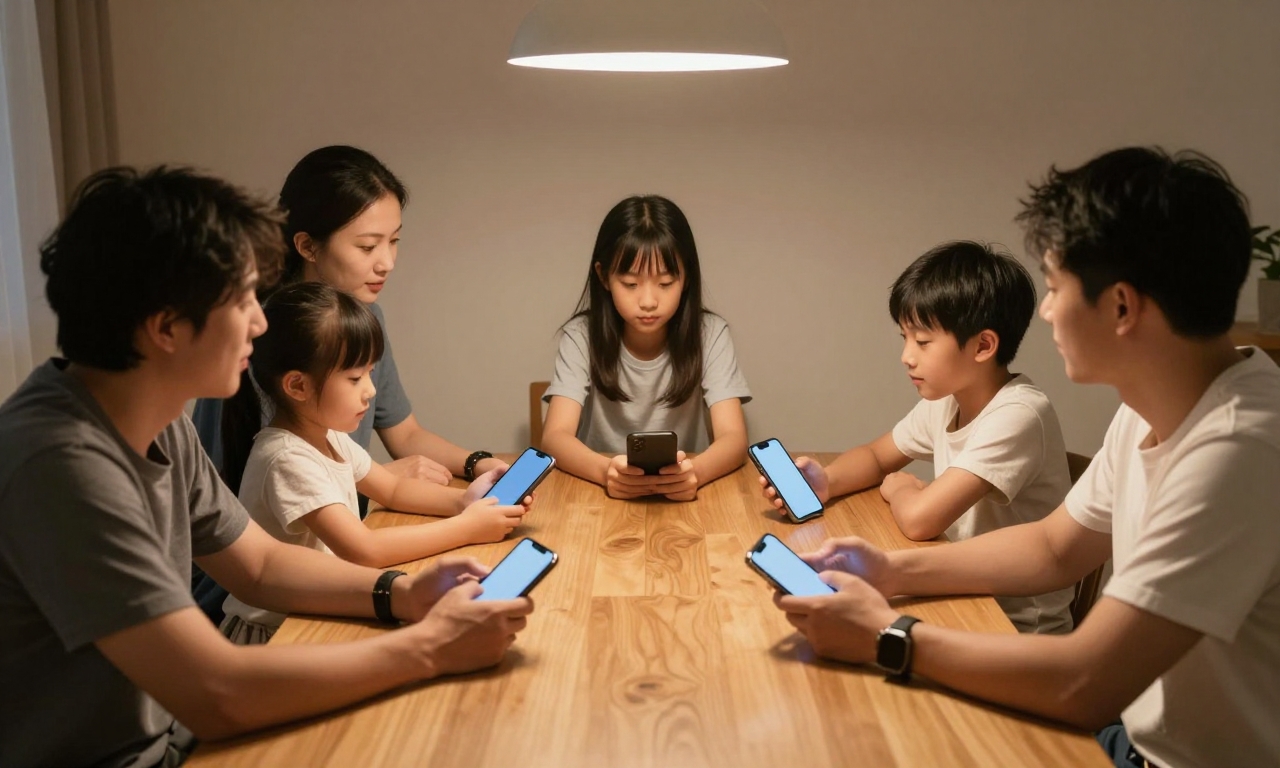
These measures can be practically implemented though regular family communication and maintenance is required. Defining rules regarding the use of devices, including both charging points and the kind of sharing, eliminates conflicts and security gaps. Trust is built by holding regular family meetings to negotiate digital boundaries and arising issues, and adjusting to the evolving needs. Technical solutions are effective with mutual understanding and respect of individual preferences towards privacy. This middle ground will make sure that shared smartphones better connect families without interfering with the security of each individual.
Conclusion
Finally, to share smartphones successfully without losing privacy, it is important to choose an appropriate mix of technical measures and family policies. Depending on the type of device, the version of operating system, and family dynamics, the solutions may be different, but the principles are similar. With user profiles, keen permission controls, and free flow of information, families will also reap the benefits of sharing devices without compromising personal privacy. These practices will ensure that households experience digital sharing with confidence and security in the ever-advancing smartphone technology.