Follow us on Facebook
Breaking updates in your feed — tap to open
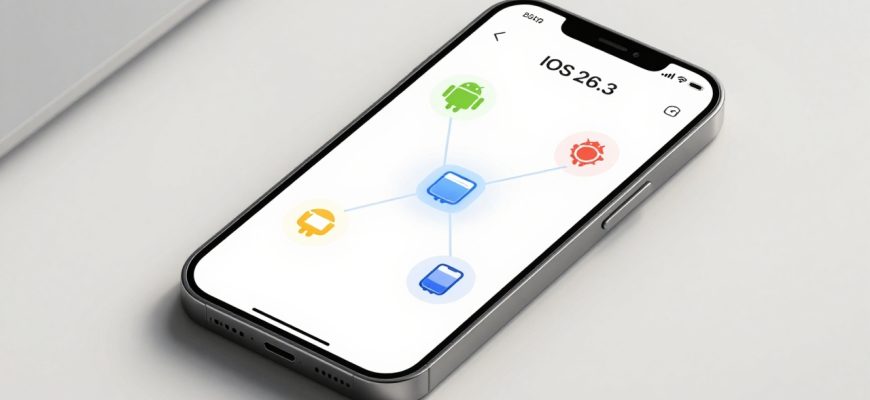
Apple has taken a significant step toward cross-platform interoperability with the release of the first beta for iOS 26.3. This update, expected to roll out publicly in late January based on Apple’s typical release cadence, moves beyond traditional iOS refinements to introduce features that bridge the gap between Apple’s ecosystem and third-party devices. While currently a smaller update than its predecessor, iOS 26.3 beta focuses on user flexibility, data portability, and preparation for regulatory changes, particularly in the European Union.
The headline additions are a collaborative ‘Transfer to Android’ tool and a region-specific ‘Notification Forwarding’ feature for wearables. These are complemented by user interface tweaks to the wallpapers menu. As beta testing continues, further adjustments may emerge, but the core direction of iOS 26.3 is clear: enhancing connectivity in an increasingly multi-device, multi-platform world.
- Transfer to Android: A Collaborative Leap for Data Portability
- What Data Transfers?
- Privacy Boundaries and Exclusions
- Notification Forwarding: Preparing for the Digital Markets Act
- Functionality and EU Focus
- Apple’s Privacy Stance
- Refined User Experience: Wallpaper Menu Updates
- Separated Weather and Astronomy Categories
- New Pre-Built Weather Wallpapers
- Release Timeline and Beta Expectations
- What to Expect During the Beta Period
Transfer to Android: A Collaborative Leap for Data Portability
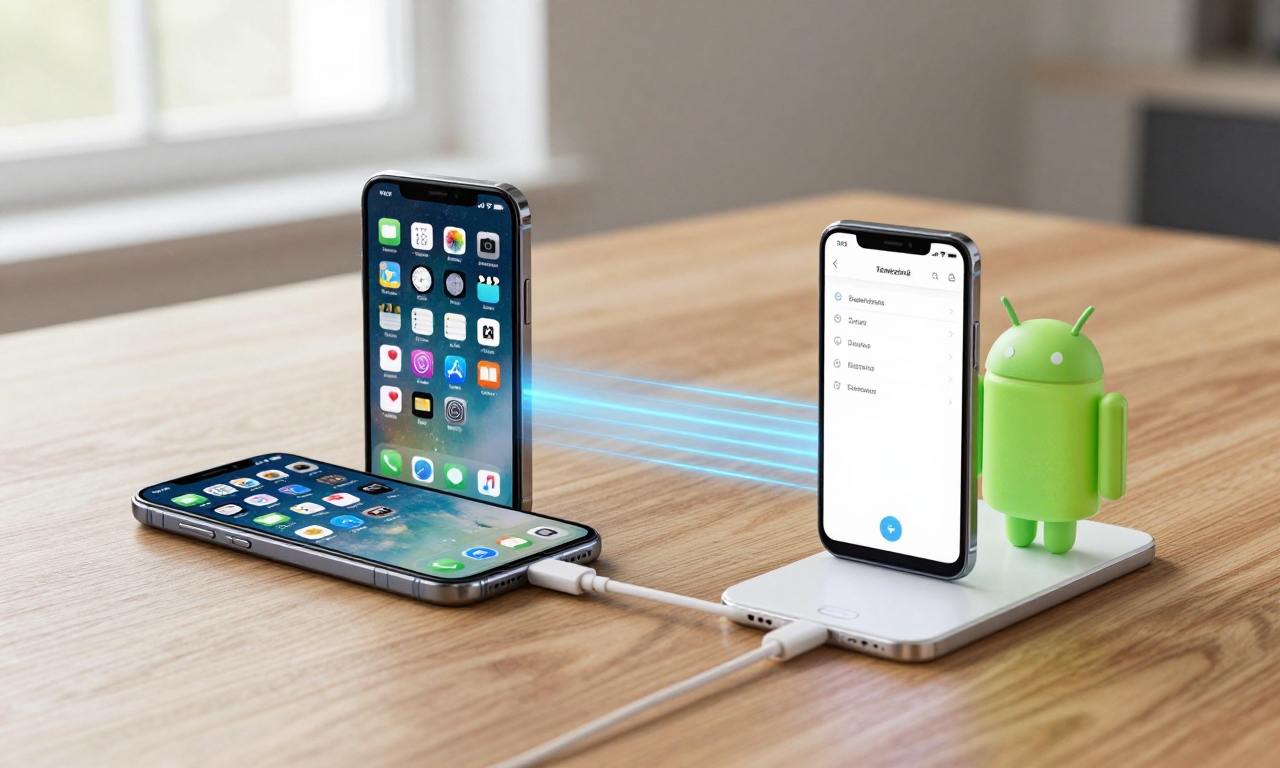
In a notable shift, Apple and Google have jointly developed a new ‘Transfer to Android’ system within iOS 26.3. This feature is designed to simplify the often-daunting process for iPhone users switching to an Android smartphone. The tool facilitates a wireless transfer of key user data during the initial setup of a new Android device.
What Data Transfers?
The system is engineered to move a comprehensive suite of personal information and media, aiming to reduce friction for switchers. According to the beta documentation, the transfer includes:
- Photos and Videos: Media from the user’s camera roll and albums.
- Messages: SMS and iMessage history (where compatible).
- Notes: Content from the Notes app, excluding locked notes.
- Installed Apps: A list of apps, which can then be suggested for download on the Google Play Store.
- Contact Information: Phone numbers and associated details from the Contacts app.
Privacy Boundaries and Exclusions
Apple has maintained clear privacy boundaries for the transfer. Sensitive data categories stored within Apple’s tightly integrated health and security frameworks are excluded. This includes:
- Health app data and activity history.
- Information from locked notes.
- Keychain passwords and payment information.
- App-specific data that may not have cross-platform equivalents.
This approach balances user convenience with Apple’s stated commitment to data security, ensuring the most sensitive personal information remains within its ecosystem unless manually moved by the user.
Notification Forwarding: Preparing for the Digital Markets Act
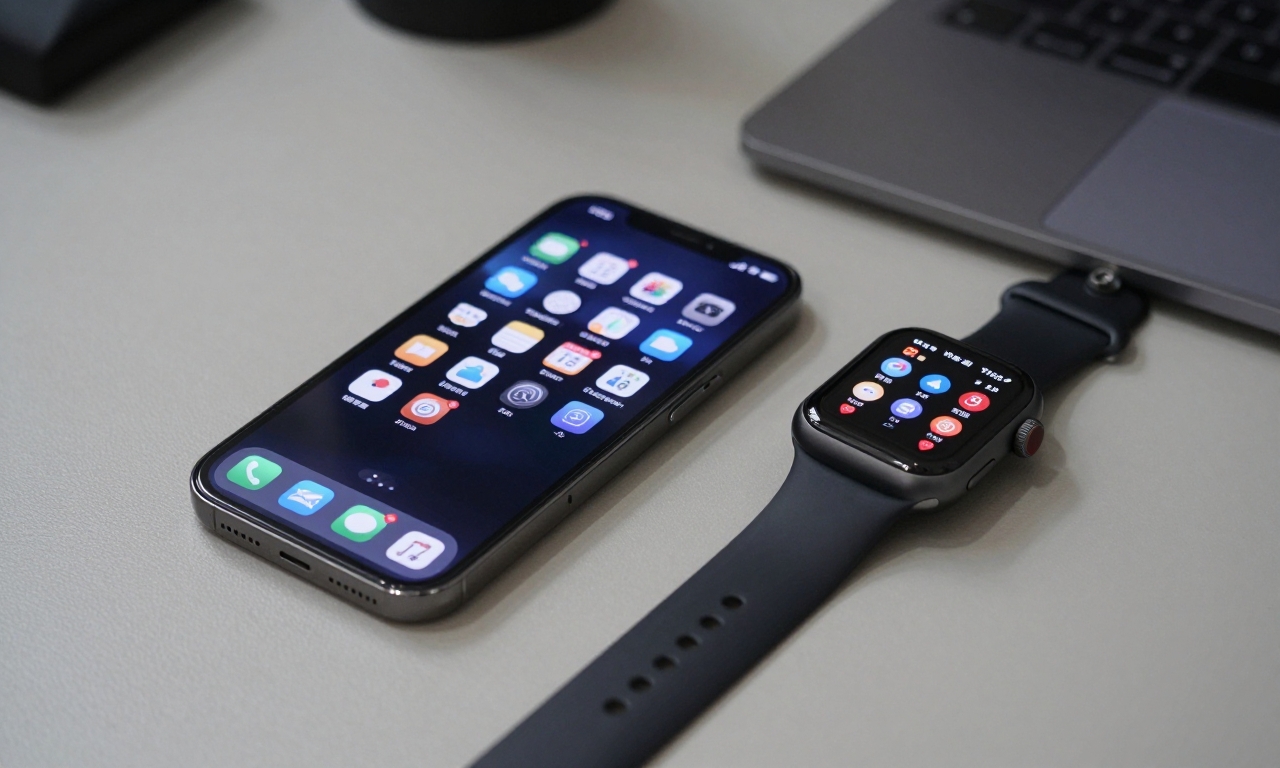
A second major feature, ‘Notification Forwarding,’ has a more targeted rollout. This functionality allows notifications from an iPhone to appear on third-party smartwatches and other wearables. However, in a strategic move tied to impending regulation, this feature is initially limited to users within the European Union.
Functionality and EU Focus
When enabled, Notification Forwarding will mirror alerts-such as incoming calls, messages, app notifications, and calendar reminders-from the paired iPhone to a compatible non-Apple wearable. This breaks from Apple’s traditional walled-garden approach for the Watch and AirPods ecosystem.
The EU limitation is a direct preparation for compliance with the Digital Markets Act (DMA), which designates large tech companies as ‘gatekeepers’ and mandates greater interoperability between their core platform services and those of third parties. By confining the feature to the EU, Apple is likely field-testing the system’s functionality and security in the region where it will soon be legally required.
Apple’s Privacy Stance
While enabling new connectivity, Apple has expressed ongoing privacy concerns regarding the forwarding of notifications to third-party devices, which may have different security standards than Apple’s own products.
This statement, echoed in beta release notes, suggests the feature may include additional user prompts or privacy controls to ensure users understand the data-sharing implications. The limited geographic launch allows Apple to monitor real-world use and potential vulnerabilities before a potential wider release.
Refined User Experience: Wallpaper Menu Updates
Beyond the headline interoperability features, iOS 26.3 brings subtle but welcome refinements to the wallpapers selection menu, enhancing customization and clarity.
Separated Weather and Astronomy Categories
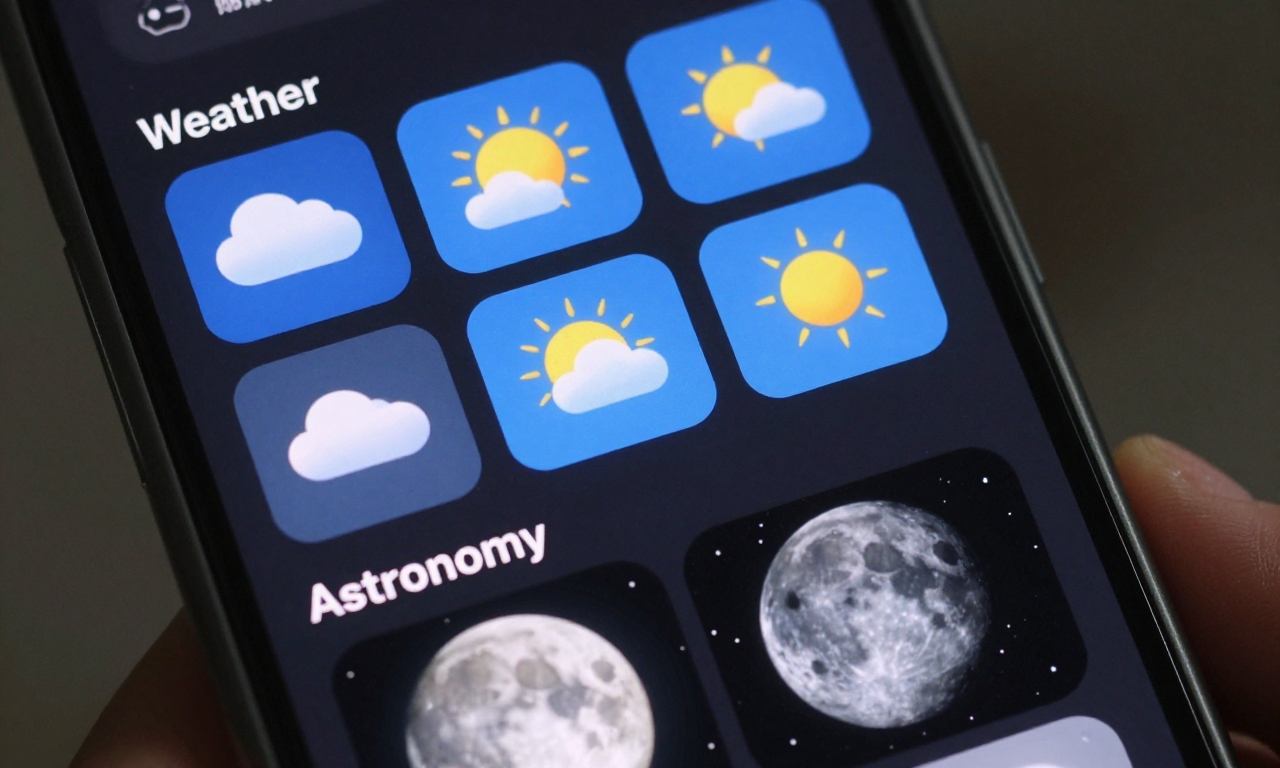
Previously combined under a single ‘Weather & Astronomy’ heading, these dynamic wallpaper types now have distinct sections. This separation makes it easier for users to browse and select their preferred style of live wallpaper.
| Category | Description | New Additions |
|---|---|---|
| Weather | Displays live local conditions (e.g., sun, clouds, rain) with real-time animations. | Several new pre-built Weather wallpapers with different visual styles. |
| Astronomy | Shows the current astronomical positioning of Earth, the moon, or the solar system. | No new designs reported, but the category is now standalone. |
New Pre-Built Weather Wallpapers
The update introduces a fresh set of pre-configured Weather wallpapers. These offer varied artistic interpretations of live weather data, providing users with more aesthetic choices that still reflect their local environment. The core Astronomy wallpapers, a fan favorite for their serene depiction of the solar system, remain unchanged but benefit from the clearer menu organization.
Release Timeline and Beta Expectations
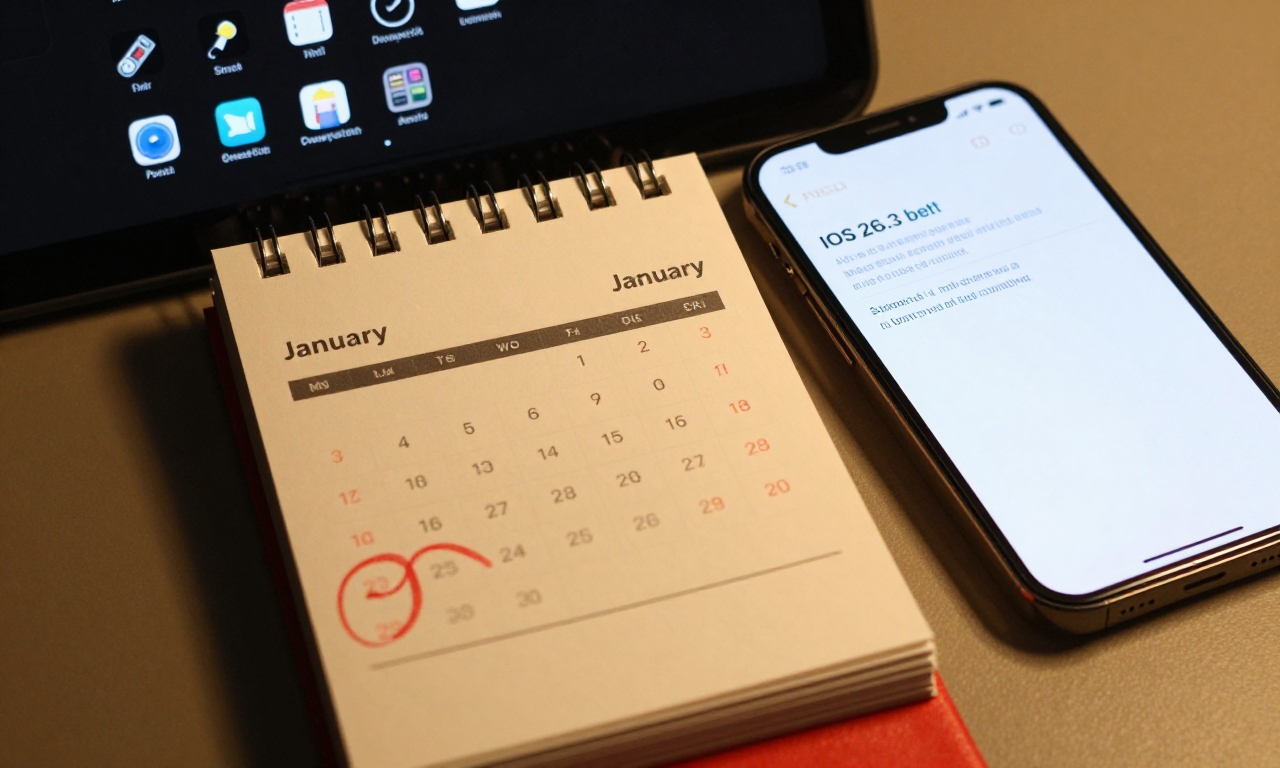
Based on Apple’s established software release patterns, the public launch of iOS 26.3 is projected for late January. The current beta is labeled as the first developer preview, indicating that several weeks of testing lie ahead.
What to Expect During the Beta Period
While the core features of iOS 26.3 appear defined, the beta period is crucial for stability and refinement. Potential changes before the final release could include:
- Feature Adjustments: Tweaks to the data transfer process or notification permissions based on developer and user feedback.
- Bug Fixes: Resolution of any performance issues or battery life impacts identified during testing.
- Expanded Rollout: A decision on whether to extend Notification Forwarding beyond the EU before launch.
- Minor Additions: The possibility of smaller, unannounced features or interface tweaks being added in later beta builds.
This update, though smaller in scope than some major iOS releases, signals a pragmatic shift in Apple’s strategy. By collaborating on data transfer tools and pre-emptively adapting to regulations like the DMA, Apple is navigating a tech landscape that increasingly values user choice and cross-platform functionality. iOS 26.3 may be remembered as the update where interoperability became a central pillar of the iPhone experience.