Follow us on Facebook
Breaking updates in your feed — tap to open
You’ve probably heard a dozen rules about charging your phone: don’t leave it plugged in overnight, avoid fast charging, let the battery drain completely before plugging in. But how many of these actually hold up? Misinformation spreads faster than lithium-ion cells degrade. To separate fact from fiction, we consulted battery engineers and dug into the science. The goal? Practical battery life optimization that fits your daily routine-not a list of paranoid rituals. Understanding a few core principles can add years to your device’s usable life.

The Science of Lithium-Ion Aging
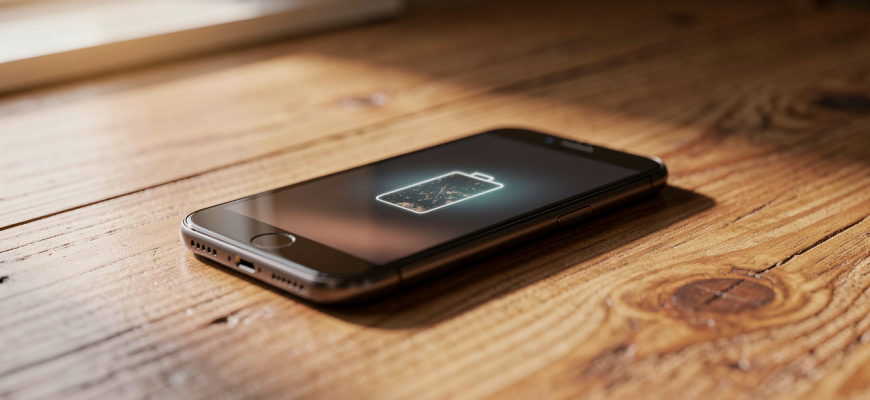
Think of a lithium-ion battery like a sponge. Each charge cycle-going from 0% to 100%-is like squeezing and releasing that sponge. Over time, the sponge loses elasticity. Similarly, batteries lose capacity. But here’s the twist: not all cycles are equal. Depth of discharge matters more than total cycles. Draining from 100% to 0% stresses the battery far more than two shallow discharges from 80% to 30%. This is why your phone’s battery health might dip faster if you constantly run it down to zero.
Voltage stress is another silent killer. A fully charged battery sits at a high voltage, which accelerates chemical aging. That’s why many modern phones include optimized battery charging features. They learn your routine and hold the charge at 80% until just before you wake up. It’s a simple trick, but it dramatically reduces time spent at peak voltage. Heat compounds the problem. High temperatures speed up unwanted chemical reactions inside the cell. So, gaming while fast charging? That’s a double whammy.
Charging Myths, Busted
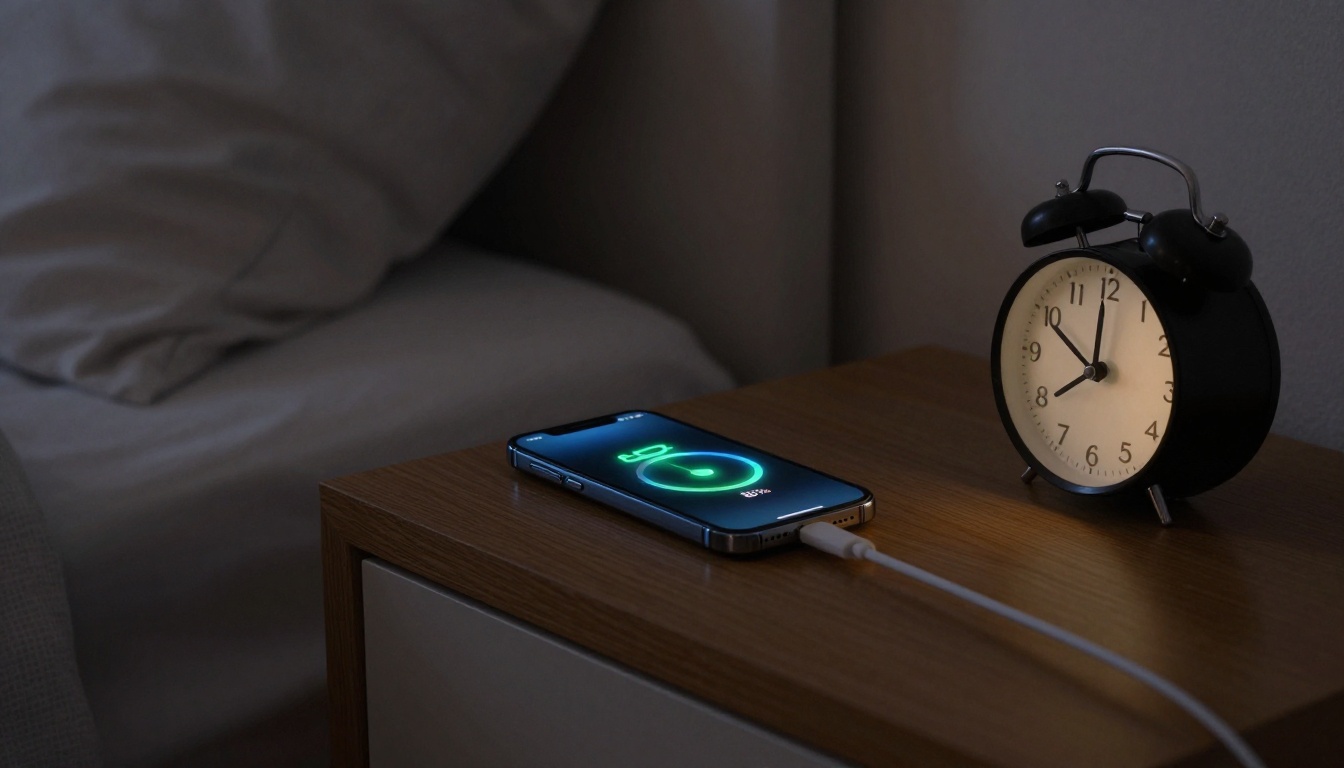
Let’s tackle the most persistent myths. First, overnight charging. Leaving your phone plugged in overnight isn’t inherently harmful-if your device manages power correctly. Modern smartphones stop drawing current once they hit 100%. The real issue is trickle charging: small top-ups that keep the battery at 100%. Over months, this constant high-voltage state can degrade capacity. But many phones now pause charging at 80% and finish right before your alarm. So, if you use a quality charger and your phone supports optimized charging, overnight plugging is safe.
What about fast charging? Fast charging itself doesn’t damage batteries-heat does. High wattage generates more heat, which accelerates aging. But phone makers design thermal management systems to handle this. As long as your device stays cool, using a fast charger is fine. The real danger? Cheap, uncertified chargers that skip safety protocols. Stick with reputable brands or the charger in the box. And no, you don’t need to “train” your battery by fully draining it. That advice is a holdover from nickel-cadmium batteries, which suffered from memory effect. Lithium-ion cells prefer partial discharges.
Wireless charging gets a bad rap, too. It’s true that wireless pads are less efficient and generate more heat. But again, modern phones regulate temperature. If you use a MagSafe or Qi-certified charger, the impact on battery health is minimal. Just avoid thick cases that trap heat. And don’t worry about leaving your phone on the pad all day-once full, it stops drawing power.
Battery aging is inevitable, but how you charge determines whether you lose 20% capacity in two years or five.
Practical Habits for Longevity
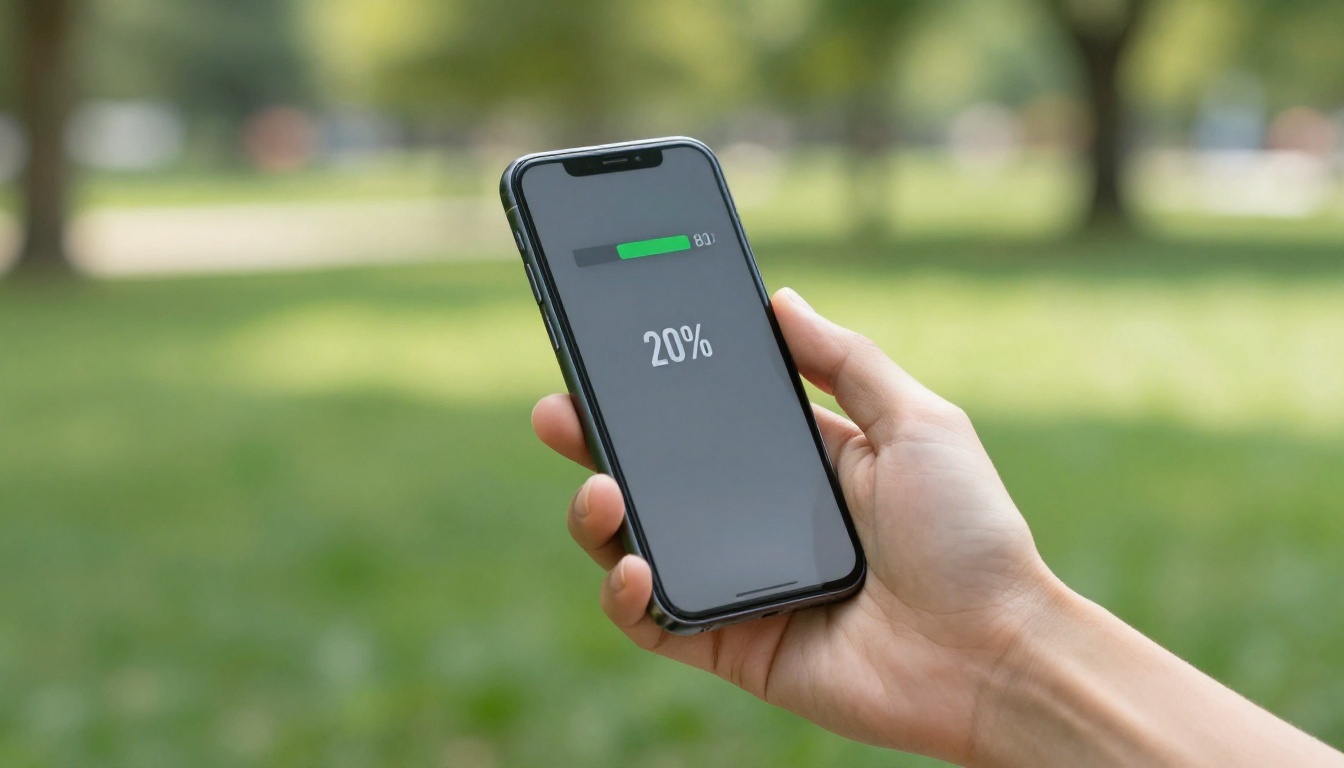
So, what can you actually do? Start with the 20-80 rule: keep your battery between 20% and 80% whenever convenient. It’s not a strict law, but a guideline. If you need a full charge for a long day, go for it. Just don’t make a habit of draining to zero. Partial charges are your battery’s best friend. Plug in for 15 minutes here and there-it’s better than one long session.
Temperature control is crucial. Avoid leaving your phone in direct sunlight or a hot car. If your device gets warm while charging, remove the case. For gamers, consider taking breaks during intensive sessions. Some phones offer a “bypass charging” feature that powers the processor directly, skipping the battery. It’s a game-changer for long gaming stints. And when storing a phone for weeks, leave it at around 50% charge. A fully discharged battery can fall into a deep discharge state, making it impossible to recharge.
Software plays a role, too. Keep your phone’s operating system updated. Manufacturers often tweak charging algorithms and power management with updates. Check your battery settings for an “optimized charging” toggle. On iPhones, it’s in Battery Health, on Android, it might be under Battery or Device Care. Some Android skins let you set a charge limit manually-a powerful tool for battery life optimization. Don’t obsess over battery health percentages, though. They’re estimates, and slight drops are normal. Focus on real-world endurance: if your phone still lasts a day, it’s healthy.
When to Replace Your Battery
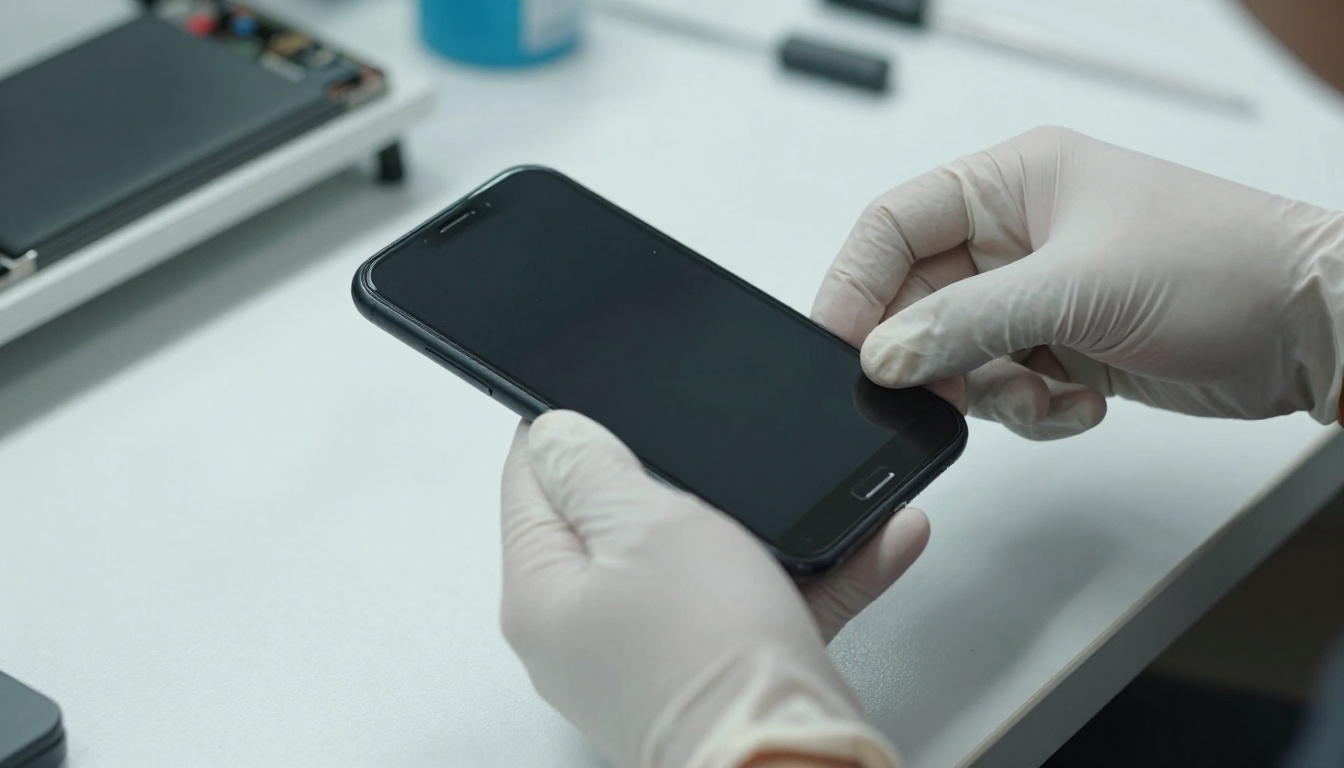
Eventually, every battery needs replacement. Signs include sudden shutdowns, swelling, or a battery health reading below 80% (on iPhones). Most manufacturers offer battery service for a fee. It’s far cheaper than buying a new phone. And if you’re holding onto a device for three years or more, a mid-life battery swap can restore like-new endurance. Think of it as a tune-up, not a failure. With the right habits, you might delay that service by a year or two. But when the time comes, don’t hesitate-it’s a small investment for a phone that feels fresh again.