Follow us on Facebook
Breaking updates in your feed — tap to open
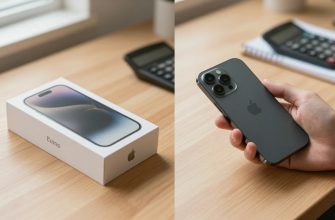
Apple’s iPhone lineup has always offered clear choices: the standard model for most users, the Pro for enthusiasts, and the Pro Max for those who want everything. With the iPhone Air, Apple introduces a fourth option that challenges this hierarchy by prioritizing aesthetics and first impressions over raw performance and versatility. After extensive testing, we’ve found that while the iPhone Air makes a striking initial impact, its daily usability reveals a product built around compromises that may not suit everyone’s needs.
At first glance, the iPhone Air feels like a premium device that could redefine smartphone design. Its slim profile, lightweight construction, and attention to detail create an immediate “wow” factor that few phones can match. But as we spent more time with the device, we discovered that this design-forward approach comes with practical trade-offs that affect everything from battery life to camera capabilities.
- Design and First Impressions: Beauty That Fades in Daily Use
- Battery Life: The Inconsistent Performance That Demands Planning
- Wi-Fi vs. Cellular Performance
- Practical Implications
- Camera System: Pro-Style Bump Without Pro-Level Versatility
- Strengths and Capabilities
- Notable Limitations
- Audio Experience: The Single Speaker Compromise
- Positioning in Apple’s Lineup: Who Should Consider the iPhone Air?
- Choose iPhone 17 If:
- Choose iPhone 17 Pro Max If:
- Consider iPhone Air If:
- Final Verdict: A Niche Product with Clear Compromises
- What This Means for You
- For everyday users who value reliability: Should I expect my phone to last all day?
- For photography enthusiasts: How will the camera limitations affect my photos?
- For media consumers who watch videos on their phone: Will the audio experience be satisfying?
- For travelers or commuters: Can I rely on this phone away from chargers?
- For design-focused buyers who appreciate aesthetics: Will the slim design remain noticeable in daily use?
- For current iPhone users considering an upgrade: How does this compare to what I already have?
- For business professionals who need reliable communication: Will this handle my work needs consistently?
Design and First Impressions: Beauty That Fades in Daily Use
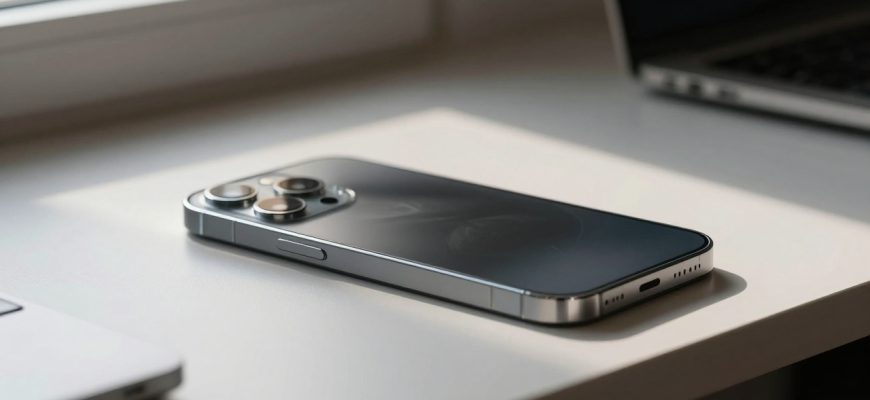
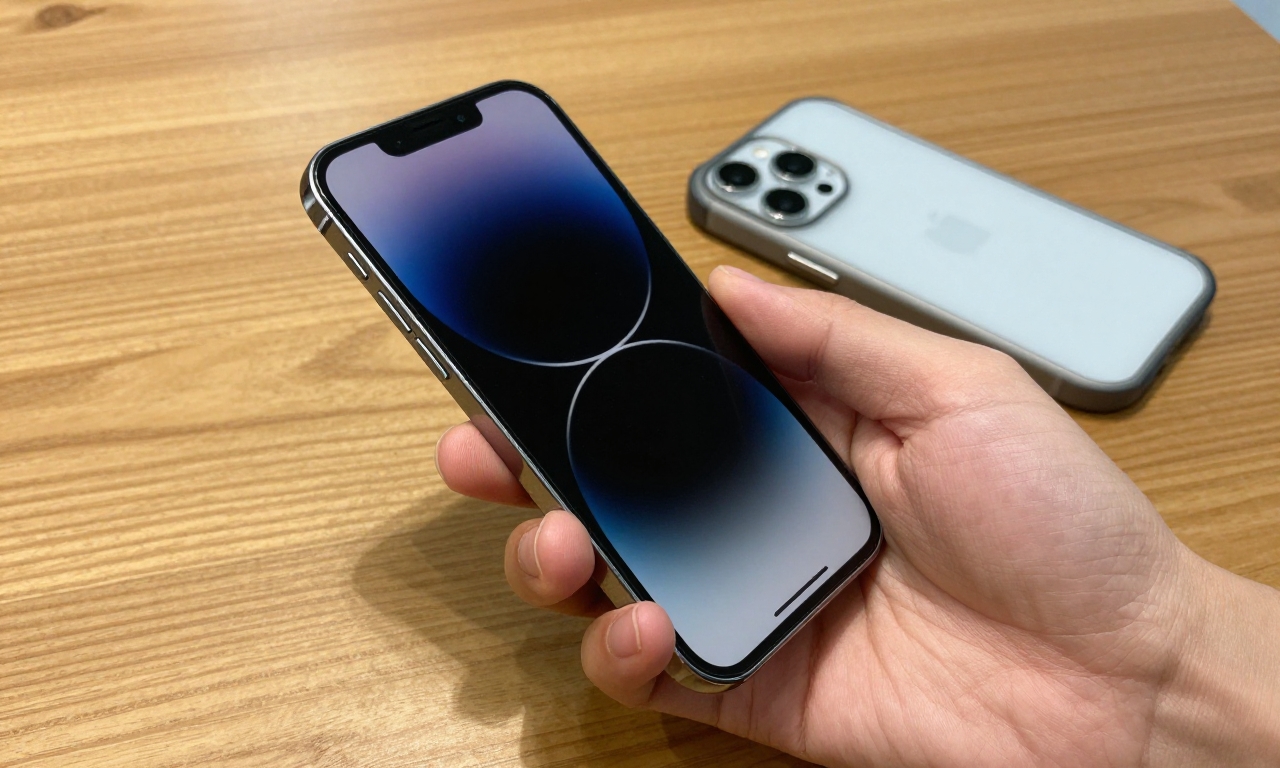
The iPhone Air’s design is undoubtedly its strongest feature. Apple has managed to create a device that feels both premium and innovative, with a slim profile that makes other smartphones seem bulky by comparison. The materials feel expensive, the finish is impeccable, and the overall aesthetic suggests a device that’s several steps ahead of the competition.
However, this design excellence comes with practical limitations. The slim profile means less internal space for components, which affects both battery capacity and thermal management. More importantly, most users will immediately put the iPhone Air in a case for protection, which completely negates the slim design advantage and makes it feel like any other iPhone.
Key design observations:
- The slim profile creates an impressive first impression but offers little practical advantage
- Premium materials feel great in hand but require a case for daily protection
- Design choices prioritize aesthetics over functionality in several areas
- The “wow factor” diminishes quickly once the device enters regular use
Battery Life: The Inconsistent Performance That Demands Planning
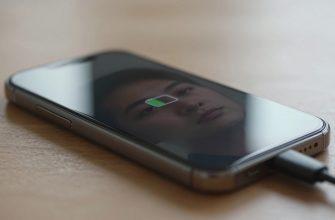
Battery performance is where the iPhone Air’s compromises become most apparent. Our testing revealed a device that performs well under ideal conditions but struggles when pushed beyond basic usage patterns.
Wi-Fi vs. Cellular Performance
On Wi-Fi, the iPhone Air can comfortably last a full day with moderate use. Streaming video, browsing social media, and light productivity tasks won’t push the battery to its limits. However, switch to cellular data-especially 5G-and the story changes dramatically. Heavy cellular use, particularly when roaming or in areas with weak signal, causes the battery to drain at an alarming rate.
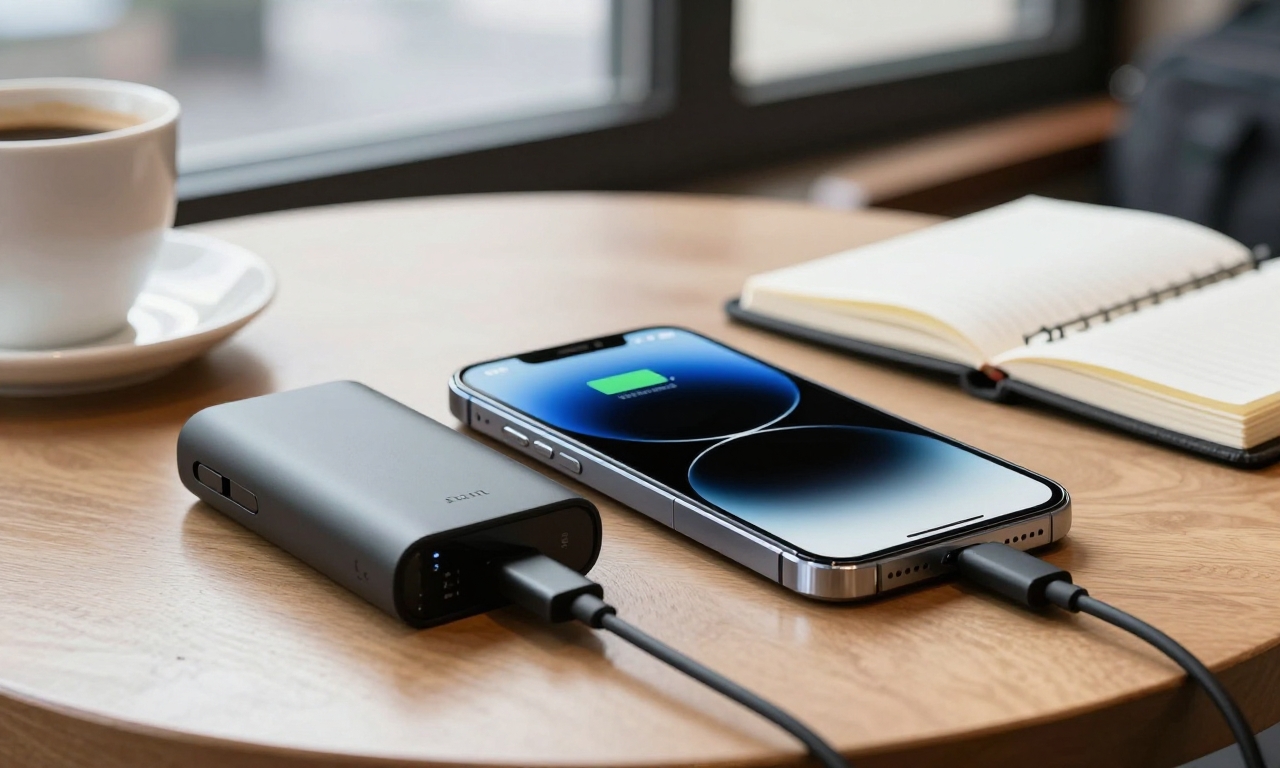
During our testing, we found that a typical day of mixed use (including 2-3 hours of cellular data usage) required midday charging or carrying a battery pack. This inconsistency makes the iPhone Air less reliable than other flagships for users who frequently travel or work away from reliable power sources.
Practical Implications
The battery limitations force users to adopt specific habits:
- Carrying a battery pack becomes essential for travel days
- Wi-Fi usage must be prioritized whenever possible
- Power-saving measures become necessary during long days away from chargers
- 5G usage needs to be managed carefully to preserve battery life
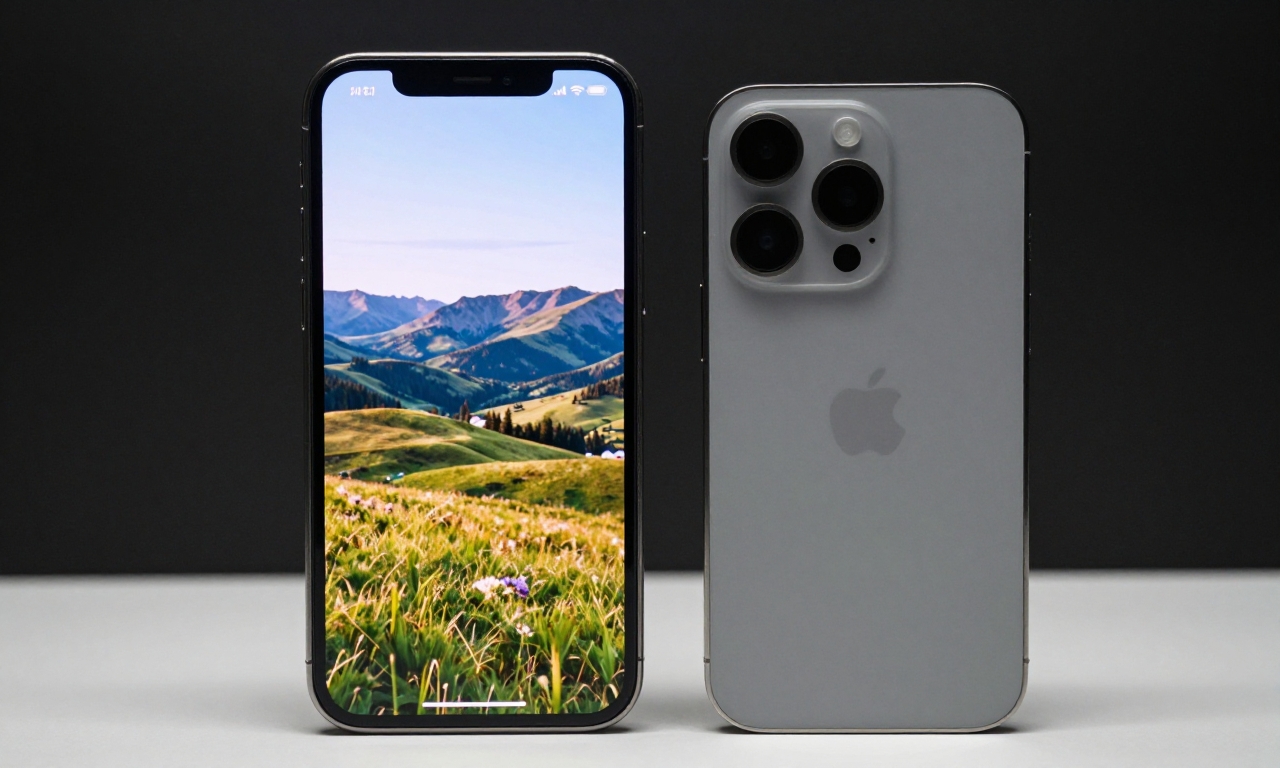
Camera System: Pro-Style Bump Without Pro-Level Versatility
The iPhone Air’s camera system presents an interesting paradox: it features the prominent “pro-style” camera bump that suggests advanced capabilities, but delivers functionality that’s surprisingly limited compared to other premium smartphones.
Strengths and Capabilities
For standard 1x photography, the iPhone Air performs admirably. Images are sharp, colors are accurate, and the computational photography features work well in most lighting conditions. The Centre Stage front camera is particularly impressive for video calls and selfies, offering smooth tracking and framing that makes the user look professional even when moving around.
Where the camera excels:
- Standard 1x photography with excellent detail and color accuracy
- Centre Stage front camera for professional-looking video calls
- Good performance in well-lit conditions
- Consistent results across different shooting scenarios
Notable Limitations
The most significant limitation is the lack of a wide-angle lens, which has become standard on most premium smartphones. This means you can’t capture expansive landscapes, group photos in tight spaces, or creative wide-angle perspectives. The zoom capabilities are also limited, offering less flexibility than competing devices.
Our comparison with the iPhone 16e revealed surprisingly similar camera performance, which raises questions about the value proposition of the “pro-style” camera bump on the Air model.
| Feature | iPhone Air | iPhone 17 | iPhone 17 Pro Max |
|---|---|---|---|
| Wide-Angle Lens | No | Yes | Yes |
| Optical Zoom Range | Limited | Standard | Extended |
| Low-Light Performance | Good | Excellent | Outstanding |
| Video Features | Basic | Advanced | Professional |
Audio Experience: The Single Speaker Compromise
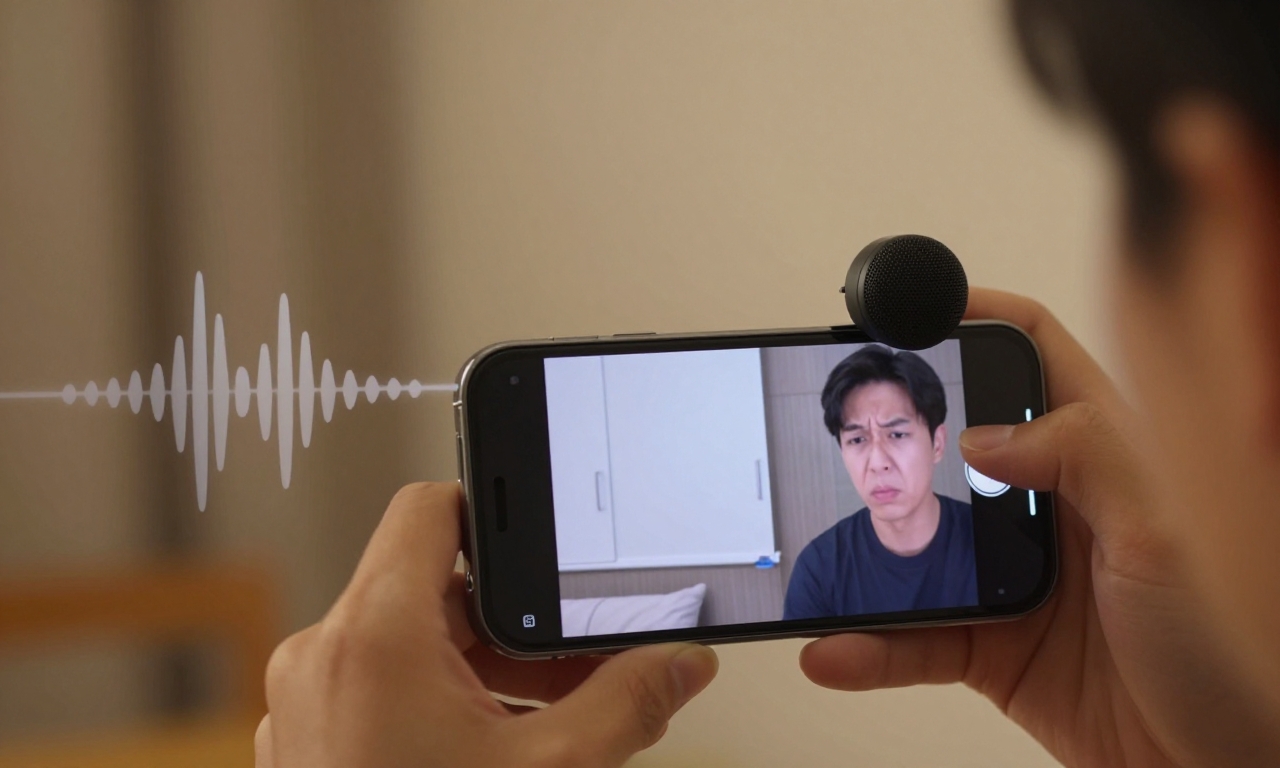
One of the most noticeable compromises on the iPhone Air is its audio system. To achieve the slim design, Apple has opted for a single top-positioned speaker rather than the stereo setup found on other iPhone models.
This design choice has several practical implications:
- No stereo separation in landscape mode: When watching videos or playing games in landscape orientation, audio comes from only one side of the device
- Volume limitations: The single speaker struggles in noisy environments
- Audio quality compromises: While clear for voice calls, music and video audio lack depth and richness
- Practical annoyances: Covering the single speaker with your hand during calls or media consumption happens frequently
For users who frequently consume media on their smartphones or make calls in noisy environments, this audio limitation represents a significant downgrade from other premium devices.
Positioning in Apple’s Lineup: Who Should Consider the iPhone Air?
After extensive testing, we’ve developed clear recommendations for where the iPhone Air fits in Apple’s smartphone ecosystem.
Choose iPhone 17 If:
You prioritize reliable battery performance and a versatile camera system. The standard iPhone 17 offers better all-around performance without the compromises that define the Air model. It’s the safe choice for most users who want a premium experience without significant limitations.
“The iPhone 17 delivers what most people actually need from a smartphone: reliable performance, good battery life, and versatile cameras without forcing users to make significant compromises.”
Choose iPhone 17 Pro Max If:
You want the ultimate smartphone experience with no compromises. The Pro Max offers better battery life, superior cameras, more storage options, and additional features that justify its premium price. For power users and photography enthusiasts, this remains Apple’s flagship offering.
Consider iPhone Air If:
You value design and aesthetics above all else and are willing to accept the trade-offs. The iPhone Air makes sense for:
- Users who prioritize device appearance and are rarely away from reliable power sources
- Those who use their phone primarily on Wi-Fi and don’t need extensive camera versatility
- Early adopters who want something different from the standard iPhone experience
- Users who are comfortable carrying battery packs and managing power consumption
Final Verdict: A Niche Product with Clear Compromises
The iPhone Air represents Apple’s attempt to create a design-forward smartphone that prioritizes aesthetics over raw performance. While it succeeds in making a stunning first impression, our testing reveals that the daily experience involves significant compromises that may not suit most users.
The bottom line: The iPhone Air is a beautiful device that feels premium in hand, but its limitations in battery life, camera versatility, and audio quality make it a niche product rather than a mainstream recommendation. For most users, the standard iPhone 17 offers a better balance of features and performance, while the iPhone 17 Pro Max remains the choice for those who want the ultimate smartphone experience.
As we continue to test the iPhone Air in different scenarios and with various use cases, we’ll provide updates on how these compromises affect long-term usability. For now, we recommend that potential buyers carefully consider whether the Air’s design advantages outweigh its practical limitations before making a purchase decision.
123
What This Means for You
For everyday users who value reliability: Should I expect my phone to last all day?
You’ll need to plan around battery limitations, especially when using cellular data or traveling. Consider carrying a portable charger and prioritizing Wi-Fi connections to avoid midday power depletion.
For photography enthusiasts: How will the camera limitations affect my photos?
You won’t have wide-angle or significant zoom capabilities, restricting landscape and group shots. The article doesn’t specify exact zoom ranges, so check Apple’s official specifications or camera samples to verify the optical zoom limitations.
For media consumers who watch videos on their phone: Will the audio experience be satisfying?
You’ll experience mono audio in landscape mode with reduced volume and quality compared to stereo speakers. For better sound, plan to use headphones or external speakers when consuming media regularly.
For travelers or commuters: Can I rely on this phone away from chargers?
You’ll need to actively manage power usage, as cellular data (especially 5G) drains the battery quickly. The article doesn’t provide exact battery capacity numbers, so consult Apple’s official battery life estimates for specific usage scenarios.
For design-focused buyers who appreciate aesthetics: Will the slim design remain noticeable in daily use?
The design advantage diminishes once you add a protective case, which most users will need. Consider whether you’re willing to risk damage to maintain the slim profile or accept that it will feel similar to other phones when cased.
For current iPhone users considering an upgrade: How does this compare to what I already have?
You’re trading some performance and versatility for design, so evaluate whether aesthetics justify the compromises. The article compares features with other models, but for detailed comparisons with your current device, review Apple’s official specifications side-by-side.
For business professionals who need reliable communication: Will this handle my work needs consistently?
Video calls work well with the front camera, but battery limitations may interrupt your day. Consult qualified professionals or official guidance for decisions about work-essential equipment, and consider your typical access to power sources.