Follow us on Facebook
Breaking updates in your feed — tap to open
The choice to root an Android platform is still a controversial one in the changing dynamics of mobile technology among power users who desire greater control. Although manufacturers are still locked down the ecosystem, access to system-level features remains appealing. This manual looks at the modern-day reasoning behind rooting in 2026, weighing the added features against the considerable dangers of the current smartphone design.
- The Present-day Advantages of rooting Android devices
- The risk terrain has changed significantly in relation to the hardware and software development
- Knowing the Revised Risks and Implications
- Preparation is of utmost importance to anyone who chooses to do so
- A Risk-Free Process to 2026 AndroidModels
- Safety is imposed in post-root configuration
- A rigorous update policy is necessary to maintain a rooted device in long-term
- Rooting and Worthiness in the Current Ecosystem?
- In the future, the tendency toward unified hardware and software will potentially make rooting more complicated and dangerous
The Present-day Advantages of rooting Android devices
Rooting is mostly used by users with frustration due to limitations that are imposed by manufacturers. The first and most obvious benefit would be the total elimination of bloatware, those programs that are pre-installed that use up valuable intra-system and storage resources without added value to the user. On top of this, rooting enables enhanced customization features that are not limited by default launcher themes, and can make deep customizations of system animations, notification effects, and even fundamental interface components. To the performance enthusiast, root access gives fine control over CPU governors, thermal control, and may increase usability of a device. This degree of access is somewhat important especially to individuals who use their smartphone as their main gaming or productivity device where every bit of performance counts.
The risk terrain has changed significantly in relation to the hardware and software development
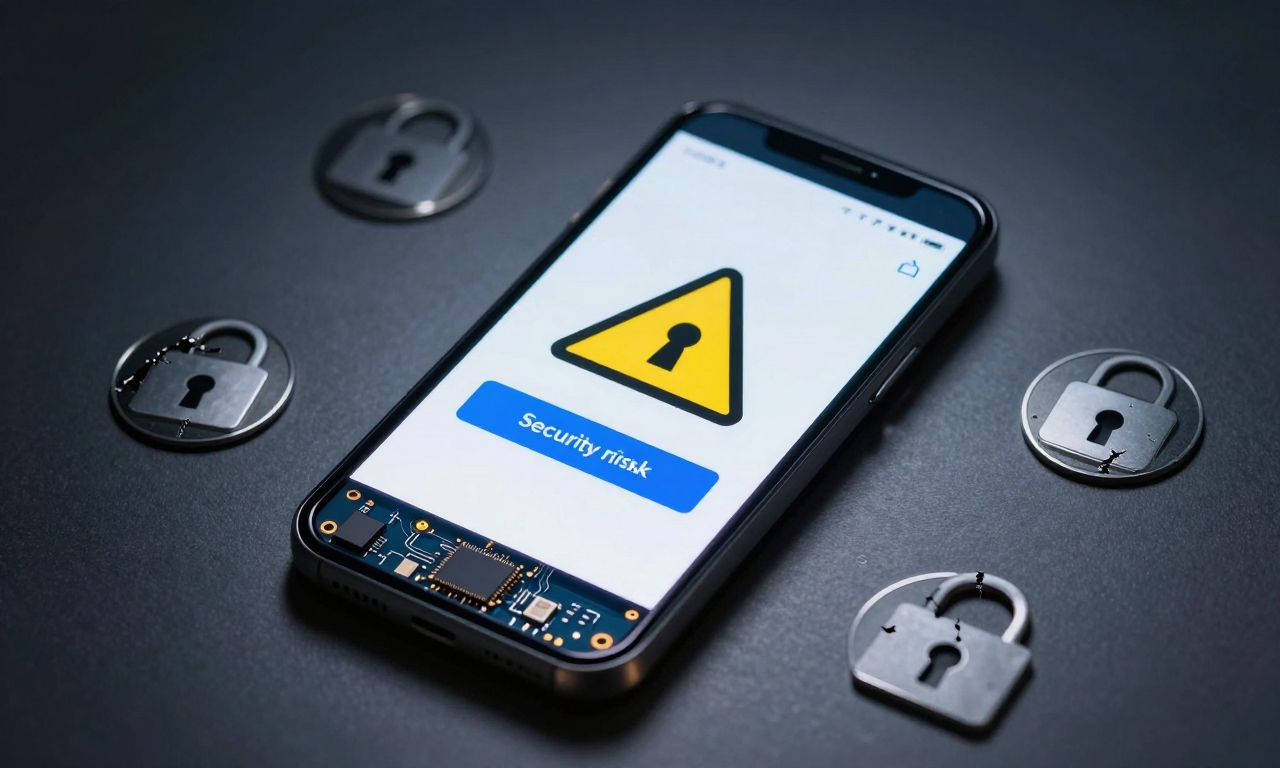
Newer security designs such as hardware-bound keystores and verified boot pose greater obstacles and failure points. A weakened root process may expose a device to advanced malware that exploits privileged access, which may result in data breach or device theft. Moreover, the prevalence of eSIM technology and embedded secure components imply that a failed root attempt may have both non-software implications, such as cellular or digital car key failure. The warranty consequences are more concrete than ever; manufacturers can now externally determine root access digitally, by means of persistently attesting the hardware in question, making the warranty void permanently.
Knowing the Revised Risks and Implications
The important point before going any further is to take a measure of whether your individual needs justify these trade-offs. High-context It is by default providing many features requested by users in an ecosystem that has been locked down in 2026, including sophisticated permission controls and system-wide ad blockers, which had previously been the two main reasons to root. Ask yourself whether the desired change, such as a particular system-level change, compatibility with an older accessory, or complete de-google-ification, can be done in some other, non-root way, which may be provided in existing developer options or feasible sandboxed applications. The change will depend on whether seeking absolute control is more important than the risk of losing fluid updates, banking app services, and official support mechanisms.
Preparation is of utmost importance to anyone who chooses to do so
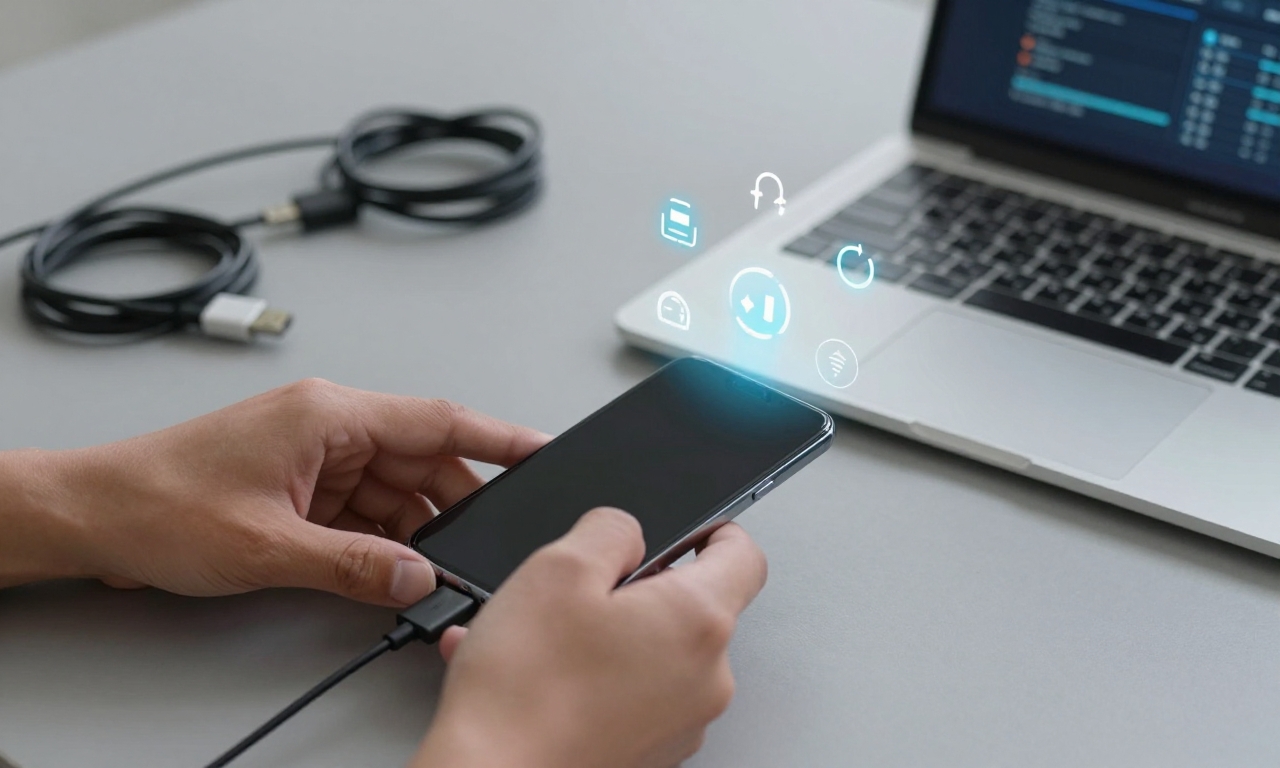
The process differs greatly among manufacturers and even between models with the same brand, because the bootloader unlock policy and partition layout vary. Google, Samsung, and OnePlus popular 2026 models have their own ways. The first step applicable to everyone is to backup the entire personal information because the process is going to destroy all data in the device. It consists of photos, messages, and authenticator app settings. Be sure your device is more than 80 percent charged and have a stable computer with the required OEM drivers and platform-tools package installed.
A Risk-Free Process to 2026 AndroidModels
The basic procedure usually starts with the process of enabling OEM unlocking the developer settings, which itself can be concealed or made a wait time in some devices. The second most important step is unlocking bootloader, which requires connection to a computer and performing particular fastboot commands. This action is not reversible on most devices and instigates the factory reset. Next, you will flash a custom startup picture such as TWRP, specific to your exact model number, which gives you the interface to install the root cure. The root method itself in 2026 usually requires patching the machine boot partition, or flashing a kernel module, instead of the SuperSU or Magisk ZIPs used in the past.
Safety is imposed in post-root configuration
- Install a well-known root manager application to gatekeeper immediate after acquiring root access to control what apps are granted access to superuser privileges. Set it to ask permission on every request.
- Second, use safety net bypass modules in case you are required to use an app that recognizes root, e.g., streaming services or mobile payment apps. But note that these bypass techniques are engaged in an eternal arms race with app developers and can stop functioning as updates come in.
- Lastly, set the practice of aligning full NAND backups with your custom recovery prior to any major changes being made to your system, causing a point of restore in the event of unsteadiness.
A rigorous update policy is necessary to maintain a rooted device in long-term
The manufacturer cannot send you standard updates that will update your changes on the over-the-air, breaking the device. Rather than that, you will have to wait until the developer community comes out with new firmware packages or root patches that are compatible with the new security patch level. This can frequently imply using software that is a week or even months behind the formal release and exposes you to unpatched vulnerabilities in the meantime. This concession of control to security is the most permanent sacrifice of the rooted life.

Rooting and Worthiness in the Current Ecosystem?
The judgment of the merit of rooting is ultimately defined by personal use case and technical ease. To the tinkerer, the developer, or the privacy absolutist, the advantages of an open system as realized in the full sense of the word can be enticing. This grants a feeling of ownership that the stock Android will never match; this is due to the freedom of running system-wide ad blockers, customizing every visual aspect, or installing lineage-based ROMs to target longer software availability on older devices. To the common user, though, the cons far severely outweigh the pros. The ease of automatic updates, the assurance of compatibility with applications, and complete warranty can in many cases be more valuable than the niche benefits of root access.
In the future, the tendency toward unified hardware and software will potentially make rooting more complicated and dangerous
Manufacturers are incorporating more checks and balances into the software and hardware of their equipment, such as fused authentication chips or physically hard to rewrite memory. The reverse-engineering community of these systems is hard-working and increasingly challenged. Thus, should you decide to root your Android in the year 2026, you do it with complete knowledge that you are walking a road that is getting narrower and narrower each generation of hardware. It is a deep control, yet the responsibility and risk are of equal importance.