Follow us on Facebook
Breaking updates in your feed — tap to open
Digital Attention Crisis, 2026.
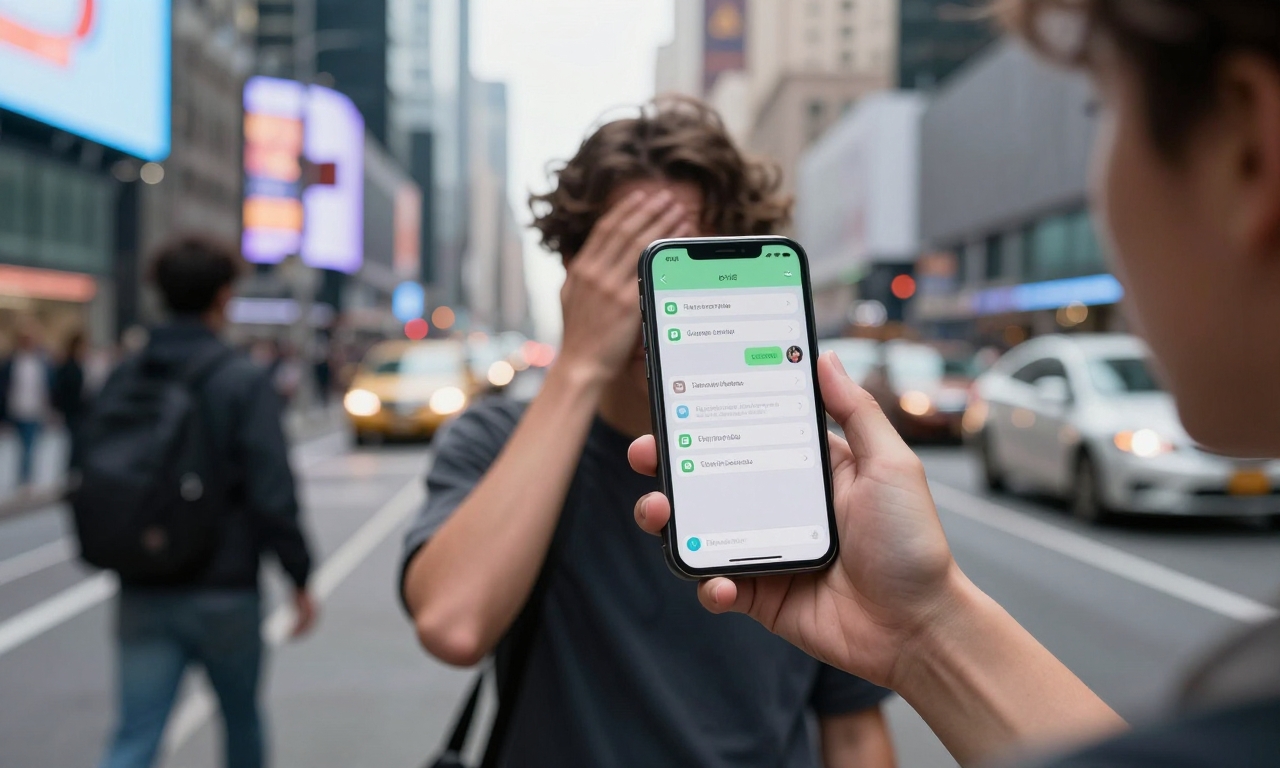
There is nothing more complex than our relationship with smartphones as we head deeper into 2026. What began as an easy means of communication have become things that have become persistent and we can no longer ignore this. Over the years, I have tried numerous devices and wearables, and whereas gadgets such as the new iPhone or Samsung Galaxy specifically have unbelievable functionalities, they also pose serious dangers to our attention and sanity. Nowadays an ordinary individual looks at his or her phone hundreds of times every day, causing what scientists refer to as attention fragmentation, or in other words the continual break that does not allow a person to engage with serious work or concentration.
Integrated Solutions iOS Screen Time vs Android Digital Wellbeing
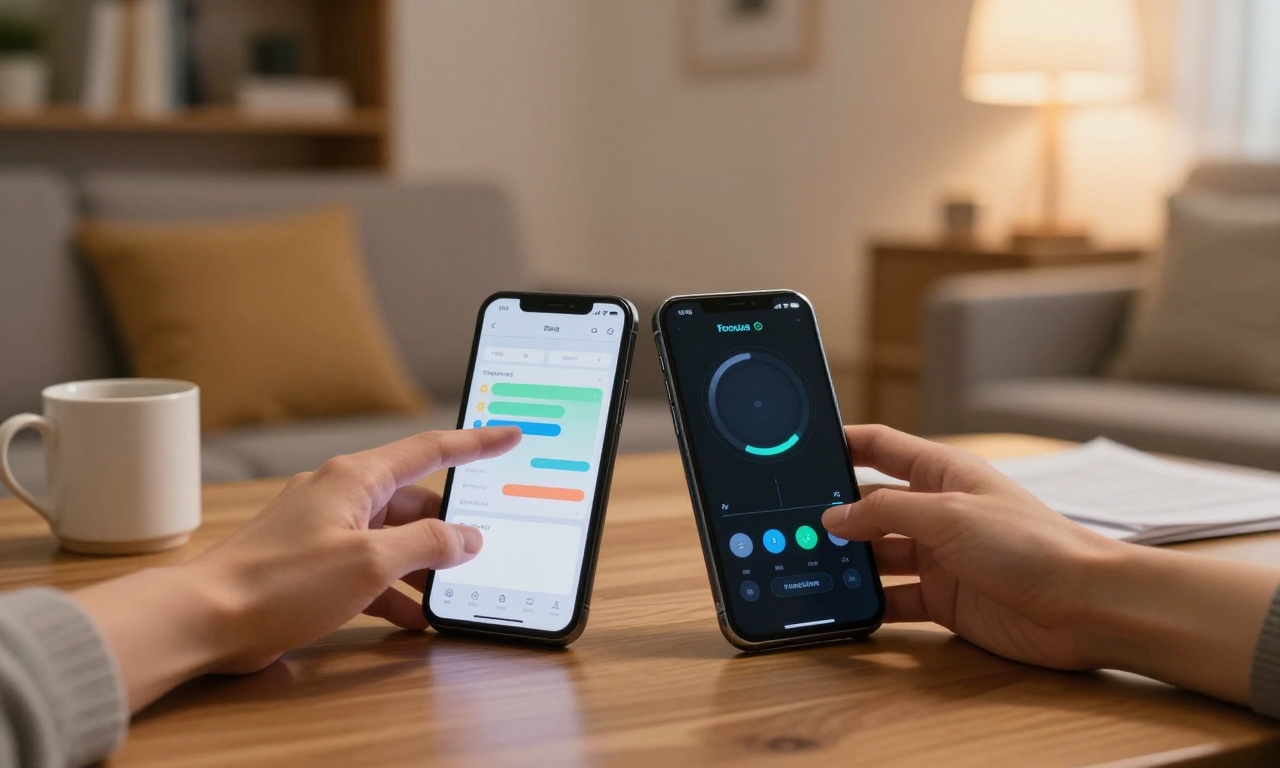
Both large mobile platforms also present features to aid in controlling usage. iOS Screen Time allows to break down the usage of apps and the frequency of notifications and pick-up patterns. The fact that one can impose app limits, which can actually enforce a break, is what makes it especially effective to me, as I have found it essential to minimise mindless scrolling. Android On the Android side, Google has Digital Wellbeing providing similar functionality with some unique elements such as Focus Mode, which blocks distracting apps temporarily. After trying both systems on several occasions, I will tell you that they are not the ideal solutions, but they do give you the much needed baseline information on your habits that most users are mortified to learn.
Working 3rd Party Apps
In addition to the in-built functions, there has also been the introduction of some specialized applications that take intervention a step further. Forest reminds you to be goal-oriented by planting virtual trees as long as you remain in the app, which kill when you leave it, establishing a sense of psychological effort to stay focused. Freedom lets you block distracting sites and apps on all of your devices at once, that is a game changer when you are that person who switches between smartphones, tablets, and computer screens. What makes these apps useful is not the blocking features, but how they can restructure your attitude to technology as less access and more purposeful.
Developing Your Intervention Strategy
My testing has indicated that the best way to do it is to combine several tools.
- Begin by tracking your current usage with the in-built tools on your phone, you may realize that the hours you spend on social media apps would be better spent being constructive.
- Next, enforce app restrictions at the workplace, with the rigid enforcement option on both iOS and Android.
- Lastly, use a third-party app that can combat your particular weakness, such as checking email compulsively or scrolling endlessly through videos.
It is important to remember, though, that various strategies apply to different individuals, students may require a different environment than professionals, and what is effective with iPhone users may require a modification in Android devotees.
The Hardware and Settings Optimization Role
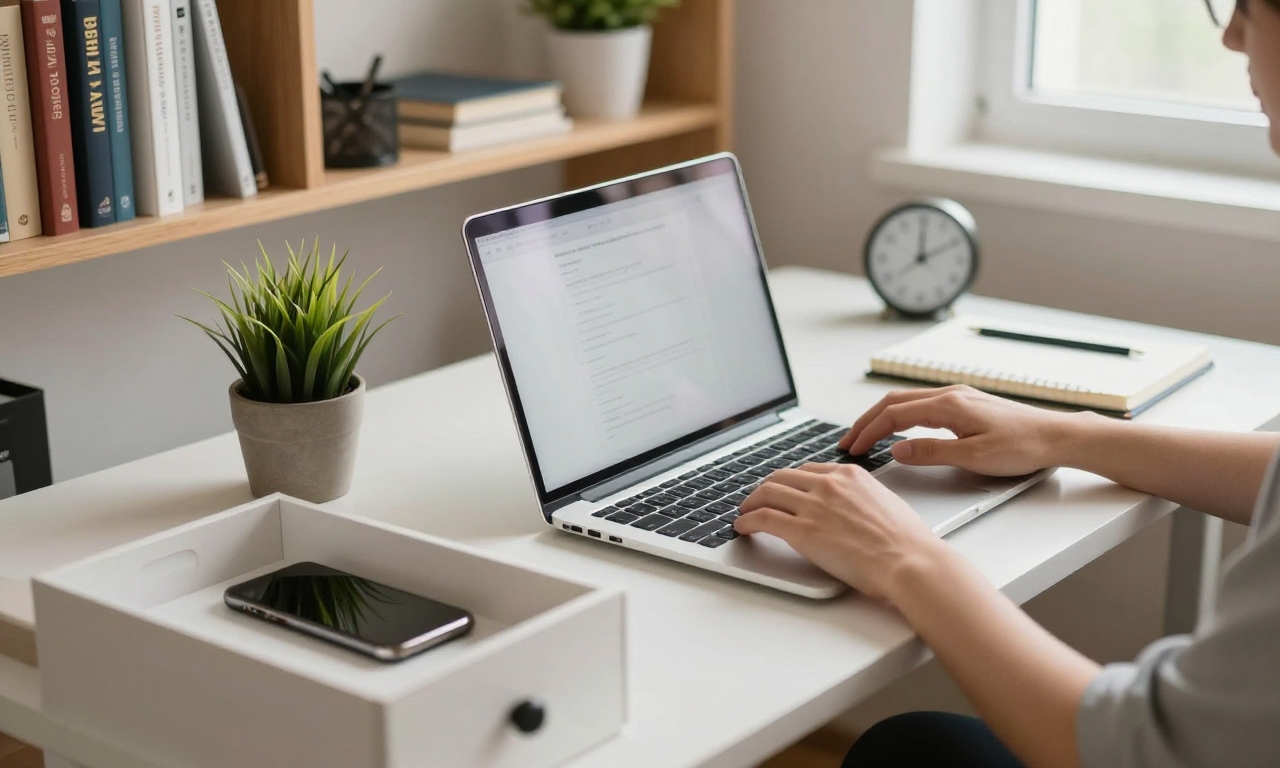
- A few easily obtainable habits, such as switching off non-essential notifications, going into grayscale during work hours (and therefore a dopamine reward, colorful app icons), and placing charging devices where they cannot be seen over the night can significantly drop compulsive checking.
- To anyone wearing a wearable, such as Apple Watch or the Wear OS devices, you may disable non-essential notifications that could take you away back to your phone.
- Even battery life optimization may be a factor, in that, when you are not obsessively watching the battery level, then you are not inclined to become a scrolling-a-la-time Charging Personality.
The Measure of Success and Alter Your Strategy
Real intervention must involve continual modification. Instead of trying to achieve ideal device-free consciousness (which is highly unrealistic in 2026), you can work on quality changes.
- Are there decreased distractions in deep work time?
- Are you less anxious when not on your phone?
- Have you noticed a fall in better sleep since the introduction of nighttime restrictions?
Measure these indicators alongside the quantitative data of Screen Time or Digital Wellbeing. I would have a monthly review in which you evaluate what works, what does not, and make specific changes maybe restricting it during especially busy work days or generally relaxing it during vacations.
The Future of Mindful Technology Usage
In prospect, I believe that the focus on digital wellbeing among platform creators and third-party creators is promising. The debate has moved past the topic of productivity and has become about true mental health, with aspects now created to assist instead of taking advantage of our focus. Being a reviewer of all kinds of phones, flagships and cheap phones, I feel that the most thrilling phenomenon is not about a single feature, but about the rise of acknowledgment that technology is not meant to be domineering people; it is meant to be beneficial to them. The tools are there – in 2026, it will be time to cultivate the intelligence to apply them well.
| Feature | What it enables | Best for | Notes / limits |
|---|---|---|---|
| iOS Screen Time | Break down app usage, notification frequency, and pick-up patterns; impose app limits | Minimizing mindless scrolling | Not the ideal solution but provides baseline information on habits |
| Android Digital Wellbeing | Similar functionality to iOS Screen Time with unique elements like Focus Mode | Temporarily blocking distracting apps | Not the ideal solution but provides baseline information on habits |
| Forest app | Plant virtual trees while staying in the app to encourage goal-oriented focus | Establishing psychological effort to stay focused | Restructures attitude to technology as less access and more purposeful |
| Freedom app | Block distracting sites and apps on all devices at once | People who switch between smartphones, tablets, and computer screens | Restructures attitude to technology as less access and more purposeful |