Follow us on Facebook
Breaking updates in your feed — tap to open
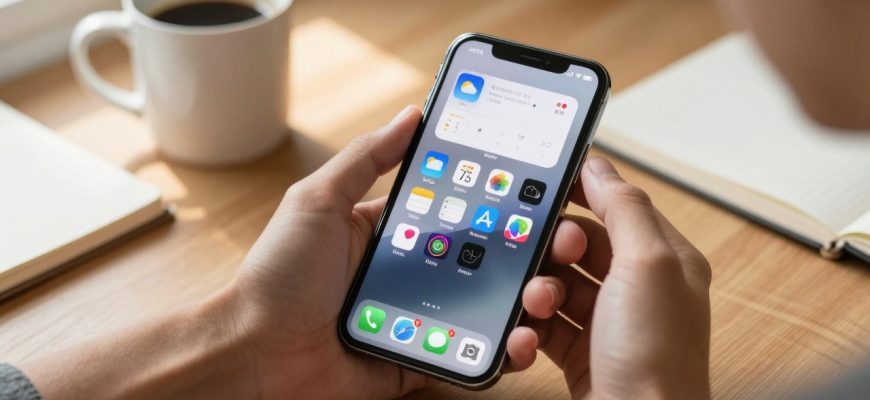
The vast majority of iPhone users touch their lock screen dozens of times a day, but not all of them know that there is so much more to it than notifications and time. Although iOS updates have provided more customization opportunities, with numerous potent features lurking behind the scenes. This is a practical guide that will take you through more advanced lock screen tricks that can bring this undervalued interface to absolute productivity levels, far beyond the simple widgets and wallpaper customizations.
Expanding on Basic Widgets: Advanced Customization
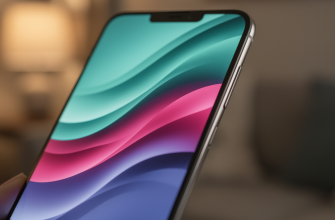
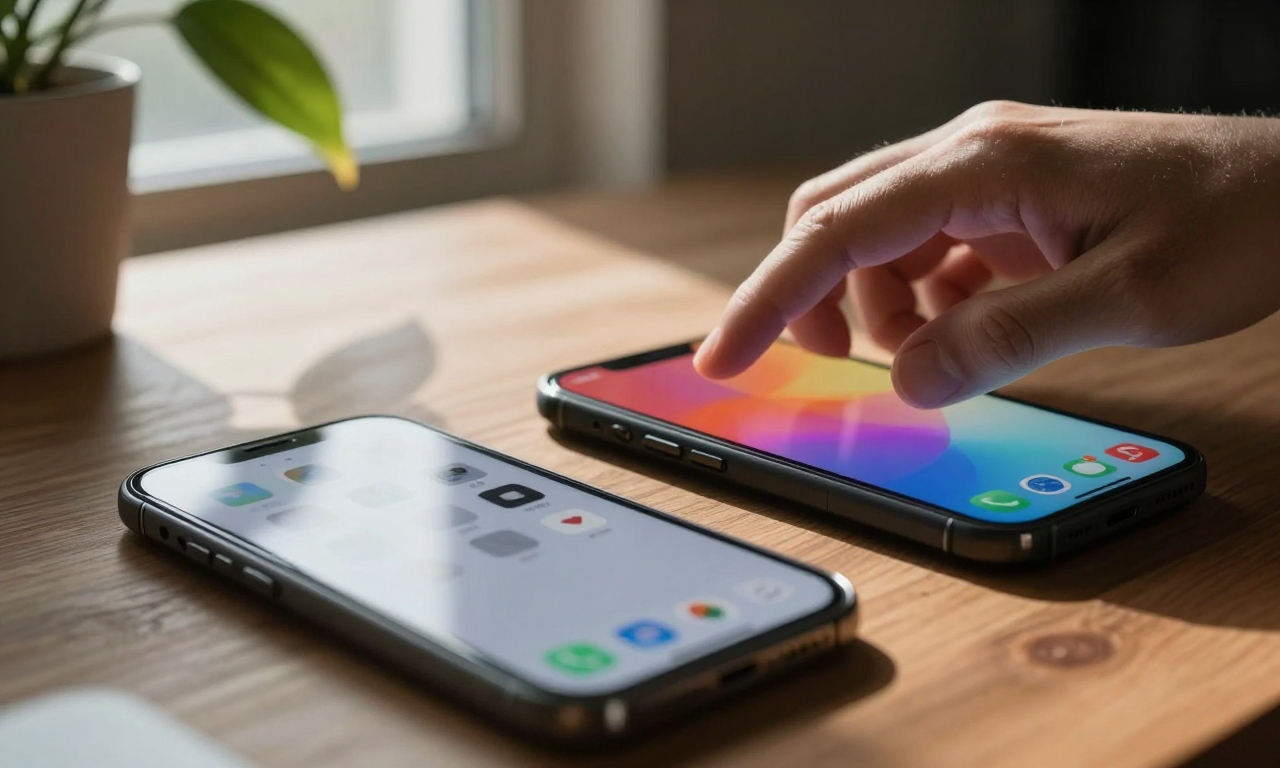
Learning to be a master of the lock screen, the key to it is to comprehend the interplay of various elements. Whereas widgets give at-a-glance information, their effectiveness is enhanced when it is coupled with automation triggers. An example of this is to develop context-based lock screens where the screens change depending on your physical location, time of the day, or activity. Suppose when you come to the office you open your lock screen to a calendar of appointments, a to-do list, and any other application you might need to use in your work, and switch to the fitness tracking and entertainment features on your device when you arrive at the gym.
Another dimension of lock screen functionality that has often been dismissed is third-party app integration. A wide variety of productivity, fitness, and smart home applications have lock screen widgets that enable fast access to vital features. Starting your meditation time or tracking package delivery, these integrations allow spending time without unlocking your device to perform daily chores. It is important to ensure that it uses the widgets that provide real utility but not just superficial information.
The most potent optimization tool of lock screen is automation. And via the Shortcuts app you can make triggers that customize your lock screen based on conditions. A morning app could become a lock screen featuring weather, a news feed, and your day to day schedule and an evening one could be more focused on relaxation material and smart home integrations. These intelligent transitions make sure that your lock screen is always loaded with the most useful information without you having to touch it.
Intuitive Page Viewer and Fast Page viewing
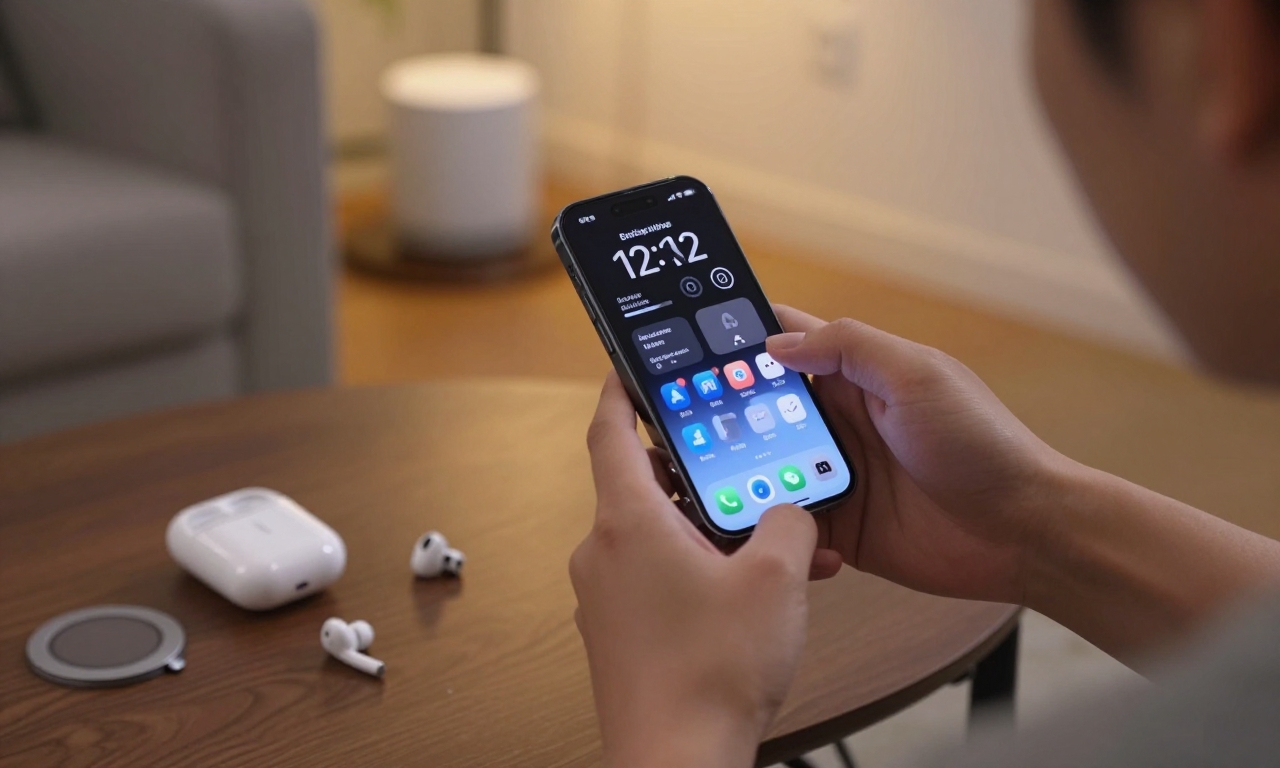
Quick access to common settings is achieved by lock screen quick actions, which allows immediate access to common functionalities without app navigation. In addition to the camera and flashlight shortcuts that most iPhones have, other actions can also be configured in third-party applications and in the system settings. In the case of photographers, it may include which special features of the camera, such as a portrait mode or a night mode. In the case of travelers, it may incorporate translators with haste or a passport. This personalization is also applied to MagSafe accessories, in which compatible chargers and mounts can induce certain lock screen settings.
When you add the corresponding information to thelock screen, battery life optimization is made easier. Accessory indicators that display battery percentages and estimated battery life and accessories connected to the device assist in making informed choices regarding charging decisions. With rapid charging and wireless charging signals, these devices guarantee that you do not experience sudden power run-down. Lock screen settings can also show VPN status, two-factors authentication systems, and security warnings to anyone who cares about their security and privacy.
The combination of iPhone and other Apple devices opens up more opportunities in terms of lock screens. Apple Watch works can display Apple Watch fitness data, AirPods battery status, or iPad syncing on your lock screen. This ecosystem model makes the lock screen a valuable center of your online life, and it offers coordinated information on all your devices. This will help students and professionals to see academic deadlines, meeting alerts, and project updates at a glance.
Context-Aware Lock Screens in Action
Installation of context-aware lock screens can be highly beneficial in terms of productivity, although it needs careful consideration. Begin by determining what you do each day and what information you require the most at each stage. A student may have different lock screens used during study, classes, and social activities with their relevant widgets. The switching-over between these arrangements can be automated grounded on location, time or even Wi-Fi network connections.
Lock screens allow enthusiasts of smart homes to give them immediate control over their environment. When properly configured, lighting, temperature, security, and entertainment systems can be turned on or off with a single tap by the lock screen. This integration counts especially when you come home with hands full or need to make quick changes without necessarily unlocking your device. The lock screen is therefore no longer a passive display of information, but rather a control center of your home.
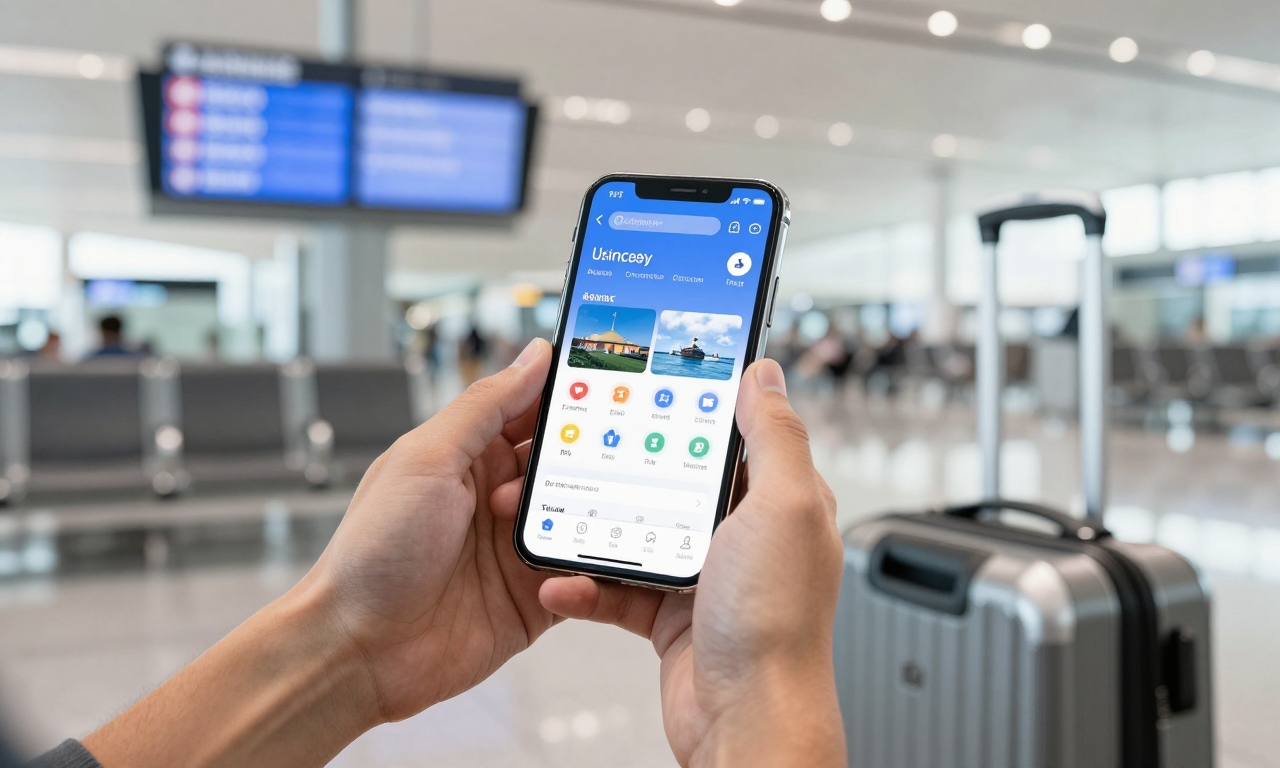
Lock screens designed to accommodate the itinerary are of great benefit to the travelers. Your lock screen can show boarding, terminal maps, and currency conversion services automatically when you are at the airport. In a hotel, it may change into local transportation, reservation information, and translation services. These environmentally aware settings decrease friction on the commute and keep the necessary tools on hand even when in a new setting.
Another example of lock screen customization that can provide tangible rewards is Fitness tracking. Your lock screen can show real-time data about the Apple Watch or other wearables during workouts, including calorie burn, distance covered, and heart rate. After the exercise, it may switch to post-exercise recovery tracking, hydration reminders, and food planning tools. The smooth combination of health tracking and device interface allows a more comprehensive fitness experience.
Optimizing to act as a Specific user
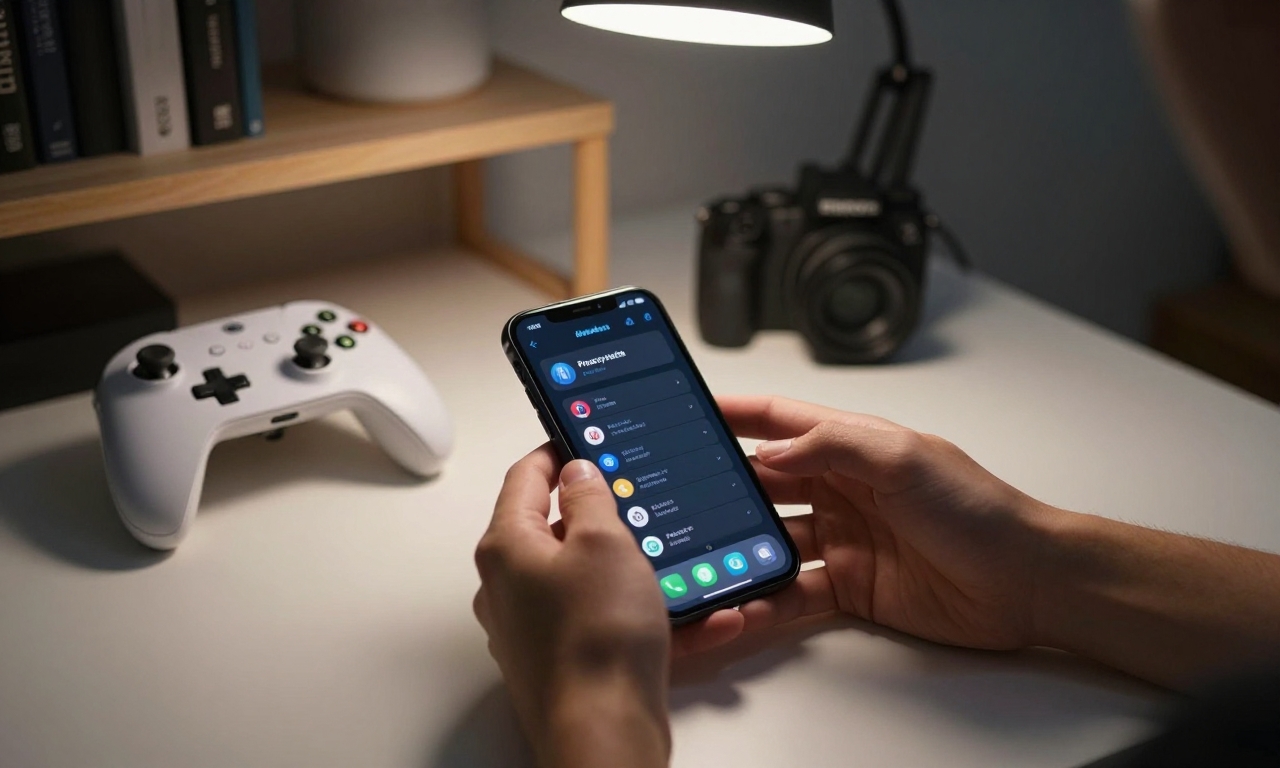
The ISO lock screens customization options allow various users to suit their experiences to their unique needs. Gamers can even set lock screens to show cloud gaming status, controller battery levels, and future game releases. The photography lovers might build an installations with quick camera control, editing hacks and viewing of portfolios. Each setup represents particular requirements without disrupting the essence of the lock screen which is a gateway to information.
When personalizing your lock screen, privacy is an important aspect that needs to be taken into consideration. Although it shows valuable information, it is capable of protecting sensitive data, which must be ensured with well-configured settings. The question of convenience versus security needs to be closely considered, especially when third-party widgets and automation triggers are included. Periodic check of application permissions and data access will facilitate this balance and allow enjoying high levels of customization.
Going forward iOS versions will probably add more lock screen functionality as Apple keeps on perfecting its mobile operating system. The already existing set of features offers enough flexibility to users willing to dig deeper and use capabilities in ways they are not readily available as default settings. Investing time in correct configuration at this time creates a building block that can integrate future improvements without much pain. The development of the lock screen as an effective security barrier to its intelligent interface is one of the most important but underused innovations in iOS.
Finally, learning to use iPhone lock screen functions changes the way you engage with your phone on a daily basis. The efficiencies generated by the shift between passive observers to active participants in information management generate cumulative efficiency with time. Be it productivity, entertainment, fitness or even fulfilling certain professional requirements, such hidden features can be highly customized in a way that a significant number of users have never explored. It is the combination of these features in intelligent ways to create personal, context-sensitive interfaces that, actually, augment your life online in a truly wonderful way.