Follow us on Facebook
Breaking updates in your feed — tap to open
The hype about new tablets over years has been that they would bring about the replacement of the traditional laptops in serious work but the reality has not been fully met to the expectations of the hype. In order to distinguish between fact and fiction, we have performed a thorough one-month every-day test on the latest iPad Pro and Samsung Galaxy Tab S11 Ultra as the main tools of computing. This was not a spec sheet review, or a quick hands-on summary but a on-the-job experience of what efficiency the high-end tablets could be in actual workflows and investigating whether they would support document creation, videoediting, multiple tasks, and professional presentations.
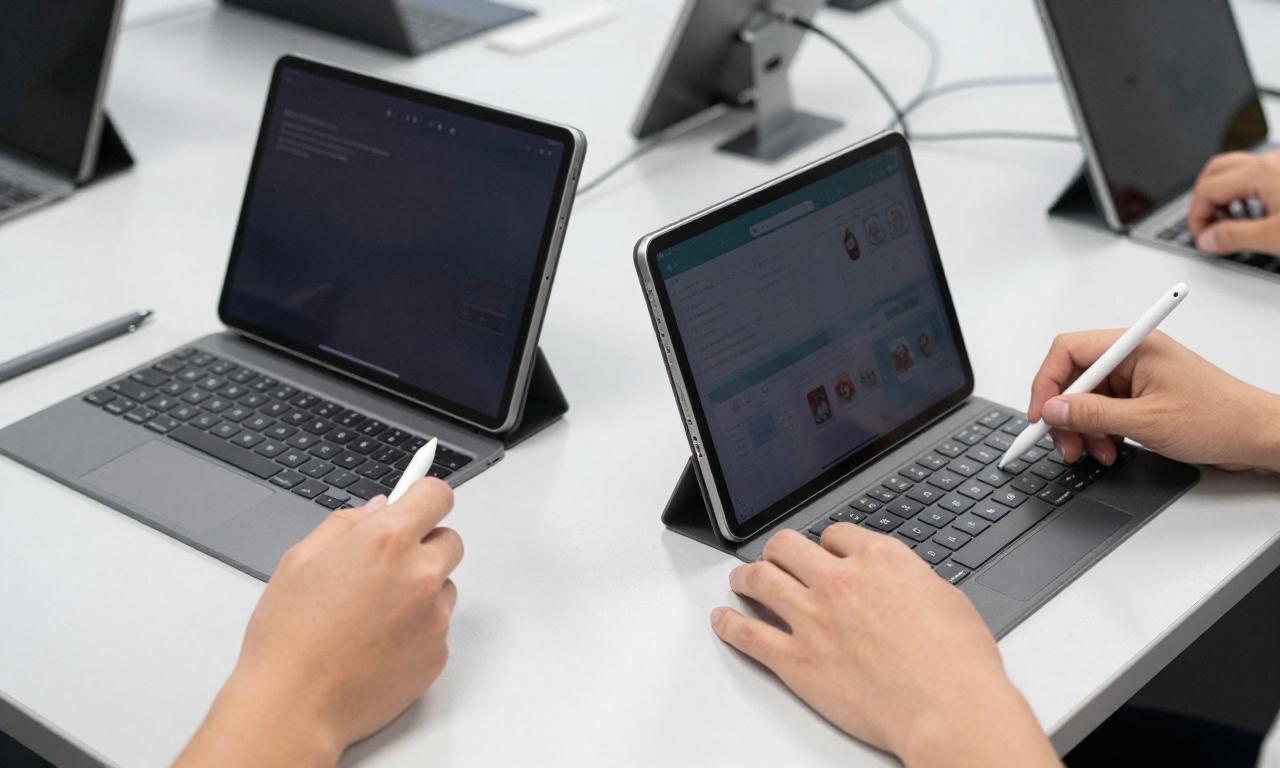
Testing Methodology
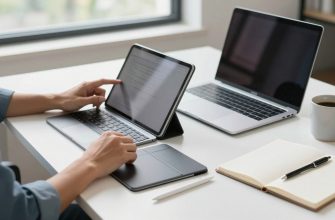
We simply conducted tests, but in a rigorous manner. Each device had the essential keyboard attachment included, (magic keyboard with the iPad Pro) and the Book cover Keyboard on the Galaxy Tab S11 Ultra. We also tried different stylus models such as Apple Pencil and Samsung S Pen to compare the experience of note-taking and creativity. The idea was to repeat the working routine of a usual professional, including e-mail handling, spreadsheet tasks, video conferences, and content-creating activities.
App Compatibility and Ecosystem Integration
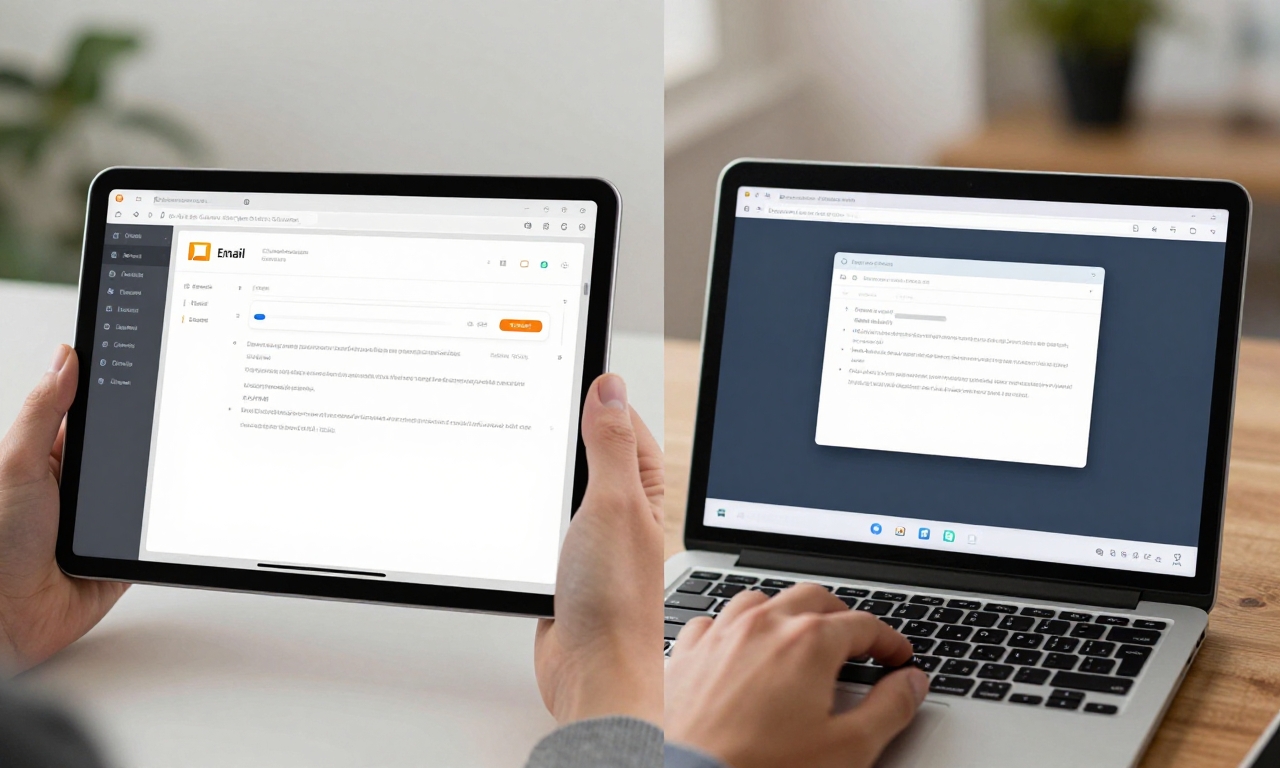
App compatibility is one of the most important aspects of the compatibility of a tablet to replace the laptop. The iPad Pro boasts of the mature Apple ecosystem with numerous professional apps, such as Adobe Photoshop, Final Cut Pro and Microsoft Office, having an extensive tablet version. Within the scope of testing, we have discovered that the majority of productivity applications offered in iPadOS were highly-scaled to fit the tablet operating system, albeit with some more applications yet to debut with support of the sophisticated functionalities that are present in their desktop equivalents. Android-based Galaxy Tab S11 Ultra with DeX interface by Samsung was more complicated. Although Android applications have evolved to a better extent, they are still perceived to be blown-up phone applications and not actually useful productivity tools.
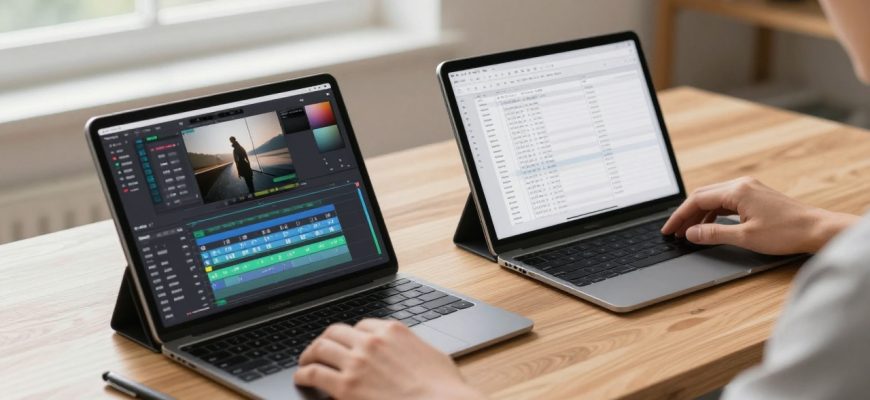
The multitasking functions showed that iPadOS has remarkably higher opportunities in terms of using Split View, Slide Over, and Stage Manager that assist in handling several applications at once. Although these features perform well when it comes to simple multitasking, they may feel limiting to the old system of desktop window hierarchy which most professionals are accustomed to using. The DeX feature on the Galaxy Tab S11 Ultra offers a more conventional desktop experience in connection to an external monitor, full desktop windows (resizable) and a taskbar. Nevertheless, this feature is largely reliant on the app developers to successfully ensure their apps are optimized to work with DeX which has not been available throughout the Android ecosystem.
Accessory Integration and Hardware Requirements
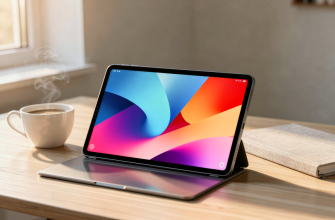
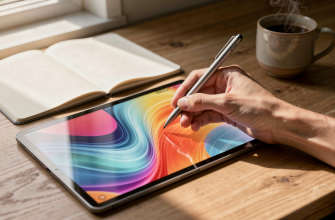
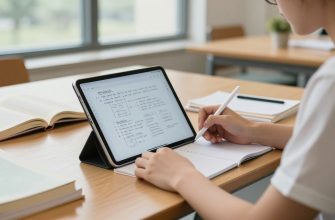
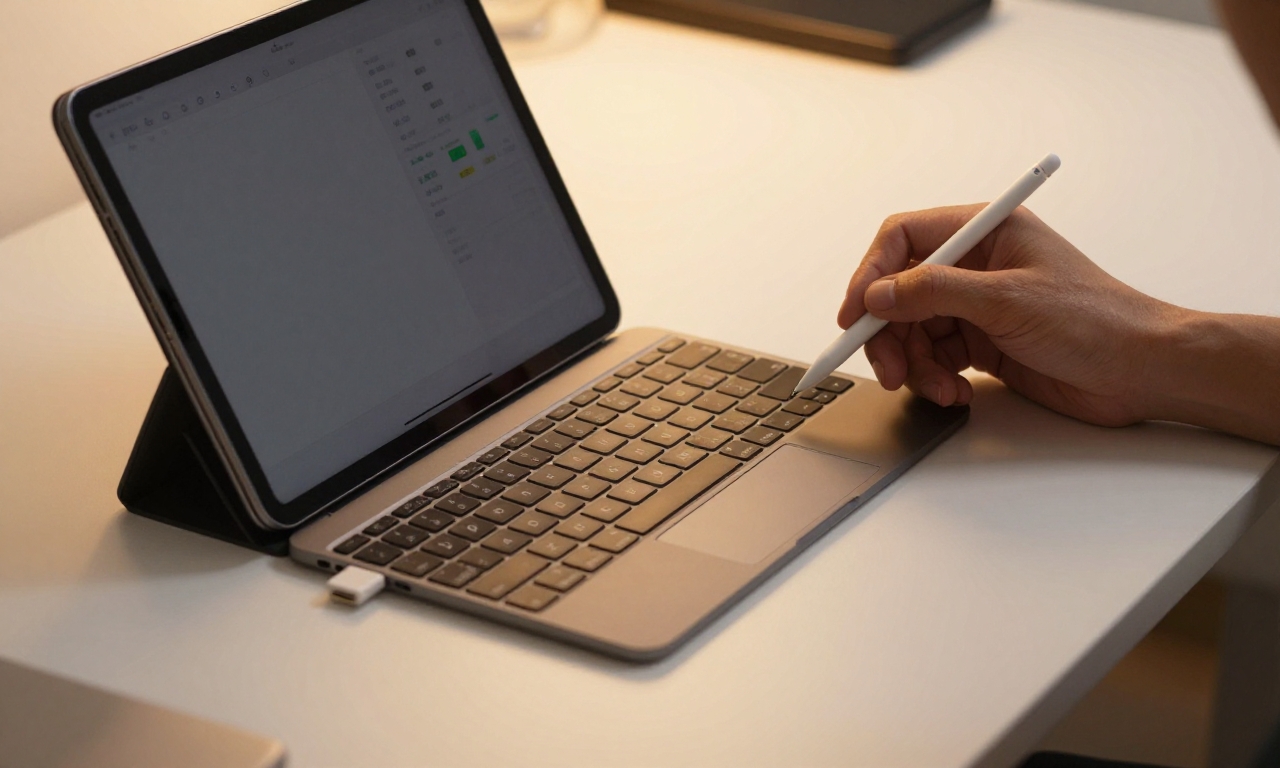
Both tablets are good in the integration of accessories, albeit in different ways. The Magic Keyboard of iPad Pro offers excessively decent typing experience with fair enough key travel and reactive trackpad. The magnetic fixing mechanism is without any problem and there in the floating design the viewing angles are very comfortable. Samsung Galaxy Tab S11 Ultra with Book cover Keyboard is a similar product with an iPad Pro-like functionality with a slightly different style in that the USB cover has a more classic laptop-type hinge, and a full-fledged function row that should be welcome as an added benefit by many productivity users. Both the Apple Pencil and Samsung S Pen are outstanding at stylus input regarding accuracy and latency, and can be used to take notes, draw, and mark up documents.
The battery life was also a major strength of the two devices over the traditional laptops. The iPad Pro, in our experimentation, was able to provide 10-12 hours of mixed usage on a consistent basis whereas the Galaxy Tab S11 Ultra was able to do 11-13 under similar working conditions. This is because such a long battery life allows you to work a complete day without having to find power points- this is a real productivity advantage to a mobile professional. The two tablets are also compatible with rapid charging, but the Galaxy Tab S11 Ultra can charge up to 45W, which provides it with a minor advantage in cases when there is a need to recharge fast between meetings or work shifts.
Efficiency Analysis of Workflow in the Real World
These tablets are best suited at certain workflow scenarios. To content creators, the iPad Pro is a revelation to the high-end mobile editing station as it comes with robust hardware and refined creative application. The ease of working with 4K footage in LumaFusion will satisfy the video editors, and photographers will be able to perform precise changes on Lightroom with the Apple Pencil. Galaxy Tab S11 Ultra stands out in other fields, especially in business individuals who have the need to operate numerous productivity features at the same time. Its DeX mode, which can connect to an external monitor, will give it a truly desktop experience that can support complicated spreadsheet work, document comparison, and research effectively.
Connection and file management is another point in which tablets have always been disadvantaged by laptops. The Files application used in the iPad Pro has been enhanced within the recent years and has become more integrated with the use of cloud services and external storage devices. Nevertheless, it is yet to be as flexible as a classical file system, which might be annoying to use when dealing with complicated folder hierarchy or different types of files. The Galaxy Tab S11 Ultra has the more conventional file management technology of using the Android system, with the hold experience differing according to the case whether you are using standard Android mode or the DeX interface available on Samsung. The two devices are also equipped with USB-C ports, which have more the ability to easily connect external displays, storage and other peripherals.
The Verdict: Are Tablets Replacements of Laptops?
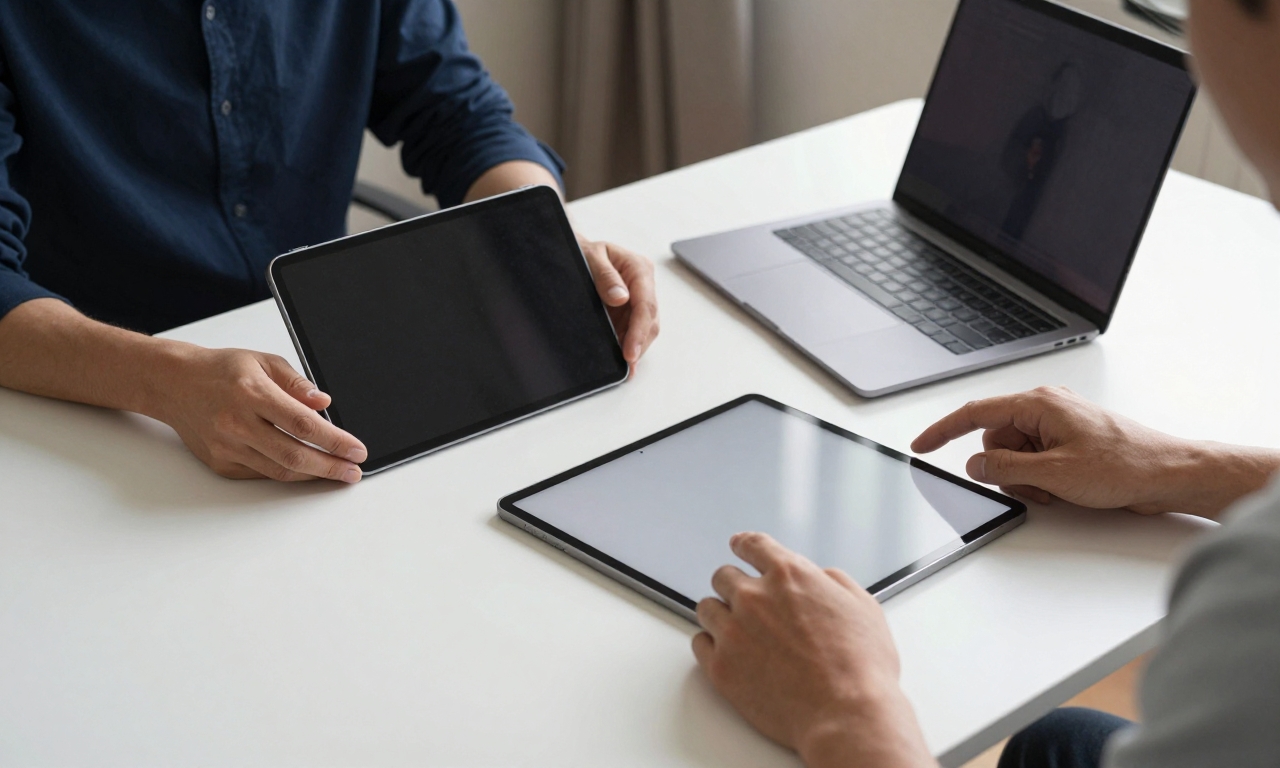
Our conclusion is subtle- after a month of strenuous testing. Alternatively, both iPad Pro and Galaxy Tab S11 Ultra can become an honest alternative to a traditional laptop depending on the user and the processes they are performing. iPad Pro is excellent among the creative professionals, students, and those heavily committed to Apple eco-system and work mostly with streamlined applications. It has strong technological capabilities, outstanding integration of add-ons, and a developed apps platform that makes it a very attractive option to individuals whose profession suits it. Galaxy Tab S11 Ultra has a more varied value proposition especially to the business users who require desktop multitasking abilities but prefer less strict file management system offered by Android.
Nonetheless, not every person can use either of the devices as a laptop replacement. Tablets will be restrictive to professionals that use highly specialized desktop applications, intricate code editors or tools that conduct advanced data analysis. The keyboard accessories are also great, but they cannot stand against the typing experience when using a good laptop keyboard when it comes to long writing periods. The tablet form factor in itself also offers some ergonomic difficulty in all-day operation especially when it is contrasted with a laptop with more adjustable display and better thermal conductivity.
It’s all a matter of what you need and the way you work, it is until now that you can assert that a tablet is worth replacing your laptop. When the function of your work lies mostly in web browsing, email, document creation, video conferencing and content consumption with infrequent content creation, then either of these premium tablets may be your first choice of work computer. A classic laptop is still more appropriate in the case of more proactive professional processes, which presuppose custom software or multitasking. The positive thing is that tablets have gotten incredibly close to living up to their promise of replacing laptops, and to a sufficient number of users, tablets have since become an option that is 100 percent as portable as it is longer and has a better battery life without much of a loss in productivity.