Follow us on Facebook
Breaking updates in your feed — tap to open
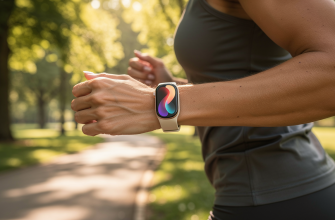
When Apple announced the Apple Watch Ultra 3, many enthusiasts expected revolutionary changes. Instead, what we got is a device that looks nearly identical to its predecessor, feels the same on the wrist, and offers mostly familiar features. But there’s one area where the Ultra 3 delivers a genuinely transformative improvement: battery life. After extensive real-world testing, we’ve discovered that this single enhancement might be the only reason certain users should consider upgrading from the Ultra 2.
As wearable technology continues to evolve, battery life remains the holy grail for most users. The Apple Watch Ultra 3 finally makes meaningful progress in this department, delivering over four days of normal use on a single charge in our testing. This isn’t just a minor improvement-it fundamentally changes how you interact with your smartwatch, reducing charging anxiety and potentially extending the device’s overall lifespan through fewer annual charge cycles.

- The Battery Life Breakthrough: More Than Just Numbers
- Design and Hardware: Familiar Territory
- The Same Rugged Package
- Display Improvements: Subtle but Noticeable
- New Features That Don’t Justify an Upgrade
- Satellite Connectivity: Niche at Best
- 5G Capability: Limited Practical Benefit
- Other Minor Updates
- The Setup Experience: A Rocky Start
- Who Should Actually Upgrade to the Ultra 3?
- Performance and Daily Use
- The Bottom Line: A Single-Feature Upgrade
The Battery Life Breakthrough: More Than Just Numbers
Let’s start with the most important finding from our testing: the Apple Watch Ultra 3 consistently delivered between 103 and 106 hours of normal use on a single charge. That’s more than four days of typical usage including notifications, workout tracking, sleep monitoring, and regular app use. This performance significantly exceeds Apple’s official 42-hour claim and represents a substantial improvement over the Ultra 2’s real-world performance.
What makes this battery life improvement so significant? Consider these practical implications:
- Weekend Worry-Free: You can now leave for a long weekend without packing a charger
- Reduced Charging Cycles: Fewer charges per year could potentially extend the battery’s long-term health
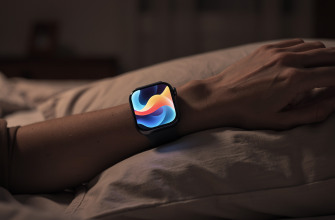
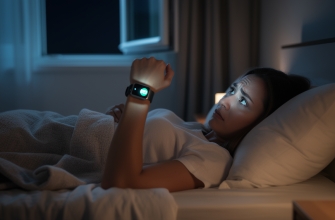
- Sleep Tracking Consistency: No more skipping sleep tracking because you need to charge overnight
- Travel Convenience: International travelers can go multiple days without hunting for outlets
This battery improvement comes from underlying upgrades to both the screen technology and the new S10 chip. While Apple hasn’t provided detailed specifications about battery capacity increases, the efficiency gains are immediately noticeable in daily use.
Design and Hardware: Familiar Territory
The Same Rugged Package
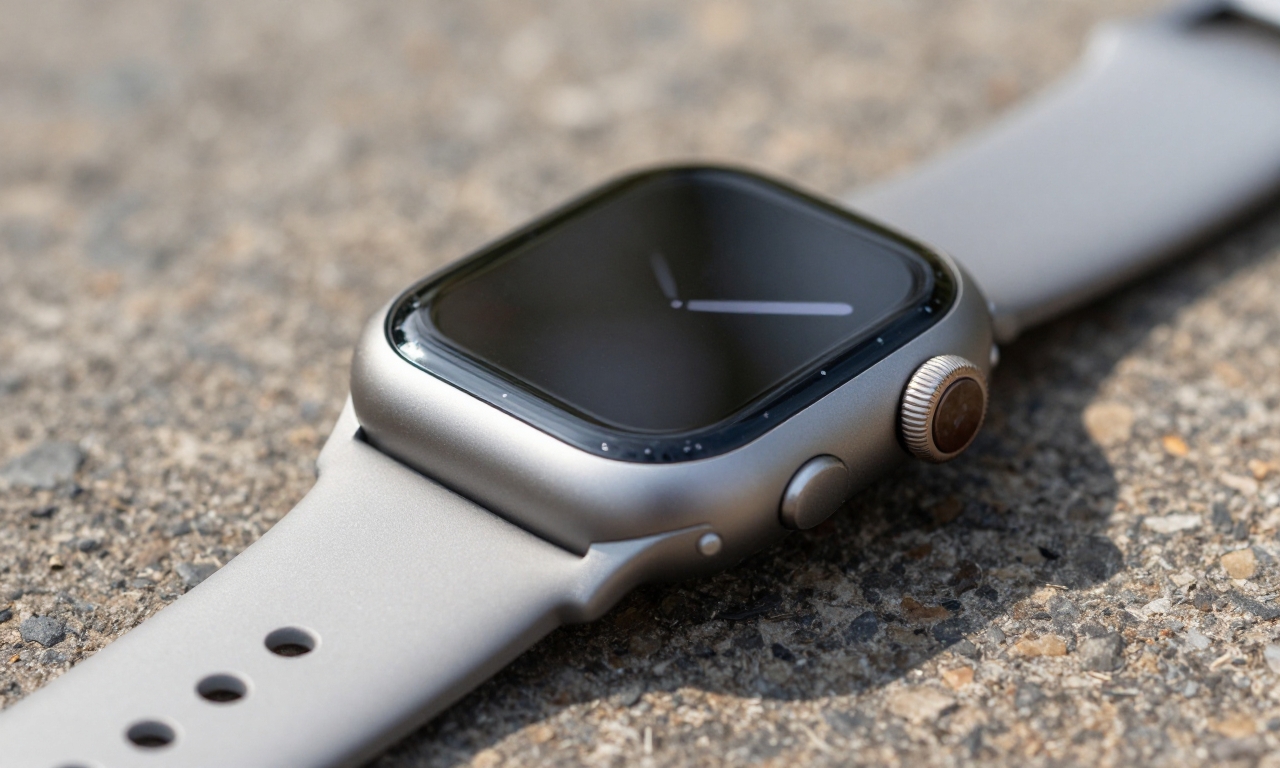
If you’re hoping for a redesigned Apple Watch Ultra, you’ll be disappointed. The Ultra 3 maintains the same 49mm titanium case, the same rugged design language, and the same overall dimensions as the Ultra 2. This isn’t necessarily a bad thing-the Ultra 2’s design was already excellent for its intended audience of outdoor enthusiasts and athletes.
The familiar features remain:
- Titanium construction for durability and lightweight comfort
- Water resistance up to 100 meters
- Action button for quick access to workouts or custom functions
- Dual speakers for clear audio in loud environments
Display Improvements: Subtle but Noticeable
The Ultra 3 features what Apple calls an LTPO 3 display. In practical terms, this means slightly better brightness in direct sunlight and marginally improved power efficiency. While the difference isn’t dramatic, it contributes to that impressive battery life we discussed earlier.
New Features That Don’t Justify an Upgrade
Apple has added several new features to the Ultra 3, but in our testing, none of them provide compelling reasons to upgrade from the Ultra 2 on their own.
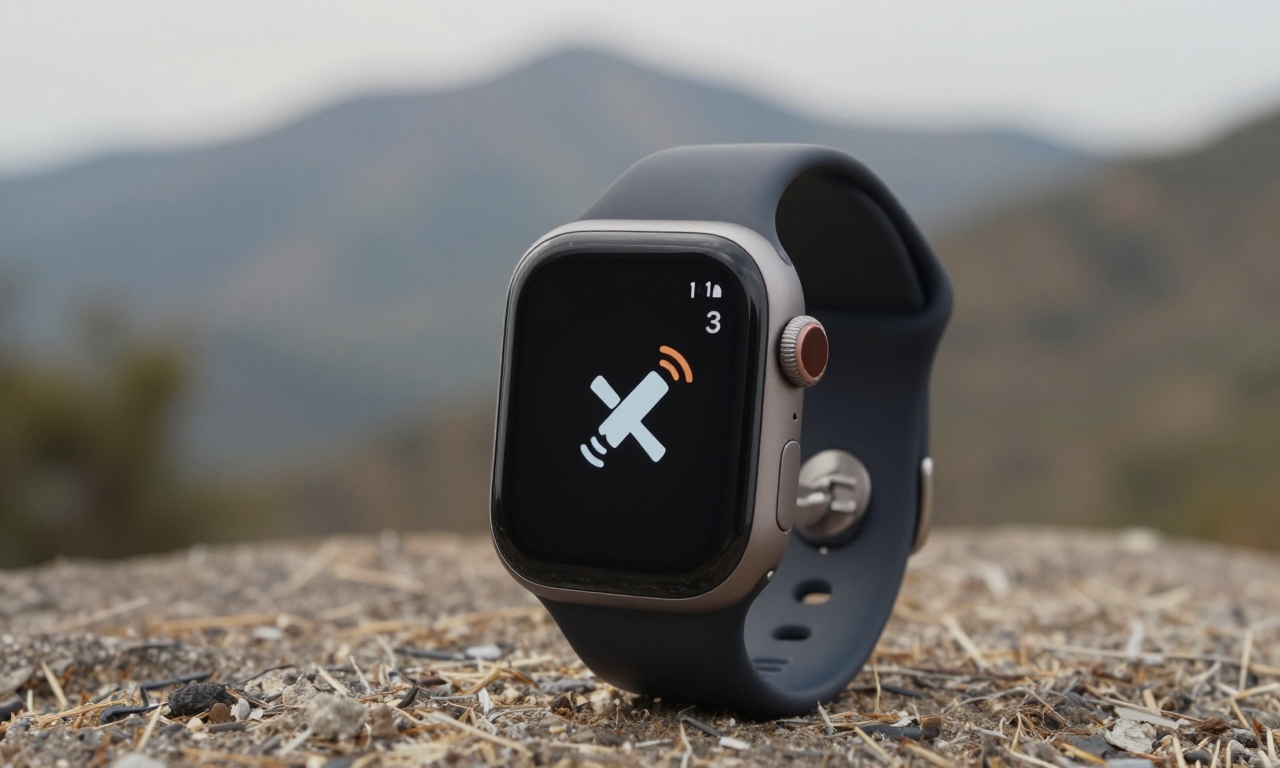
Satellite Connectivity: Niche at Best
The addition of satellite connectivity sounds impressive on paper, allowing you to send emergency messages when you’re outside cellular coverage. However, this feature has significant limitations:
- Only works for emergency SOS messages, not regular communication
- Requires clear view of the sky
- Most users will never need this capability
5G Capability: Limited Practical Benefit
While 5G cellular connectivity is technically an upgrade, the reality is that most Apple Watch users don’t heavily rely on standalone cellular functionality. The battery drain of 5G also somewhat undermines the device’s battery life improvements when cellular is active.
Other Minor Updates
The Ultra 3 includes several other small improvements that existing Ultra 2 owners might not even notice:
- Marginally faster processor performance
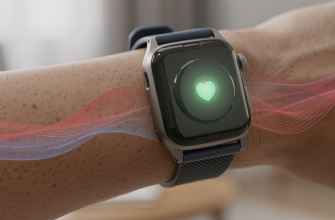
- Slightly improved sensors
- New watch faces exclusive to the Ultra 3
None of these features, either individually or collectively, justify the upgrade cost for most users.
The Setup Experience: A Rocky Start
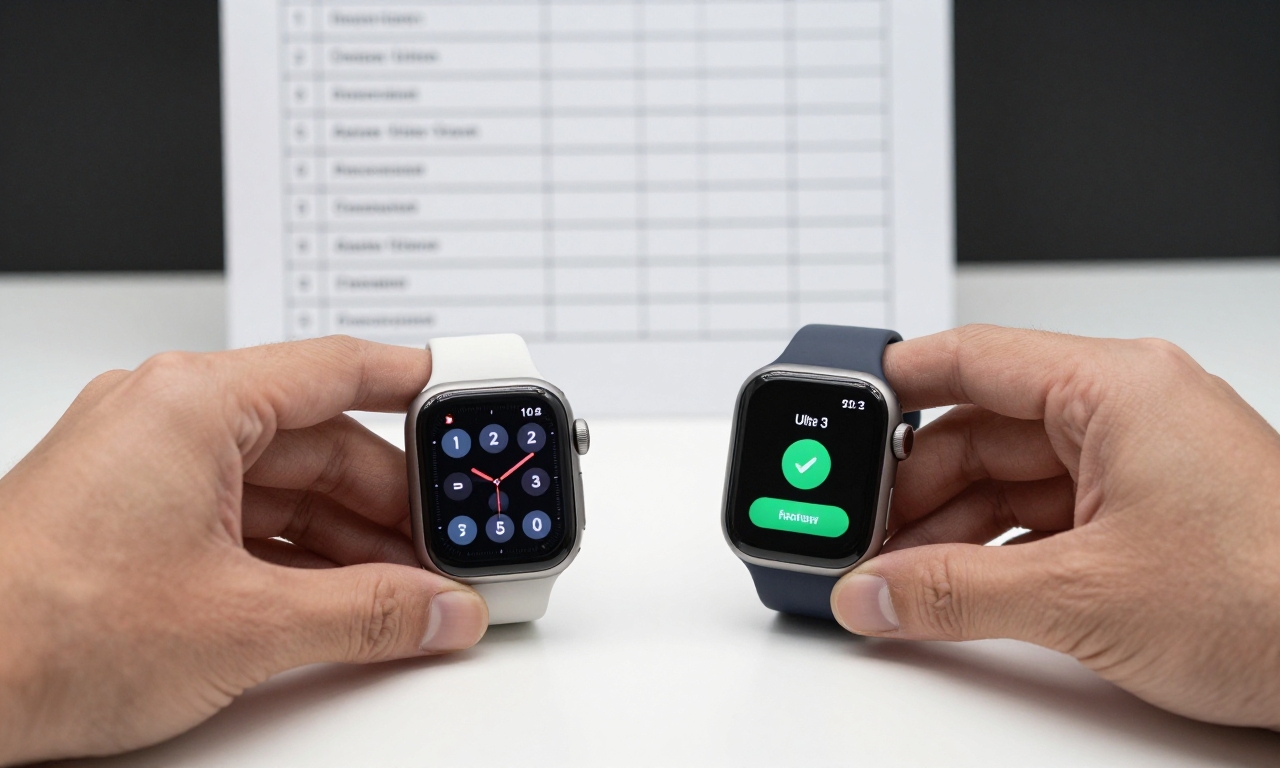
Our review unit presented an unexpected challenge during setup. When attempting to migrate data from an Ultra 2 to the Ultra 3, we experienced multiple failed pairing attempts. The process required:
- Three separate attempts to establish a connection
- Complete reset of both devices
- Manual re-pairing instead of using the migration tool
This experience highlights ongoing issues with Apple’s software reliability, particularly during device transitions. While most users will eventually get their Ultra 3 set up properly, the process shouldn’t be this frustrating for a premium product.
Who Should Actually Upgrade to the Ultra 3?
The Apple Watch Ultra line already targets a niche market of serious athletes, outdoor enthusiasts, and users who prioritize durability and battery life over fashion. The Ultra 3 appeals to an even smaller subset within this niche.
Consider upgrading if:
- You’re an existing Ultra 2 owner for whom battery life is the absolute top priority
- You regularly take multi-day trips without reliable charging access
- You’re a new Ultra buyer deciding between the Ultra 2 and Ultra 3
Stick with your Ultra 2 if:
- You’re satisfied with your current battery performance
- Satellite connectivity and 5G aren’t important to your use case
- The cost of upgrading outweighs the single benefit of better battery life
Performance and Daily Use
In everyday use, the Ultra 3 performs identically to the Ultra 2 in most respects. Apps launch just as quickly, notifications arrive promptly, and workout tracking remains accurate and comprehensive. The real difference emerges in battery performance patterns:
| Usage Scenario | Ultra 2 Performance | Ultra 3 Performance |
|---|---|---|
| Normal daily use | 2-2.5 days | 4+ days |
| With GPS workouts | 1.5-2 days | 3-3.5 days |
| Sleep tracking only | 3-4 nights | 6+ nights |
These improvements are substantial and meaningful for users who push their devices to the limit.
The Bottom Line: A Single-Feature Upgrade
The Apple Watch Ultra 3 is essentially an Ultra 2 with superior battery endurance. While this might sound like faint praise, the reality is that battery life is the single most requested improvement for smartwatches, and Apple has delivered it in a meaningful way.
The Ultra 3 proves that sometimes, doing one thing exceptionally well is more valuable than adding multiple mediocre features.
For the vast majority of Apple Watch users-even those in the Ultra line-the Ultra 2 remains an excellent device that will serve them well for years to come. But for that specific group of users who have been waiting for true multi-day battery life in a premium smartwatch, the Ultra 3 finally delivers what they’ve been asking for.
Ultimately, your upgrade decision comes down to this: Is dramatically improved battery life worth the cost of upgrading? For most, the answer will be no. But for those who value this single enhancement above all others, the Ultra 3 represents the best Apple Watch ever made for endurance and reliability.