Follow us on Facebook
Breaking updates in your feed — tap to open
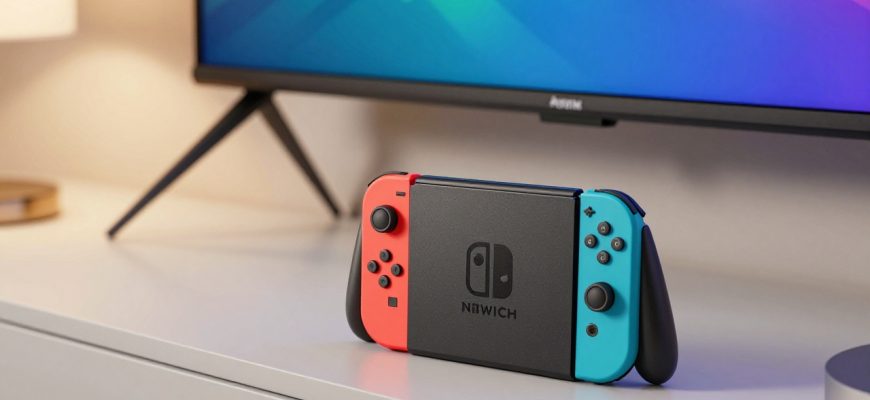
When Nintendo first introduced the Joy-Con Charging Grip for the original Switch, many gamers dismissed it as an unnecessary $30 cash grab. With Joy-Cons boasting a 20-hour battery life and alternatives like the Pro Controller available, the accessory seemed redundant at best. Fast forward to the Nintendo Switch 2 era, and the story has changed dramatically. Priced at $40, the new Joy-Con Charging Grip isn’t just an incremental update-it’s a complete reimagining that addresses previous criticisms while adding genuinely useful features. This isn’t just another accessory; it’s a thoughtful enhancement that bridges the gap between casual and competitive gaming.
At Future Gatgets, we’ve tested countless gaming accessories, from high-end controllers to budget alternatives. The evolution of the Switch 2 Charging Grip represents something significant in the gaming accessory space: a company listening to feedback and delivering meaningful improvements. What was once borderline wasteful has become a functional, value-packed addition to your gaming setup. Let’s dive into why this $40 accessory might be one of the smartest purchases for Switch 2 owners.
- From Skepticism to Solution: The Charging Grip’s Evolution
- Game-Changing Features: Customizable Back Buttons
- Software Mapping and Customization
- Comparison to Competitor Solutions
- Smart Charging and Battery Management
- Wired Connection Advantages
- Maximizing Playtime and Performance
- Design and Comfort Improvements
- Joy-Con 2 Compatibility
- Portability and Convenience
- Value Proposition and Final Verdict
- Who Should Buy It?
- The Bottom Line
From Skepticism to Solution: The Charging Grip’s Evolution
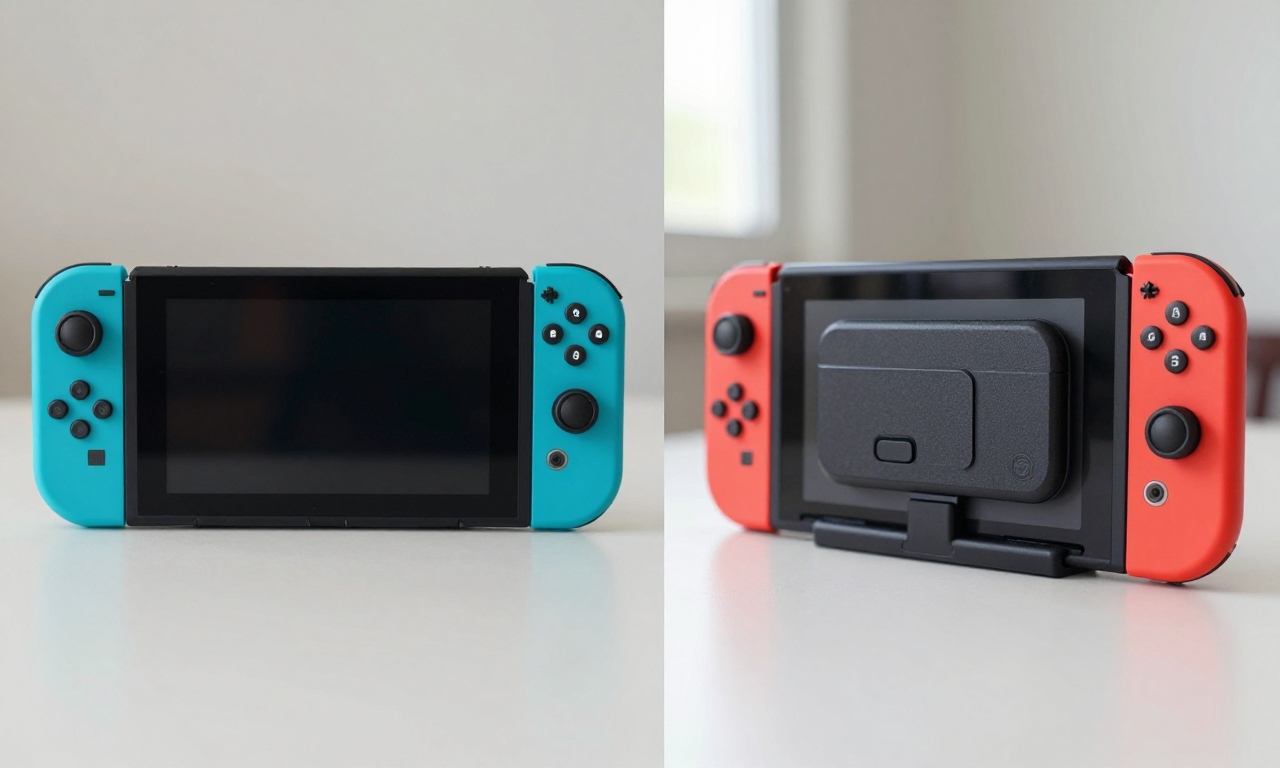
The original Joy-Con Charging Grip faced justified criticism. For $30, it offered basic charging functionality while your Joy-Cons were docked, but with the controllers already lasting up to 20 hours on a single charge, the value proposition was weak. Many gamers opted for third-party charging docks or simply relied on the console’s charging capabilities. The accessory felt like a solution in search of a problem, especially when compared to more versatile options like the Pro Controller.
With the Switch 2, Nintendo has fundamentally rethought the Charging Grip’s purpose. The $40 price tag now brings tangible benefits that extend beyond mere charging. The Joy-Con 2 controllers themselves are larger and more feature-rich, making a dedicated grip more appealing for extended gaming sessions. More importantly, Nintendo has looked at what competitors like Sony and Microsoft have done with back-button attachments and premium controllers, then created a more accessible version. This isn’t just catching up-it’s refining the concept for the Switch ecosystem.
The transformation speaks to a broader trend in gaming accessories: moving from optional extras to performance enhancers. Just as smartphone manufacturers have turned cases into functional accessories with features like MagSafe compatibility, Nintendo has evolved the Charging Grip from a simple dock to a gaming tool. The result is an accessory that feels essential rather than optional, especially for gamers who want to maximize their Switch 2 experience.
Game-Changing Features: Customizable Back Buttons
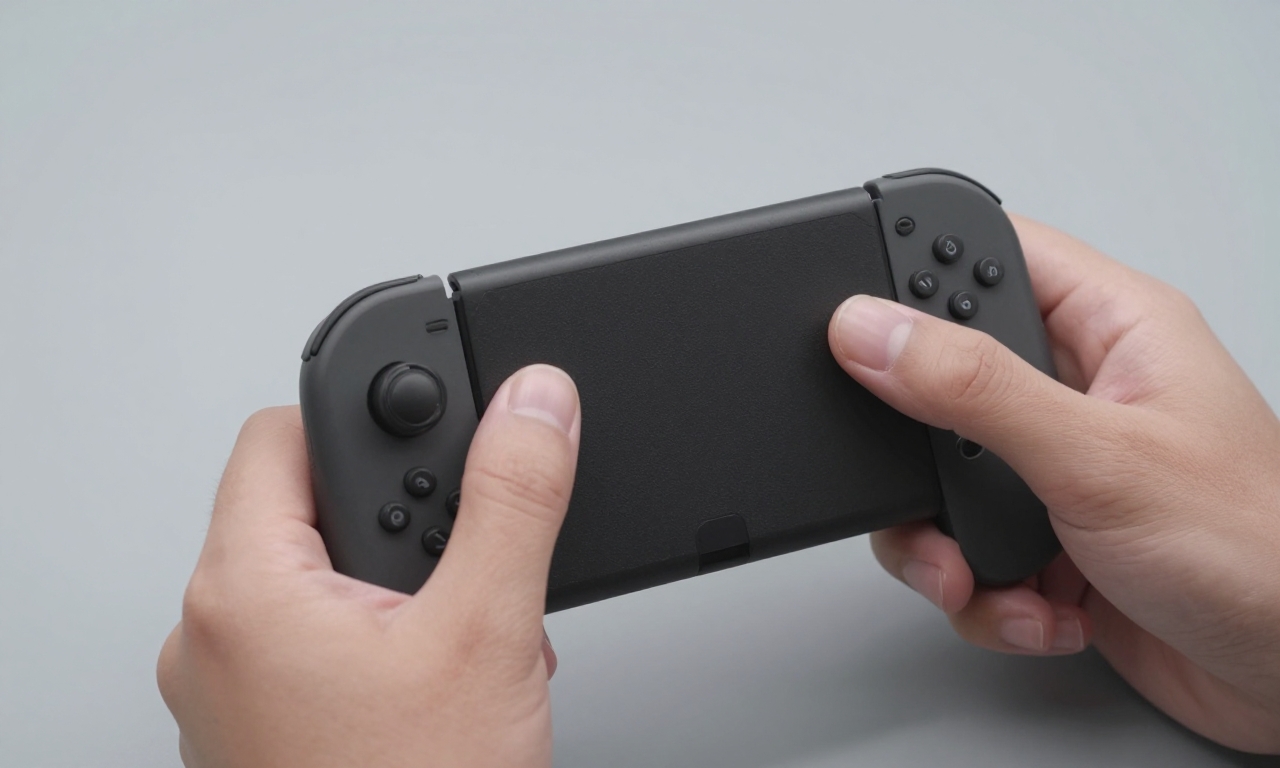
The most significant upgrade in the Switch 2 Charging Grip is the addition of two customizable rear buttons. These aren’t just tacked-on features; they’re seamlessly integrated into the grip’s design, maintaining the comfortable ergonomics that made the original grip popular. The buttons are positioned naturally where your middle fingers rest, allowing for intuitive use without compromising grip comfort.
Software Mapping and Customization
Through the Switch 2’s software interface, you can map these back buttons to any function you choose. Want to assign jump or reload to a back button? It takes just seconds in the settings menu. This level of customization was previously only available on premium controllers from competitors, often at much higher price points. The implementation here is surprisingly robust, with options for different profiles that you can switch between depending on the game you’re playing.
In action, these back buttons provide genuine gameplay advantages. Take a game like Donkey Kong Bananza-with platforming that requires precise timing, having jump mapped to a back button can make complex maneuvers easier to execute. It’s similar to the advantage PC gamers have with additional mouse buttons, bringing that level of control to console gaming without the complexity.
Comparison to Competitor Solutions
Sony’s PS4 Back Button Attachment pioneered this concept for mainstream consoles, but Nintendo’s implementation improves upon it in key ways. The Switch 2 Charging Grip’s buttons are more comfortable for extended use, with a softer actuation that reduces finger fatigue. The integration feels more natural too-unlike Sony’s attachment, which sometimes feels like an add-on, Nintendo’s buttons are part of the grip’s core design.
Compared to Microsoft’s Elite controllers, which can cost over $150, the $40 Switch 2 Charging Grip offers similar back-button functionality at a fraction of the price. While it doesn’t have all the premium features of an Elite controller, it delivers the most important one for most gamers: additional inputs without breaking the bank.
Smart Charging and Battery Management
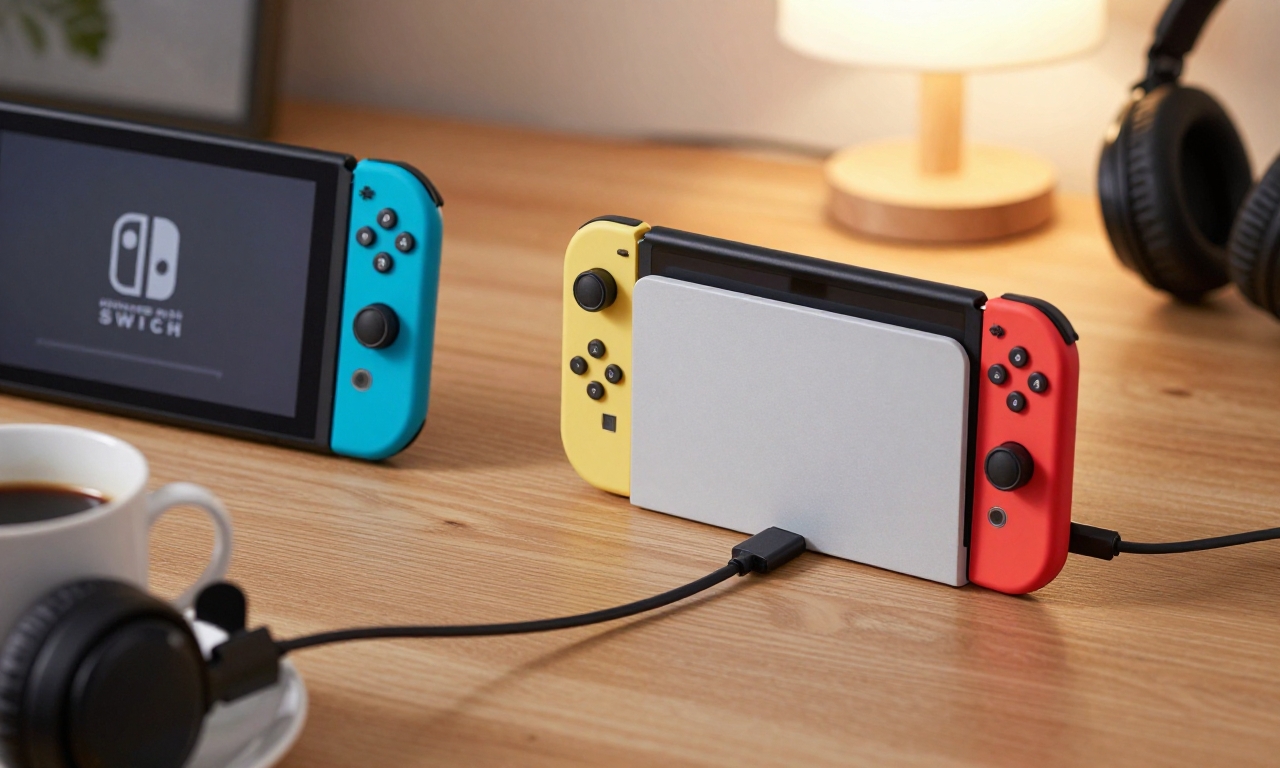
While the back buttons get most of the attention, the charging functionality has also seen meaningful improvements. The Switch 2 Charging Grip now works intelligently with the console’s Battery Protection mode, ensuring your Joy-Con 2 controllers are always ready for action.
Wired Connection Advantages
When connected via USB-C, the Charging Grip provides a wired connection to your Switch 2 console. This isn’t just about charging-it’s about performance. Wired connections eliminate input lag, which can be crucial in competitive gaming situations. For games where every millisecond counts, this wired option gives you an edge over wireless connections.
The charging itself is more efficient too. With Battery Protection mode active on your Switch 2, the Charging Grip will fully charge your Joy-Con 2 controllers while preventing overcharging that can degrade battery health over time. This smart charging approach extends the overall lifespan of your controllers, protecting your investment.
Maximizing Playtime and Performance
Even with improved battery life in the Joy-Con 2 controllers, marathon gaming sessions can still drain power. The Charging Grip ensures you never have to pause your gaming to charge controllers separately. Simply dock them in the grip when you take a break, and they’ll be ready for your next session. For gamers who frequently play in TV mode, this convenience is invaluable.
The grip also addresses a common complaint about the original Switch: the inability to charge Joy-Cons while using them in handheld mode. With the Switch 2 Charging Grip, you can play in tabletop mode with the grip attached, charging as you play. This flexibility means you’re never tethered to a specific play style due to battery concerns.
Design and Comfort Improvements
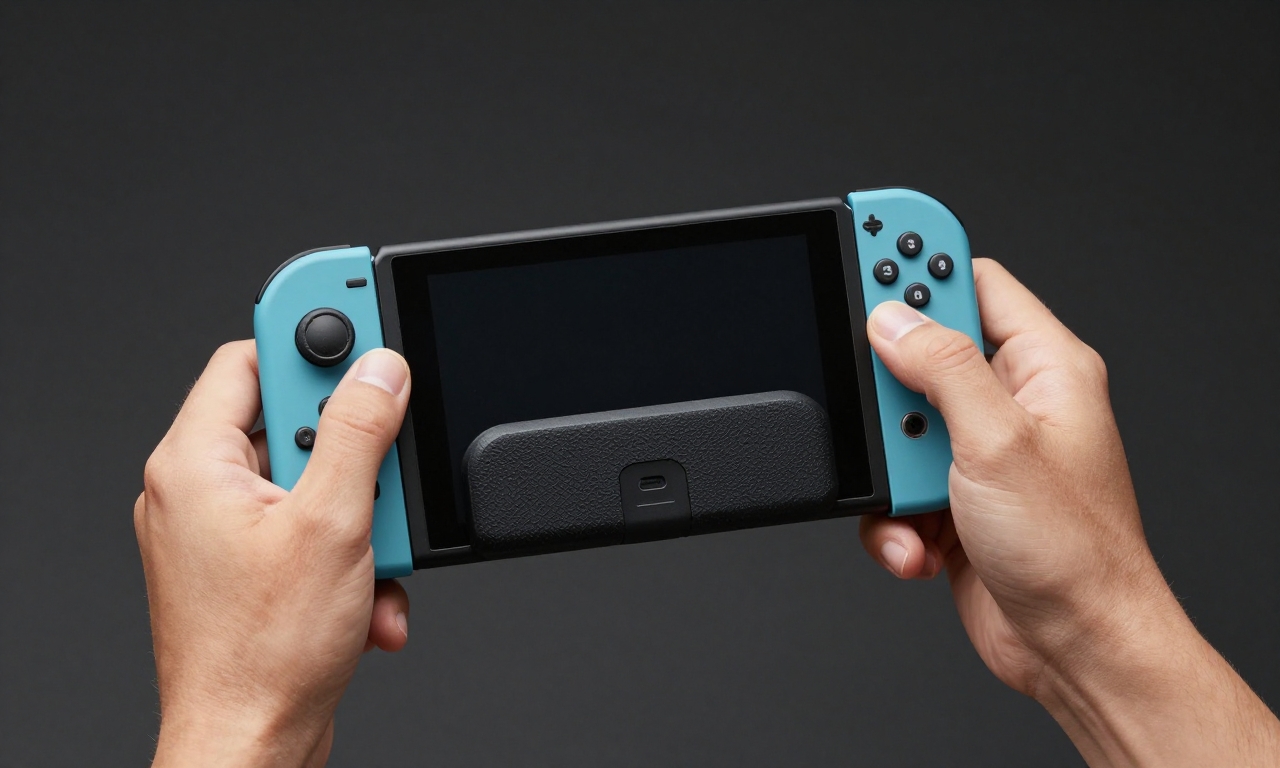
Nintendo hasn’t just added features-they’ve refined the entire design. The Switch 2 Charging Grip feels more substantial in hand, with contours that better fit adult hands during extended play sessions. The materials have been upgraded too, with a slightly textured finish that provides better grip without being abrasive.
Joy-Con 2 Compatibility
The larger size of the Joy-Con 2 controllers necessitated design changes to the Charging Grip. The result is a more balanced feel that doesn’t strain your wrists during long gaming marathons. The grip distributes weight more evenly than the original, reducing fatigue in games that require constant motion controls or precise inputs.
Despite the additional features, the Charging Grip maintains the simplicity that Nintendo is known for. Installation is straightforward-just slide your Joy-Con 2 controllers into place-and there are no complicated setup procedures. The back buttons work immediately once mapped, with no additional drivers or software needed beyond the Switch 2’s built-in settings.
Portability and Convenience
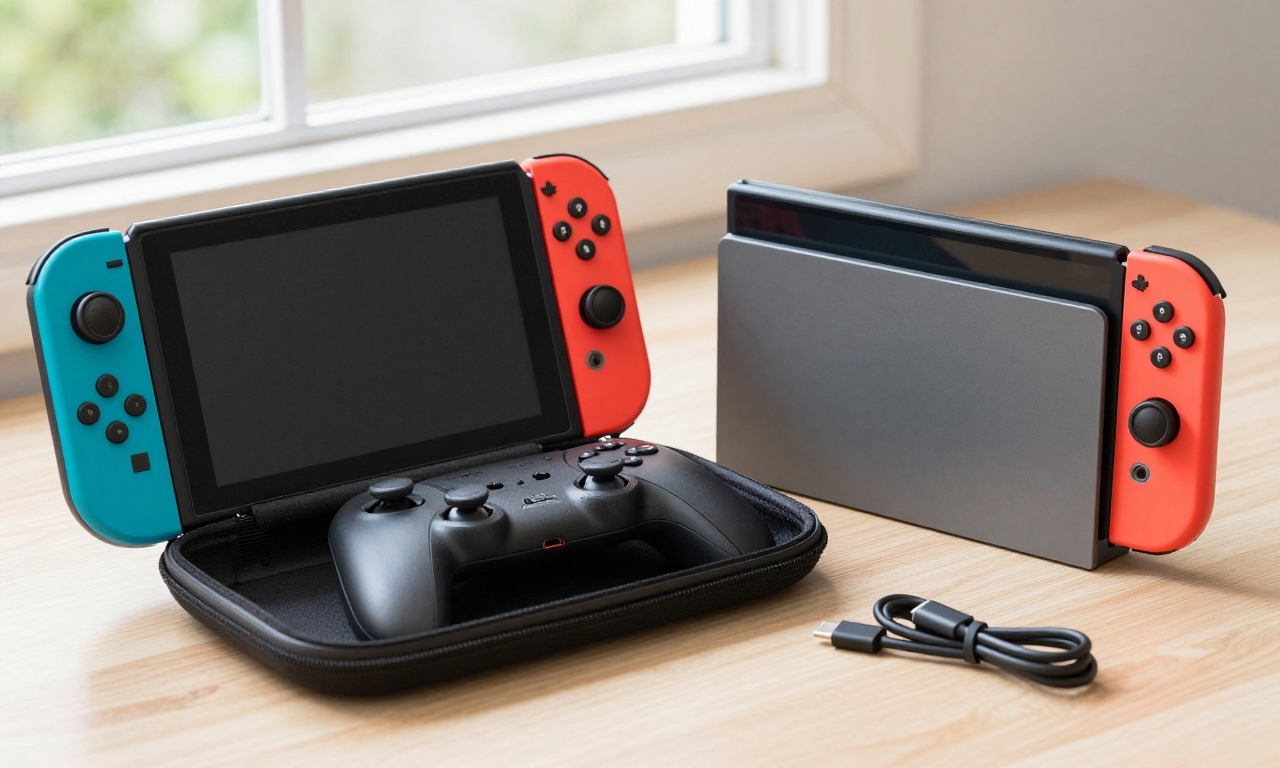
For gamers who travel with their Switch 2, the Charging Grip offers excellent portability. It’s slim enough to fit in most carrying cases alongside the console, and the USB-C connection means you can charge it with the same cable you use for the Switch 2 itself. This reduces cable clutter and makes it easier to keep your entire setup organized.
The grip also serves as a protective case when not in use. With Joy-Con 2 controllers attached, the entire unit is more resistant to bumps and scratches than loose controllers would be. This dual functionality-charging station and protective case-adds to the overall value proposition.
Value Proposition and Final Verdict
At $40, the Switch 2 Joy-Con Charging Grip represents exceptional value in the gaming accessory market. Consider what you’re getting: customizable back buttons that can improve your gameplay, smart charging that extends battery life, a comfortable ergonomic design, and wired performance benefits. When you compare this to $150+ premium controllers or even $30-40 back-button attachments for other systems, the value becomes clear.
Who Should Buy It?
Competitive Gamers: The back buttons and wired connection provide tangible advantages in games where reaction time matters.
Marathon Players: If you regularly have gaming sessions lasting several hours, the charging functionality ensures you never run out of power.
Comfort Seekers: The improved ergonomics make extended play more comfortable, especially for those with larger hands.
Value-Conscious Gamers: Compared to premium controller options, this offers similar core functionality at a much lower price point.
The Bottom Line
The Nintendo Switch 2 Joy-Con Charging Grip has completed a remarkable transformation. What began as a questionable accessory has evolved into a thoughtfully designed tool that enhances the gaming experience in multiple ways. Nintendo has effectively adopted a concept pioneered by others-back buttons-and integrated it seamlessly into their ecosystem while adding smart charging features that address real user needs.
For Switch 2 owners looking to elevate their gaming, this $40 accessory is no longer an optional extra-it’s a worthwhile investment that pays dividends in improved gameplay, convenience, and comfort. It demonstrates how listening to user feedback and thoughtfully iterating on existing products can turn skepticism into satisfaction. In a market filled with overpriced gaming accessories, the Switch 2 Charging Grip stands out as a genuinely useful addition that justifies its price tag through functionality rather than flash.
As gaming continues to evolve, accessories like this show that sometimes the most impactful improvements come not from reinventing the wheel, but from refining it to roll smoother. The Switch 2 Joy-Con Charging Grip may not be the flashiest accessory, but it might just be one of the most practical additions to your gaming setup.