Follow us on Facebook
Breaking updates in your feed — tap to open
When Samsung delivered the news of the Galaxy Tab A11+ as their newest low-price tablet, most of the students and teachers were left wondering whether it had the capacity to meet the pace of contemporary education. To learn whether this device is a true value or a compromises too many, I have been testing it during the last month in real-life situations, such as lecture hall or studying sessions, to see whether it truly can be valued or not. This is a broad overview that focuses not only on the optional note-taking features of the optional S Pen but also multitasking speed as well as long-lasting battery life that offers more than just a standard spec sheet.

- Galaxy Tab A11+ Design and Display Quality
- Note-taking is one of the most essential features that students can use, and in this case, the Galaxy Tab A11+ has its advantages and disadvantages
- Performance and Multitasking of Student Workloads
- Durability and Long-Term Reliability
- When the Galaxy Tab A11+ is compared to the old Galaxy Tab models, some gains can be naturally observed in various aspects, especially on the display quality and the processor efficiency
- Assessment of Value in Education
Galaxy Tab A11+ Design and Display Quality
Beginning with the physical, the Galaxy Tab A11+ has a surprisingly high quality of construction, despite the price range, with a slim aluminum frame that is sturdy to handle. The 10.4-inch LCD screen is bright enough (used indoors), but it may be difficult to see in direct sunlight. Although it does not have the bright colors of the OLED display on more expensive tablets, the screen does have good color accuracy when reading textbooks and watching educational video. The weight of the tablet is lightweight, so it can be taken to classes, and the attached USB-C port guarantees compatibility with the majority of current accessories and charge sources.
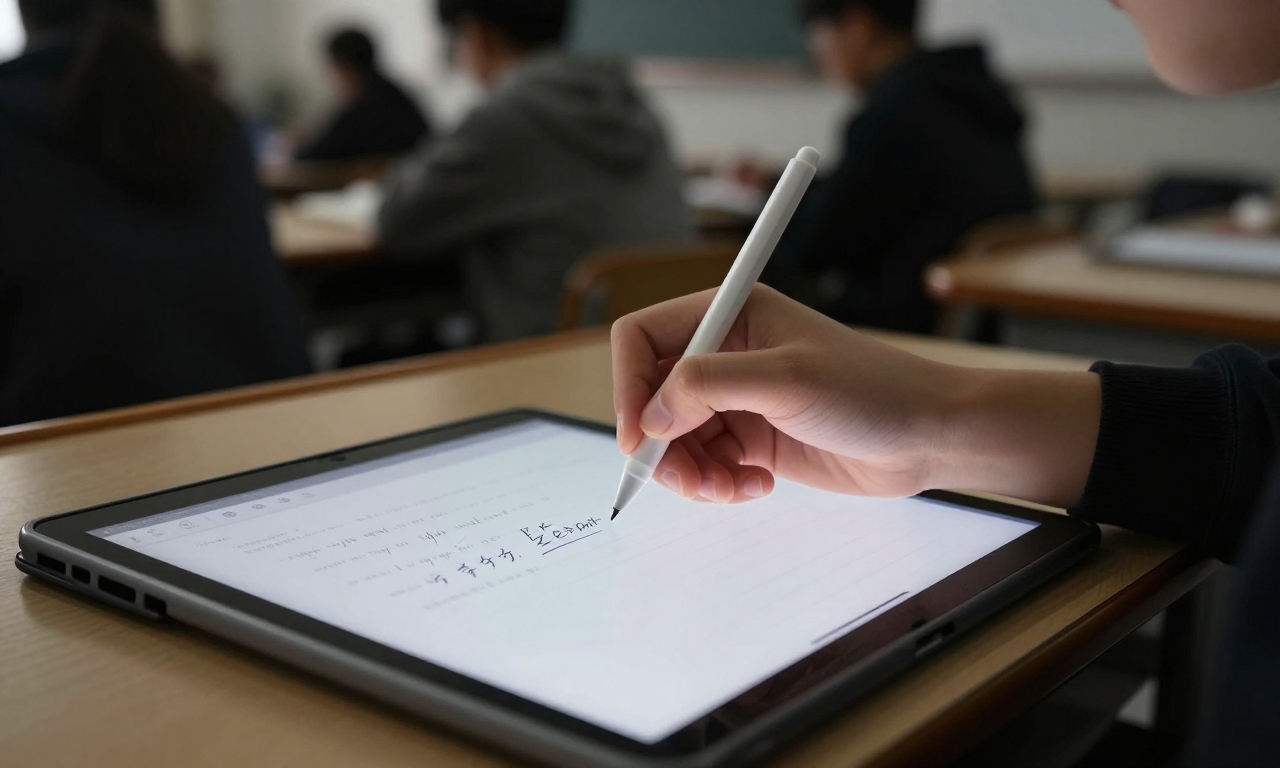
Note-taking is one of the most essential features that students can use, and in this case, the Galaxy Tab A11+ has its advantages and disadvantages
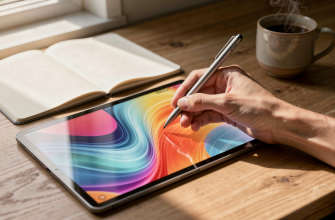
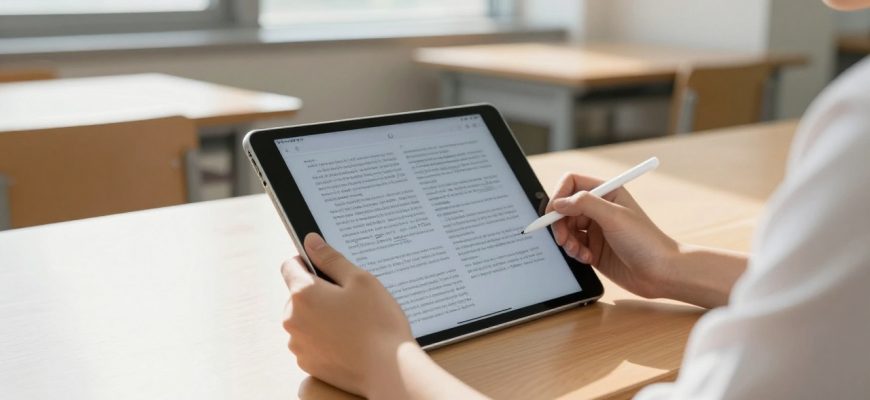
Pairing it with Samsung S Pen stylus provides the tablet with receptive handwriting recognition and sufficient palm rejection, rendering it appropriate in making notes during lectures. Nevertheless, the experience pales in comparison to the fluidity of Apple iPad of Apple Pencil, especially on pressure sensitivity and latency. On-screen keyboards are fine to students who write in note-taking form, as external Bluetooth keyboards offer a more ergonomic typing experience when writing longer.
Performance and Multitasking of Student Workloads
Beneath the hood the Galaxy Tab A11+ applies a mid-range processor that can reasonably cope with the tasks of a typical student but displays weaknesses in more challenging applications. With limited use scenarios such as web browsing, document editing, or video streaming, performance is also responsive and smooth. Whenever trying to multitask by running more than one application at a time or with educational programs that consume a lot of resources, however, there can be noticeable deficiencies. This is especially clear when we compare the tablet with the iPad 10 th generation which is capable of more consistent performance when applied to comparable workloads.
The long battery life is another strength of the tablet; it will take one whole day of classes and school-time before it runs dim and needs to be recharged. It can be fast charged via a USB-C port, but the charger provided does not offer the fastest charging potential. To students who require their tablet to withstand the infection of consecutive classes and evening study the Galaxy Tab A11+ offers good endurance without carrying power banks or seeking power outlets around the clock.
Durability and Long-Term Reliability
Durability testing Durability testing showed that the Galaxy Tab A11+ can survive a normal student life with fair amounts of durability, but does not match the higher-end tablet waterproofing levels. The aluminum frame itself withstands trivial bumps and scratches, whereas the screen can survive frequent use of the stylus. Nonetheless, students who often bring their tablets to schools in backpacks with hard textbooks must think about the chance to buy a protective cover because the gadget does not seem as coarse as some of its competitors. The construction of the tablet will be able to last a normal academic year as long as the tablet is taken care of, but serious users may have to consider some of the more robust alternatives.
When the Galaxy Tab A11+ is compared to the old Galaxy Tab models, some gains can be naturally observed in various aspects, especially on the display quality and the processor efficiency
The tablet is an impressive step above previous cheaper products within Samsung’s range, but remains lagging behind other high-end Galaxy Tab S models in terms of overall functionality and specifications. Students who are upgrading their older tablets to the A11+ also have some stability qualities in terms of battery life and screen clarity that makes the learning process better.

Assessment of Value in Education
Comparing Galaxy Tab A11+ to the iPad 10 th generation, it is clear that between the two, trade-offs are present. The Apple tablet has a faster performance, finer stying stylus experience, and can access a wider range of educational apps. Nevertheless, the Galaxy Tab A11+ is priced much lower with fundamental functionality that suits most student requirements. To students with strict budget constraints and emphasis on cost reduction over higher-end functionality, Samsung offering is good value.
The Android nature of the tablet offers the flexibility that some of the students might welcome, especially those who are already part of Google ecosystem of application and services. It easily integrates with Google Classroom and other education portals, and the fact that it can be customized can make it more productive to specific learning styles. But the mid-range capabilities of the tablet imply that subsequent Android updates might not be as smooth as running on other higher-performance devices, which would constrain its overall long-term functionality.
When making a choice regarding the Galaxy Tab A11+, the student must eventually make a tradeoff between financial considerations and performance goals. Simple learning activities and long battery life are the strengths of the tablet; it can be used by students whose main focus involves reading, taking notes, and minimal research. Nevertheless, the performance constraints could prove frustrating in the long run to users who might need more rigorous apps or better performance in terms of multitasking.
Going beyond mere specs, the Galaxy Tab A11+ manages to deliver a usable tablet experience to a relatively affordable cost. Although it compromises in such areas as display technology and processing power, the trade-offs are worthwhile considering the savings of cost involved. To students wanting a trust-worthy tablet to do their regular homework without emptying their wallets, the recent low-price option by Samsung offers a cost-effective solution, provide on the fundamental promises, but recognize their shortcomings when compared to other high-quality recreational alternatives.