Follow us on Facebook
Breaking updates in your feed — tap to open
For years, the iPad Pro has reigned as the undisputed king of premium tablets, especially for creatives and professionals locked into Apple’s ecosystem. But as a longtime iPad user myself, I recently spent time with Samsung’s latest flagship-the Galaxy Tab S11 Ultra-and came away genuinely impressed. This isn’t just another Android tablet trying to compete; it’s a strategic, feature-packed alternative that targets the iPad Pro’s weaknesses head-on.
If you’re not fully committed to Apple’s walled garden, or if you’re simply looking for the best tablet experience regardless of brand, the Tab S11 Ultra presents a compelling case. After extensive testing, I’ve identified five key areas where Samsung not only matches but surpasses what Apple currently offers. Let’s dive into why this might be the tablet upgrade you’ve been waiting for.
- 1. The Display: A Massive AMOLED Canvas Built for Productivity
- 2. Galaxy AI vs Apple Intelligence: The Established Platform Advantage
- Real-Time Translation That Actually Works
- Advanced Photo and Document Editing
- Context-Aware Assistance
- 3. Practical Hardware Features Apple Still Won’t Include
- The MicroSD Card Slot: Freedom from Storage Anxiety
- 45W Fast Charging: Get Back to Work Faster
- IP68 Rating: Peace of Mind
- DeX: A True Desktop Experience
- 4. Better Value: More Features for Less Money
- The S Pen Inclusion
- Storage Flexibility
- Aggressive Pricing and Trade-In Deals
- 5. One UI 8: Software That Prioritizes Usability
- No More Translucent Menus
- Customization That Matters
- Better File Management
- Long-Term Support Commitment
- The Verdict: Should You Make the Switch?
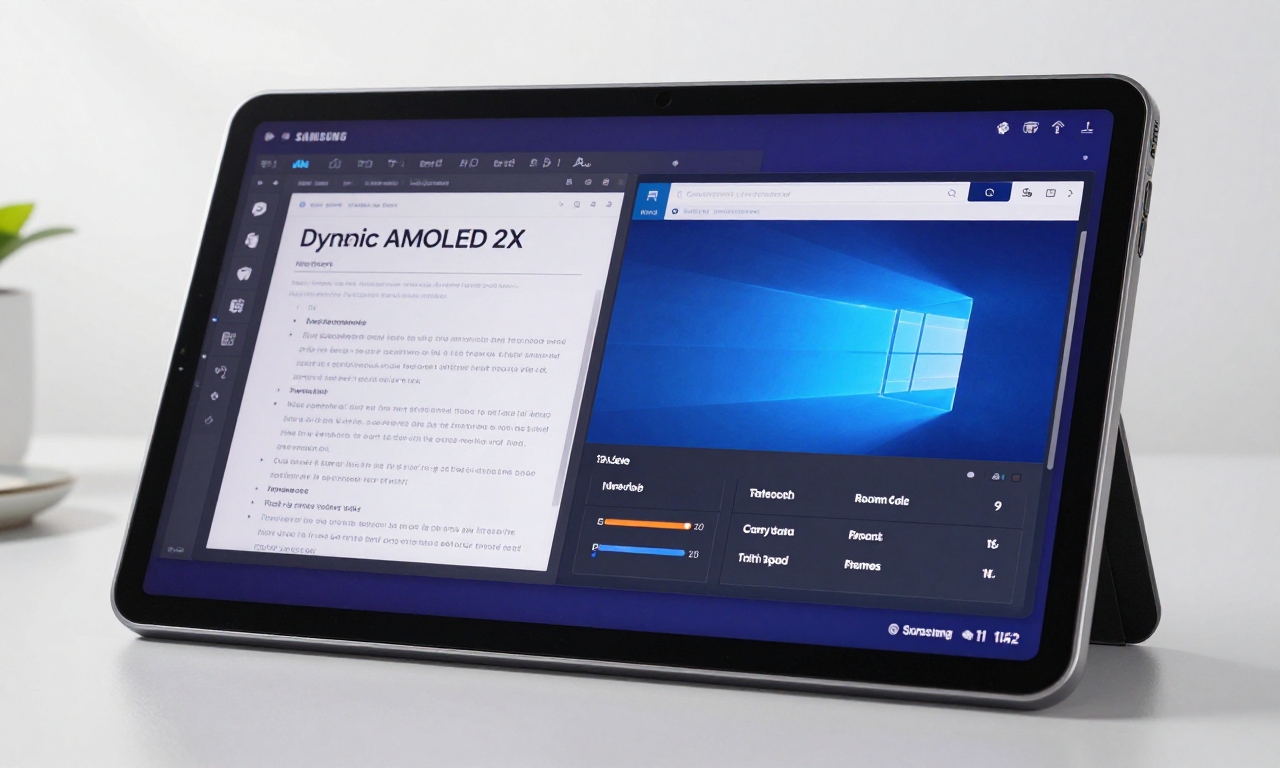
1. The Display: A Massive AMOLED Canvas Built for Productivity
From the moment you power on the Galaxy Tab S11 Ultra, the difference is immediately apparent. Samsung has equipped this tablet with a stunning 14.6-inch Dynamic AMOLED 2X display that simply dwarfs the iPad Pro’s screen real estate. But it’s not just about size-it’s about how that space is utilized.
The 16:10 aspect ratio is a game-changer for landscape-oriented use, which is how most people actually use tablets for work and entertainment. Whether you’re watching movies, editing documents side-by-side, or browsing the web, you get more usable horizontal space without awkward black bars or cramped interfaces.
Here’s what makes this display superior:
- True blacks and vibrant colors: AMOLED technology delivers perfect blacks and incredible contrast ratios that LCD panels can’t match
- Higher peak brightness: Perfect for outdoor use or bright environments
- Reduced eye strain: With better blue light management and adaptive refresh rates
- Multitasking mastery: The extra width makes running three apps simultaneously actually practical
While the iPad Pro’s display is excellent, Samsung’s panel feels like it was designed specifically for how people use tablets today-not just as oversized phones, but as legitimate laptop replacements.
2. Galaxy AI vs Apple Intelligence: The Established Platform Advantage
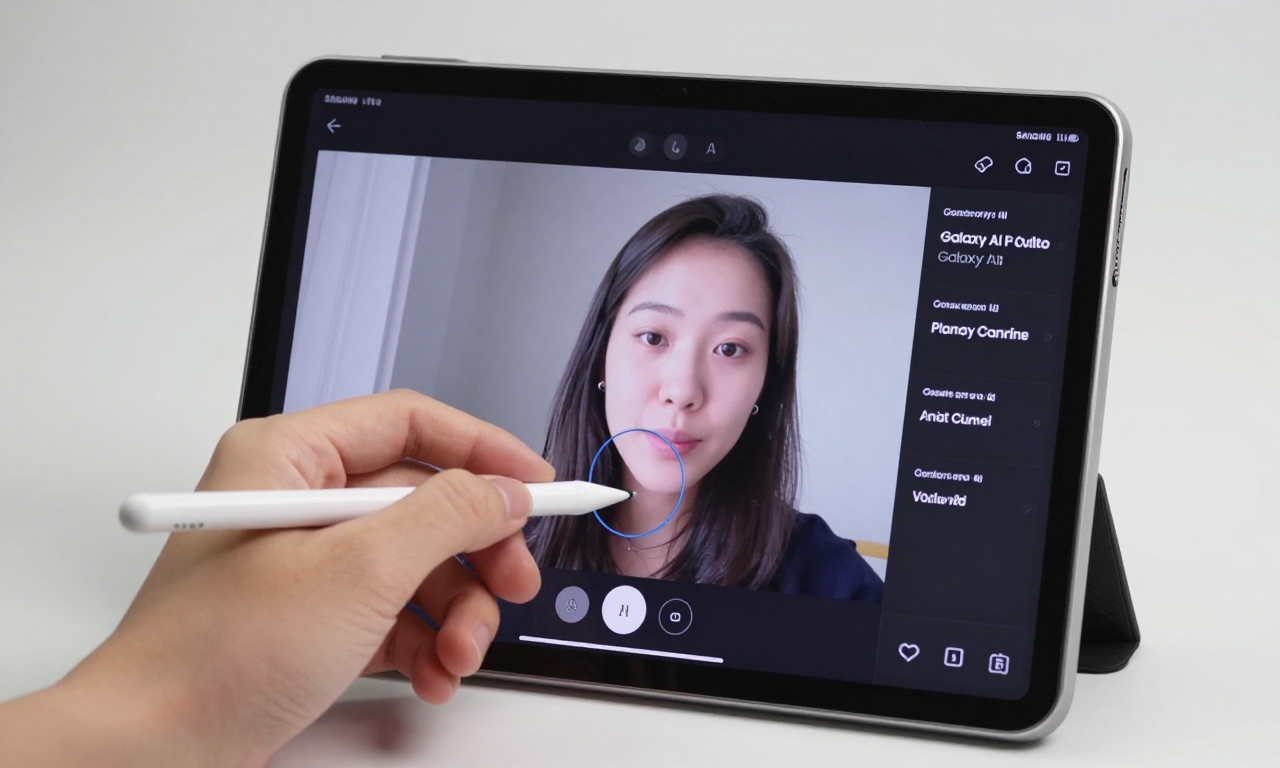
Artificial intelligence has become the new battleground for tech supremacy, and Samsung enters this fight with a significant head start. Galaxy AI isn’t some future promise-it’s a fully realized platform that’s already transforming how users interact with their devices.
During my testing, I found Samsung’s AI implementation to be more comprehensive and immediately useful than what Apple Intelligence currently offers. Here are some standout features:
Real-Time Translation That Actually Works
The live translation feature during video calls is remarkably accurate and seamless. I tested it across multiple languages, and it performed consistently better than any third-party solution I’ve tried on iPad.
Advanced Photo and Document Editing
Galaxy AI’s object removal and manipulation tools feel like magic. Want to remove a photobomber from your vacation photos or clean up a scanned document? It takes seconds with results that often look professionally edited.
Context-Aware Assistance
The AI understands what you’re working on and offers relevant suggestions. Writing an email? It can help with tone and structure. Researching a topic? It can summarize articles and pull key information.
While Apple Intelligence shows promise, it’s still in its infancy. Samsung has been refining their AI platform for years, and that experience shows in both the breadth of features and their practical implementation.
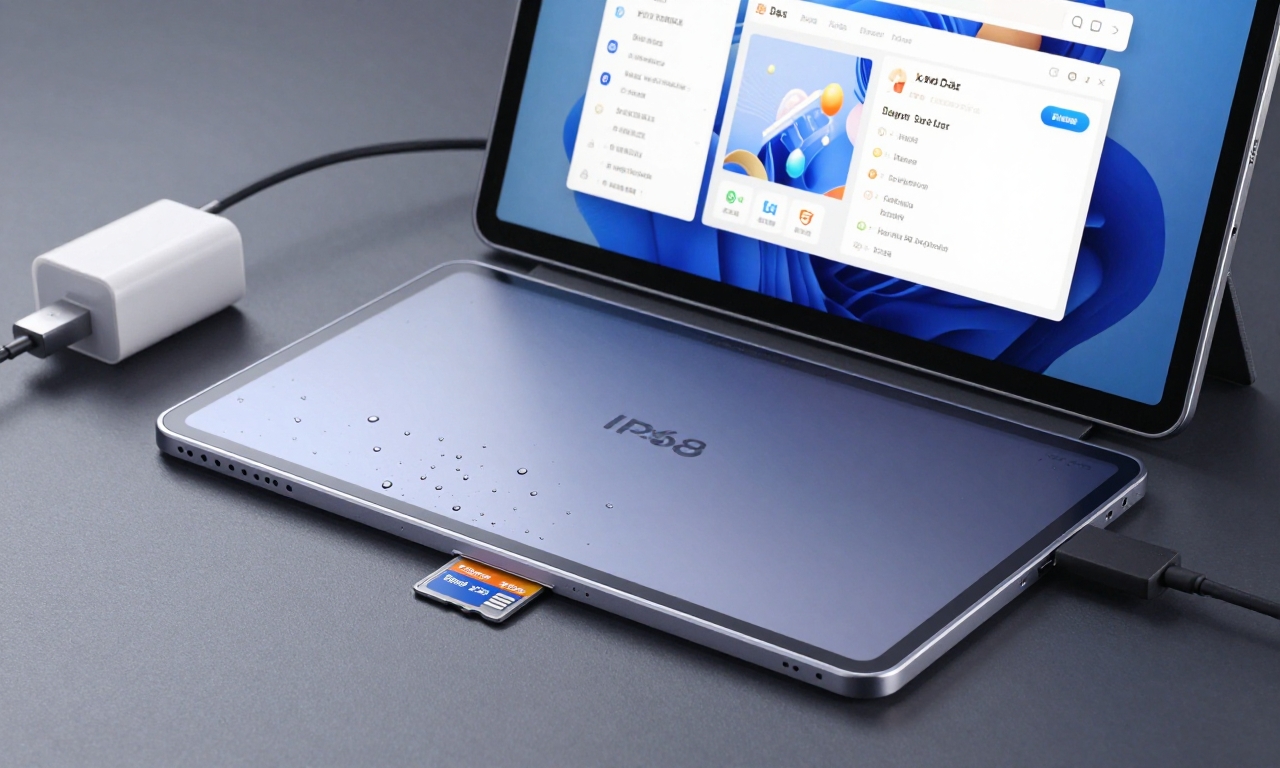
3. Practical Hardware Features Apple Still Won’t Include
This is where Samsung’s user-first philosophy really shines. While Apple often removes features in the name of design purity, Samsung packs the Tab S11 Ultra with practical additions that users actually want and need.
| Feature | Samsung Galaxy Tab S11 Ultra | iPad Pro |
|---|---|---|
| Expandable Storage | MicroSD card slot (up to 1TB) | None |
| Fast Charging | 45W with included charger | 20-30W (charger sold separately) |
| Water Resistance | IP68 certified | None officially rated |
| Desktop Interface | DeX mode included | Stage Manager (limited) |
Let’s break down why these matter:
The MicroSD Card Slot: Freedom from Storage Anxiety
With 4K video recording and high-resolution photos becoming standard, storage fills up fast. Samsung’s inclusion of a microSD slot means you can start with a base model and expand later as needed-saving hundreds of dollars compared to Apple’s expensive storage upgrades.
45W Fast Charging: Get Back to Work Faster
The included 45W charger can take the Tab S11 Ultra from 0 to 65% in about 30 minutes. For professionals who need their device ready to go, this is a practical advantage that Apple still doesn’t match.
IP68 Rating: Peace of Mind
Tablets are expensive investments. Knowing your $1,000+ device can survive accidental spills or brief submersion provides real peace of mind that iPad users simply don’t have.
DeX: A True Desktop Experience
Connect a keyboard and mouse, and DeX transforms your tablet into a legitimate desktop computer. File management, windowed apps, and proper multitasking make this far more capable than iPadOS’s Stage Manager.
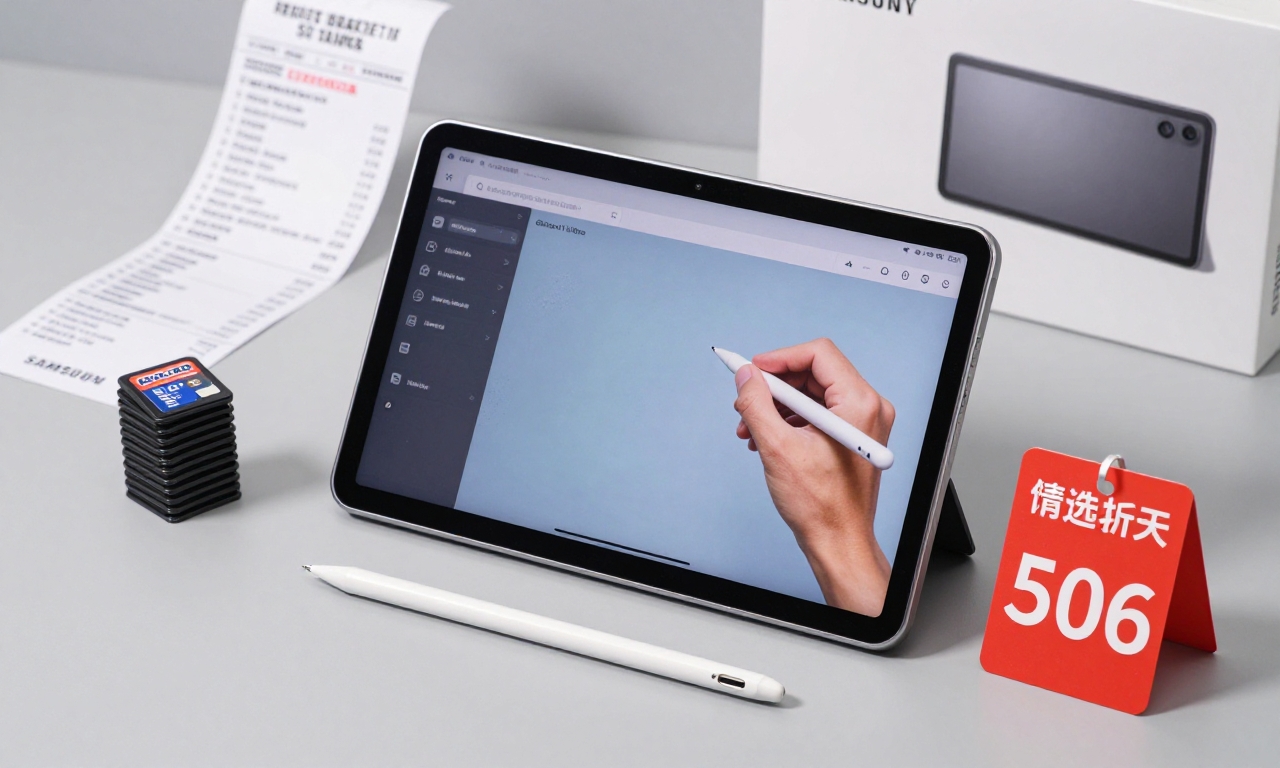
4. Better Value: More Features for Less Money
Let’s talk numbers, because value matters-especially in today’s economic climate. When you compare what you actually get for your money, the Tab S11 Ultra represents significantly better value than the iPad Pro.
The S Pen Inclusion
Every Galaxy Tab S11 Ultra comes with the S Pen in the box. No extra $129 purchase required. And it’s not just any stylus-it features improved latency, better pressure sensitivity, and useful Air Actions that feel more intuitive than the Apple Pencil.
Storage Flexibility
Remember that microSD slot? It means you can buy the 256GB model and add a 512GB microSD card for about $50 instead of paying Apple $400 for the same total storage.
Aggressive Pricing and Trade-In Deals
Samsung regularly offers trade-in deals that can save you hundreds. During launch, I saw trade-in values up to $600 for older tablets-something Apple rarely matches. Even at full price, comparable configurations typically cost $200-300 less than the iPad Pro.
“For creative professionals on a budget, the Tab S11 Ultra offers 90% of the iPad Pro’s capability at 70% of the cost. That’s a compelling value proposition.”
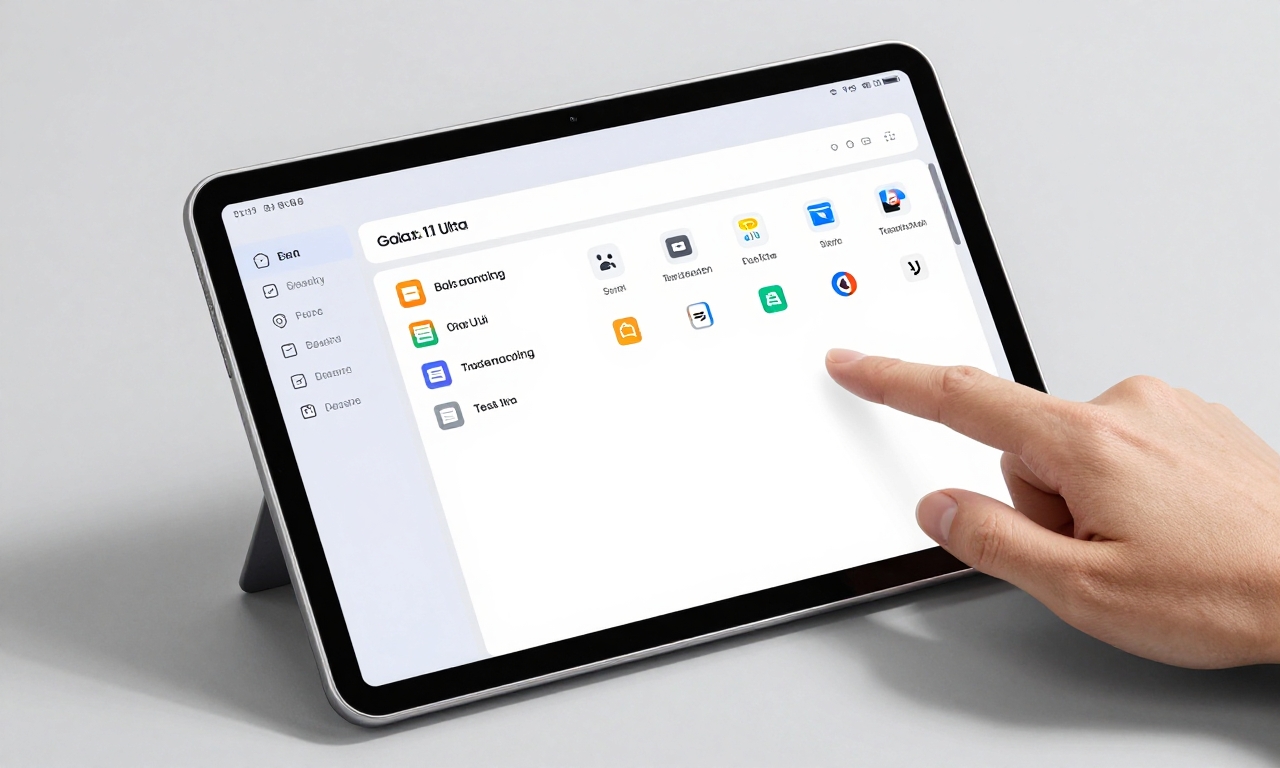
5. One UI 8: Software That Prioritizes Usability
Software can make or break a device, and this is where Samsung has made tremendous strides. One UI 8 on the Tab S11 Ultra represents the culmination of years of refinement-a clean, intuitive interface that gets out of your way and lets you work.
No More Translucent Menus
Unlike iPadOS 26’s sometimes illegible translucent menus and controls, One UI 8 uses solid backgrounds with clear typography. It might not win design awards for flashiness, but it’s infinitely more usable in real-world conditions.
Customization That Matters
Want to change your navigation gestures? Rearrange your quick settings? Set up automation routines? One UI 8 gives you control without becoming overwhelming. It strikes the perfect balance between Android’s flexibility and Apple’s polish.
Better File Management
The Files app on One UI 8 feels like it was designed by people who actually manage files for a living. Drag-and-drop works consistently, compression and extraction are built-in, and network drive support is seamless.
Long-Term Support Commitment
Samsung now promises 7 years of OS updates for its flagship devices-matching Apple’s support timeline. This means your investment is protected for the long haul.
The Verdict: Should You Make the Switch?
As someone who has used iPads for over a decade, writing this comparison feels almost heretical. But the truth is undeniable: Samsung has created a tablet that not only competes with the iPad Pro but surpasses it in several key areas.
The iPad Pro still has advantages-particularly if you’re deeply invested in the Apple ecosystem or rely on specific Pro apps only available on iOS. Its raw performance is exceptional, and the integration with other Apple devices is seamless.
However, for most users-especially those not fully committed to Apple’s ecosystem-the Galaxy Tab S11 Ultra offers:
- A superior display for productivity and entertainment
- More advanced and practical AI features
- Hardware flexibility Apple refuses to provide
- Significantly better value
- Software that prioritizes usability over aesthetics
The tablet market has needed real competition at the high end for years, and Samsung has delivered exactly that. If you’re in the market for a premium tablet, do yourself a favor: try the Tab S11 Ultra before automatically reaching for the iPad Pro. You might be surprised by how much you prefer it.
Bottom line: The Samsung Galaxy Tab S11 Ultra isn’t just an alternative to the iPad Pro-for many users, it’s the better choice. It proves that competition breeds innovation, and consumers are the ultimate winners.