Follow us on Facebook
Breaking updates in your feed — tap to open
For years, the debate has raged in tech circles: can the iPad Pro truly replace your laptop? Apple’s marketing has often positioned its premium tablet as a computer alternative, promising desktop-class performance in a sleek, portable form factor. Many enthusiasts have embraced this vision, attempting to make the iPad their primary computing device. But after five years of using the iPad Pro as his main computer, one writer has reached a definitive conclusion that challenges this narrative.
The journey began with enthusiasm and optimism, fueled by Apple’s compelling presentations and the promise of a new computing paradigm. The iPad Pro offered impressive hardware: powerful processors, stunning displays, and versatile accessories like the Magic Keyboard and Apple Pencil. Yet, over time, practical limitations emerged that couldn’t be ignored. A subsequent experience with a MacBook Air revealed fundamental differences that reshaped the writer’s perspective entirely.
This isn’t just another hot take in the endless iPad-versus-laptop debate. It’s a nuanced analysis based on half a decade of daily use, examining everything from productivity workflows to ergonomic realities. The findings suggest that while the iPad excels in specific areas, forcing it into roles it wasn’t designed for leads to frustration rather than liberation.
- The Productivity Reality Check: Where the iPad Falls Short
- App Limitations and ‘Lite’ Experiences
- The Input Method Challenge
- Ergonomic Considerations: The Physical Reality of iPad Computing
- The Lap Problem
- Screen Positioning and Viewing Angles
- Steve Jobs’ Original Vision: The iPad as a ‘Third Category’
- The Consumption vs. Creation Balance
- The MacBook Air Revelation: What a Real Laptop Offers
- Software Ecosystem Advantages
- Input and Workflow Efficiency
- iPad Recommendations for 2025: Choosing the Right Model
- For Most Users: iPad Mini or iPad Air
- For Enthusiasts Only: iPad Pro
- Embracing the iPad for What It Is
The Productivity Reality Check: Where the iPad Falls Short
When evaluating any device as a potential laptop replacement, productivity capabilities sit at the center of the discussion. The iPad Pro boasts impressive specifications and runs sophisticated apps, but the experience often feels compromised compared to traditional computers.
App Limitations and ‘Lite’ Experiences
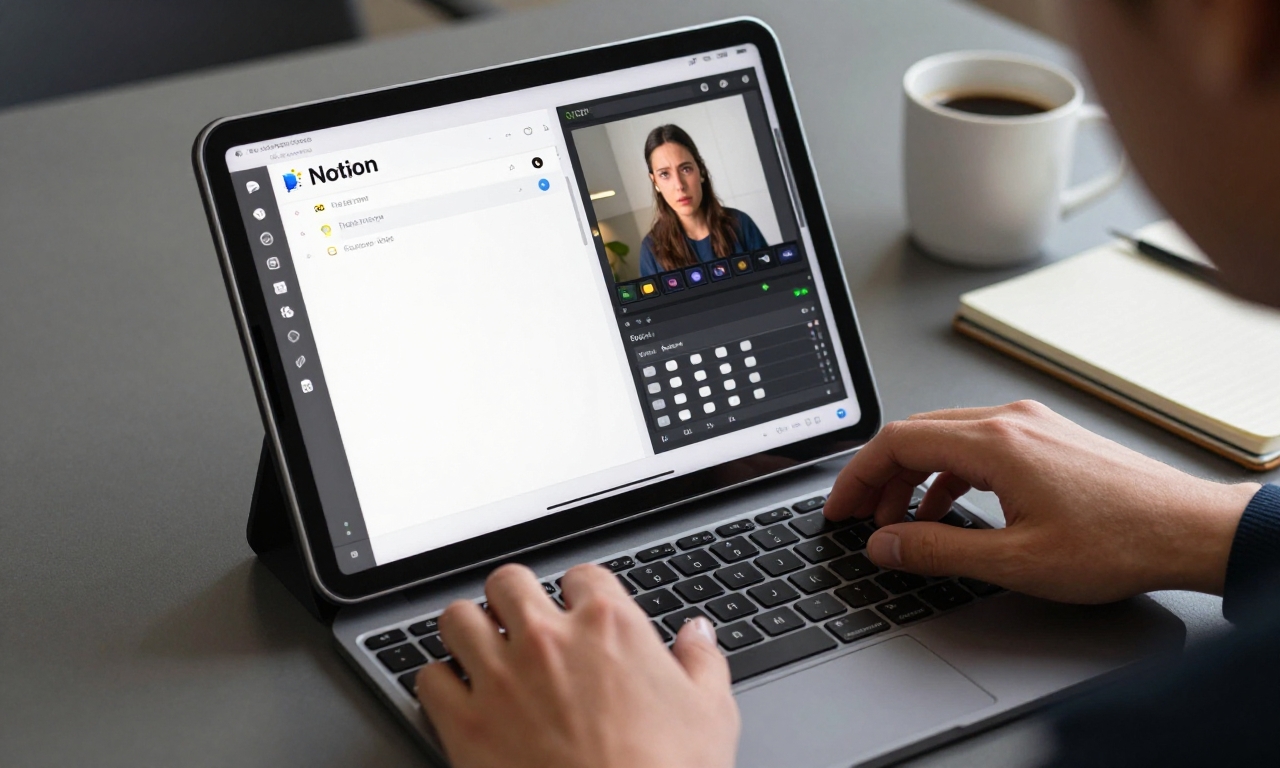
Many productivity applications on iPadOS feel like scaled-down versions of their desktop counterparts. Take Notion, for example-a popular all-in-one workspace tool. While functional on iPad, it lacks certain advanced features and keyboard shortcuts that power users rely on for efficient workflow management. This pattern repeats across numerous professional applications, from advanced photo editing suites to complex spreadsheet software.
The fundamental issue stems from iPadOS’s design philosophy. While iOS has evolved significantly, it still imposes constraints that macOS doesn’t. File management, while improved with the Files app, remains less flexible than traditional desktop operating systems. Multitasking features like Split View and Slide Over help, but they don’t match the fluid window management of macOS or Windows.
The Input Method Challenge
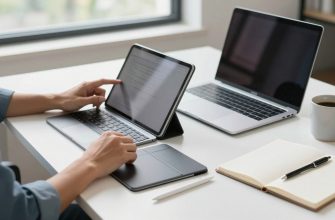
Touch interfaces excel for consumption and casual creation, but they struggle with sustained productivity work. The Magic Keyboard improves the situation significantly, offering a comfortable typing experience and trackpad support. However, even with this accessory, certain tasks feel awkward. Precise text selection, for instance, often requires switching between trackpad and touch in ways that disrupt workflow.
Professional software that relies heavily on keyboard shortcuts frequently presents challenges on iPadOS. While some apps adapt well, others maintain desktop-centric control schemes that don’t translate smoothly to the tablet environment. This creates cognitive friction that accumulates throughout the workday.
Ergonomic Considerations: The Physical Reality of iPad Computing
Beyond software limitations, physical ergonomics present significant challenges for anyone attempting to use an iPad Pro as their primary computer. These issues become particularly apparent during extended work sessions.
The Lap Problem
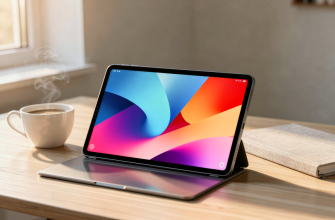
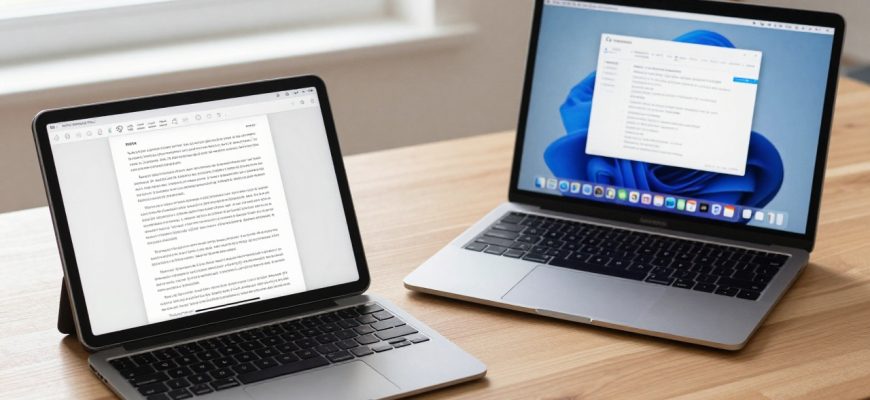
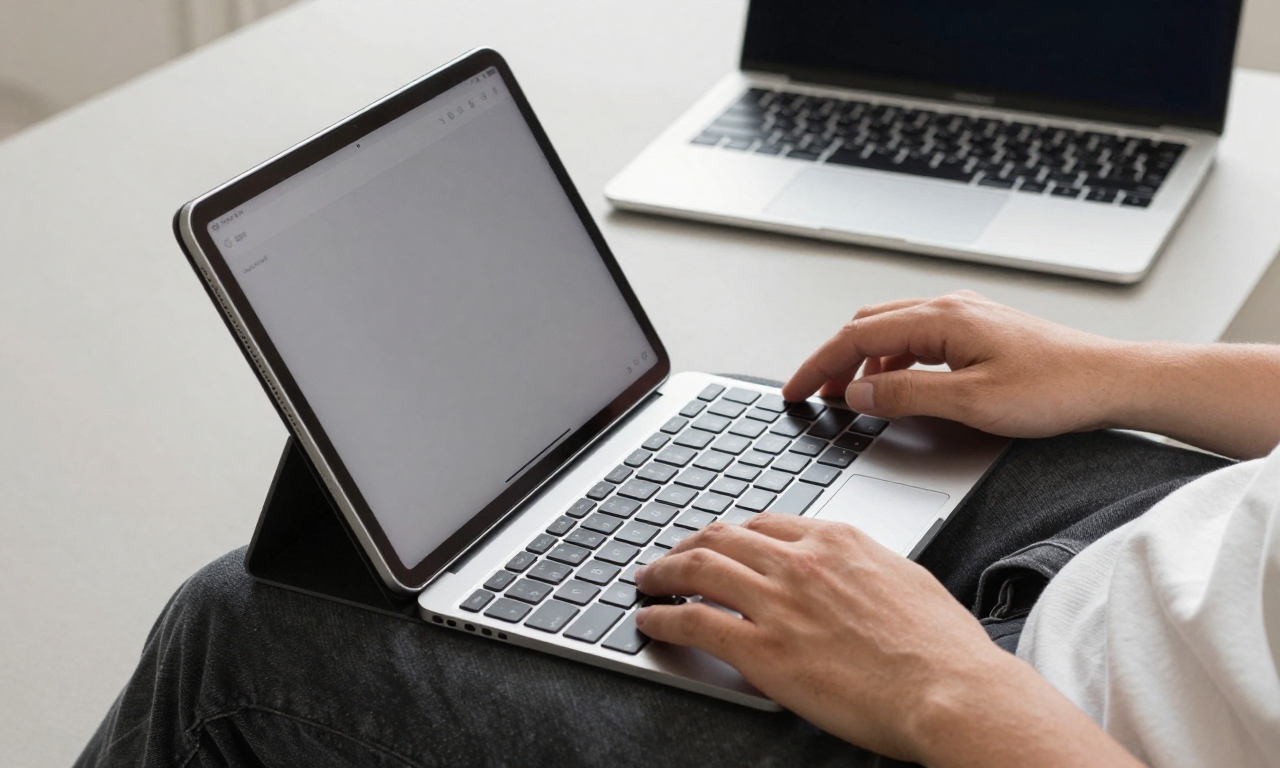
Apple’s Magic Keyboard transforms the iPad Pro into a laptop-like device, but the experience differs fundamentally when used on actual laps. The weight distribution feels unbalanced, with the tablet portion heavier than the keyboard base. This makes the device less stable than traditional laptops, requiring constant minor adjustments during use.
Opening the iPad Pro with Magic Keyboard attached presents another ergonomic hurdle. Unlike laptops that open easily with one hand, the iPad Pro typically requires two hands-one to hold the base and another to lift the screen. This seemingly minor inconvenience becomes noticeable through daily repetition.
Screen Positioning and Viewing Angles
Traditional laptops offer flexible screen positioning through hinge mechanisms that allow precise adjustment. The iPad Pro with Magic Keyboard provides limited tilt adjustment, which can lead to neck strain during prolonged use. The fixed distance between keyboard and screen also limits ergonomic customization compared to separate keyboards and monitors.
For users who value ergonomic setups with monitor arms, adjustable desks, and proper chair positioning, the iPad Pro ecosystem feels restrictive. While external monitor support has improved with Stage Manager, the experience still lacks the flexibility of traditional desktop computing setups.
Steve Jobs’ Original Vision: The iPad as a ‘Third Category’
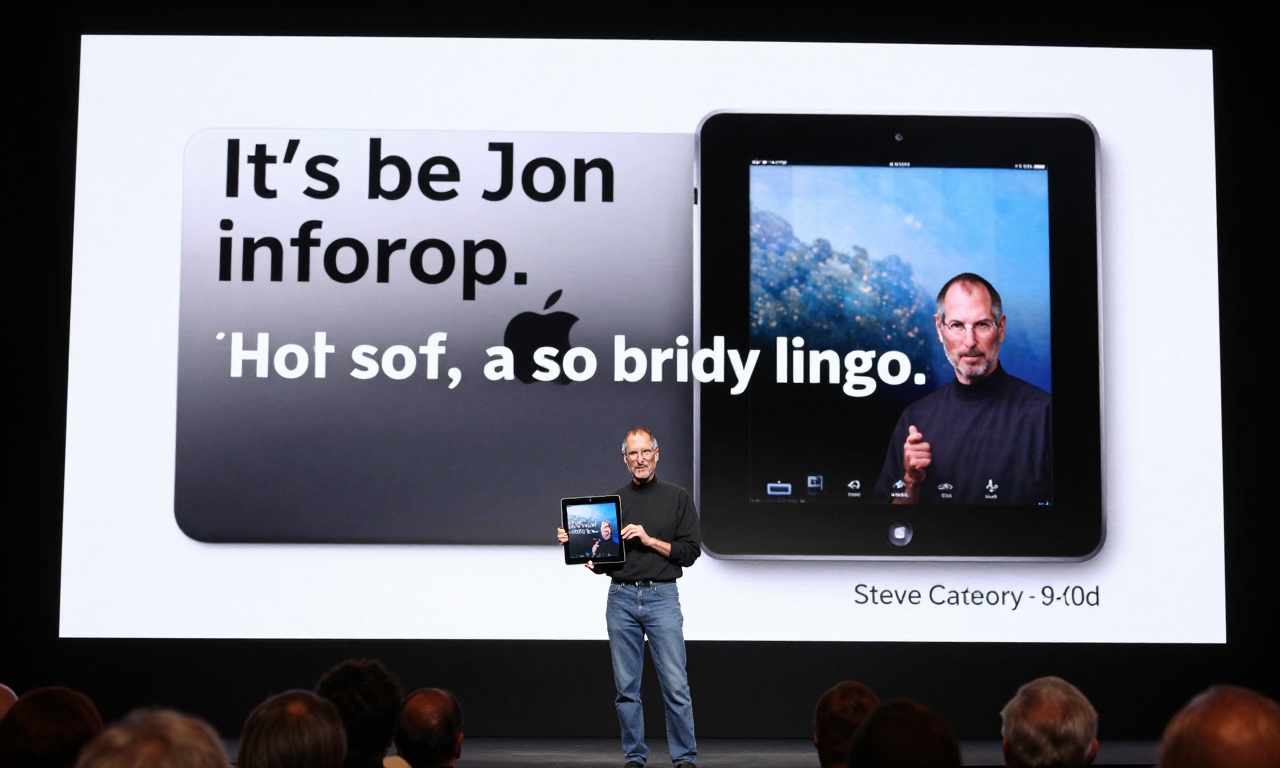
To understand why the iPad struggles as a laptop replacement, it helps to revisit Apple’s original vision for the device. When Steve Jobs introduced the first iPad in 2010, he positioned it not as a computer replacement, but as a “third category” of device between smartphones and laptops.
“It’s so much more intimate than a laptop, and it’s so much more capable than a smartphone with its gorgeous screen.” – Steve Jobs, 2010
Jobs specifically highlighted activities where the iPad would excel: browsing the web, reading and sending email, enjoying photos, watching videos, listening to music, playing games, and reading e-books. Noticeably absent from this list were productivity tasks like document creation, complex spreadsheet analysis, or professional content production.
The original vision focused on making ordinary digital experiences feel extraordinary-not on replacing traditional computing workflows. This fundamental design philosophy continues to influence iPadOS development, even as Apple adds more professional features.
The Consumption vs. Creation Balance
Apple designed the iPad primarily as what some call a “luxury consumption device”-optimized for media consumption, light content creation, and casual computing. While creation capabilities have expanded significantly with accessories like the Apple Pencil and professional apps, the device’s DNA remains consumption-focused.
This isn’t a criticism but an observation about design priorities. The iPad excels at activities like reading articles, watching streaming content, browsing social media, and light note-taking. It struggles when asked to handle the complex, multi-window, keyboard-intensive workflows that characterize serious productivity work.
The MacBook Air Revelation: What a Real Laptop Offers
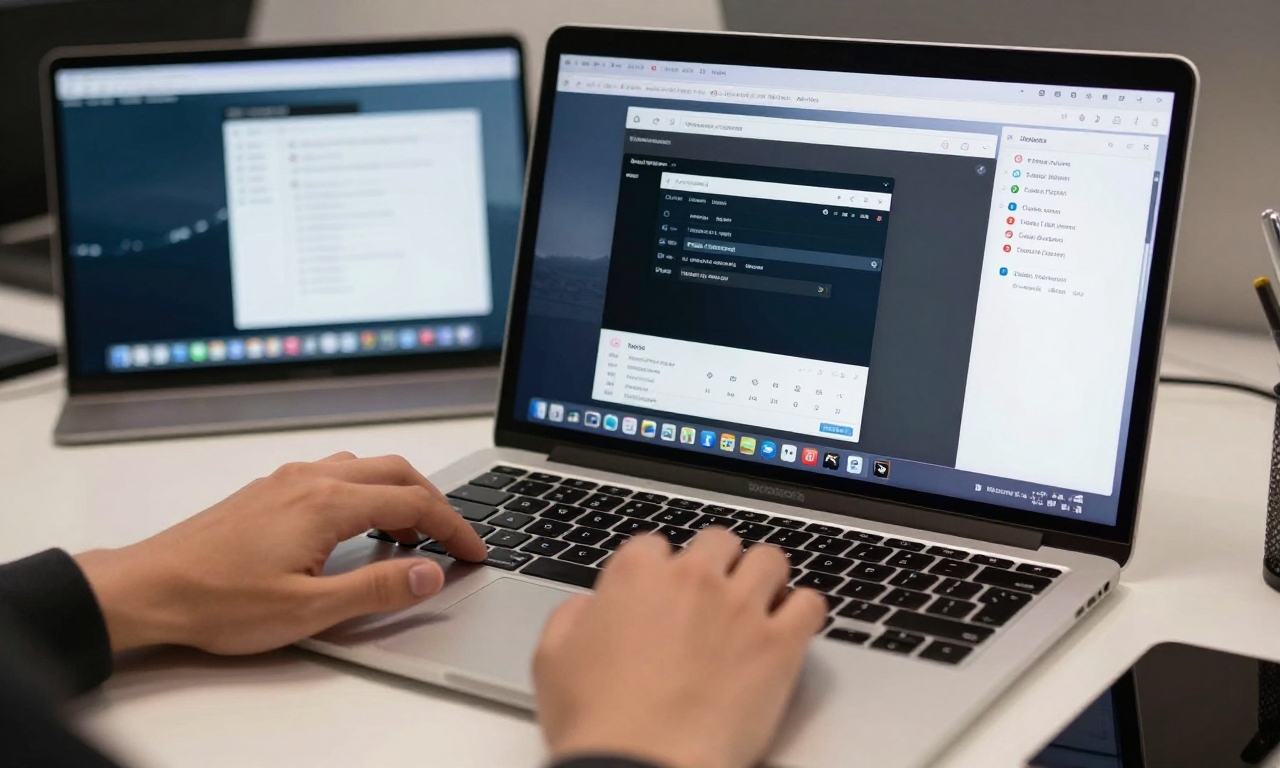
The turning point in this five-year experiment came when the writer temporarily switched to a MacBook Air. The differences weren’t merely incremental-they were fundamental to how productivity work gets done.
Software Ecosystem Advantages
macOS offers access to the full versions of professional applications without compromise. Whether using Adobe Creative Suite, Microsoft Office, development tools, or specialized business software, everything works as intended with complete feature sets. The ability to run multiple applications in resizable windows, combined with robust file management, creates a fundamentally more capable environment for serious work.
Even cross-platform applications often work better on macOS than their iPadOS counterparts. Web browsers offer full extension support, development tools provide complete debugging capabilities, and business applications include all enterprise features that might be missing from mobile versions.
Input and Workflow Efficiency
The MacBook Air’s traditional laptop form factor, while less versatile than a detachable tablet, offers ergonomic advantages for productivity. The hinge allows easy one-handed opening, weight distribution feels natural on laps, and the keyboard offers excellent travel for extended typing sessions.
More importantly, macOS supports workflow efficiencies that iPadOS can’t match. System-wide keyboard shortcuts, advanced trackpad gestures, menu bar utilities, and automation tools create an environment where repetitive tasks can be streamlined in ways that simply aren’t possible on iPadOS.
| Feature | iPad Pro with Magic Keyboard | MacBook Air |
|---|---|---|
| One-handed opening | Usually requires two hands | Easy with one hand |
| Lap stability | Top-heavy, less stable | Balanced, very stable |
| Professional software | Often limited versions | Full desktop versions |
| Window management | Limited multitasking | Flexible window system |
| File management | Files app with limitations | Full Finder capabilities |
iPad Recommendations for 2025: Choosing the Right Model
Based on this experience, the writer offers specific recommendations for iPad purchases in 2025, emphasizing that different models serve different purposes.
For Most Users: iPad Mini or iPad Air
The majority of users don’t need the iPad Pro’s power or price tag. The iPad Mini offers exceptional portability for reading, media consumption, and light tasks, while the iPad Air provides excellent balance for students, casual users, and those who want Apple Pencil support without Pro-level pricing.
These models excel at the activities Steve Jobs originally envisioned: browsing, email, photos, videos, music, and reading. They’re also more affordable, making them sensible choices for households or individuals who already own a primary computer.
For Enthusiasts Only: iPad Pro
The iPad Pro makes sense for specific user groups: digital artists who need Apple Pencil precision, musicians using music production apps, or professionals who genuinely benefit from the Liquid Retina XDR display for HDR content work. Even for these users, the iPad Pro typically serves as a secondary device rather than a primary computer.
The key is recognizing the iPad Pro’s strengths without forcing it into roles it wasn’t designed for. When used alongside a traditional computer, it becomes a powerful complementary device rather than a frustrating replacement attempt.
Embracing the iPad for What It Is
The most valuable insight from this five-year experiment isn’t that the iPad Pro is a bad device-far from it. The problem arises when users expect it to be something it’s not designed to be.
When appreciated as a distinct device category with specific strengths, the iPad delivers exceptional experiences. Its portability, instant-on capability, touch interface, and Apple Pencil support create unique value that traditional laptops can’t match. The issue emerges only when we try to make it replace devices that solve different problems with different approaches.
This perspective leads to a renewed appreciation for what the iPad does well. As a consumption device for reading, watching, and browsing, it’s arguably the best product category Apple has created. As a light creation tool for sketching, note-taking, and content consumption with occasional creation, it offers unique advantages. But as a primary computer for serious productivity work, it remains fundamentally limited by its operating system, software ecosystem, and physical design.
The conclusion isn’t that the iPad has failed, but that our expectations needed adjustment. By letting the iPad be what it was designed to be-a “third category” device for specific use cases-we can appreciate its strengths without frustration. Meanwhile, traditional laptops continue to evolve, offering ever-better solutions for productivity work. In 2025, the healthiest approach is recognizing that different tools solve different problems, and the most productive setup often includes multiple devices, each used for what they do best.